Text in Image Generator

Add any words to an image — spelled correctly.

New accounts get 3 free standard generations. No card needed.

Type the exact words you want in the image. Short headings usually work best.

0/200
Start from
0/1200
Ratio
Quality

1 standard image = 1 credit · High quality = 4 credits

How to add text to an image in 3 steps

No editing software needed. Type the words, describe the picture, download the result.

1

Type the exact words

Put the headline or label into the text field. Keep it short — three to five words render far more reliably than a full sentence.

2

Describe the scene around it

Say what the picture should show and where the words sit: a poster, a package, a storefront, a logo on a plain background.

3

Generate and download

Pick a ratio, hit generate, and download the PNG. If one letter is off, shorten the line or run the generation again.

Examples: images with the words spelled right

Each example shows the exact words that were asked for, the prompt behind the image, and a button to start from it.

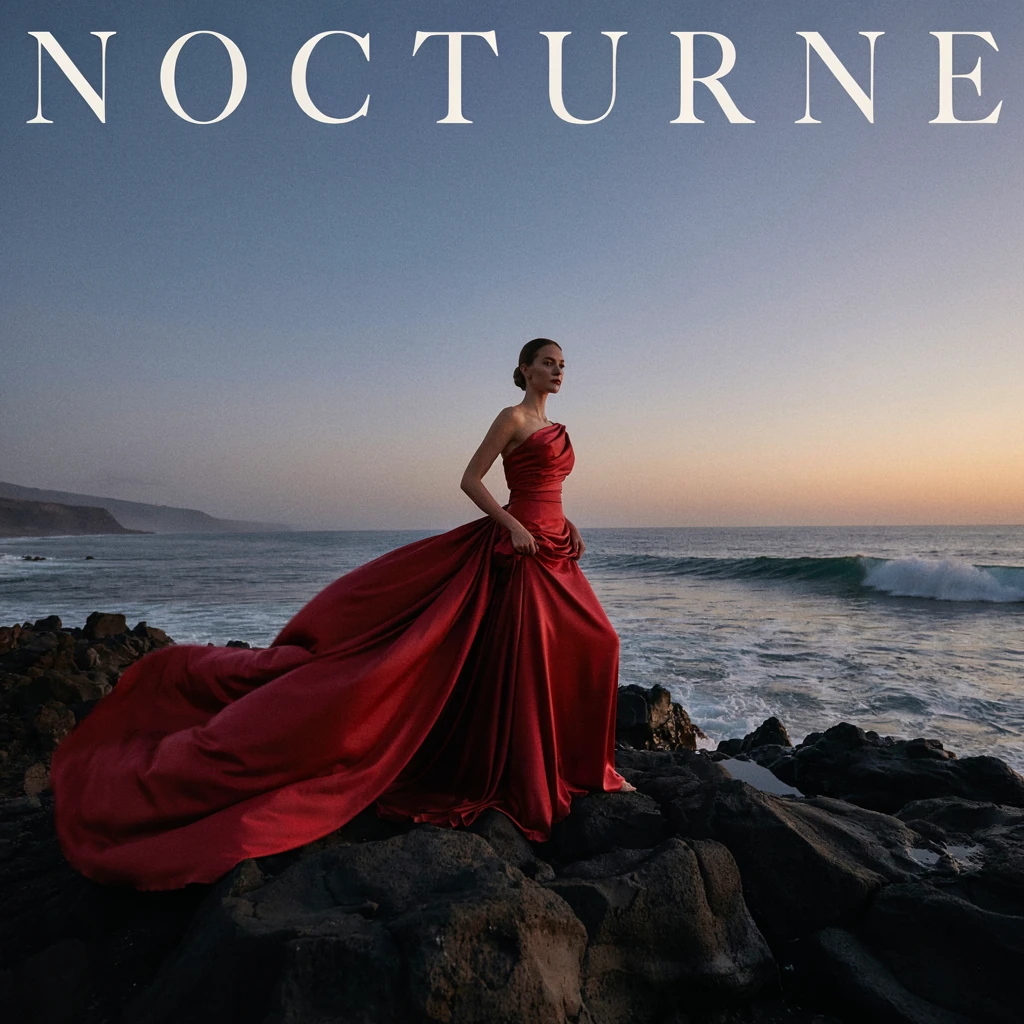
NOCTURNE — Create a square luxury fashion campaign photograph with cinematic scale. One adult female fashion model, age 28, full body, wearing an architectural crimson silk couture gown with an immense flowing train caught by the wind. She stands on b…

NOCTURNE

Words in this image: NOCTURNE

See the full prompt

Create a square luxury fashion campaign photograph with cinematic scale. One adult female fashion model, age 28, full body, wearing an architectural crimson silk couture gown with an immense flowing train caught by the wind. She stands on black volcanic rock above a dramatic coast at blue hour. Huge ocean waves and sea spray far behind her, a low copper sunset at the horizon, sculptural fabric and a strong elegant pose. Photorealistic high-end magazine editorial, natural skin and facial anatomy, rich silk texture, believable fabric folds, medium-format 85mm photography, razor-sharp subject with atmospheric depth. Deep charcoal, saturated crimson and restrained copper highlights, controlled dramatic side lighting. Art-directed composition with powerful negative space and a refined visual hierarchy. Add only the exact word NOCTURNE in elegant large ivory serif lettering along the upper edge, balanced and legible. No extra people, no existing brand logos, no watermark, no cartoon rendering, no plastic skin. The image should feel like a premium fashion billboard, not a simple portrait.

LUMEN
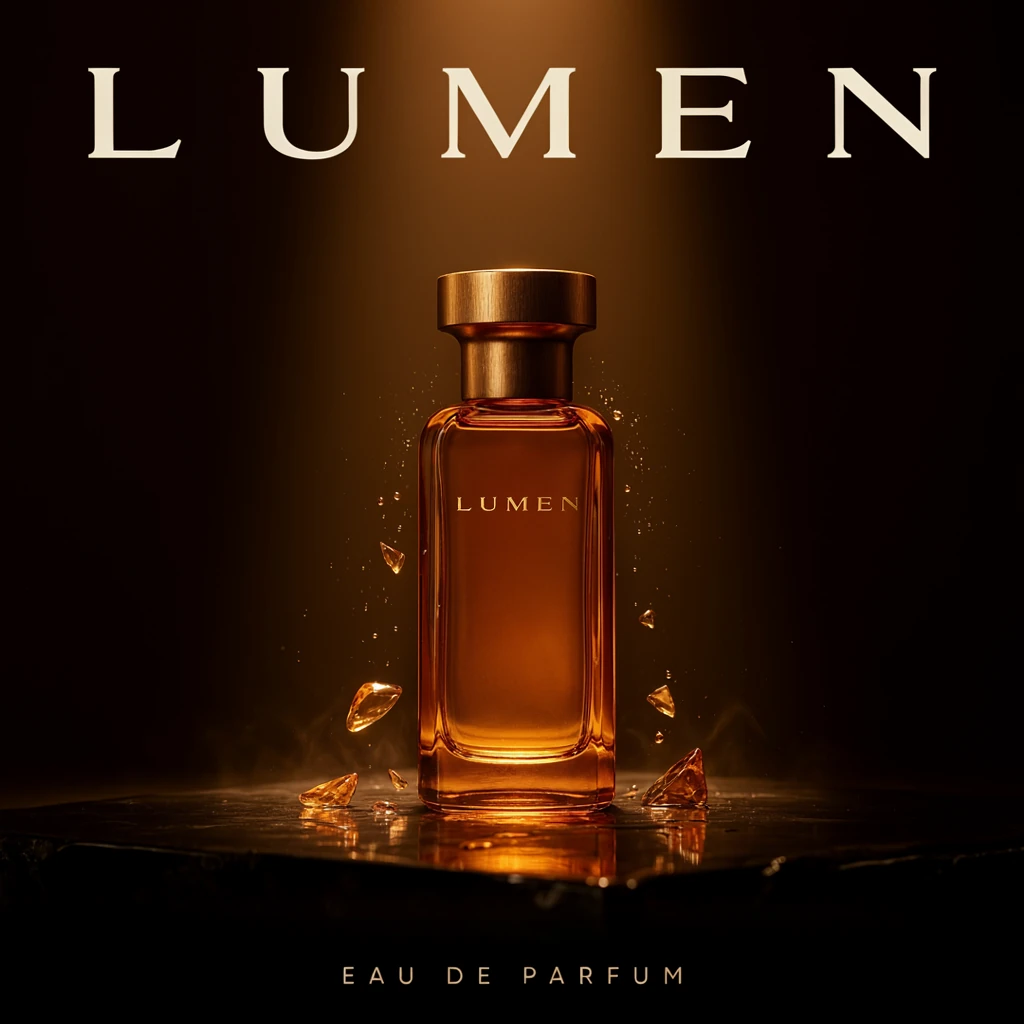
EAU DE PARFUM — Create a square cinematic luxury perfume advertisement. Hero object: one impeccably designed amber glass perfume bottle with a sculptural brushed-gold cap, standing on a wet polished obsidian slab. The bottle label reads exactly LUMEN. An a…

LUMEN

Words in this image: LUMEN EAU DE PARFUM

See the full prompt

Create a square cinematic luxury perfume advertisement. Hero object: one impeccably designed amber glass perfume bottle with a sculptural brushed-gold cap, standing on a wet polished obsidian slab. The bottle label reads exactly LUMEN. An arc of fine airborne water droplets and translucent amber-colored glass forms surrounds the bottle, with realistic refraction, delicate caustics and sharp tactile glass edges. Dark charcoal background, a glowing amber light shaft behind the bottle, subtle vapor, tiny controlled highlights and a rich reflection below. Photorealistic macro product photography, premium beauty campaign, 100mm lens, flawless material detail, exceptionally elegant composition and deep blacks. Preserve enough quiet space to make the bottle and typography the focal point. At the top place the exact word LUMEN in restrained luxury serif typography; at the bottom put only EAU DE PARFUM in small immaculate spaced lettering. Keep all words correctly spelled. No extra bottles, no clutter, no existing logos, no watermark, no cartoon, no cheap sparkles.

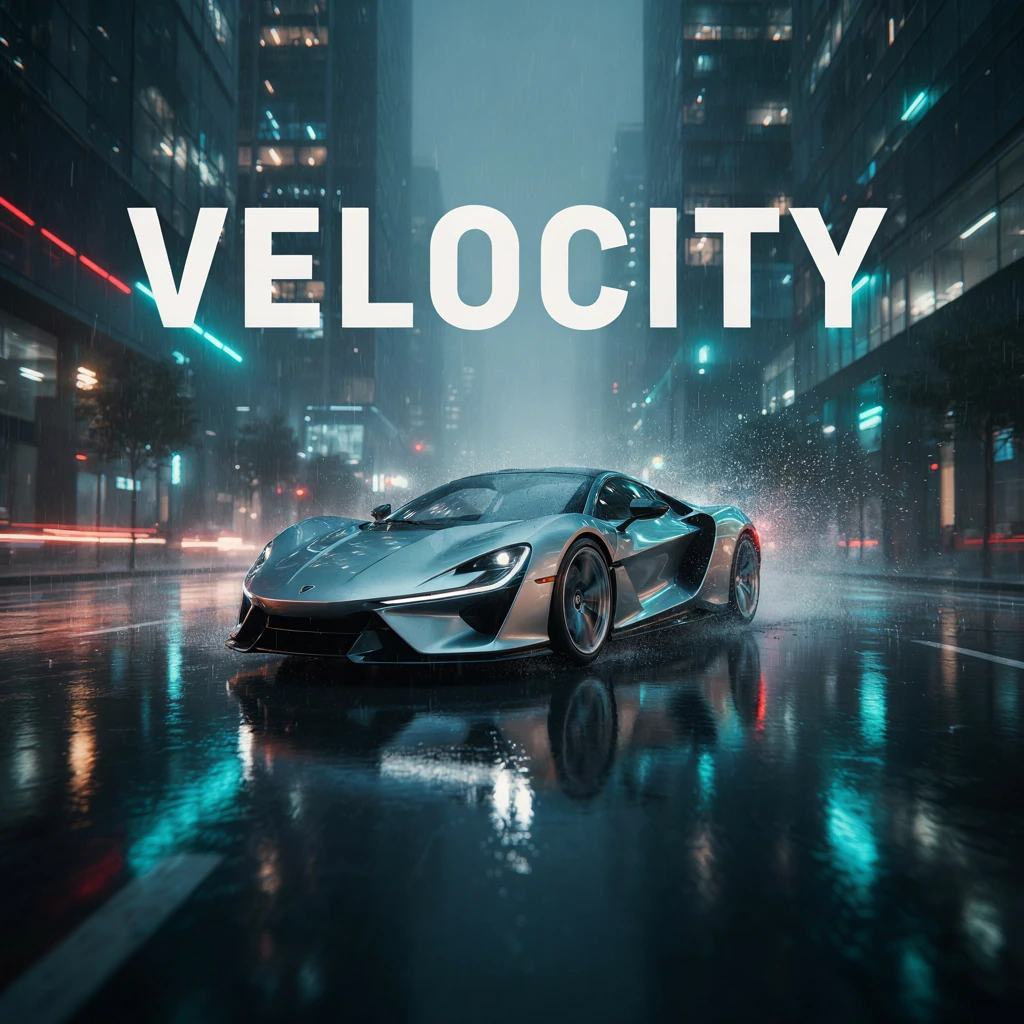
VELOCITY — Create a square cinematic automotive campaign photograph. A stunning unbranded silver concept sports car with sculptural aerodynamic bodywork races through a rain-soaked modern city at night. Low front three-quarter camera angle, the car fi…

VELOCITY

Words in this image: VELOCITY

See the full prompt

Create a square cinematic automotive campaign photograph. A stunning unbranded silver concept sports car with sculptural aerodynamic bodywork races through a rain-soaked modern city at night. Low front three-quarter camera angle, the car fills the lower center, wheels and background show controlled motion while the vehicle's edges and lights stay crisp. Wet asphalt reflects cyan, deep blue and restrained red neon. Rain spray fans behind the car, architecture disappears into mist, light streaks create speed without covering the vehicle. Photorealistic premium automotive advertising, shot with a tracking rig and 35mm lens, realistic metal and glass, cinematic contrast, volumetric atmosphere and exquisite reflections. No driver face visible, no recognizable brand badge, no readable license plate, no random city signage. Add only the exact headline VELOCITY in bold clean ivory condensed sans-serif in the upper negative space. High-impact blockbuster aesthetic, polished and believable, no illustration, no watermark, no distorted car geometry.

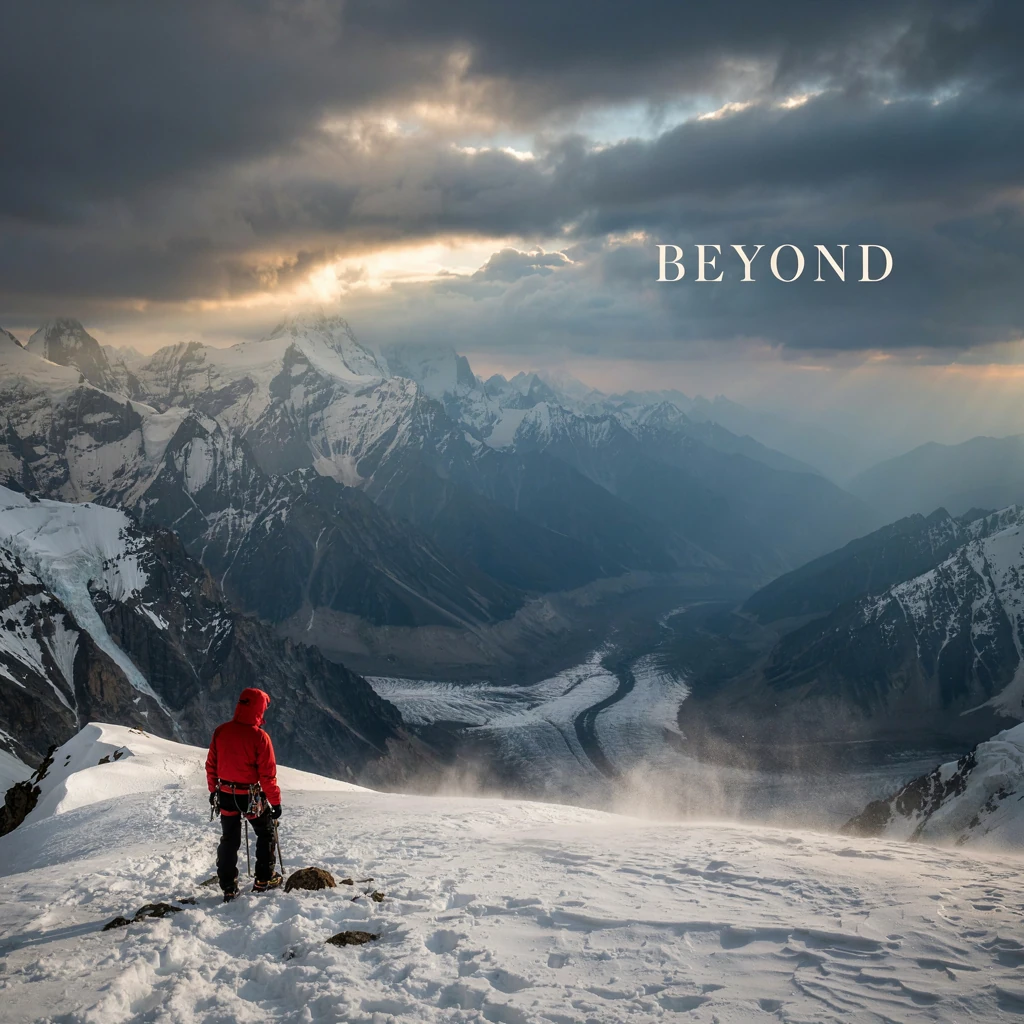
BEYOND — Create a square epic expedition film poster with spectacular cinematic scale. A tiny adult mountaineer in a vivid red technical jacket stands on a sharp snowy ridge in the lower foreground, looking toward enormous jagged Himalayan-style pea…

BEYOND

Words in this image: BEYOND

See the full prompt

Create a square epic expedition film poster with spectacular cinematic scale. A tiny adult mountaineer in a vivid red technical jacket stands on a sharp snowy ridge in the lower foreground, looking toward enormous jagged Himalayan-style peaks and a vast glacier valley. First sunrise pours a narrow warm gold beam through storm clouds, blue shadows descend into the crevasses, spindrift rises in the wind, atmospheric layers reveal the distance. Photorealistic large-format landscape photography, IMAX-like clarity, believable snow and rock texture, 24mm lens, tremendous depth and an emotionally powerful composition. The human is small but clearly visible, the mountains are the hero. Balanced ice blue, charcoal and warm sunrise tones, elegant controlled contrast, no oversaturation. Add only BEYOND in large refined ivory uppercase typography in quiet sky space. Keep the text readable without blocking the peaks. No extra text, no logos, no surreal floating mountains, no watermark, no cartoon, no generic flat landscape.

IRIS
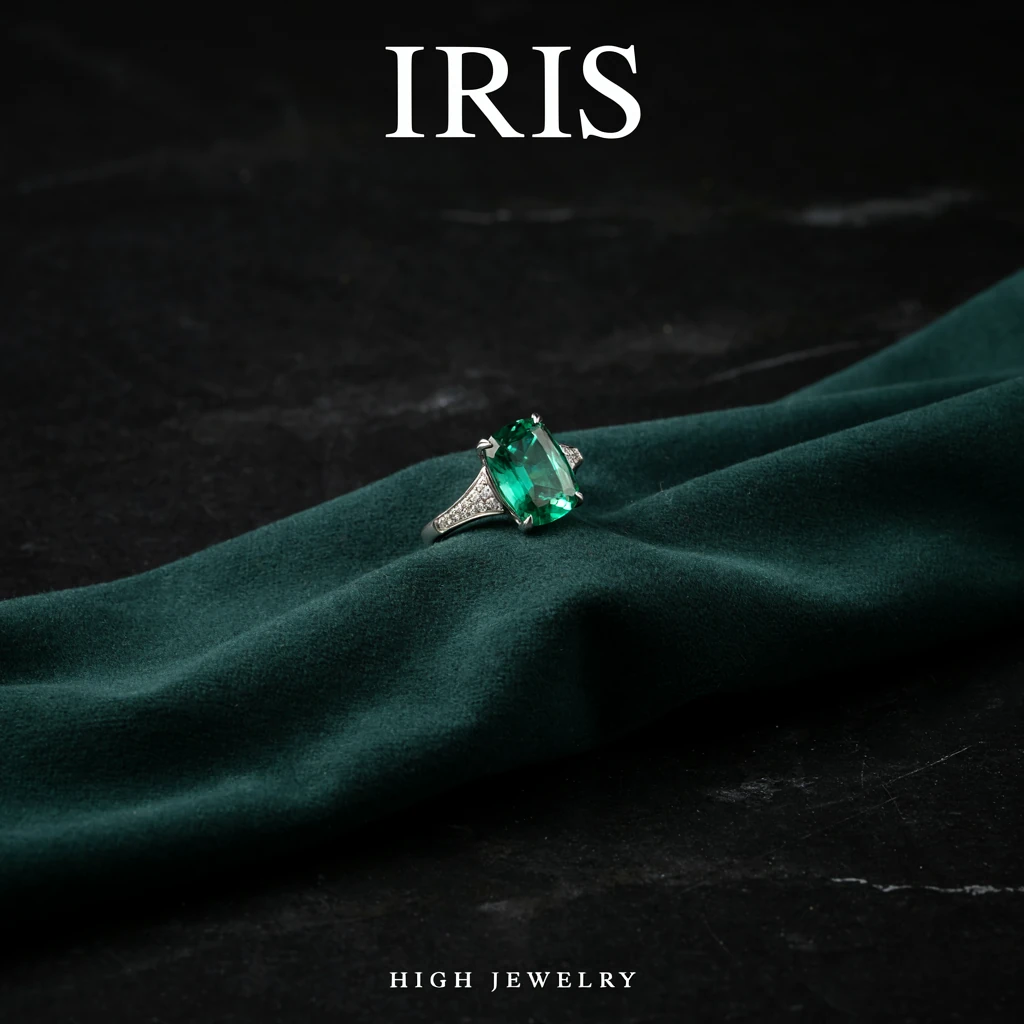
HIGH JEWELRY — Create a square luxury high-jewelry campaign macro photograph. One extraordinary platinum ring with a large emerald-cut vivid green emerald and fine white diamond shoulders sits on a sculptural dark green velvet fold over black stone. A nar…

IRIS

Words in this image: IRIS HIGH JEWELRY

See the full prompt

Create a square luxury high-jewelry campaign macro photograph. One extraordinary platinum ring with a large emerald-cut vivid green emerald and fine white diamond shoulders sits on a sculptural dark green velvet fold over black stone. A narrow warm light grazes the emerald facets; cool clean reflections define the platinum and diamonds. Use realistic gemstone refraction, subtle natural inclusions, exquisite metal finishing and elegant depth of field. Tiny luminous highlights are controlled and believable, never cheap star-shaped sparkles. Deep forest green, almost-black and restrained ivory palette. Museum-quality product photography, 100mm macro lens, medium-format detail, sensual material texture, precision focus on the central stone, dramatic but refined negative space. Add IRIS in elegant ivory high-contrast serif at the top and HIGH JEWELRY in discreet perfectly spaced lettering at the bottom. The result should feel like a luxury magazine double-page campaign condensed into one square. No hands, no extra rings, no existing brand logos, no watermark, no cartoon rendering.

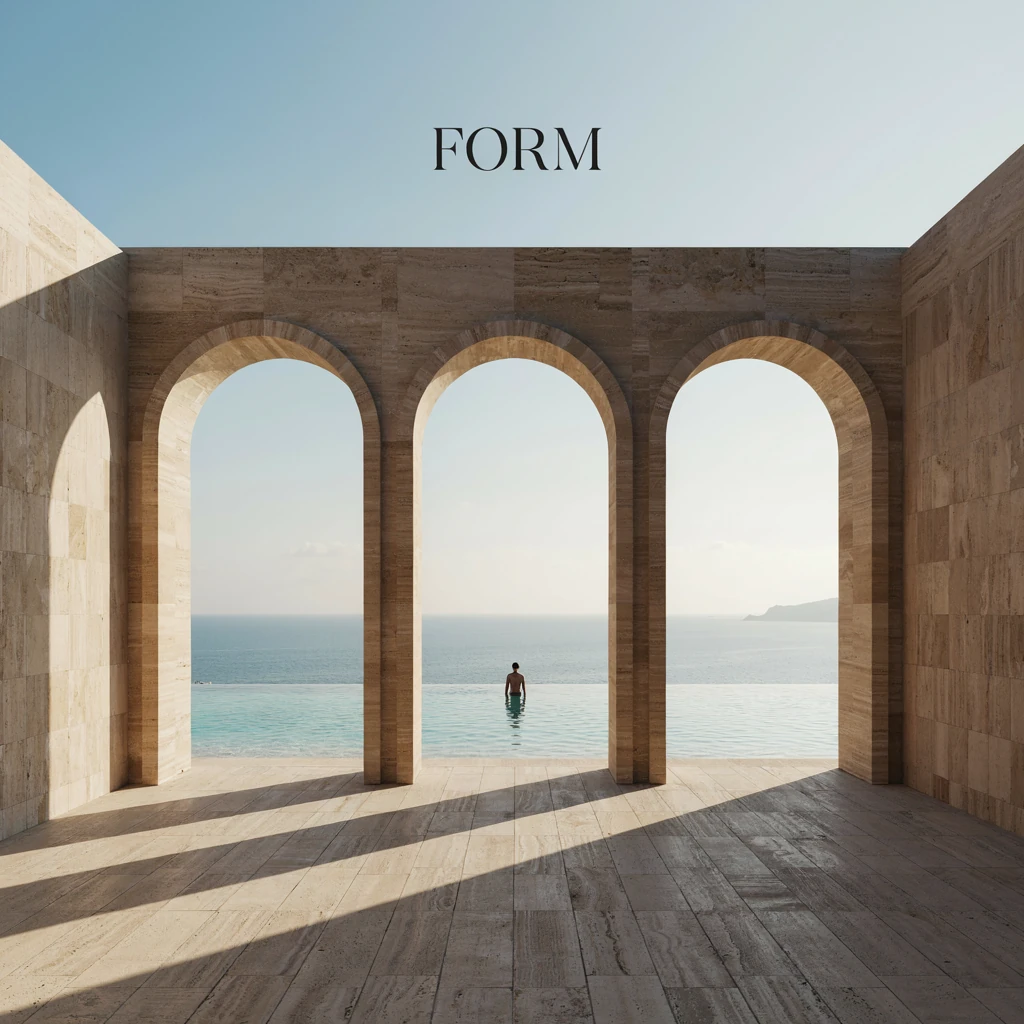
FORM — Create a square cinematic architectural editorial photograph of an extraordinary coastal concrete pavilion. Monumental warm travertine arches and precise brutalist planes frame a turquoise infinity pool and the open ocean. Late-afternoon su…

FORM

Words in this image: FORM

See the full prompt

Create a square cinematic architectural editorial photograph of an extraordinary coastal concrete pavilion. Monumental warm travertine arches and precise brutalist planes frame a turquoise infinity pool and the open ocean. Late-afternoon sun casts long sculptural shadows through the arches; a single small adult silhouette in dark clothing stands at the far end for scale. Rich stone grain, subtle water ripples and reflections, sea haze and deeply layered space. A refined composition with strong perspective, carefully balanced geometry and generous quiet areas. Photorealistic luxury architecture magazine photography, large-format camera, 28mm tilt-shift lens, crisp textures, natural warm ivory stone with sea-blue accents, breathtaking cinematic light, no impossible structure or excessive decoration. Add only FORM in elegant large dark serif lettering placed in the clear upper stone area or quiet sky, perfectly readable. Sophisticated, serene, expensive editorial atmosphere. No extra people, no hotel logos, no watermark, no illustration, no flat generic building render.

Why AI text comes out misspelled

Most image models treat words as shapes rather than letters, so longer strings drift. Four habits fix almost every case:

Keep the line short

Three to five words survive the render. A full sentence rarely does.

Wrap the words in quotes

Write the exact phrase inside quotation marks and say it must be spelled correctly. That tells the model these are characters, not decoration.

Name the type style

Ask for condensed sans-serif, elegant serif or hand-painted script. Without a style the model improvises the letterforms.

Give the words room

Ask for negative space or a clear area for the headline. Text crowded by detail is the first thing to break.

HivePic runs on Ideogram 4.5, which is unusually strong at rendering readable words inside an image. The habits above still decide the difference between almost right and exactly right.

Edit the text in an image you already have

If the image exists but the words are wrong, you do not have to start over. Upload the image, mark the area holding the text, and describe the new wording — everything outside the marked area is kept.

Edit the text in an image →Works on PNG, JPG and WebP files up to 20 MB.

Free to start, then simple monthly credits

Every new account gets 3 free standard generations or edits — no card required. Plans start at $9.99/month with 60 credits, and unused credits do not roll over.

See plans and pricing

Frequently asked questions

Can I add text to an image for free?+

Yes. New accounts get 3 free standard generations or edits after Google sign-in, with no card required. Each one renders the words you type inside the image, and you can download the PNG.

How do I add text to a photo without editing software?+

You do not need any. Type the words into the text field, describe the photo you want in the scene field, and press generate. HivePic runs in the browser — there is nothing to install, and the result downloads as a PNG.

What is the best text in image generator?+

The one that spells your words correctly. Most general image models still garble letters, especially in longer lines. HivePic runs on Ideogram 4.5, which is built for readable text inside images, and lets you re-run or edit the wording without starting over.

Can I edit the text in an image I already have?+

Yes. Upload a PNG, JPG or WebP file, mark the area holding the text, and describe the new wording. Ideogram 4.5 keeps everything outside the marked area and replaces only the words.

Can I put text on an image in a specific font?+

Describe the type style in the prompt — condensed sans-serif, elegant serif, hand-painted script, art-deco lettering. You will not get a named commercial font, but you can steer the look closely and then refine it with a targeted edit.

Can I put text behind an image?+

Yes, if you ask for it. Describe the words as part of the scene — for example a headline set behind the subject and partly obscured by them. The model composites the type into the picture instead of laying it on top.

Is this an AI image text editor?+

It is both a generator and an editor. You can create a new image with words in it, or upload an existing image and change the words it already contains. Both run on the same Ideogram 4.5 model and cost the same credits.

Can I change or replace text in an image online?+

Yes. Upload the image, mark the text area and describe the replacement wording. Everything outside the marked area is preserved, so the layout, colors and subject stay put. It runs entirely in the browser — nothing to install.

Will the words be spelled exactly right?+

Usually, and you can check before paying anything. Short headings of three to five words come back correct in almost every case. Longer lines are where models drift, so keep the text short, wrap it in quotes, and use a targeted edit to fix a single letter if one is off.
Keep going

HivePic must not be used to create AI-generated non-consensual intimate imagery (AI NCII), deepfakes of real people, sexual content involving minors, or content that impersonates, harasses or harms others. Prompts and generated images are screened by automated content-safety checks.