Image to Video AI
Upload a photo and Seedance 2.5 turns it into a moving clip — with synchronized audio and your choice of 480p to 1080p.
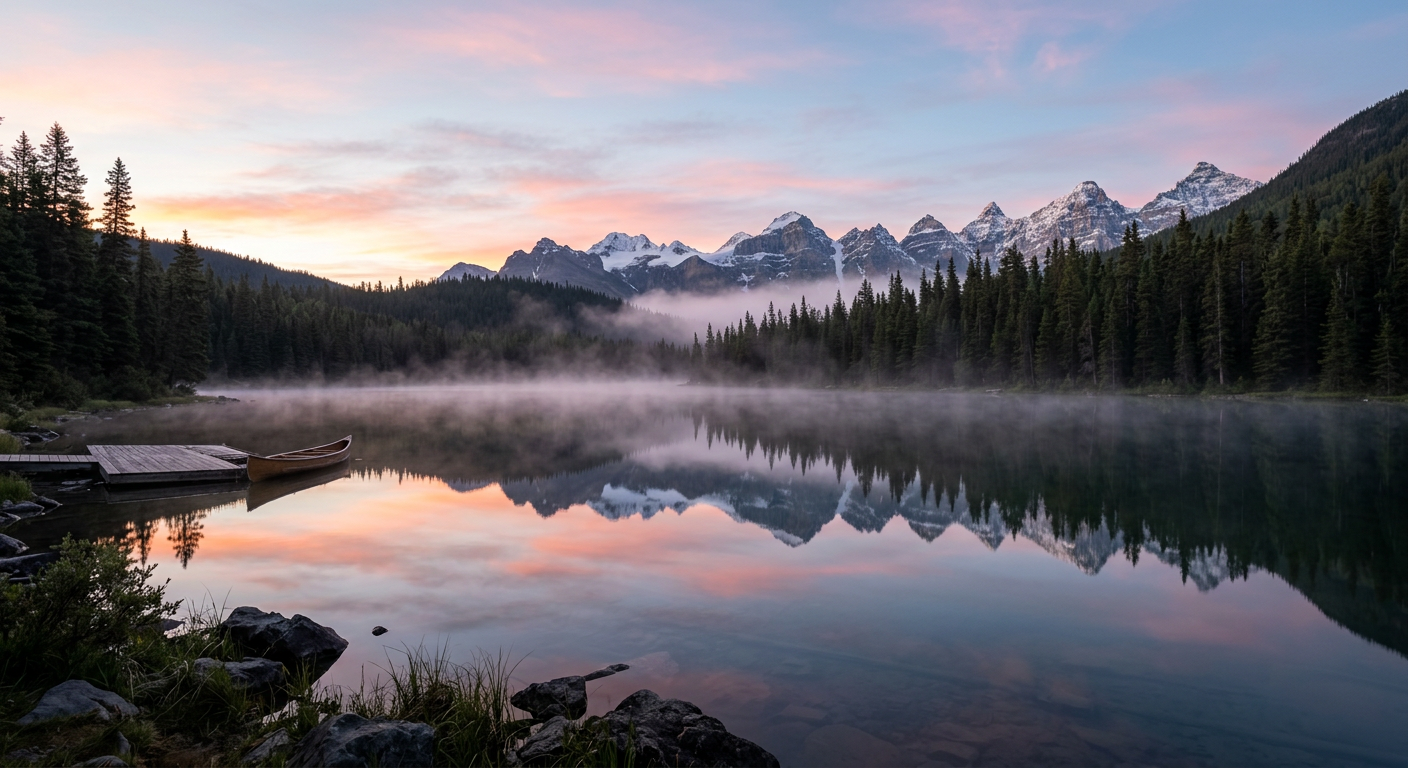
Start from this example
This lake scene was generated with Nano Banana 2 on fal. Click it to load it as the first frame, then describe the motion you want.
Turn an image into video
Upload your photo below, or start from the example image. Describe the motion you want and generate.
How image to video works
Upload a photo
PNG, JPG or WebP up to 20 MB. The image becomes the first frame, so pick one with a clear subject.
Describe the motion
Say what should move and how the camera should behave: a slow push-in, drifting clouds, ripples on water.
Generate and download
Pick resolution and length, generate, and download the MP4. Failed generations are refunded automatically.
Tips for better results
One clear subject
Photos with a single subject and clean depth animate more reliably than busy wide shots.
Ask for gentle motion
"Slow push-in, clouds drifting" beats "fast action" — short clips handle subtle motion best.
Match the aspect ratio
Keep the video ratio close to the photo's own ratio so the model does not have to invent new edges.
Keep the audio in mind
Audio is generated to match the scene. For silent B-roll, switch audio off to keep the credit cost identical but the track clean.
Frequently asked questions
What images work best for image to video?+
A clear photo with one main subject and reasonable sharpness. The image becomes the first frame, so anything you want in the final clip should already be in the photo.
Which formats and sizes can I upload?+
PNG, JPG or WebP up to 20 MB. The upload is stored on our own CDN and used only for your generation.
Does the video keep my image exactly?+
The first frame matches your image, and the model animates from there. Strong motion prompts will change more of the scene; gentle prompts keep it close.
Does image to video include audio?+
Yes. Audio generation is included in the credit price and can be switched off in the generator if you want a silent clip.
Can I use the videos commercially?+
You own the outputs you create, subject to our Terms and the model provider's usage policy.
What does it cost?
Image-to-video uses the same per-second credits as text-to-video: from 14 credits per second at 480p. The exact cost is shown in the generator before you submit.
Plans and pricing →Keep going
HivePic must not be used to create AI-generated non-consensual intimate imagery (AI NCII), deepfakes of real people, sexual content involving minors, or content that impersonates, harasses or harms others. Prompts and generated videos are screened by automated content-safety checks, and reported content is reviewed by a human. See our Terms & Conditions for the full rules.