Home/Image enhancer

Image enhancer

Fix exposure, lighting and color casts in one click, without crushing the highlights.

5 credits per imageExposure + white balanceOne click
or drop or paste an image · JPG, PNG, WebP up to 20 MB
No image? Try one:

After
Before
BeforeAfter
After
Before
BeforeAfter
Dim, yellow restaurant birthdayAuto
After
Before
BeforeAfter
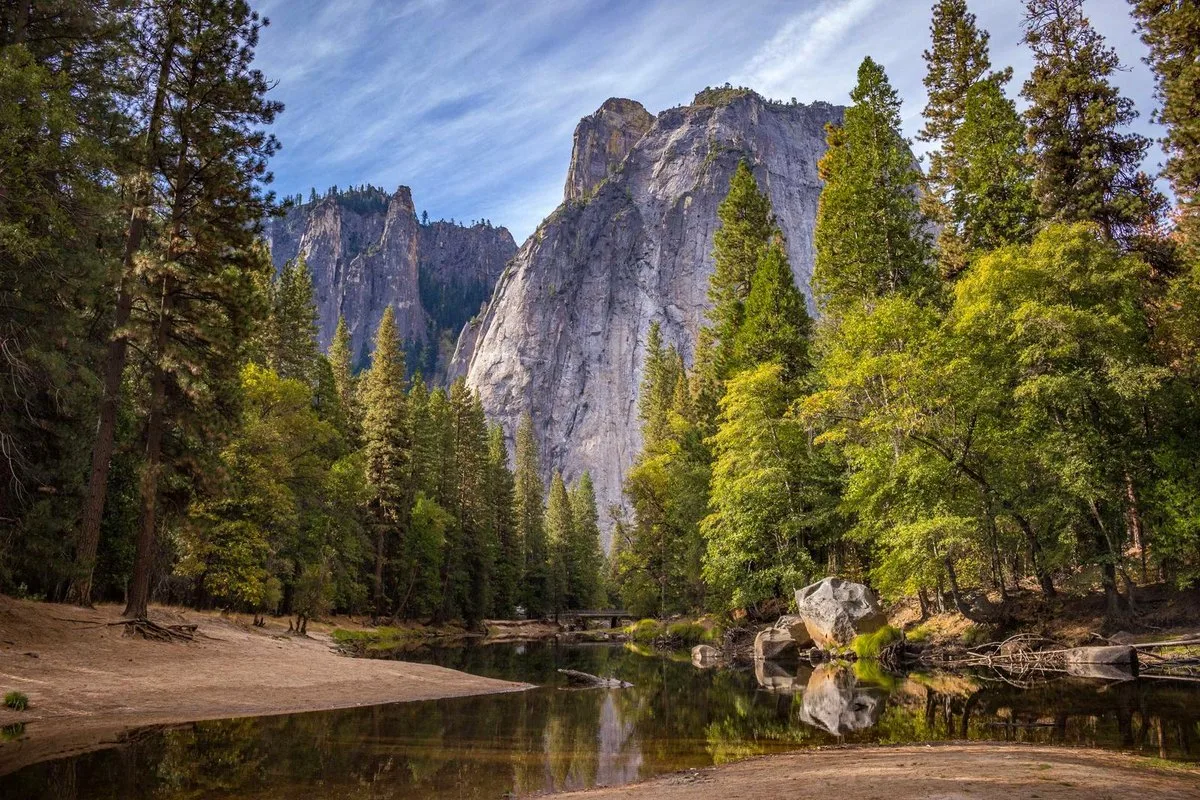
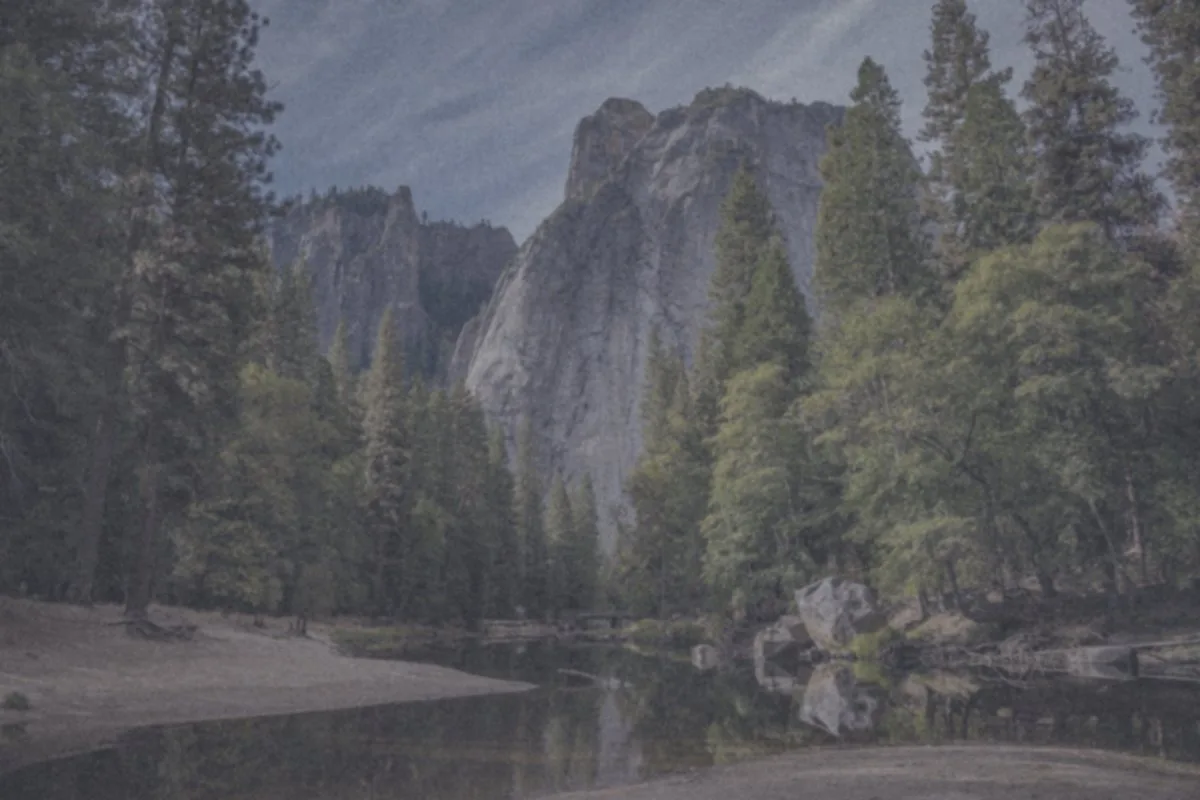
Hazy, flat landscapeAuto
Image enhancer example
Balanced adjustments

One click, no slider marathon

  • Adjust V2 lifts a dark or backlit shot and evens out the lighting.
  • White Balance removes a yellow or blue cast from indoor, sunset or mixed light.
  • Skin tones stay natural and bright highlights are protected from blowing out.

More tools for this photo

Image enhancer

How the tool works, what it costs and what you can use it on.

About this tool
What does the image enhancer change?
It corrects exposure and lighting, or removes a color cast, in one pass at the original size. When it finishes you can run another tool on the result.
How much does it cost?
5 credits per image. Sign in with Google to get 10 credits a day, and failed jobs are never charged.
How to use it
3 steps
  1. Upload a JPG, PNG or WebP, or pick a sample.
  2. Run Auto enhance and drag to compare.
  3. Download, or continue with Upscale or Unblur on the same photo.
FAQ
Is this the same as upscaling?
No. Enhancer fixes light and color at the original size. Upscale changes resolution. They are separate tools so each page does one job.
Can I run several tools on the same photo?
Yes. When a result comes back you can feed it into another tool — all six share one credit pool, and every result downloads as a normal image file.
Do I need an account?
No. Without signing in you get 3 credits a day, charged per tool (background removal and upscaling cost 1 credit each, photo restoration 3, unblur and enhance 5). Sign in with Google for 10 credits a day and full-resolution HD downloads.