How the tool works, what it costs and what you can use it on.

About this tool
What can I remove?
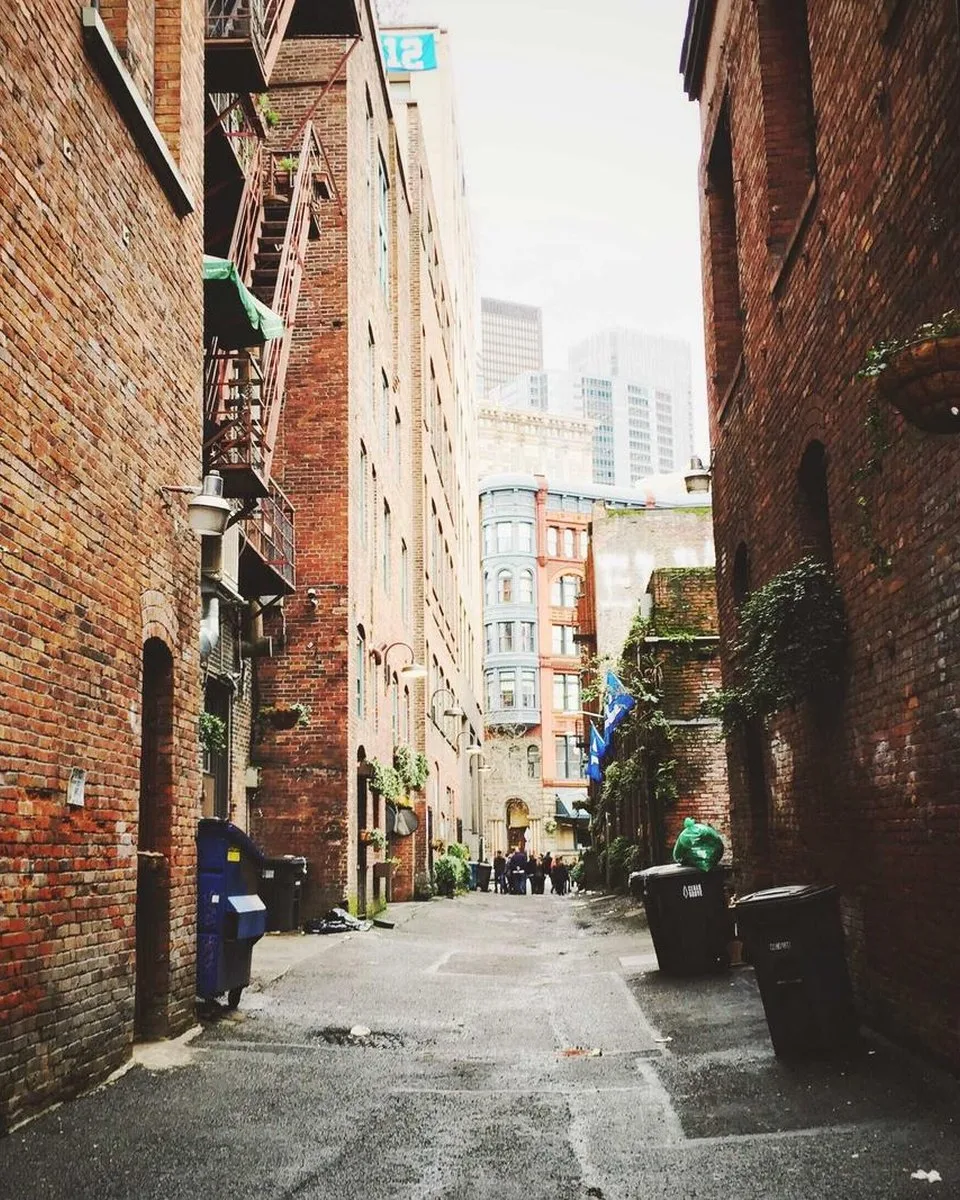
Small and medium objects: people in the background, bins, wires, signs, stickers and overlaid labels. Brush over the whole object, including its shadow.
How much does it cost?
3 credits per image. Sign in with Google to get 10 credits a day, and failed jobs are never charged.
How to use it
3 steps
Upload your photo or pick a sample.
Brush over the object you want gone; adjust the brush size as needed.
Press Remove, compare, and download.
FAQ
How big an object can it remove?
Best results on objects up to about a fifth of the frame. An area that covers most of the photo leaves too little surrounding detail to rebuild from.
Does it work on people?
Yes, on background figures. A person filling most of the frame is usually too much to reconstruct.
Do I need an account?
No. Without signing in you get 3 credits a day, charged per tool (background removal and upscaling cost 1 credit each, photo restoration 3, unblur and enhance 5). Sign in with Google for 10 credits a day and full-resolution HD downloads.