How the tool works, what it costs and what you can use it on.
About this tool
What does the watermark remover do?
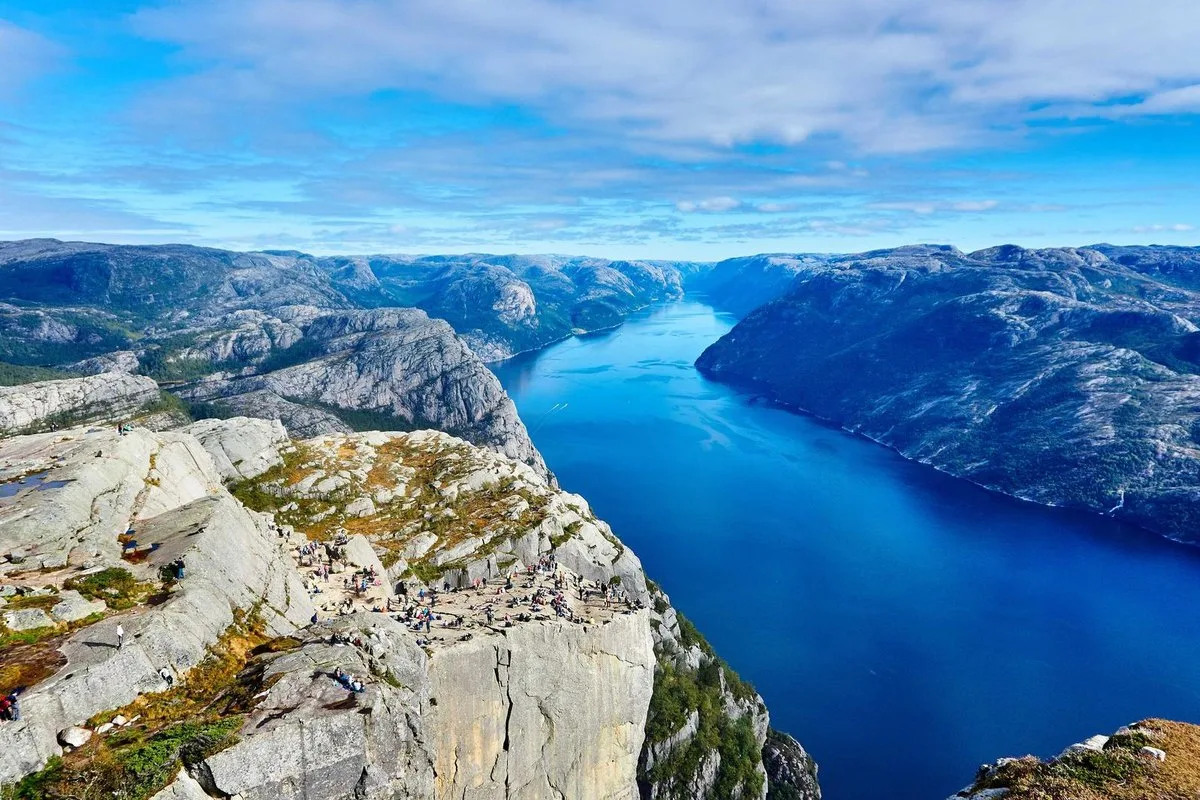
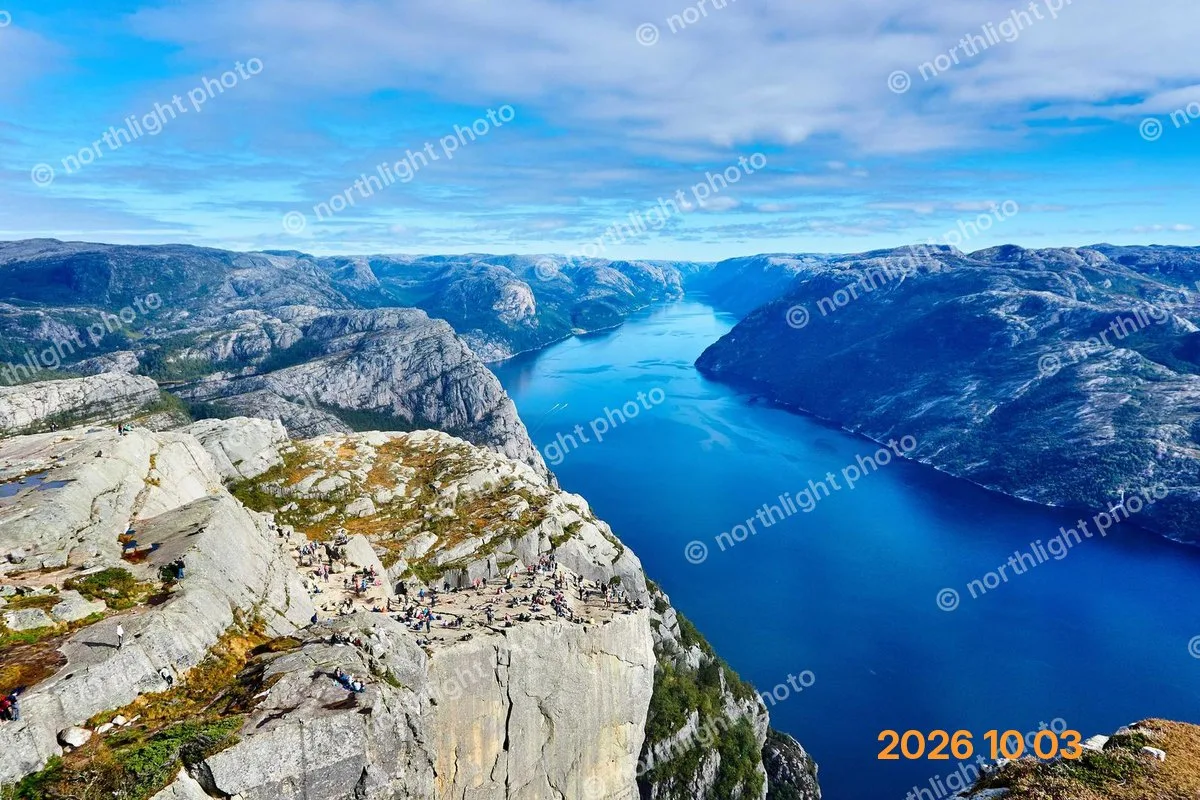
You paint over a watermark, logo, date stamp, text or signature with a brush, and AI restores the background behind it so it blends with the rest of the photo. Works on JPG, PNG and WebP up to 20 MB.
How much does it cost?
3 credits per image. Sign in with Google to get 10 credits a day, and failed jobs are never charged.
How to use it
How to remove a watermark from a photo online?
Upload your photo (JPG, PNG or WebP up to 20 MB) or pick a sample.
Brush over the watermark, a little past its edges. Change the brush size or undo if you overshoot.
Click Remove. AI rebuilds the painted area from the pixels around it.
Drag the compare slider to check the result, then download.
FAQ
Can I remove watermarks from any image?
Only use it on photos you own or have permission to edit: your own date stamps and captions, your own logo, your own product photos, or a client photo you are licensed to retouch. Do not use it to strip a stock-photo preview, a photographer’s signature or anyone else’s copyright mark.
What is the best free AI watermark remover?
Look for four things: no sign-up to try it, nothing to download, it changes only the area you choose, and it does not add a watermark of its own. HivePic does all four. Without an account you get 3 free credits a day, enough for one watermark removal; sign in with Google for 10 credits a day.
How to remove a watermark without losing image quality?
Remove it instead of cropping or blurring it. HivePic restores only the painted pixels from the surrounding detail, so the rest of the photo is untouched and the download is the same resolution as your upload, including full-size 12 MP phone photos. Paint slightly past the edge of the mark so no outline is left behind.
What kinds of watermarks can it remove?
Camera date stamps and timestamps, text watermarks and captions, logo watermarks, signatures and stickers. It works best on a mark that covers part of the photo. A semi-transparent pattern repeated across the whole image is much harder to remove cleanly, because there is little untouched background left to rebuild from.
Can I remove text or logos from a photo automatically?
Almost. You mark the text or logo with one quick brush stroke, then AI removes it and fills the gap automatically. There is no one-click detection on purpose: brushing makes sure only the mark you choose disappears, not a sign or label you wanted to keep.
How to remove a watermark without Photoshop?
Use a browser tool. HivePic needs no install and no clone stamp or layers: upload the photo, brush over the watermark, click Remove and download.
Does it work on iPhone and Android?
Yes. Open this page in Safari or Chrome, pick the photo from your library, brush over the watermark with your finger and save the result. There is no app to install.
Can it remove a TikTok watermark from a video?
No. HivePic works on photos only (JPG, PNG and WebP), not video. It can clean up a still image you made yourself, such as a frame you exported from your own clip.
Can I remove watermarks from multiple photos at once?
One photo at a time for now. A watermark usually sits in a different place on each photo, so each one needs its own brush stroke. After downloading, click New image to start the next one; each photo costs 3 credits.
Is it safe to upload photos to an online watermark remover?
On HivePic, photos are saved under random, unguessable links that search engines are told not to index, deleted automatically after 7 days and never used to train AI models. Failed jobs are never charged. Avoid tools that keep your photos indefinitely or ask for access to your accounts.
Does the watermark remover store my photos?
Only long enough for you to download the result. Uploads and results are deleted automatically after 7 days, and they are never published or shared anywhere on HivePic or indexed by search engines.
Can I remove a watermark locally without uploading the photo?
Not with this tool. The AI that rebuilds the background runs on our servers, so the photo has to be uploaded. If you only need to crop, rotate or adjust a photo, the free HivePic editor does that entirely in your browser without uploading anything.
Do I need an account?
No. Without signing in you get 3 credits a day, charged per tool (background removal and upscaling cost 1 credit each, photo restoration 3, unblur and enhance 5). Sign in with Google for 10 credits a day and full-resolution HD downloads.