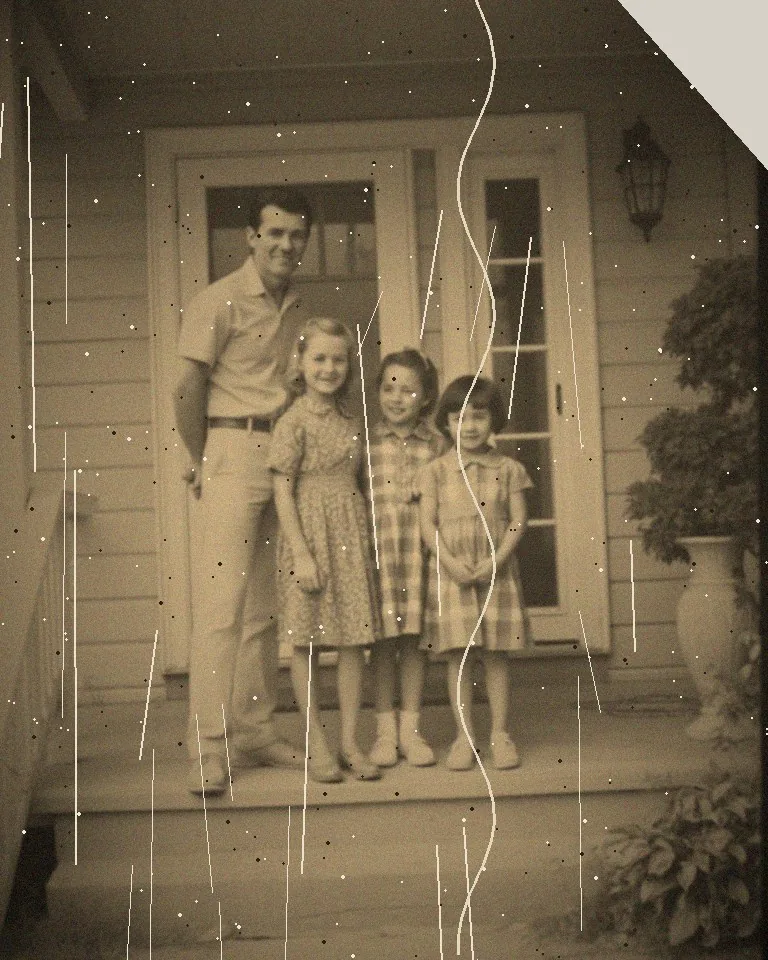
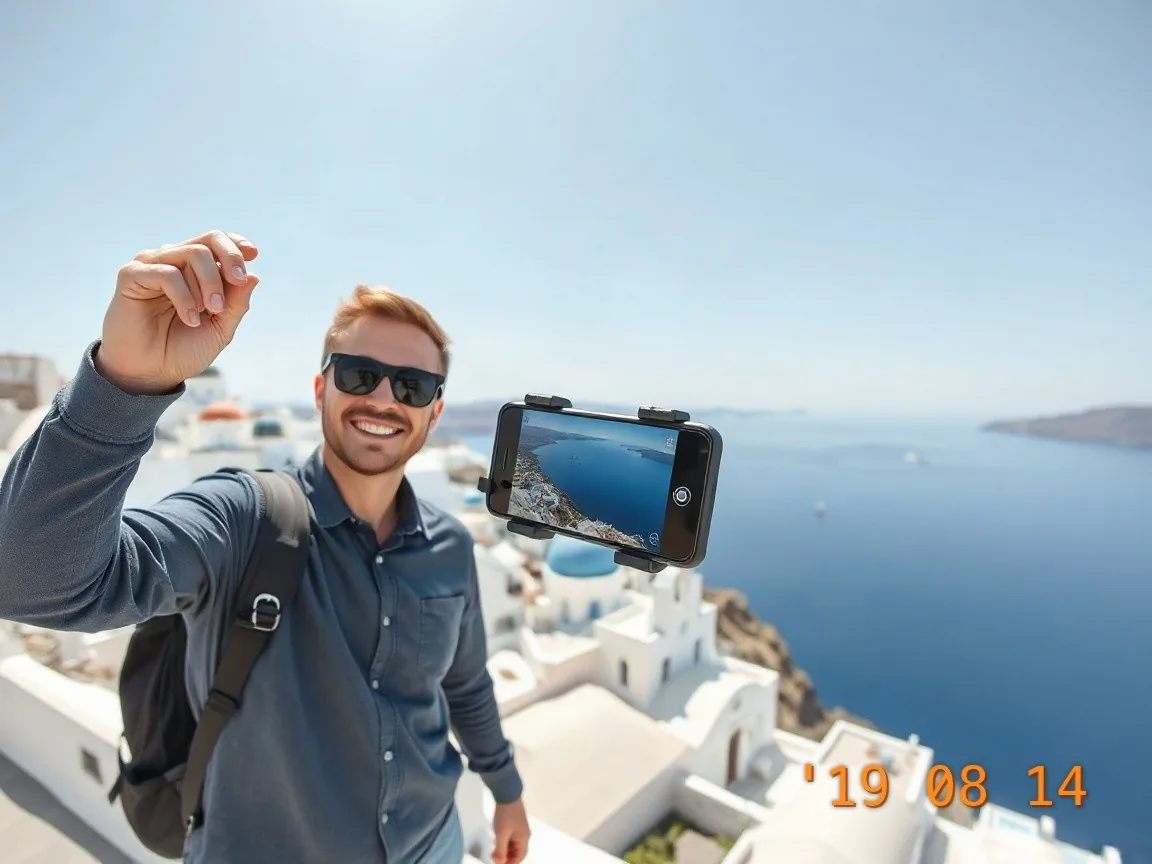
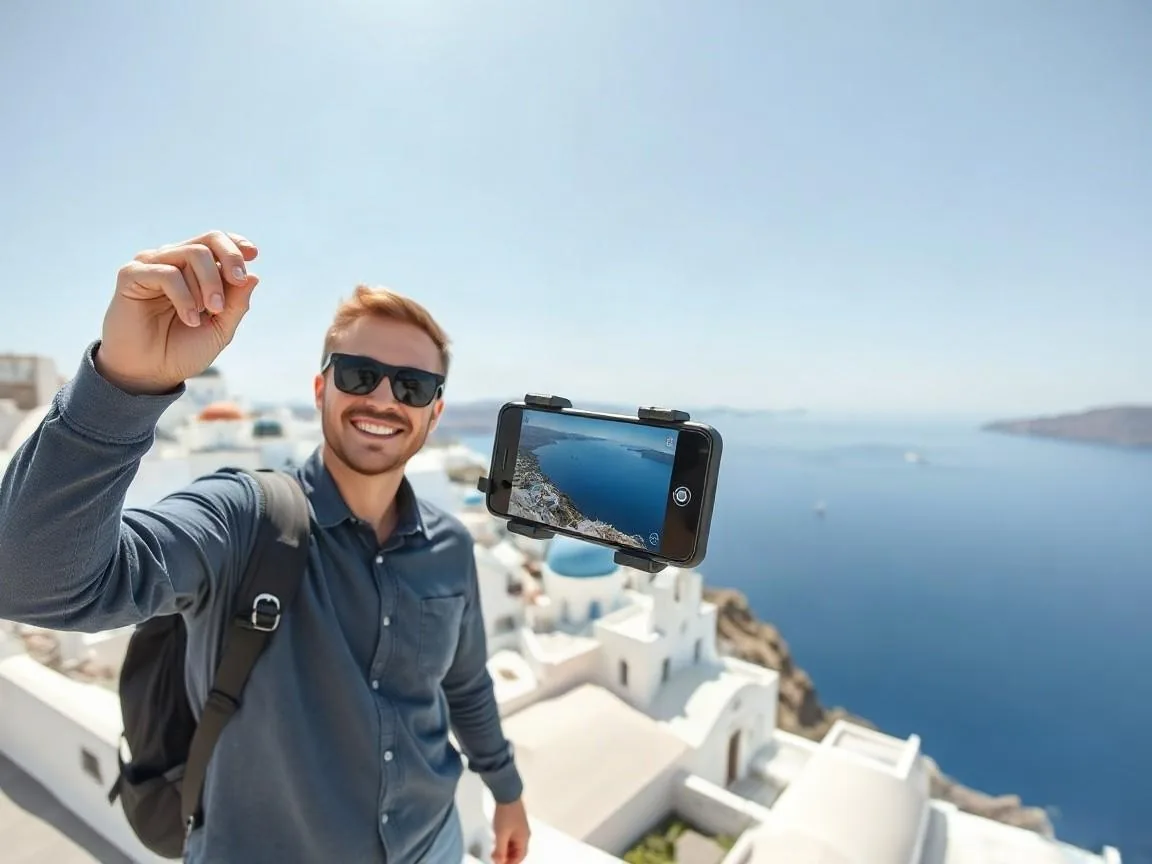
How the tool works, what it costs and what you can use it on.
About this tool
What does the unblur tool fix?
Motion blur, lens blur and soft focus. Super Focus V3 is used by default and rebuilds fine detail; pick a classic model such as Motion Blur or Lens Blur V2 if you want a lighter touch. Photos over 20 MP are scaled down to 20 MP first.
How much does it cost?
5 credits per image, or 7 in Inference mode, which adds a text check. Sign in with Google to get 10 credits a day, and failed jobs are never charged.
How to use it
3 steps
Upload the soft photo or pick a sample.
Run Unblur and drag the compare slider to check the detail.
Download, or open the result in Upscale for a larger size.
FAQ
Can it fix a heavily blurred photo?
Super Focus handles shaky hands and pets that moved, and usually brings back a sharp face and fur. If the subject is a smear with no visible shape, the result will be redrawn rather than recovered.
Can it make a blurry license plate or sign readable?
Not reliably. When text is unreadable in the original, the AI draws characters that look sharp but can be wrong, and two runs can show two different plates. Switch Mode to Inference: we compare every piece of text in the result with the same spot in your original and flag anything the AI guessed.
Will it look oversharpened?
The model avoids the bright halos that a plain unsharp mask creates. Drag the compare slider and judge on your own photo.
Do I need an account?
No. Without signing in you get 3 credits a day, charged per tool (background removal and upscaling cost 1 credit each, photo restoration 3, unblur and enhance 5). Sign in with Google for 10 credits a day and full-resolution HD downloads.