Home/Restore old photos

Restore old photos

Fix scratches, tears and fading, sharpen faces and bring back color in one step.

3 credits per photoColorize includedFace detail
or drop or paste an image · JPG, PNG, WebP up to 20 MB
No image? Try one:
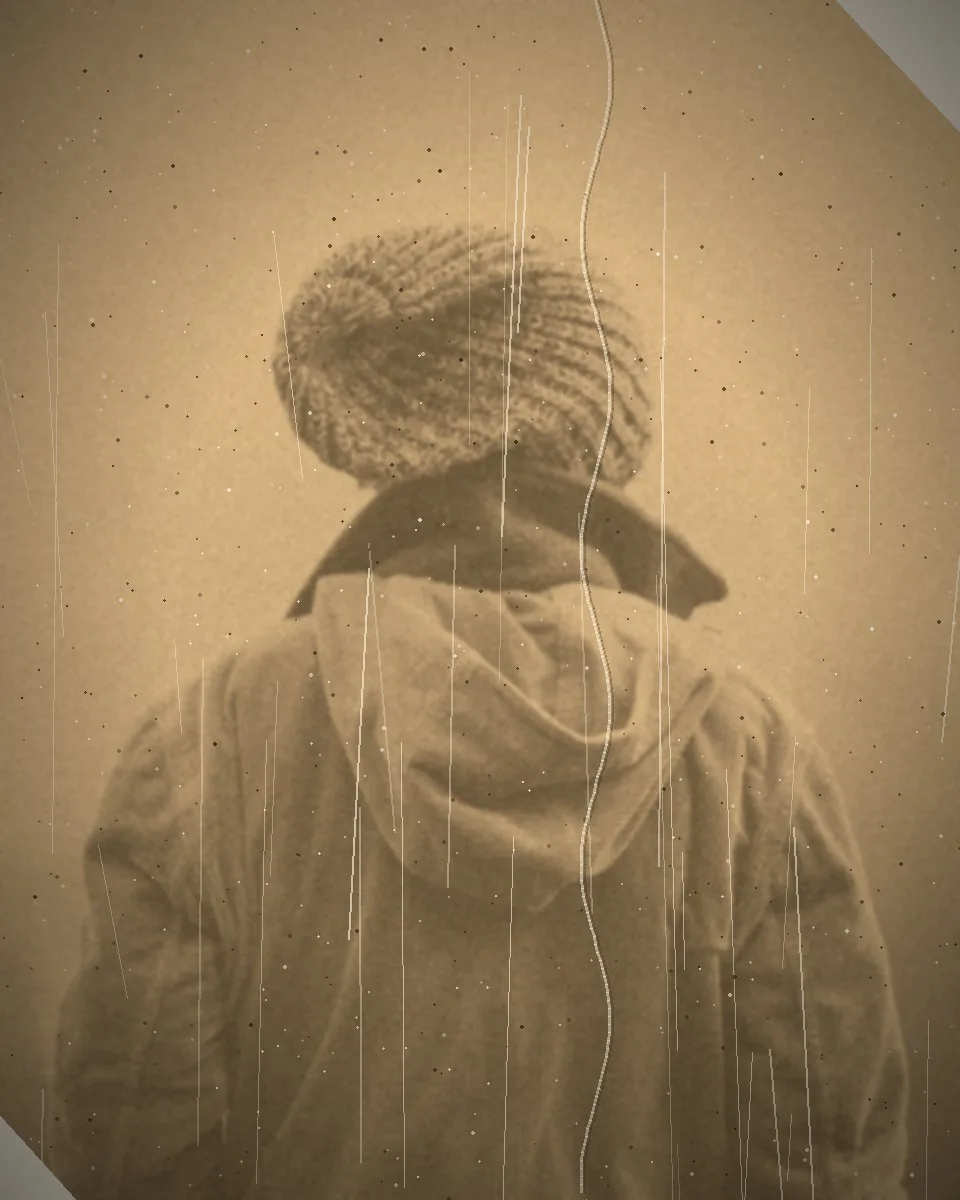
Old photoRestored
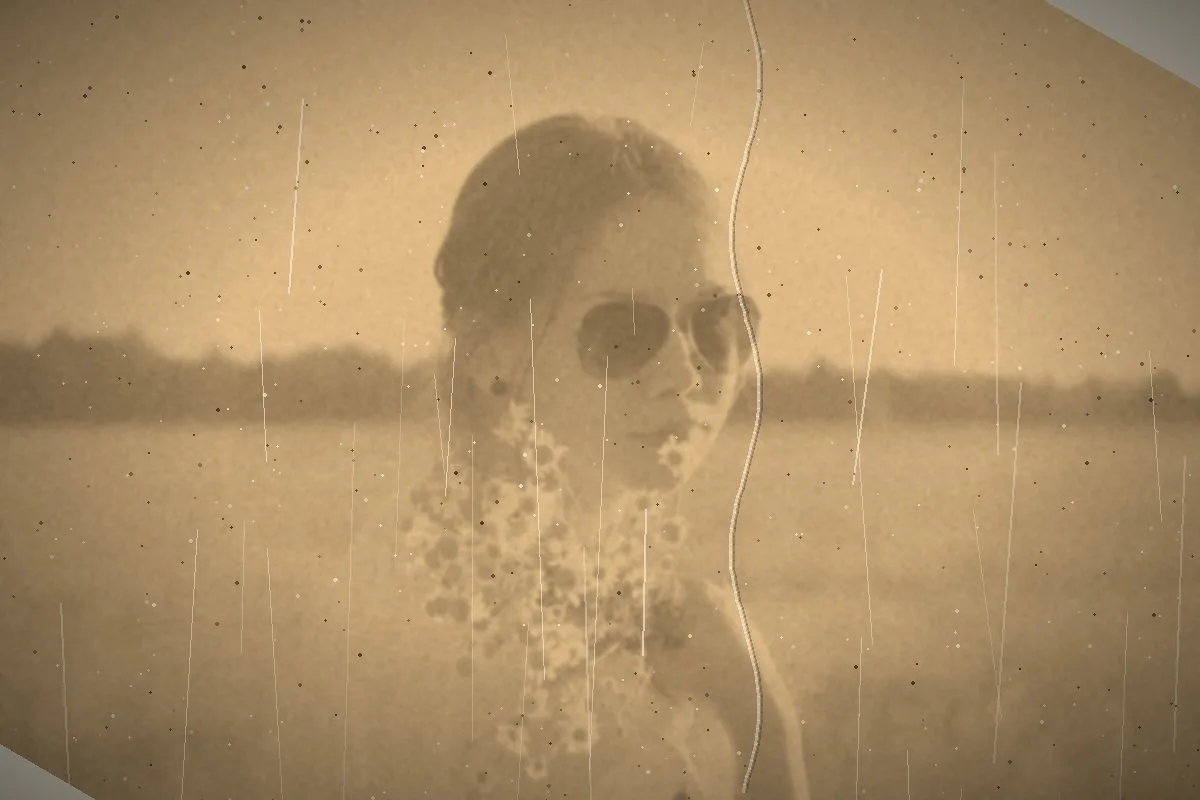
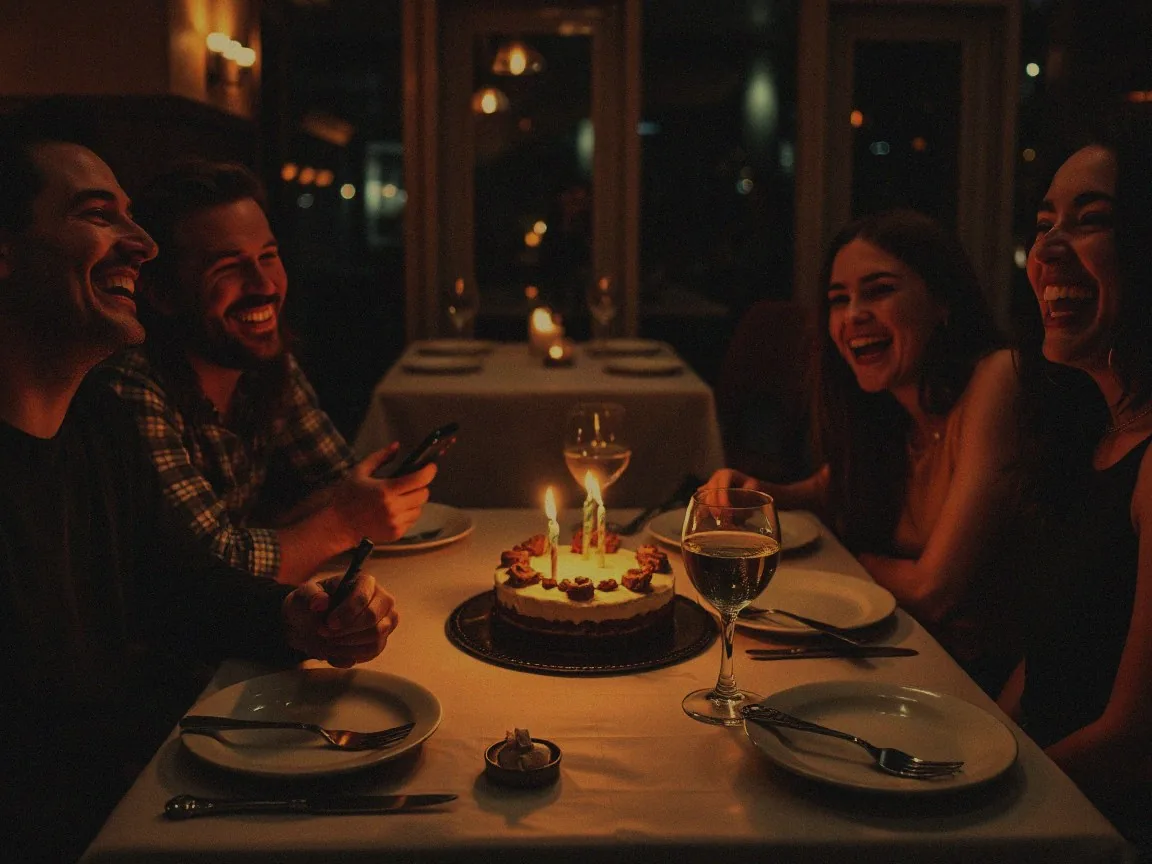
Grandma, 1962restored
After
Before
BeforeAfter
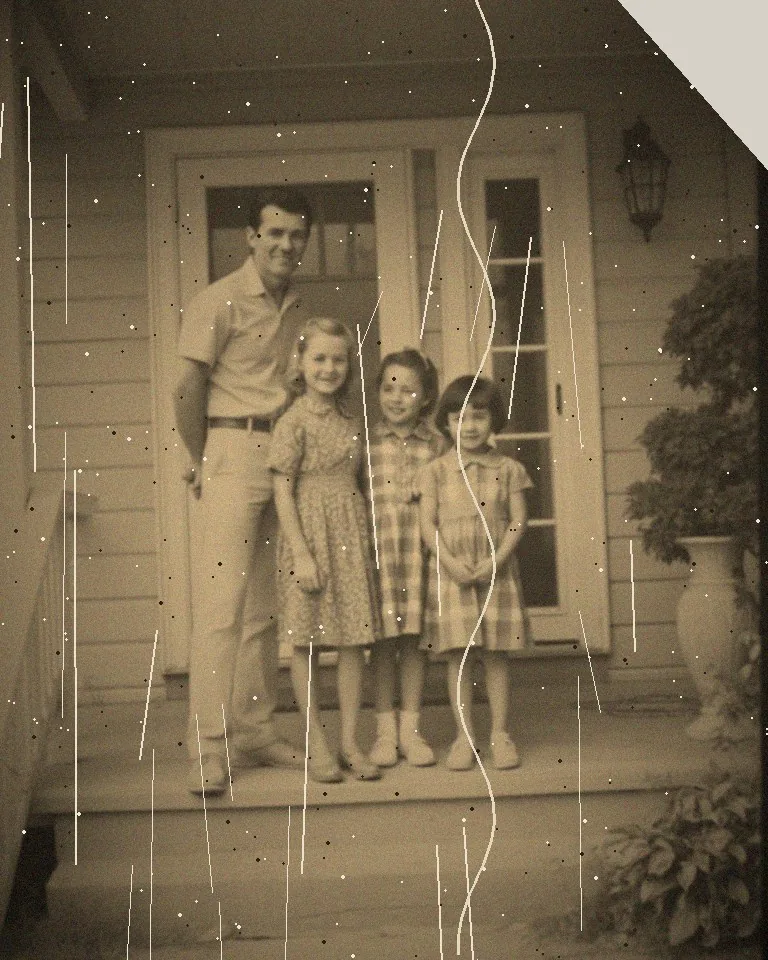
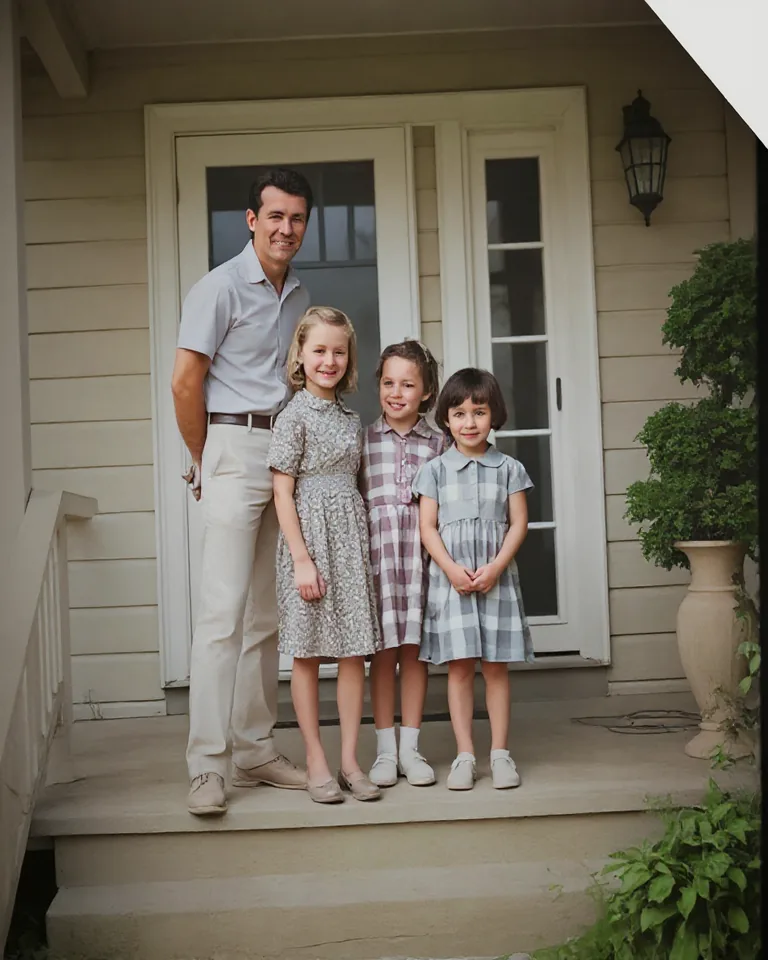
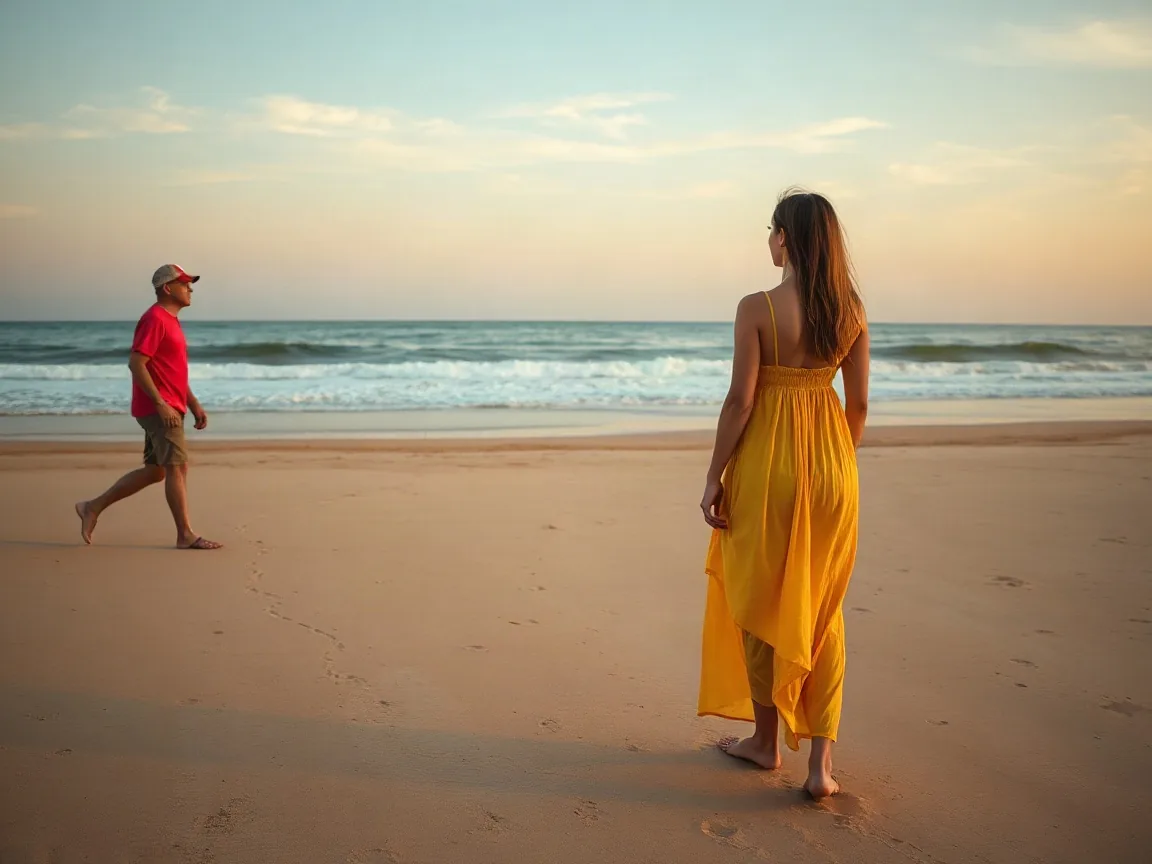
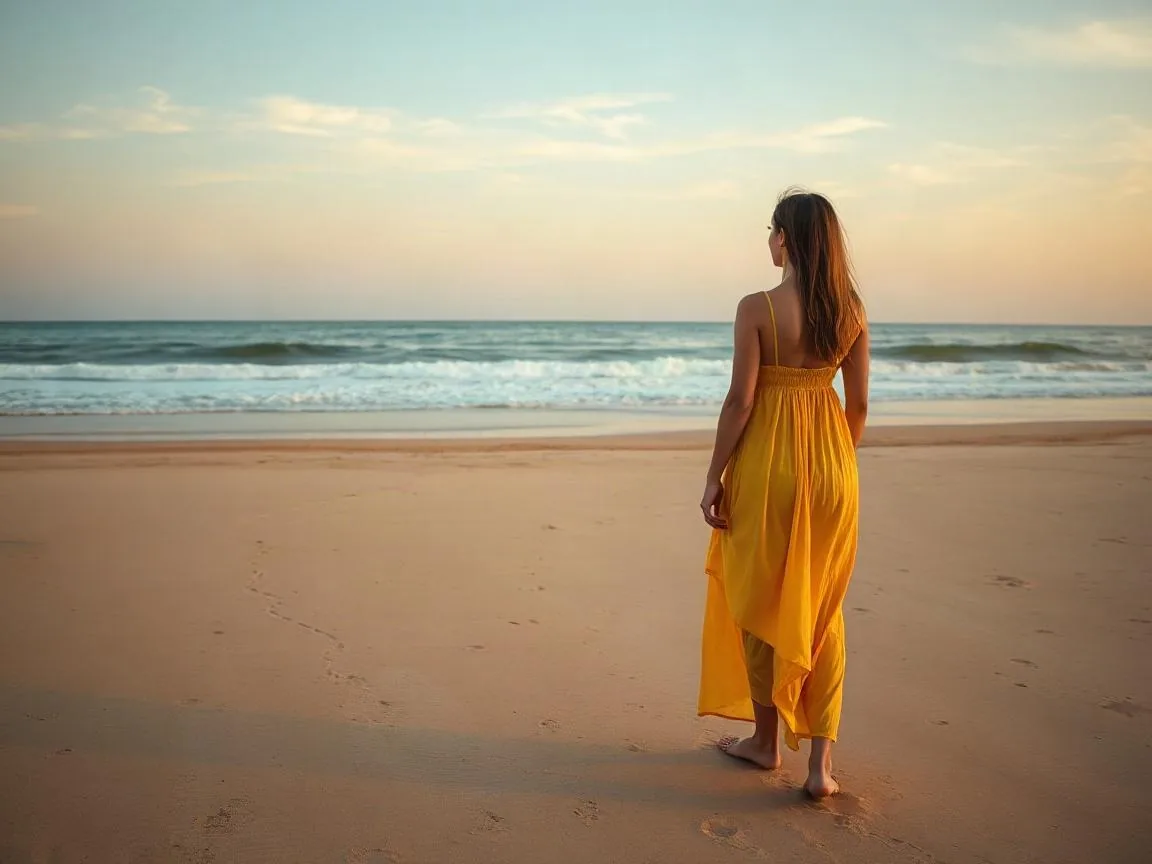
1960s family print, scratched and creasedFull restore
After
Before
BeforeAfter
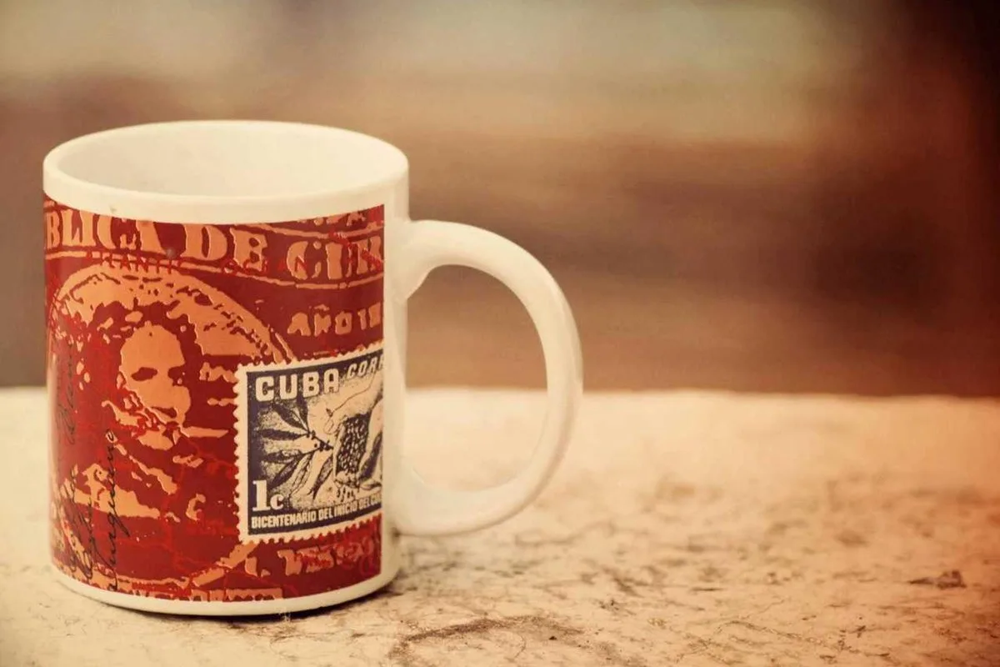
Sun-faded snapshotFull restore
After
Before
BeforeAfter
Black & whiteColorize
Restore old photos example
Up close
Up close

One pass fixes all three

  • Scratches, dust, fold lines and torn corners are filled in to match the print.
  • Eyes, skin and hair are sharpened naturally, without swapping or inventing faces.
  • Faded sepia and black-and-white prints get natural color in the same step.

More tools for this photo

Restore old photos

How the tool works, what it costs and what you can use it on.
About this tool
What does photo restoration fix?
Scratches, dust, tears, fold lines and fading. Faces are sharpened and black-and-white or sepia photos can be colorized in the same step. Scanned prints and phone photos of prints both work.
How much does it cost?
3 credits per photo, colorizing included. Failed jobs are never charged. A one-time credit pack is available if you have a whole album to work through.
How to use it
3 steps
  1. Scan the print, or take a straight photo of it in good light.
  2. Upload it and choose Restore, with or without color.
  3. Compare and download.
FAQ
Will it change how people look?
It sharpens what is in the photo and does not swap faces. Very damaged areas are filled in to match their surroundings.
What resolution should I scan at?
600 dpi is plenty for most prints. A straight, evenly lit phone photo of the print also works.
Do I need an account?
No. Without signing in you get 3 credits a day, charged per tool (background removal and upscaling cost 1 credit each, photo restoration 3, unblur and enhance 5). Sign in with Google for 10 credits a day and full-resolution HD downloads.