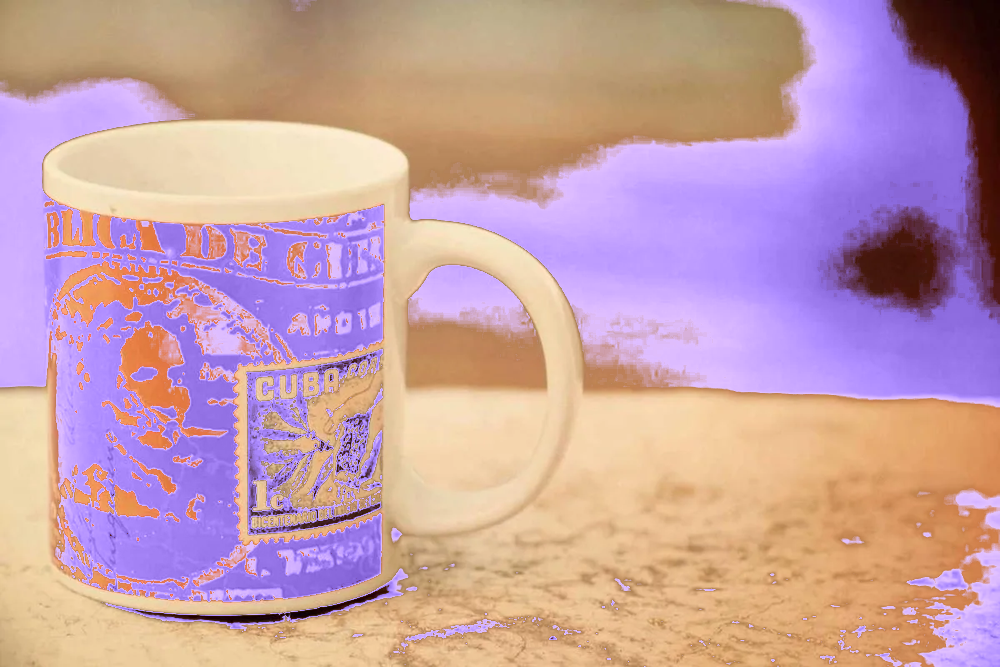
Choose exactly what changes. Sample a source shade, enter a replacement hex and control the match.
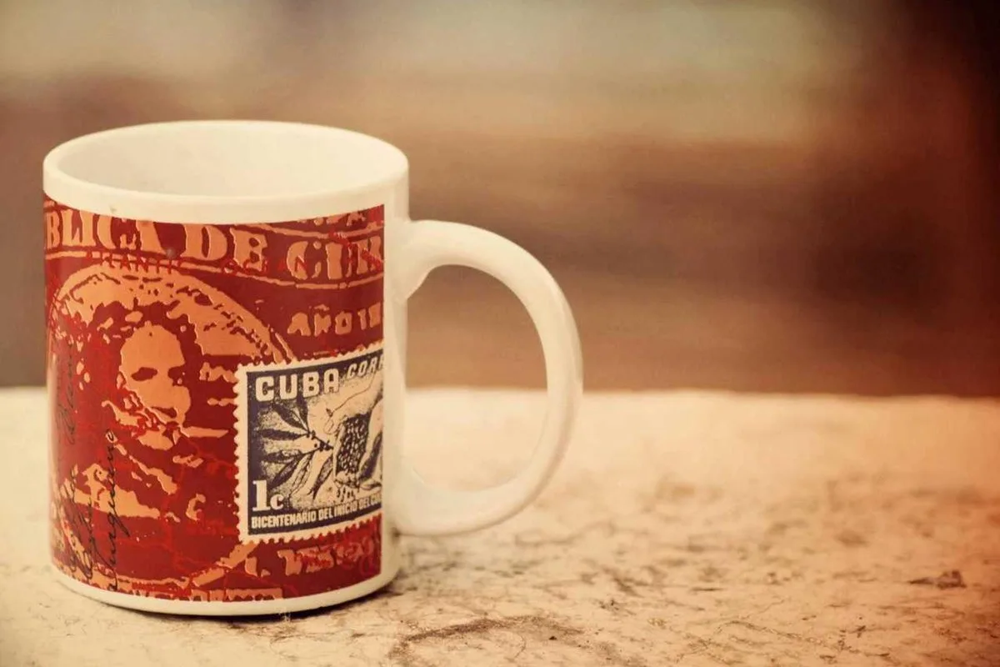
A real input and its processed result. Upload a clear image with one main subject to try your own.
Actual local editor outputs.
Drag to compare, or open an example.
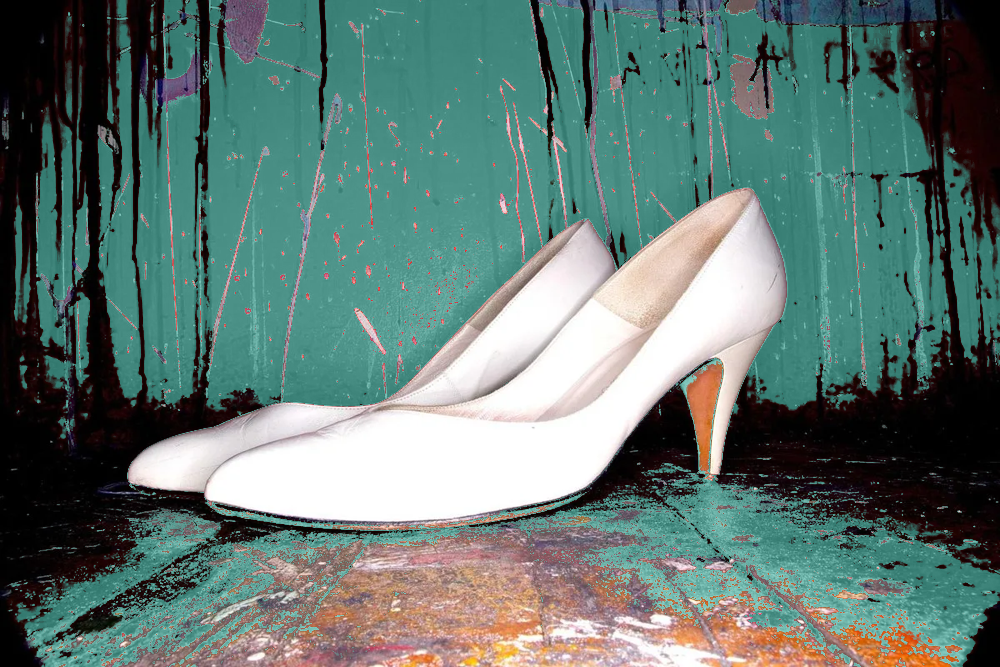



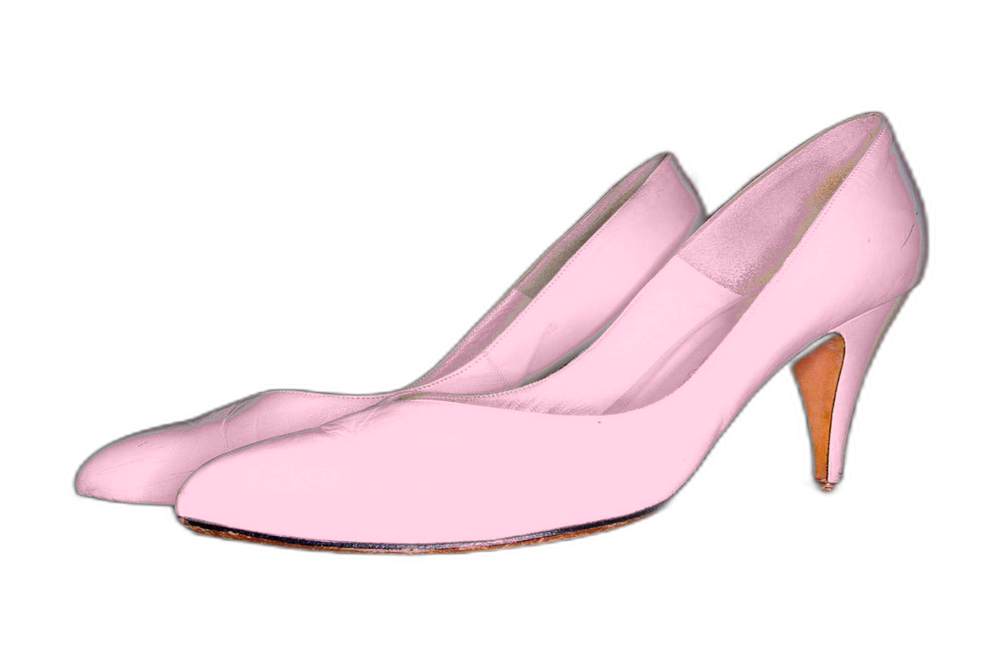
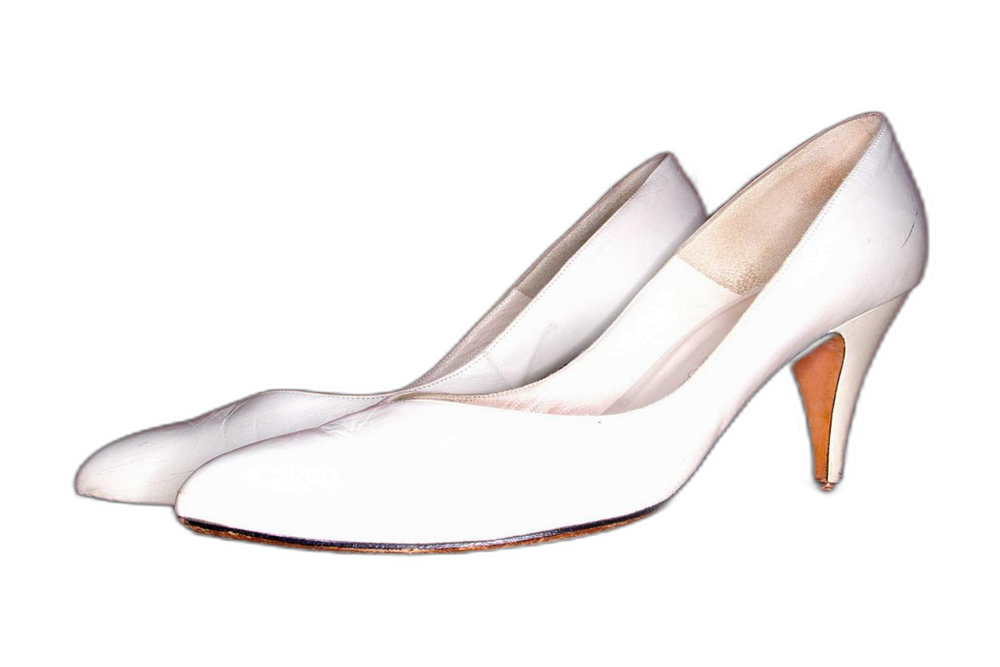
Enter the source hex value or sample it from the image. Zero tolerance replaces exact RGB matches. Higher tolerance includes nearby shades with a softened boundary to avoid harsh edges.
Yes. Upload, paste, choose colors, compare and export without an account, a watermark or credits. Files selected on this device stay in the browser during local editing.
It controls the RGB distance from the sampled source color. Increase it to include more similar shades. Matching applies across the whole image, not just the clicked region.
Yes. The local editor never changes alpha. Export PNG or WebP to keep it. JPG export flattens the image onto white.
Use AI for semantic instructions such as changing only a jacket or a scene background. It uploads your image for processing and costs 2 credits per run. Failed jobs are refunded. AI may alter details and does not guarantee original alpha.
Sign in for your available daily credits or purchase a pack. The free local editor and downloads remain available.