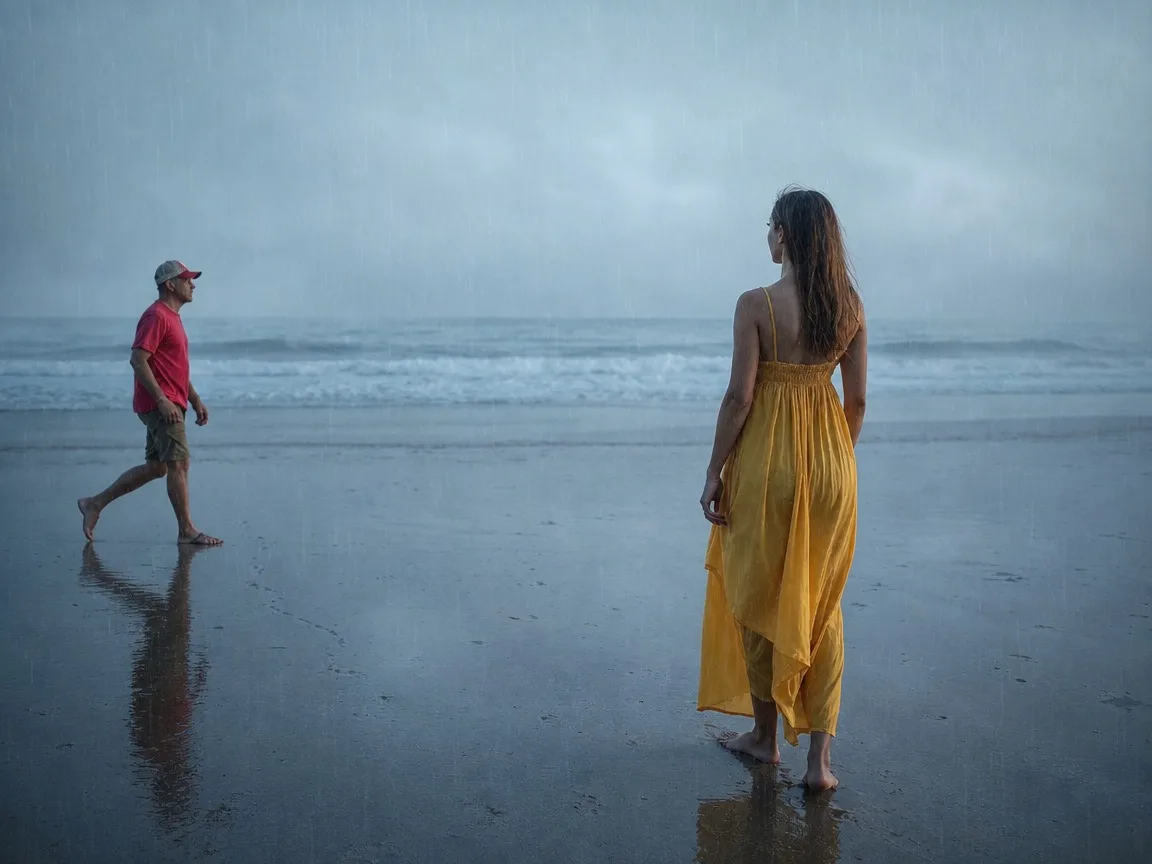
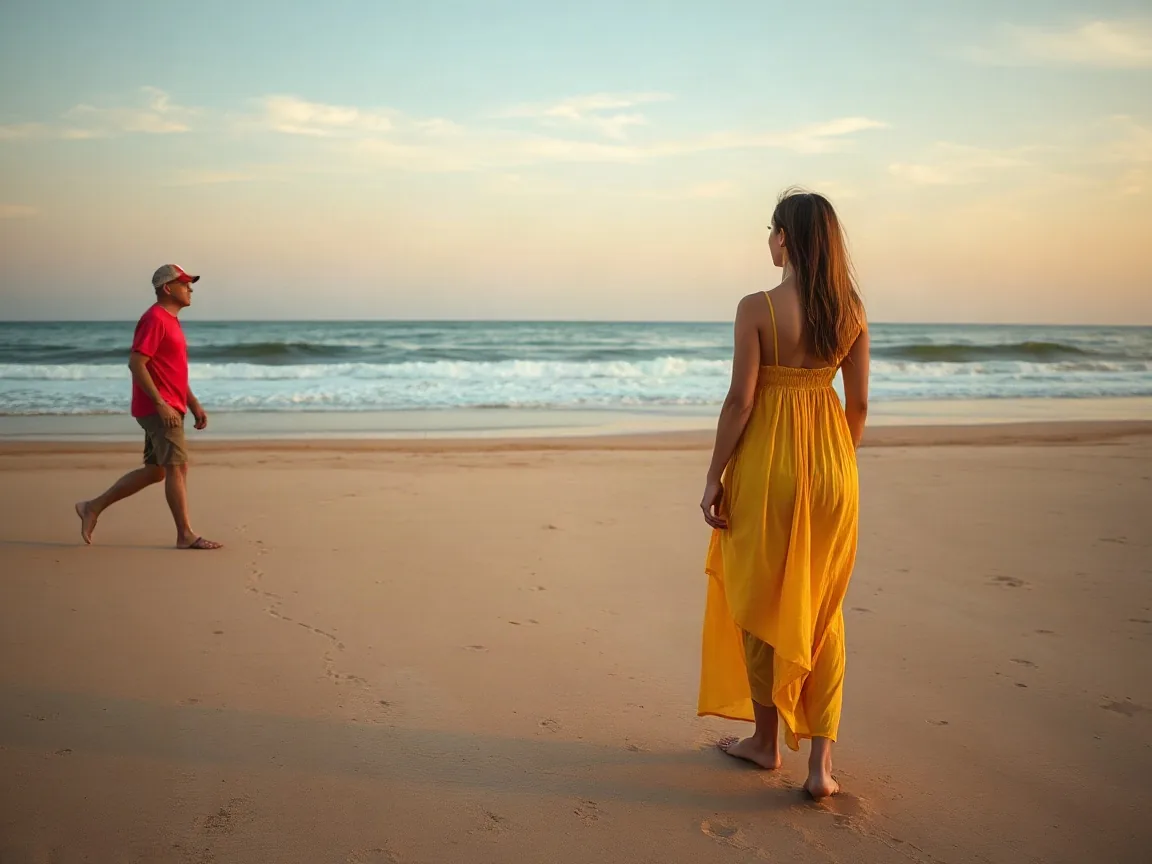
Add rain to a photoHeavy rain
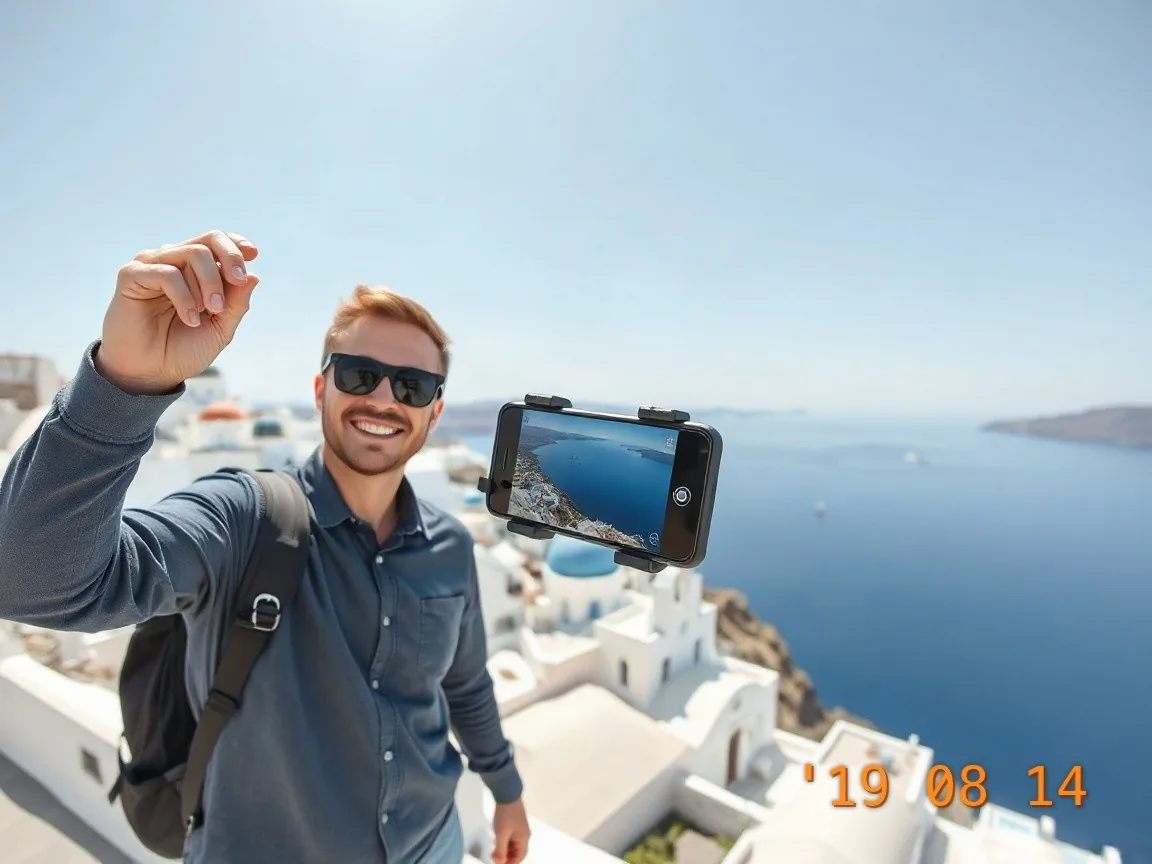
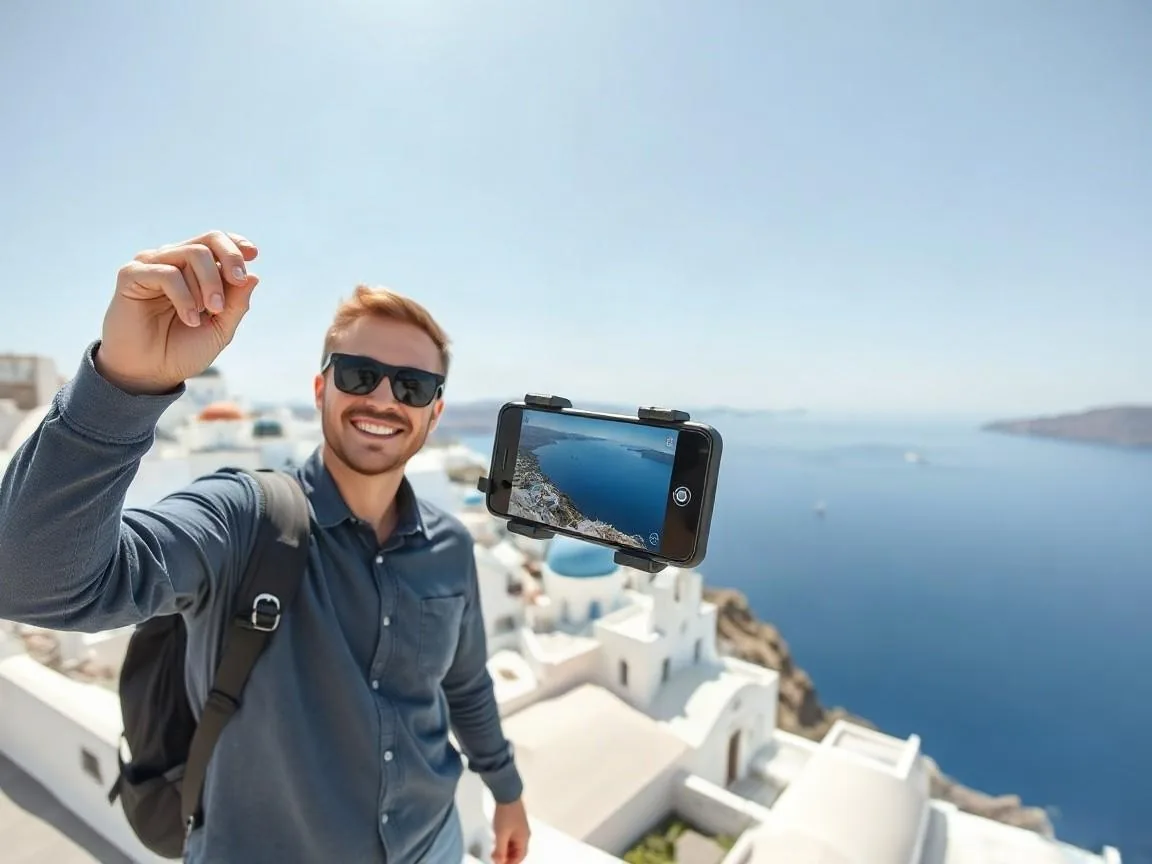
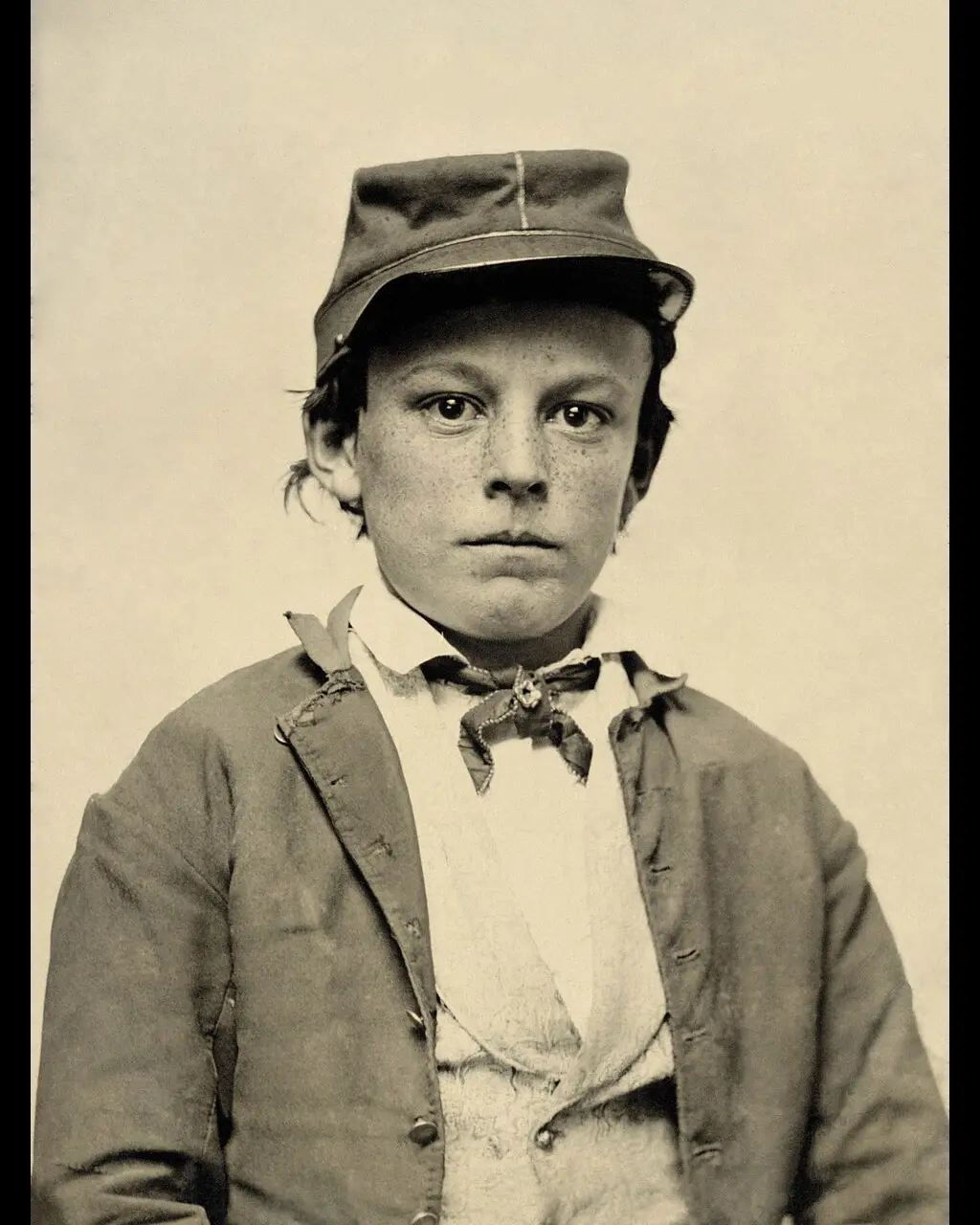
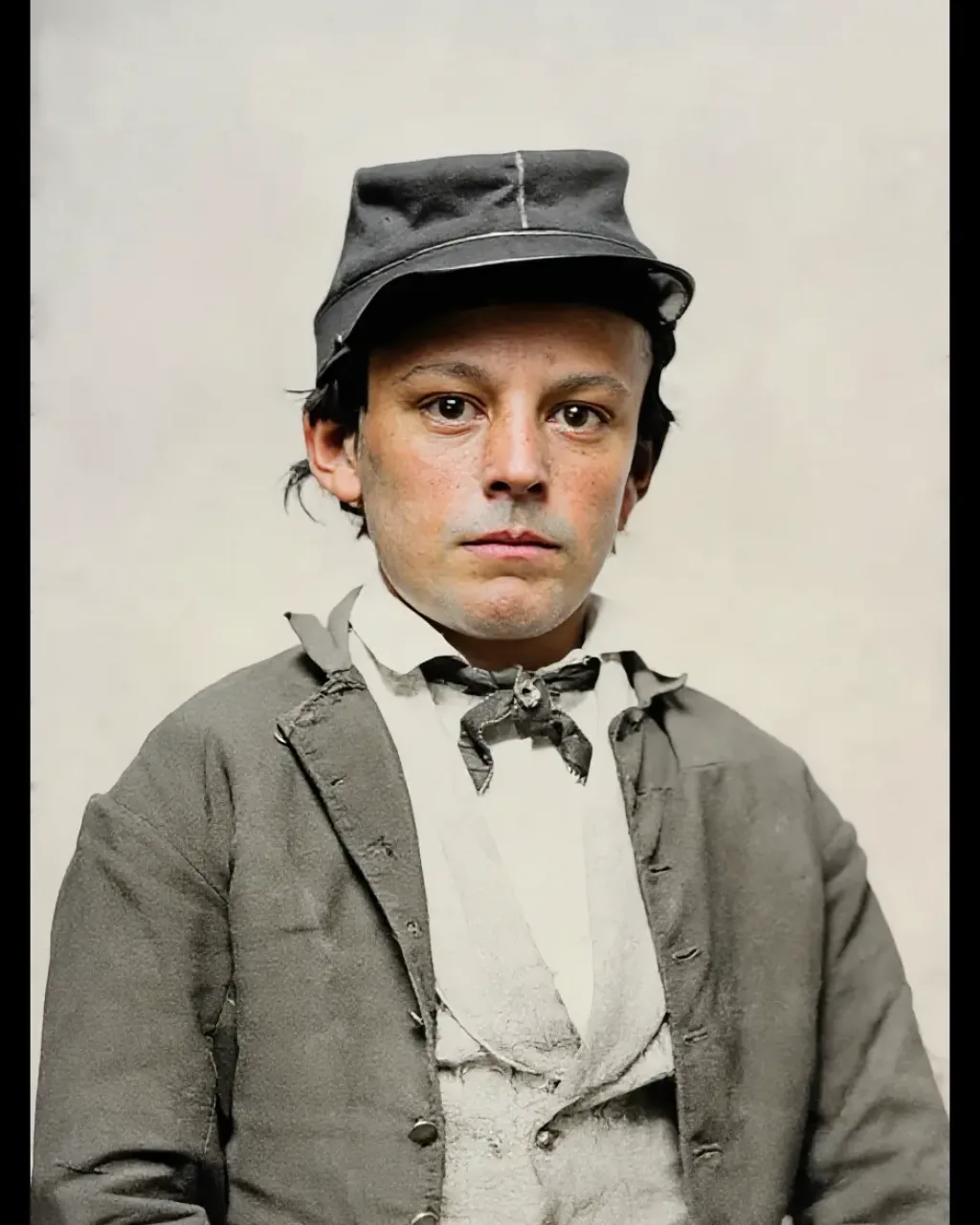
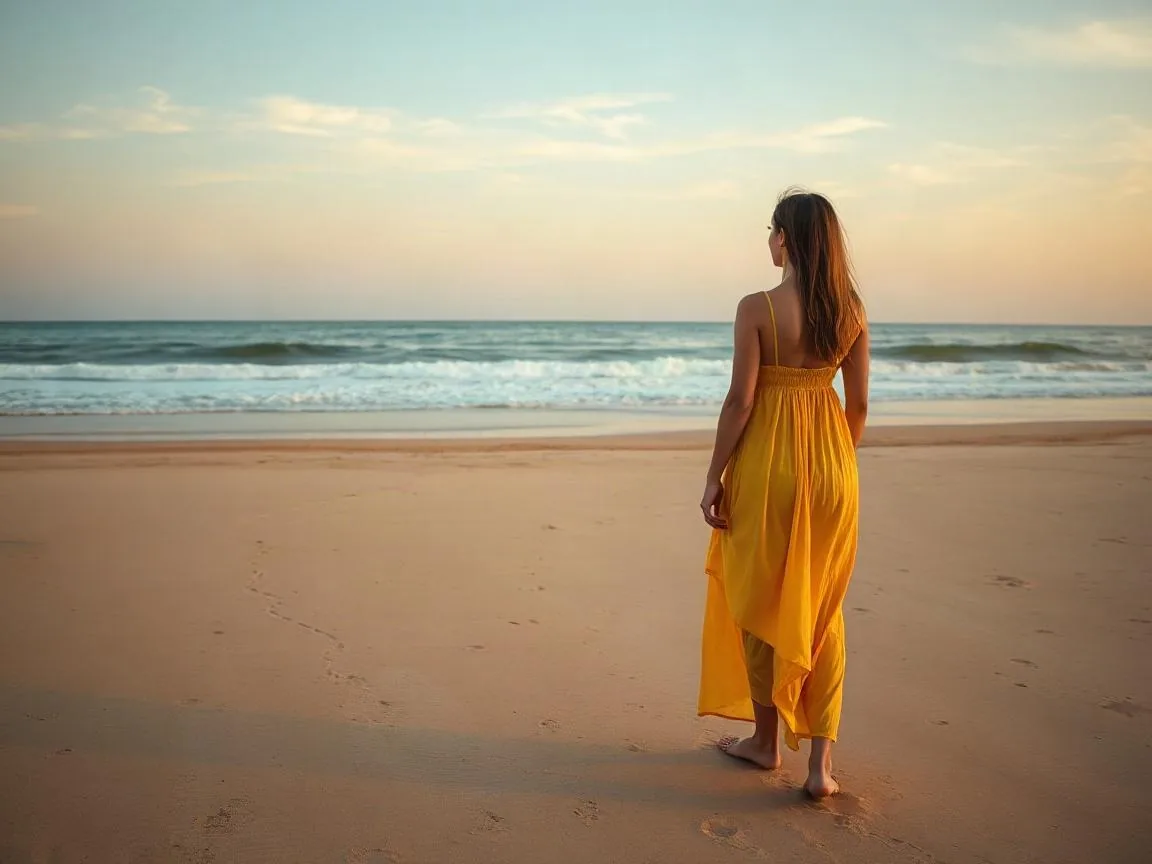
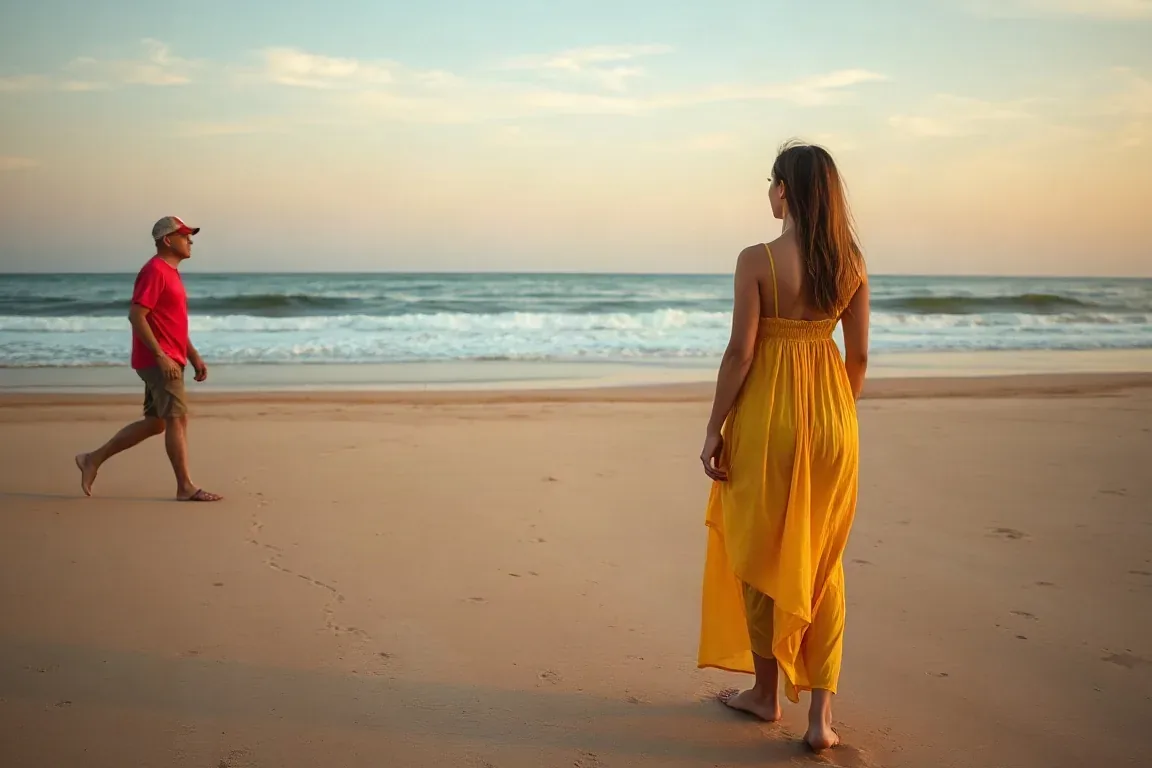
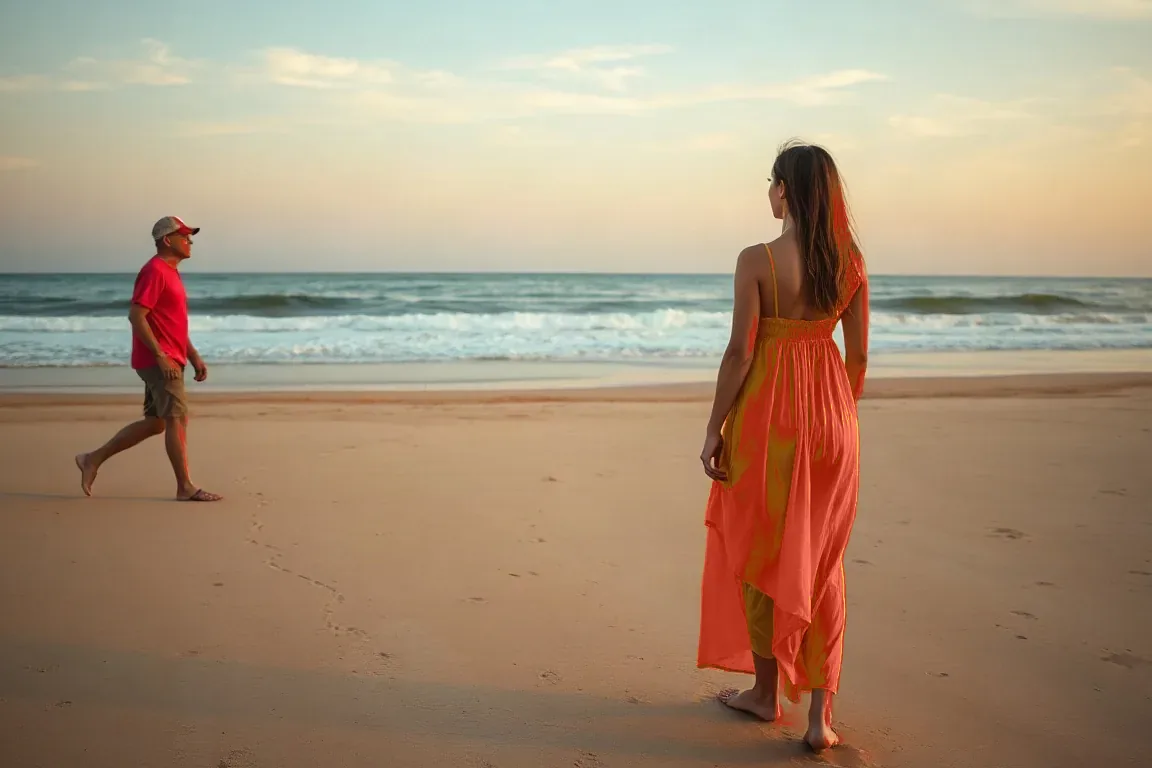
The original people, framing and aspect ratio stay. The filter adds visible rain streaks, mist, wet-ground reflections and a cool grade.
Upload a photo or game screenshot and add a rain effect in one click — clear rain streaks, mist, wet-ground reflections, and a cool color grade, without changing the original scene. Also use it to add rain to a photo.
Without signing in you get 3 credits a day, charged per tool. Sign in for 10 a day.
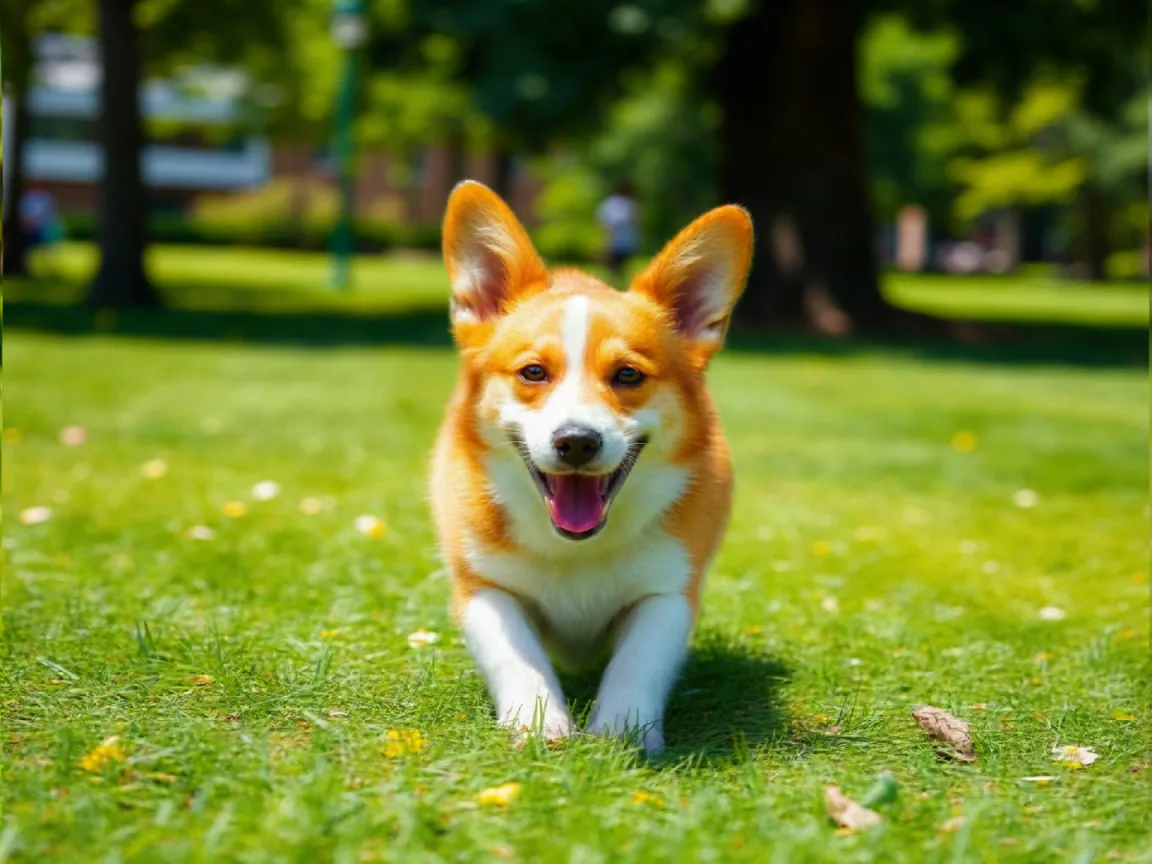
Real before/after results from this tool — drag to compare, then try the matching sample.
The original people, framing and aspect ratio stay. The filter adds visible rain streaks, mist, wet-ground reflections and a cool grade.
This page is an AI rain filter: it adds mist and wet-ground reflections on the original frame. It is not a downloadable rain overlay texture pack.
Many people search for a rain overlay to download. HivePic’s rain filter is an AI rain effect that regrades the whole frame.
The model keeps the subject, layout, and time of day, then adds clear rain streaks, mist, wet-ground reflections, and a cool color grade. It does not rebuild the picture as a night scene.
If you only need a transparent rain texture to drop over a timeline in another editor, this is not that tool. Here the AI rewrites lighting and atmosphere in one still.
Upload a JPG, PNG or WebP of a photo or a game still you are allowed to edit. Composition and aspect ratio stay the same by default; results can still vary.
Download the result, then open Image enhancer for exposure or Upscale image for a larger export. Each page does one job.
How the tool works, what it costs and what you can use it on.
Version 1.0 · Updated 11 November 2026