Home/Rain Filter

Rain Filter

Upload a photo or game screenshot and add a rain effect in one click — clear rain streaks, mist, wet-ground reflections, and a cool color grade, without changing the original scene. Also use it to add rain to a photo.

5 credits5 credits a run. No account gives 3 credits a day, which is not enough for one run. Sign in for 10 a day.PNG

Without signing in you get 3 credits a day, charged per tool. Sign in for 10 a day.

or drop or paste an image · JPG, PNG, WebP up to 20 MB
No image? Try one:
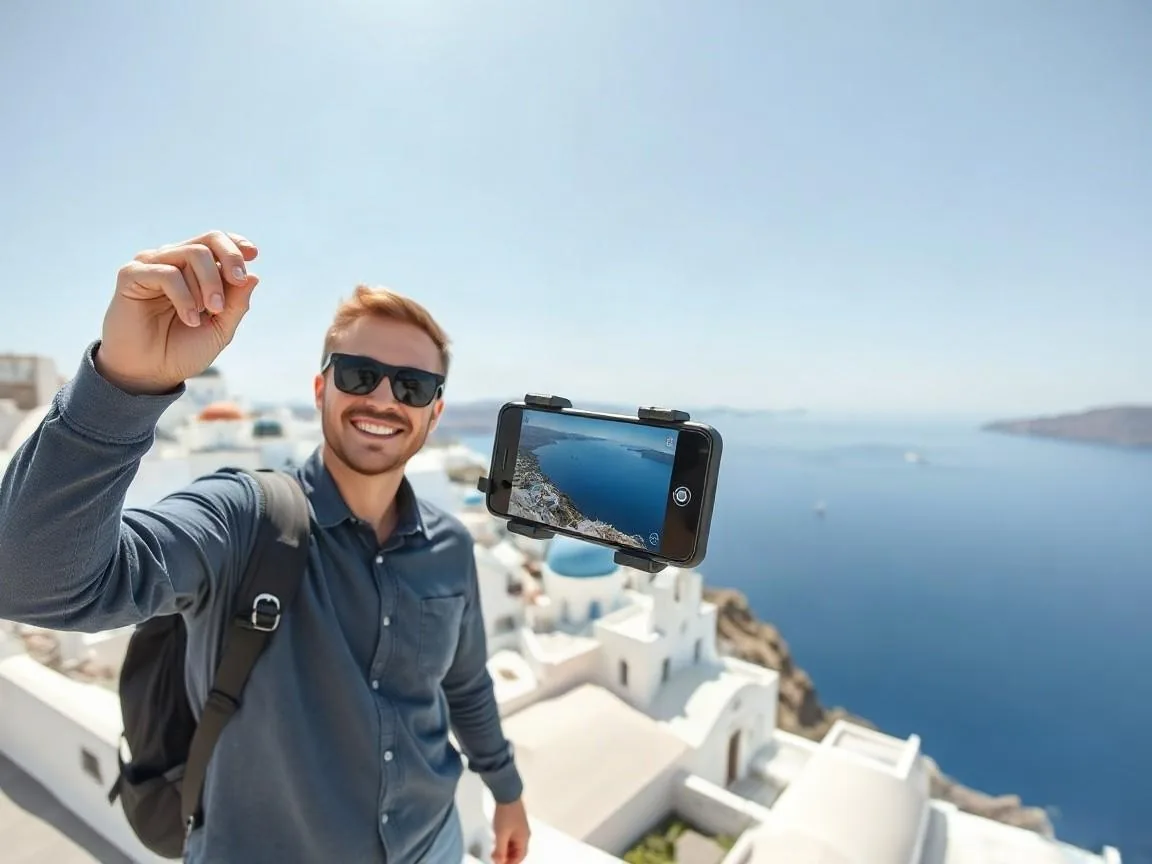
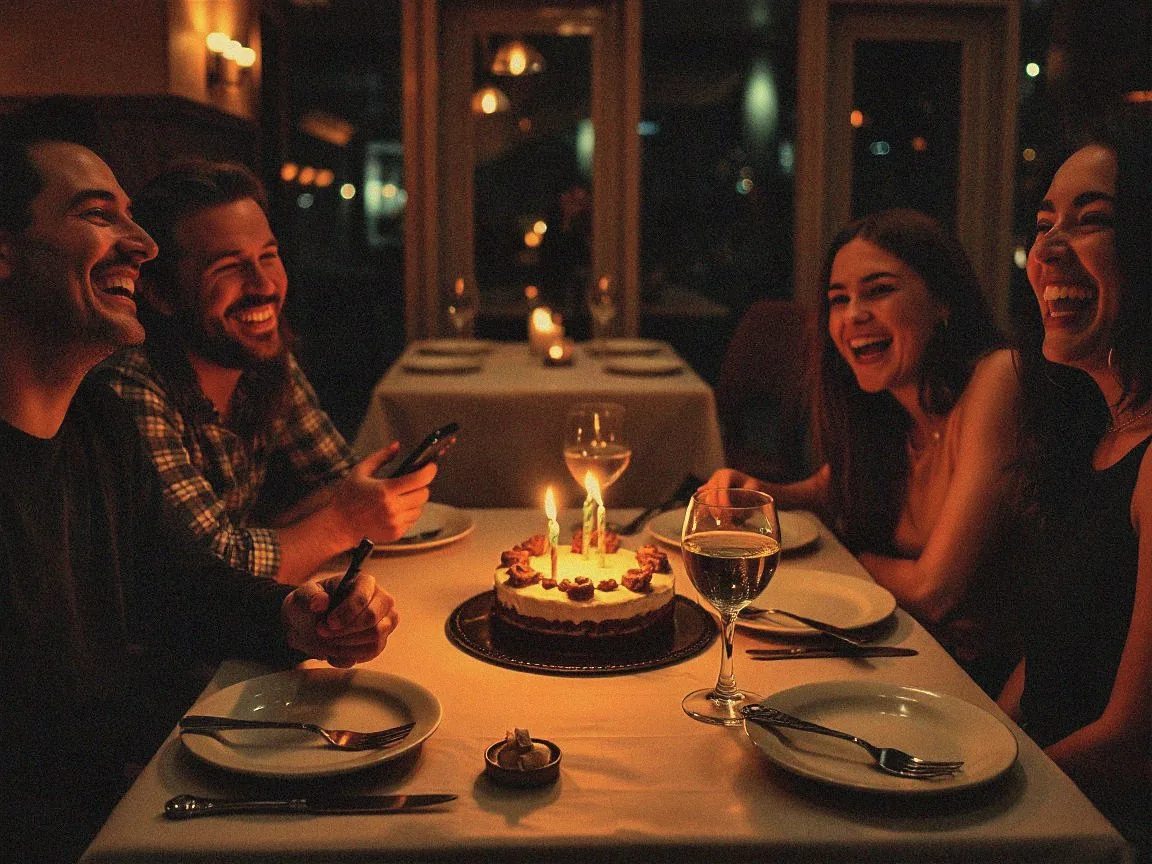
Landscape photo with visible rain streaks
Landscape photo with visible rain streaks before
BeforeAfter
ONE TOOL. FOUR COMMON JOBS.

Built for the job you actually have.

Real before/after results from this tool — drag to compare, then try the matching sample.

After
Before
BeforeAfter
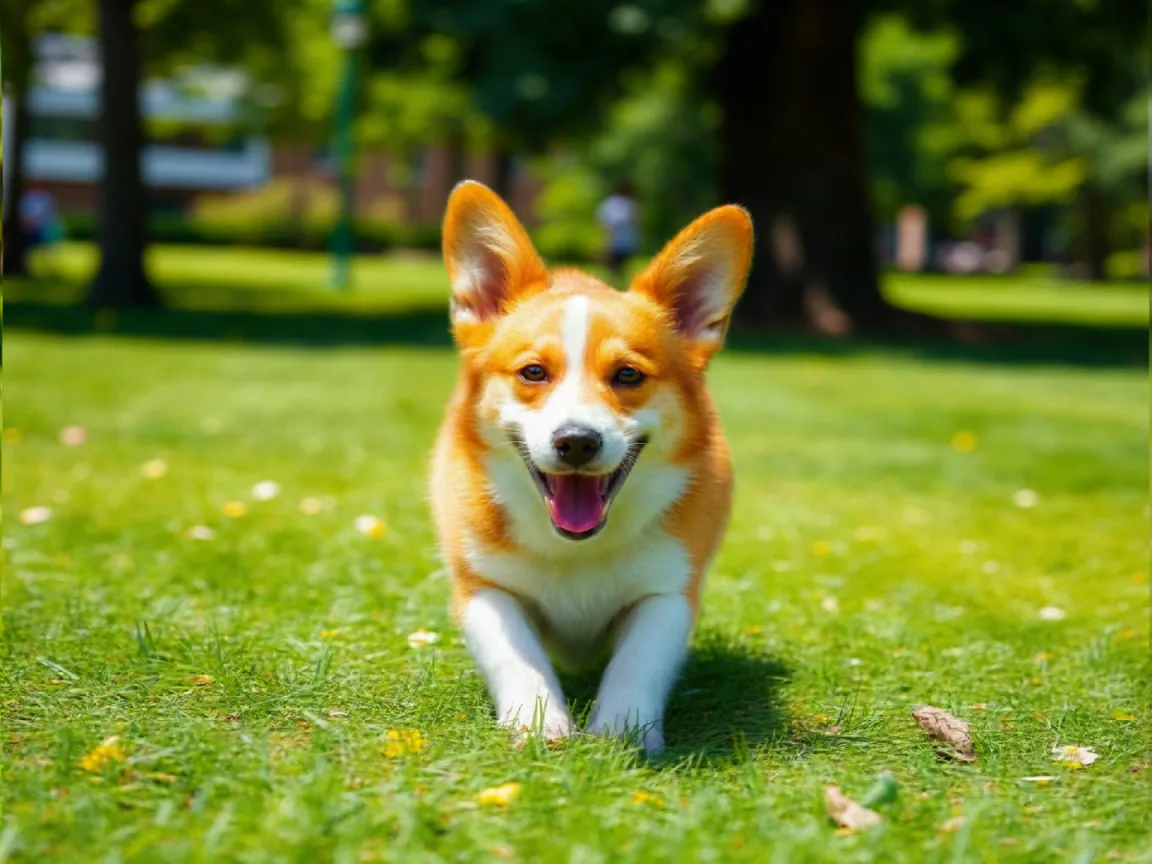
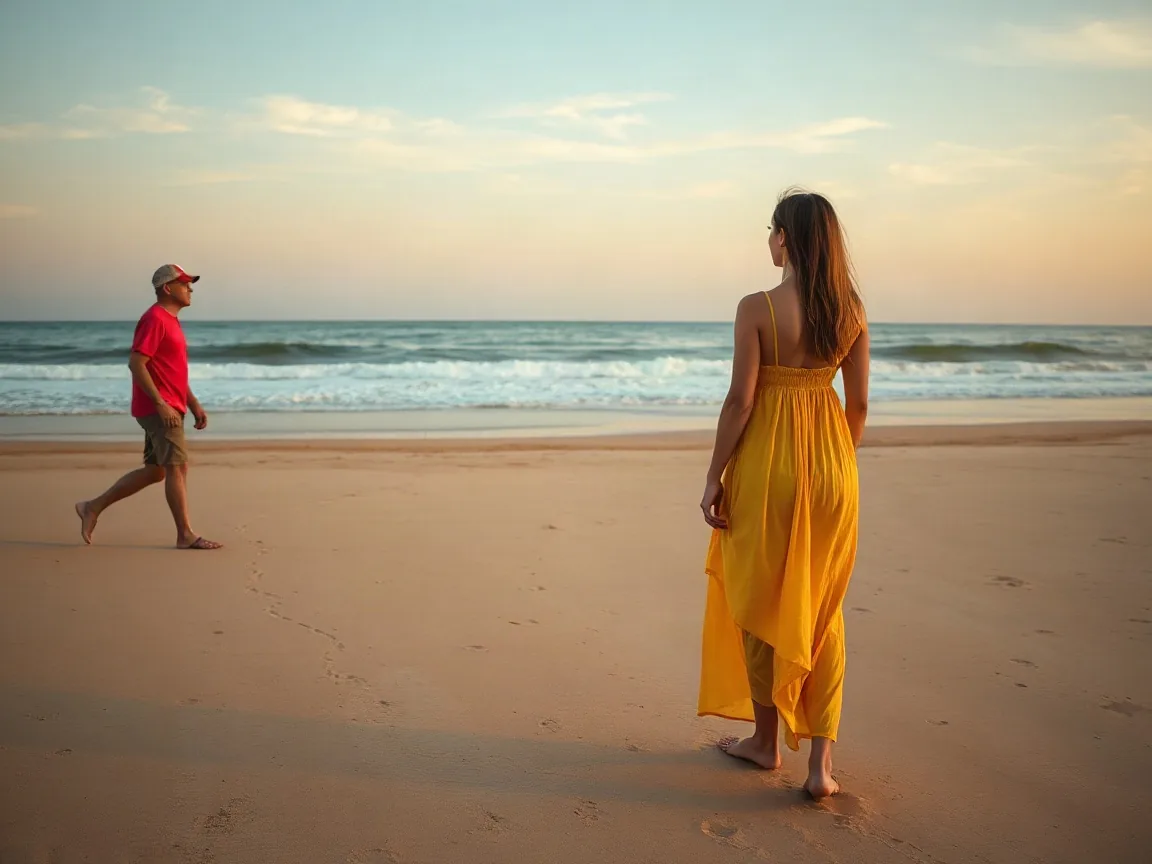
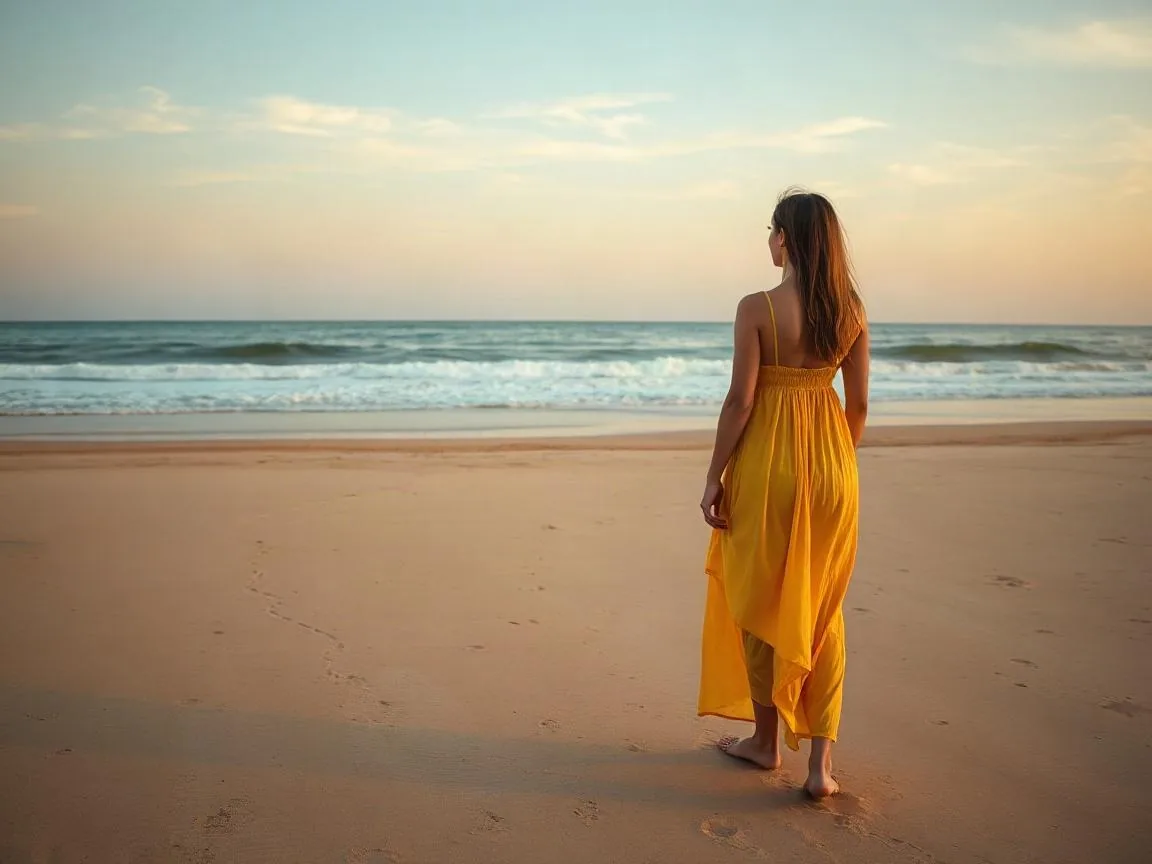
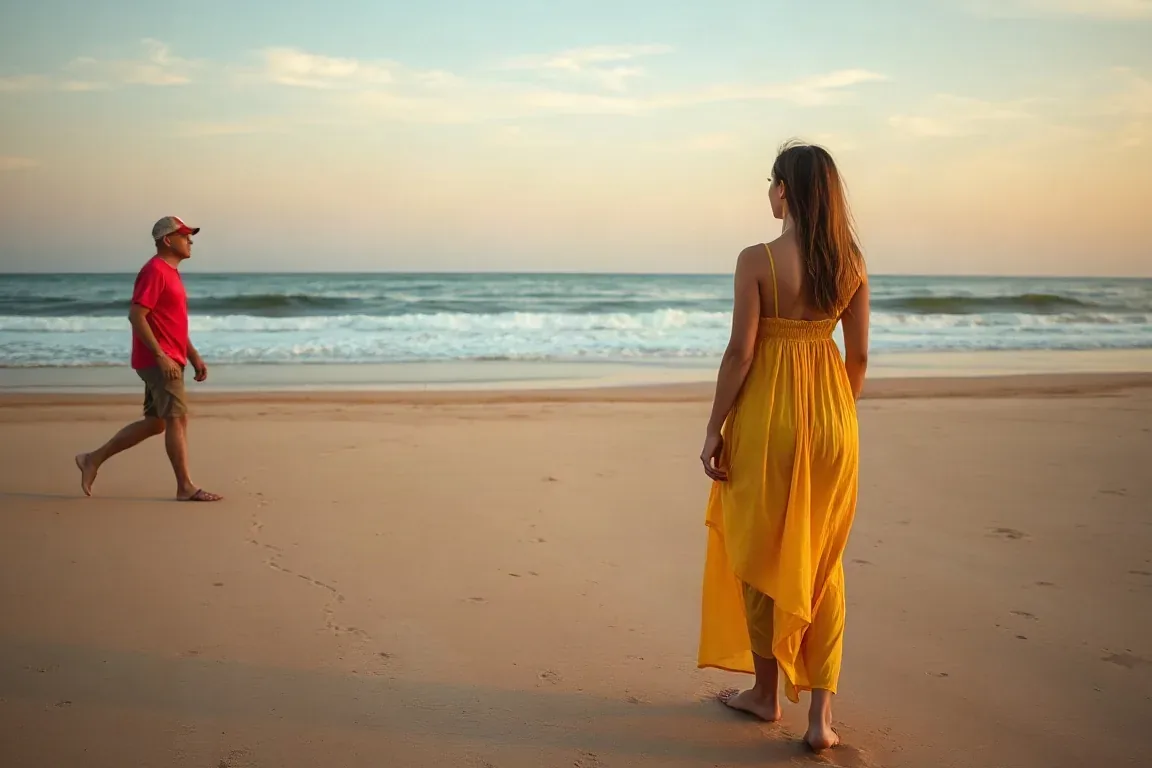
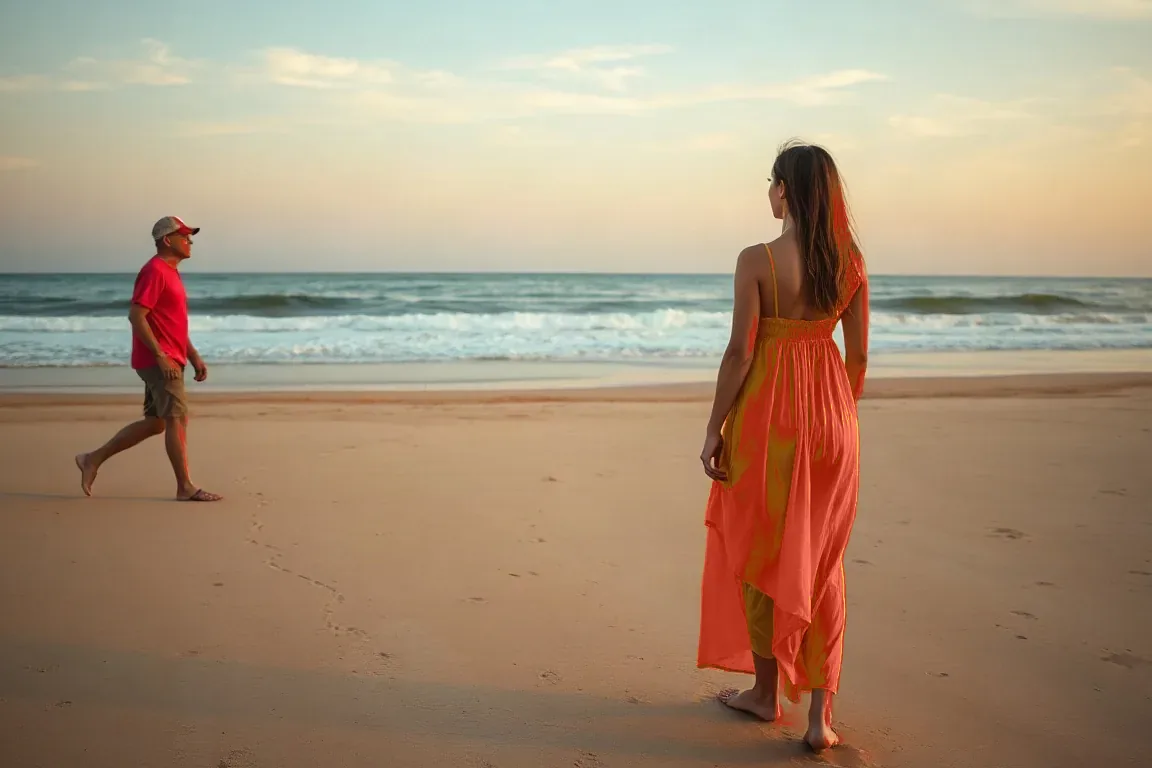
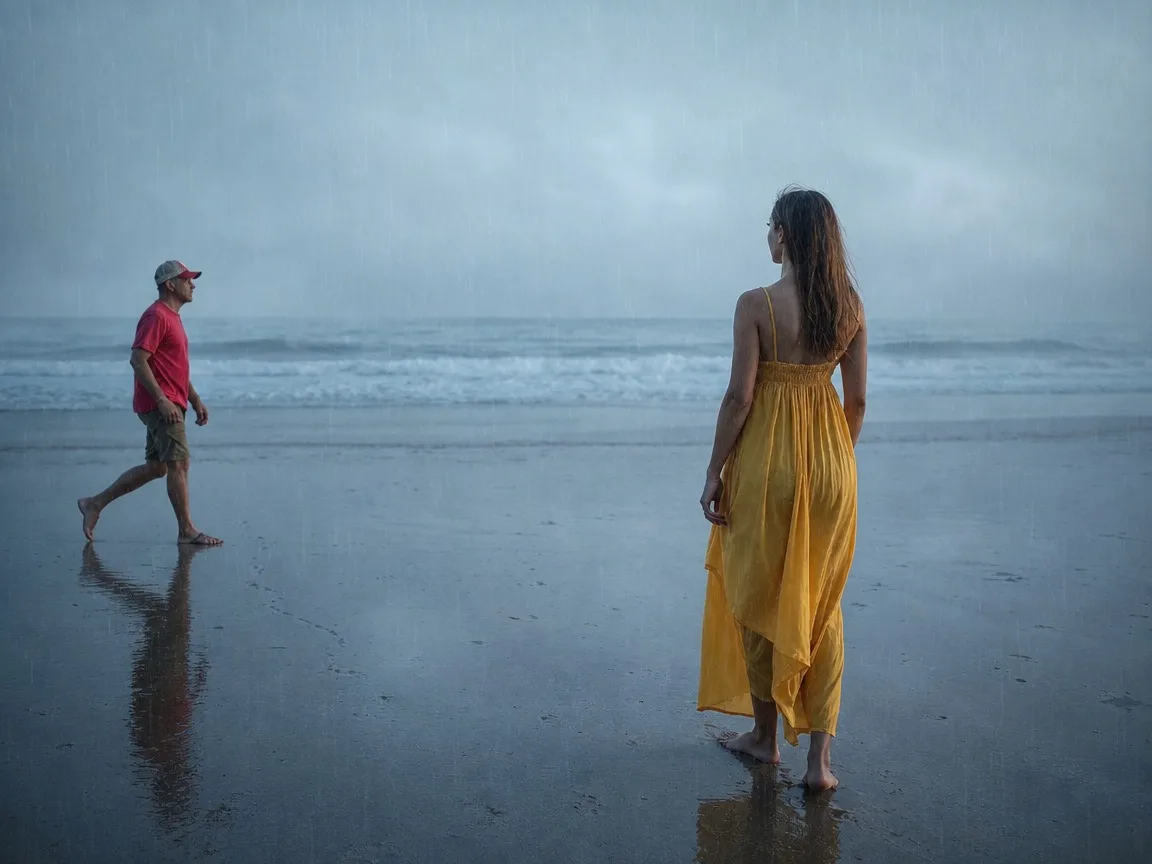
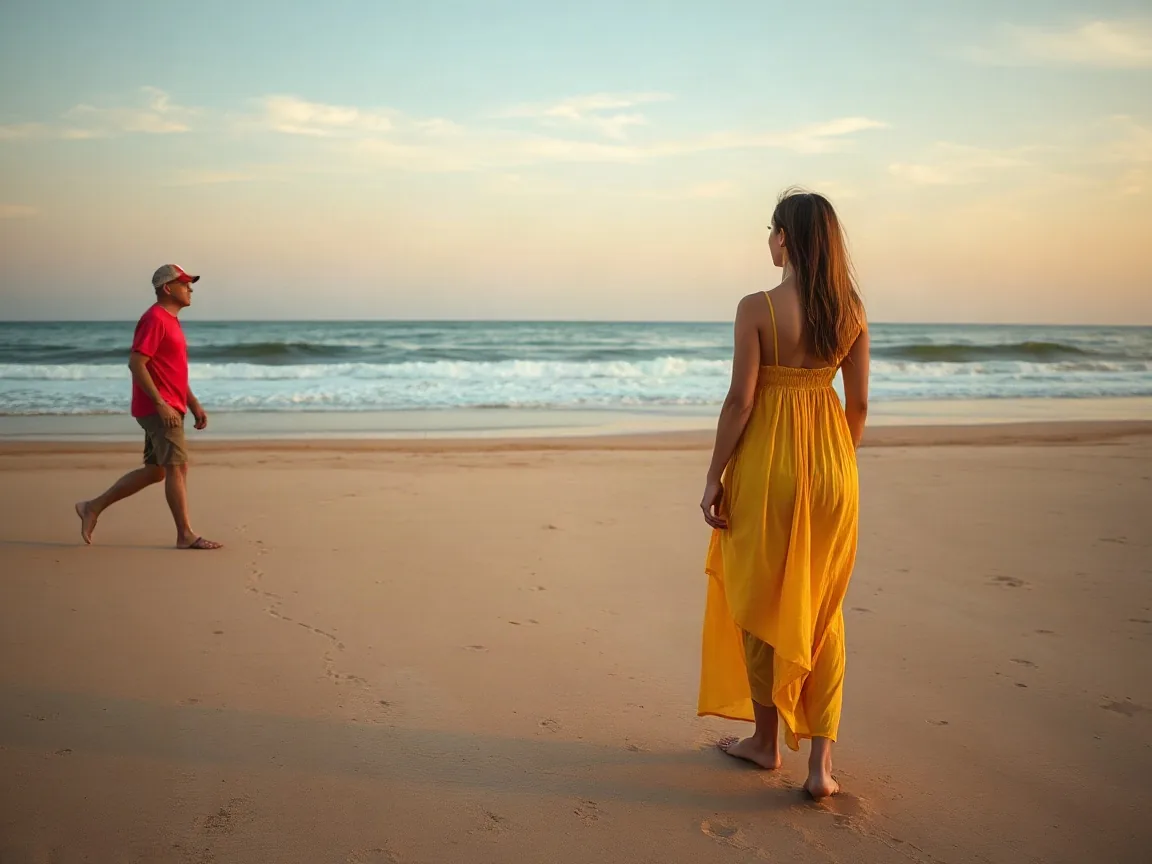
Add rain to a photoHeavy rain

The original people, framing and aspect ratio stay. The filter adds visible rain streaks, mist, wet-ground reflections and a cool grade.

After
Before
BeforeAfter
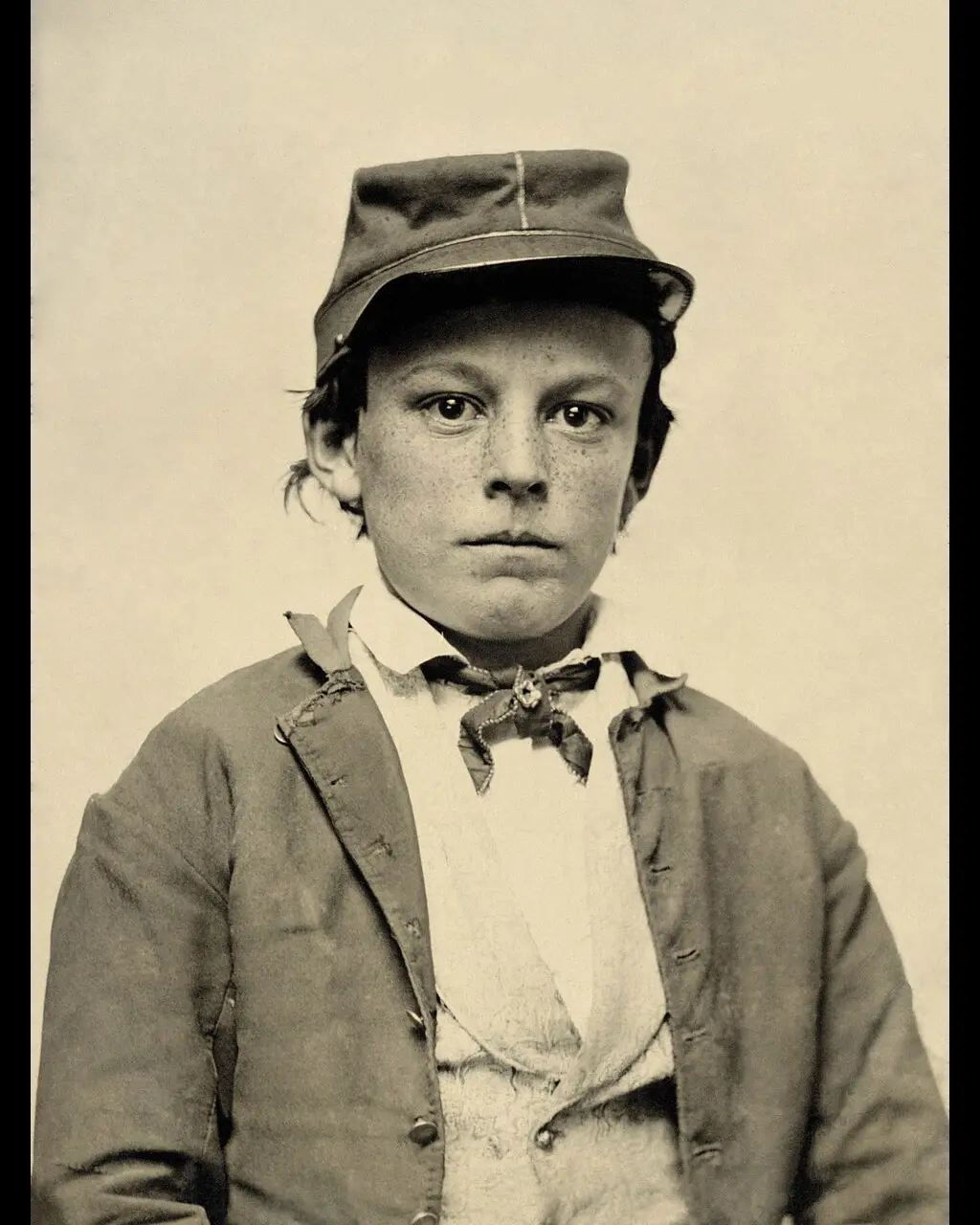
Rain overlay vs rain effectAI rain effect

This page is an AI rain filter: it adds mist and wet-ground reflections on the original frame. It is not a downloadable rain overlay texture pack.

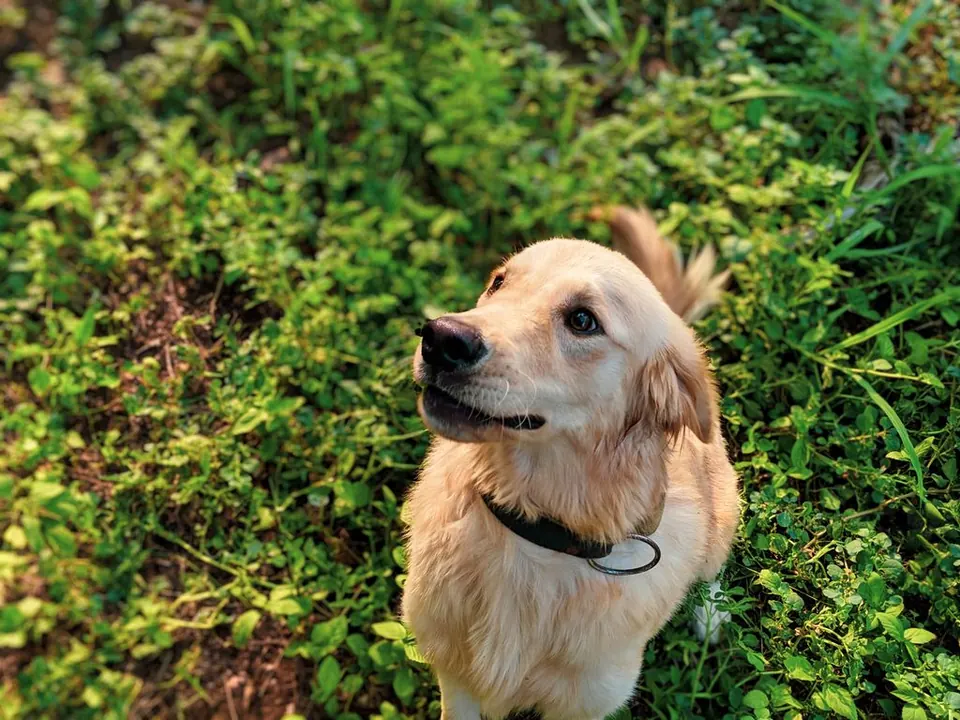
Rain Filter example
Cinematic rain in one click

Streaks, mist, wet ground, cool grade

  • Clear rain streaks and mist without rewriting the subject or layout.
  • Wet-ground reflections and a cool color grade. Day stays day.
  • Locked backend prompt — no free-form playground. Optional light drizzle or heavy rain.
AI rain filter, not an overlay pack

Rain overlay vs rain effect

Many people search for a rain overlay to download. HivePic’s rain filter is an AI rain effect that regrades the whole frame.

Use this rain filter when the scene should stay the same

The model keeps the subject, layout, and time of day, then adds clear rain streaks, mist, wet-ground reflections, and a cool color grade. It does not rebuild the picture as a night scene.

This is not a rain overlay asset pack

If you only need a transparent rain texture to drop over a timeline in another editor, this is not that tool. Here the AI rewrites lighting and atmosphere in one still.

Photos and game screenshots both work

Upload a JPG, PNG or WebP of a photo or a game still you are allowed to edit. Composition and aspect ratio stay the same by default; results can still vary.

After rain, continue in enhancer or upscale

Download the result, then open Image enhancer for exposure or Upscale image for a larger export. Each page does one job.

Más herramientas para esta foto

Sobre esta herramienta

How the tool works, what it costs and what you can use it on.

Version 1.0 · Updated 11 November 2026
Sobre esta herramienta
What does the rain filter do?
It adds an AI rain effect to a photo or game screenshot: clear streaks, mist, wet-ground reflections, and a cool color grade, while keeping the original subject, composition, time of day, and aspect ratio as much as the model allows.
How much does it cost?
5 credits per image. Sign in with Google to get 10 credits a day, and failed jobs are never charged.
How to use it
How to add a rain effect
  1. Upload a photo or game screenshot (JPG, PNG or WebP), or pick a sample.
  2. Keep Heavy rain, or switch to Light drizzle, then run the rain filter.
  3. Compare the rain effect, download, or continue in Image enhancer or Upscale image.
FAQ
Will it change the people or composition in my photo?
By default the tool keeps the original subject, layout and aspect ratio. Results can still vary between runs, so check the compare slider before you download.
Can I use it on game screenshots?
Yes. League of Legends and other game stills work as long as you own the capture or have permission to edit it. Do not upload official promo art you are not allowed to edit.
Is this a rain overlay pack I can download?
No. This is an AI rain effect / rain filter that regrades the whole image. It does not give you a separate transparent overlay layer.
Do I need an account?
No. Without signing in you get 3 credits a day, charged per tool (background removal and upscaling cost 1 credit each, photo restoration 3, unblur, enhance and rain filter 5). Sign in with Google for 10 credits a day and full-resolution HD downloads.
What happens to my images?
Images are processed securely and deleted automatically after 7 days. We never use them for training.
Is the rain result animated?
No. The first version outputs a still frame only — no rain video or looping animation.