Cut the subject out and download a clean transparent PNG in one click. No sign-up.
1 creditNo account: 3 credits a day. Sign in: 10 a day.PNG with alpha
Without signing in you get 3 credits a day, charged per tool. Sign in for 10 a day.
or drop or paste an image · JPG, PNG, WebP up to 20 MB
No image? Try one:
BeforeAfter
De la foto del teléfono a algo que puedes usar
Shot on a phone, cluttered café behindPNG con transparencia realPon el PNG sobre un fondo nuevoVéndelo · Imprímelo · Publícalo
BeforeAfter
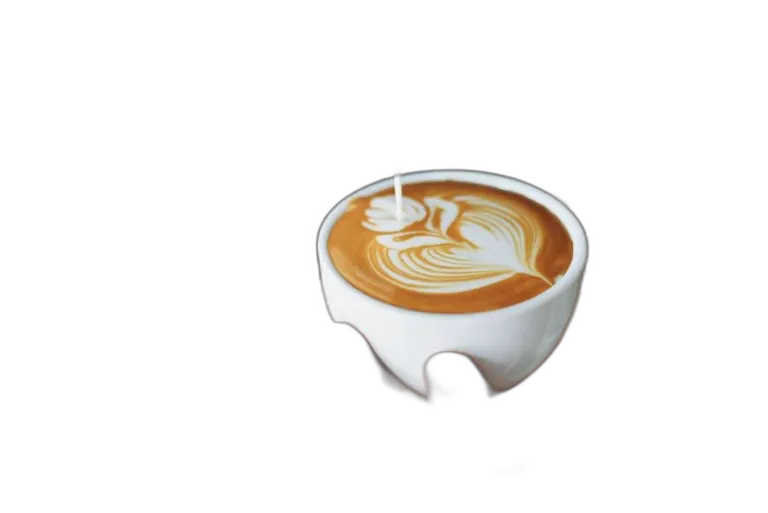
A café cup cut out of a busy backgroundOne click
BeforeAfter
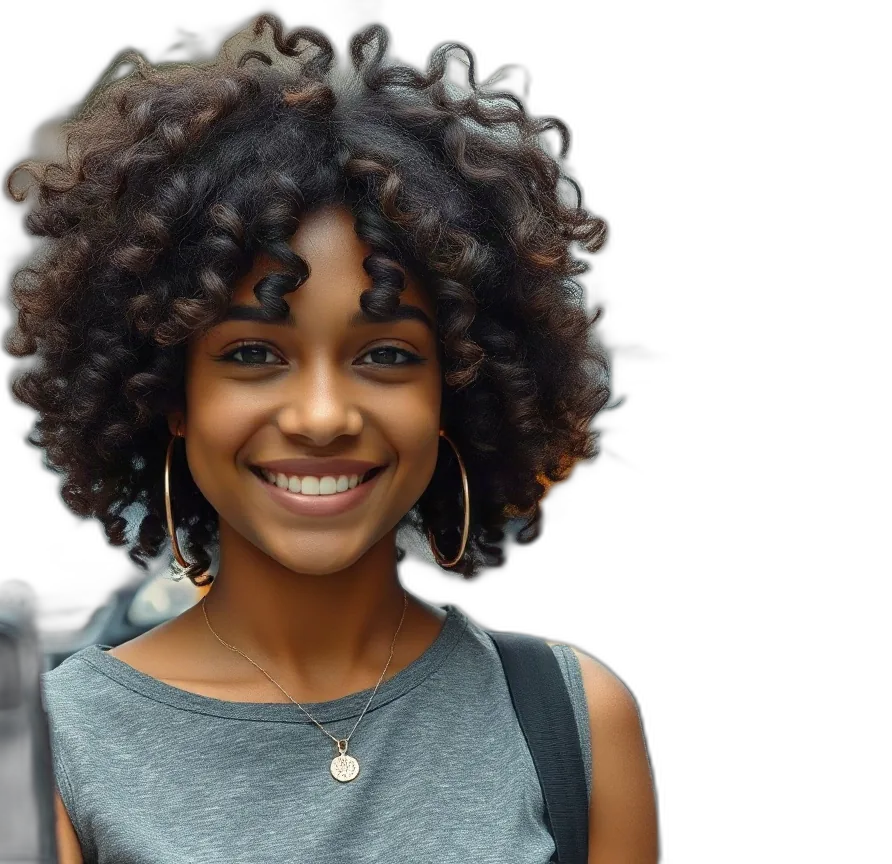
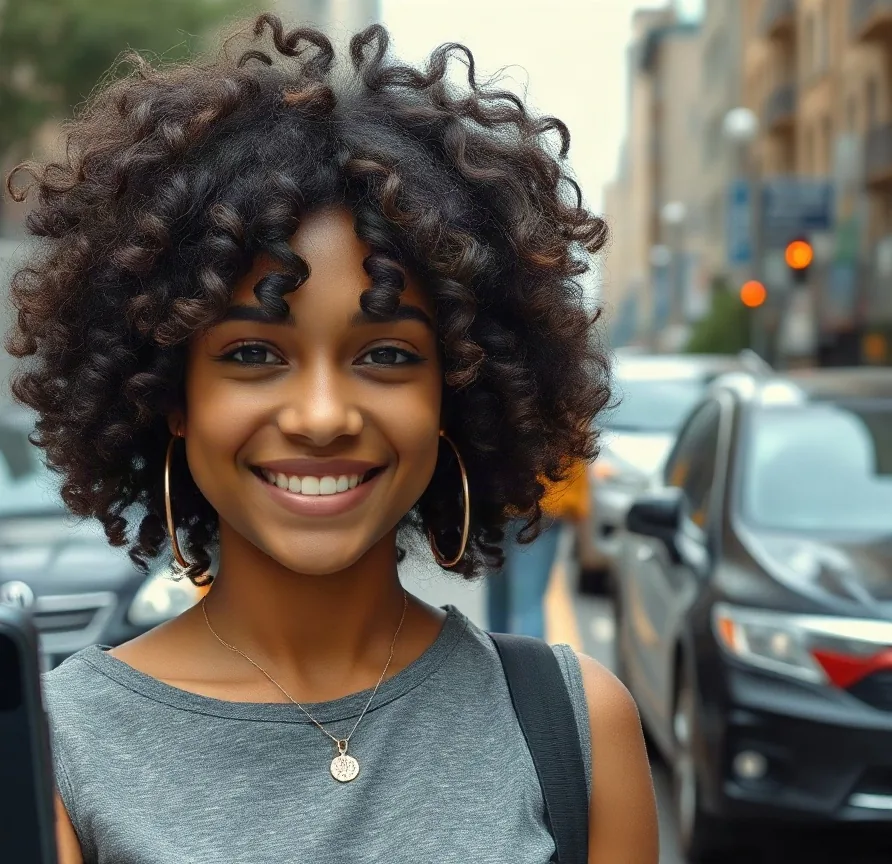
Curly hair cut out from a street backgroundAuto-detect
BeforeAfter
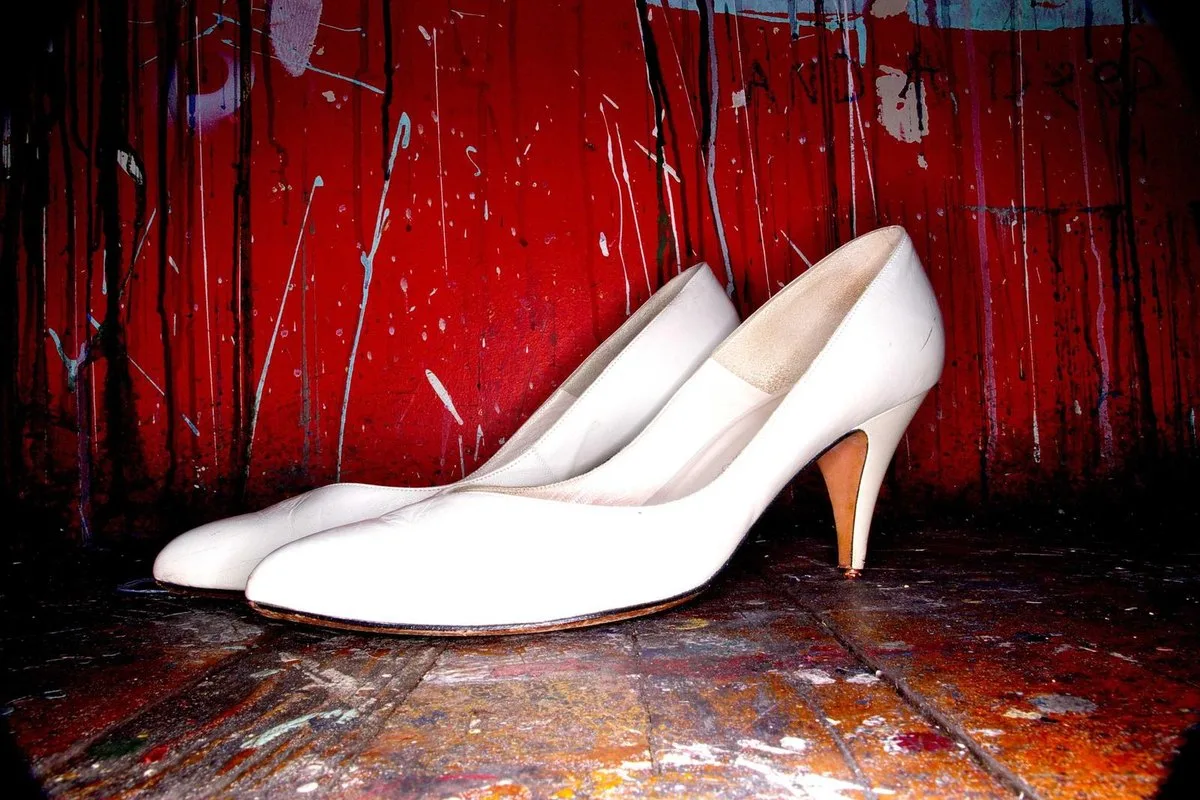
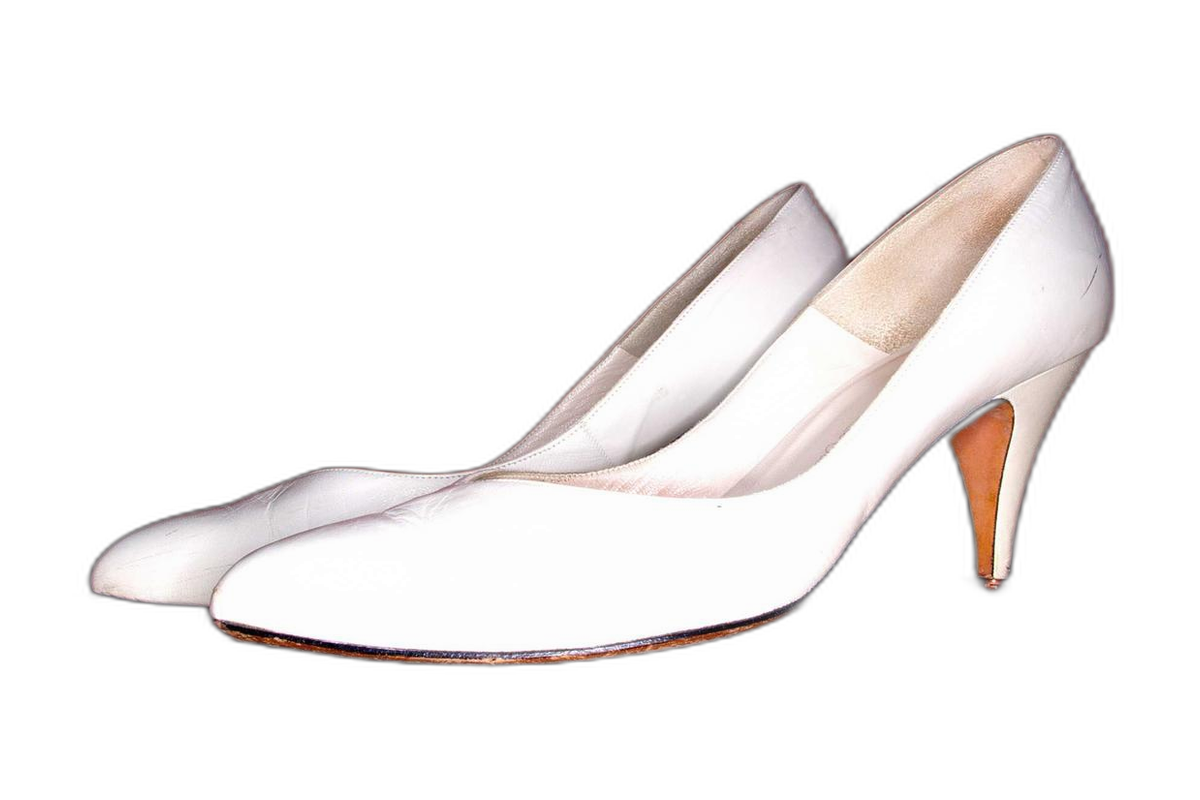
White shoes cut out for a product listingOne click
BeforeAfter
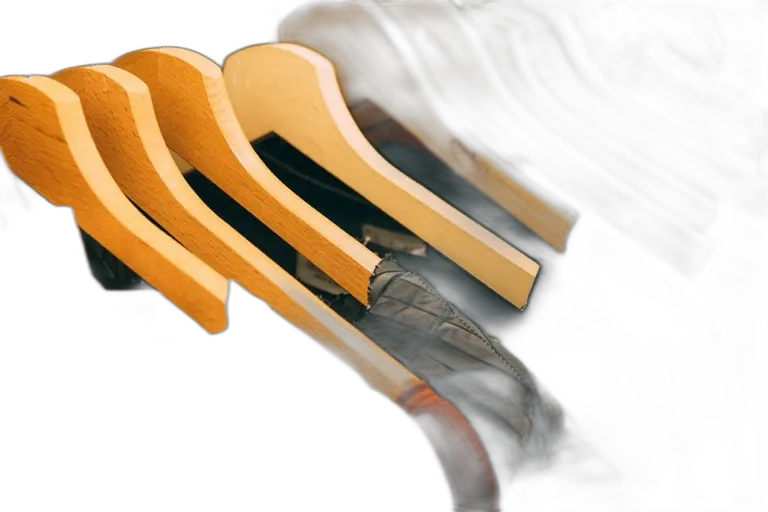
A shirt on a hanger, cut away from the railOne click
BeforeAfter
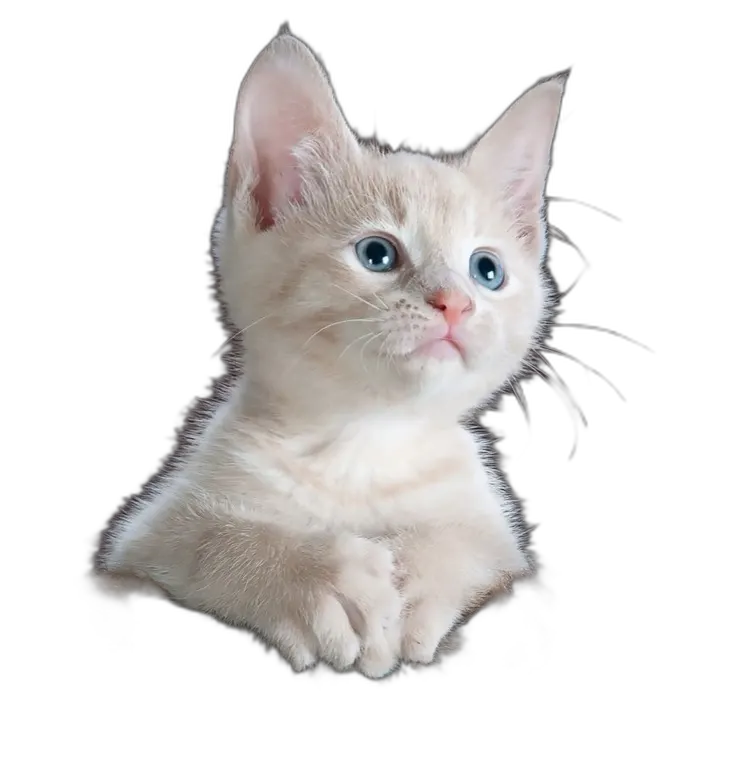
A kitten cut out from a dark chairOne click
BeforeAfter
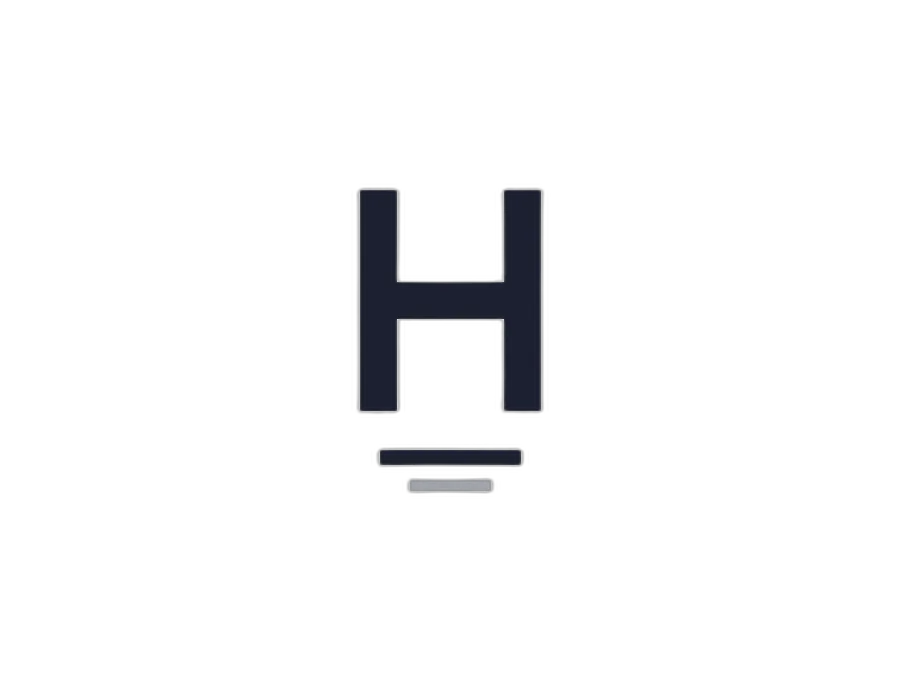
White-background logo cut out to a transparent PNGOne click
BeforeAfter
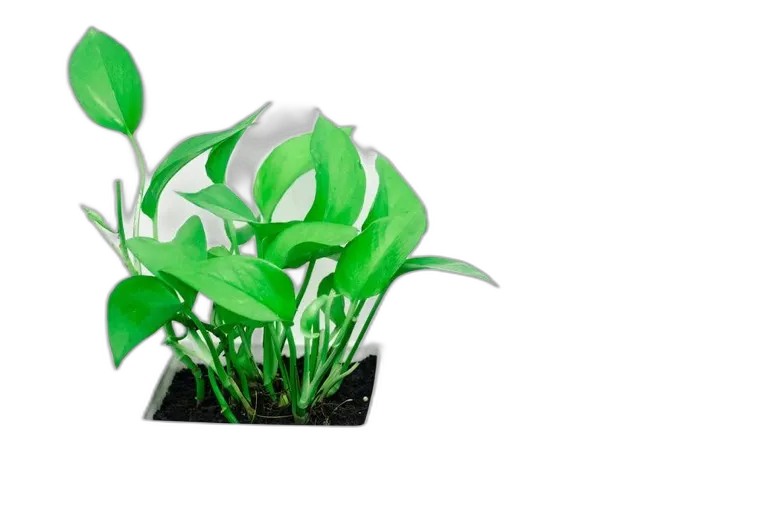
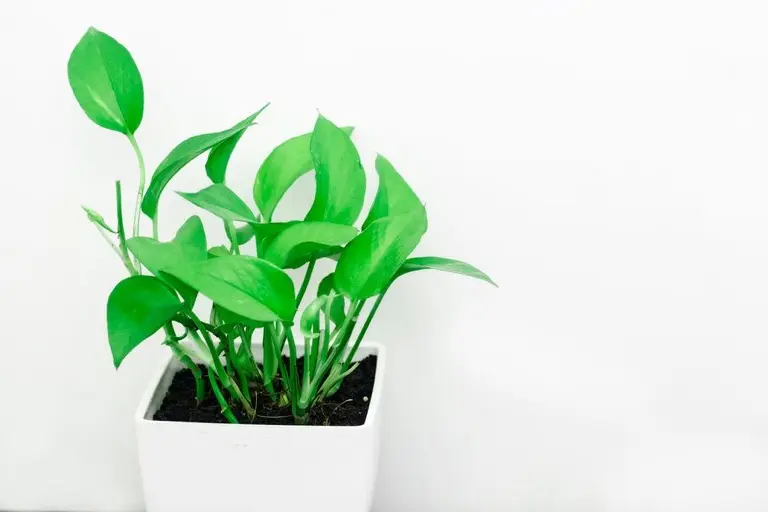
A houseplant cut out to sell or post. White behind the leaves can remain.One click
Edge detail
Edge detail
Clean edges, even around hair and fur
The cutout finds the subject and writes a real alpha edge instead of filling the background with white. Hair is difficult because anti-aliasing mixes the hair color with whatever was behind it, leaving a thin band of half-transparent pixels. Fur is the same problem with more strands. Glass is different: the subject itself is partly see-through, so the edge should keep some of that transparency instead of turning the glass into a solid sticker. On the curly-hair sample, the outer curls stay. The finest flyaways can still disappear. Open that pair on the checkerboard and look at the edge before you drop the file onto a dark color.
Auto-detect finds the subject and leaves the background out.
Hair and fur keep a soft alpha edge instead of a white halo.
Glass can stay partly transparent. A solid fill would be wrong.
Make image transparent in one click
One click runs the whole photo and returns a PNG whose background is already empty alpha. A mask you paint by hand is a different job. Use Remove object when you need to brush out a person, a bin or a sign and keep the rest of the scene. Here you do not paint a boundary. If the subject should sit on a new color afterwards, take the PNG to Image color changer. This page only takes the old background away. The phrase people search, make background transparent, is this one-click alpha result, not a white fill.
Remove a white background without a white outline
To remove white background from image, the difficult pixels are not the pure white field. They are the anti-aliased rim where the subject color was blended with white before the photo was saved. Turning only the pure white transparent leaves that rim behind, and on a dark listing background it reads as a white outline. Check the logo pair above on the checkerboard, then the shoes and the shirt: the cutout keeps a soft alpha edge instead of a chalky fringe. This page will remove white background. It will not repaint the rim a second time.
A real transparent PNG, not a white canvas
A transparent background PNG stores an alpha channel. White pixels are a color. Alpha is the absence of a color. After you download, open the file on black, or look at the checkerboard behind the curly-hair result on this page. If you see the squares through the gap, the alpha is real. If every gap is solid white, the file was flattened. JPG always flattens. Export PNG.
Logos and product shots for listings
To remove background from logo art, a flat mark on one color usually has a hard edge, and the cutout is a transparent PNG you can drop into a slide. A product photo is a different file: more pixels, softer edges, and marketplaces often want the main image on white. This tool does not paint that white for you. Cut the subject out here, then composite the PNG onto white, or onto a color from Image color changer, in whatever layout the listing asks for.
How the tool works, what it costs and what you can use it on.
Version 1.2 · Updated 13 November 2026
Sobre esta herramienta
What does the transparent background maker do?
It separates the main subject from its background and saves the result as a PNG with a real alpha channel. The transparent areas stay transparent, so you can drop the image onto any color or scene.
How much does it cost?
1 credit per image. Sign in with Google to get 10 credits a day, and a failed job is never charged. Buying a pack is a one-time purchase, not a subscription.
How to use it
3 steps
Upload a JPG, PNG or WebP, or pick one of the samples.
Let auto-detect find the subject, then check the edges.
Compare before and after and download the transparent PNG.
FAQ
Which formats can I upload?
JPG, PNG and WebP up to 20 MB. The result is always a PNG so the transparency is preserved.
How do I make an image transparent?
Upload a JPG, PNG or WebP, or pick a sample.
Run the cutout and check the edges around hair or fine detail.
Download the PNG. The background is empty alpha, not a white fill.
Do I need an account?
No. This cutout costs 1 credit. Without signing in you get 3 credits a day. Sign in with Google for 10 credits a day. A failed job is not charged.
Can I use the result commercially?
Yes, for images you own or have the rights to edit. Only upload your own photos or material you are licensed to modify.
How do I remove a white background without leaving an outline?
Run the cutout, then open the PNG on a dark color or on the checkerboard in the compare slider. Anti-aliased edge pixels are a mix of the subject and the white behind it. If a pale rim remains, that rim was in the source pixels. The download does not fill those pixels back in with white.
Is the result a real transparent PNG with alpha?
Yes. Empty areas are alpha, not a white pixel painted to look empty. Download the PNG, open it on a dark background or a checkerboard, and you should see that pattern through the gap. JPG cannot store this. A file that looks white in every viewer is not a transparent background PNG.
Can I cut out a logo for a listing or a slide?
Yes, when you are allowed to edit the logo or product photo. A flat logo on a plain color usually has a hard edge. A product photo has softer edges and a higher-resolution file. This page returns a transparent PNG. If the marketplace asks for a white main image, place that PNG on white yourself. The tool does not export a white canvas.
What happens with glass, veils or very fine hair?
Glass and veils are partly the subject, so some of that transparency should remain. Very fine hair is a fringe of mixed pixels. The curly-hair sample keeps the main curls. Single flyaway hairs can be lost. Look at the edge on the checkerboard before you rely on it.
Does it work on a screenshot or a product photo from a phone?
Yes. JPG, PNG and WebP from a phone or a screen capture are accepted up to 20 MB. A product on a plain backdrop is the easy case. A screenshot with type behind the subject is harder because the letters sit close to the edge.
Is there a file size limit and does the size change?
The upload limit is 20 MB. The cutout does not enlarge the photo and does not change how many pixels are in the frame. You get a PNG at the same pixel size, with the background removed.