

Recolor a whole image
Shift a dominant palette on products, fabrics and everyday photos. Sample a midtone, pick a new hex, and preview before you download.
Same image. A whole new mood. Pick a color and make it yours — free, right in your browser.
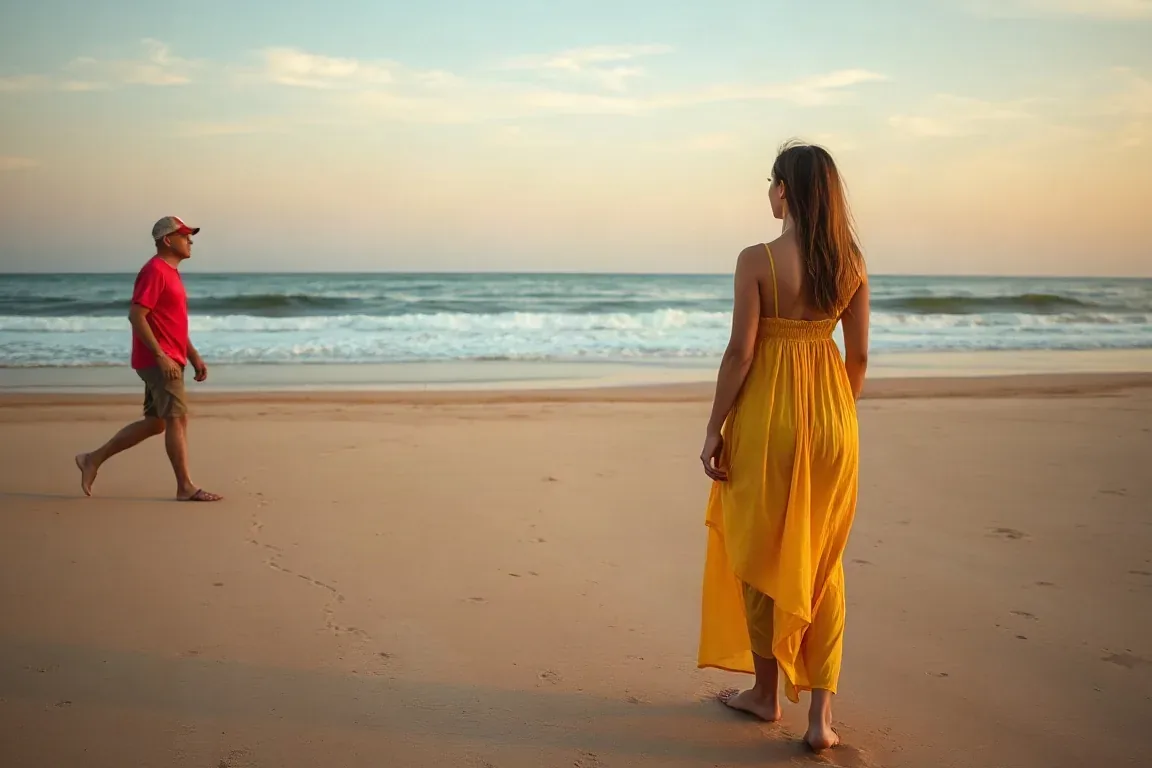
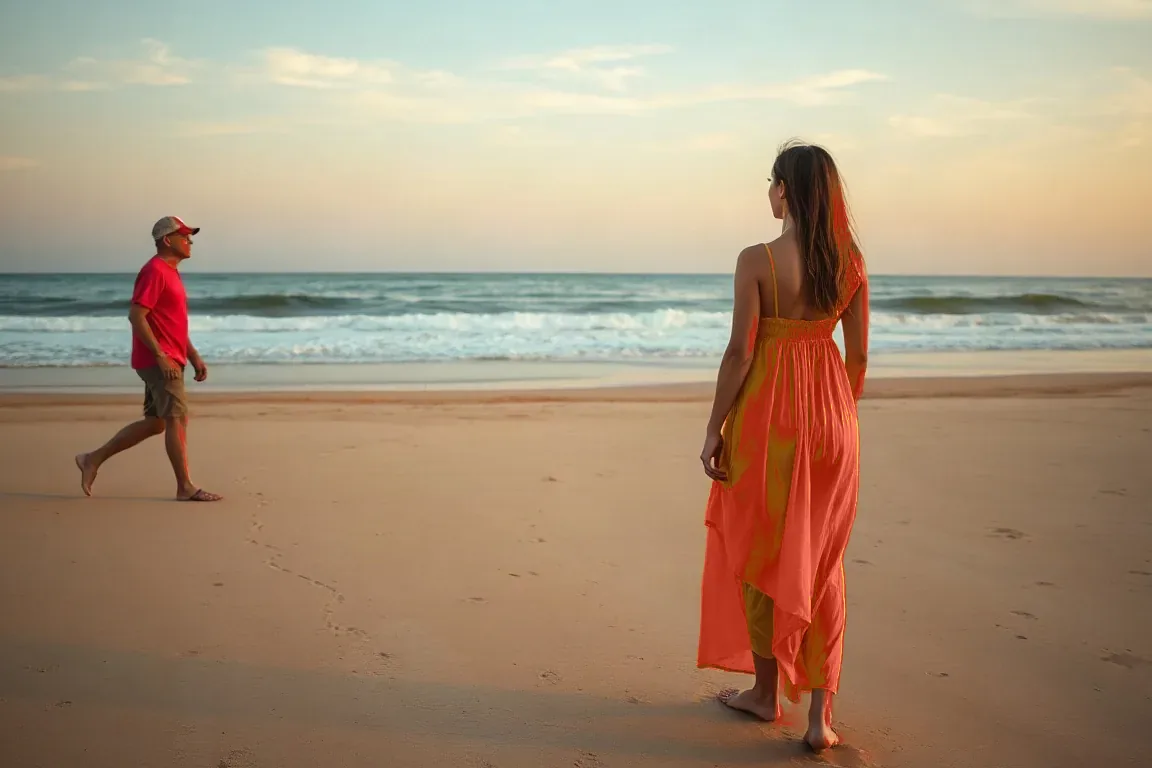
A real input and its processed result. Upload a clear image with one main subject to try your own.
Whole-image palette, background, logo and transparent PNG — each with a real before/after from the free local editor.
Shift a dominant palette on products, fabrics and everyday photos. Sample a midtone, pick a new hex, and preview before you download.
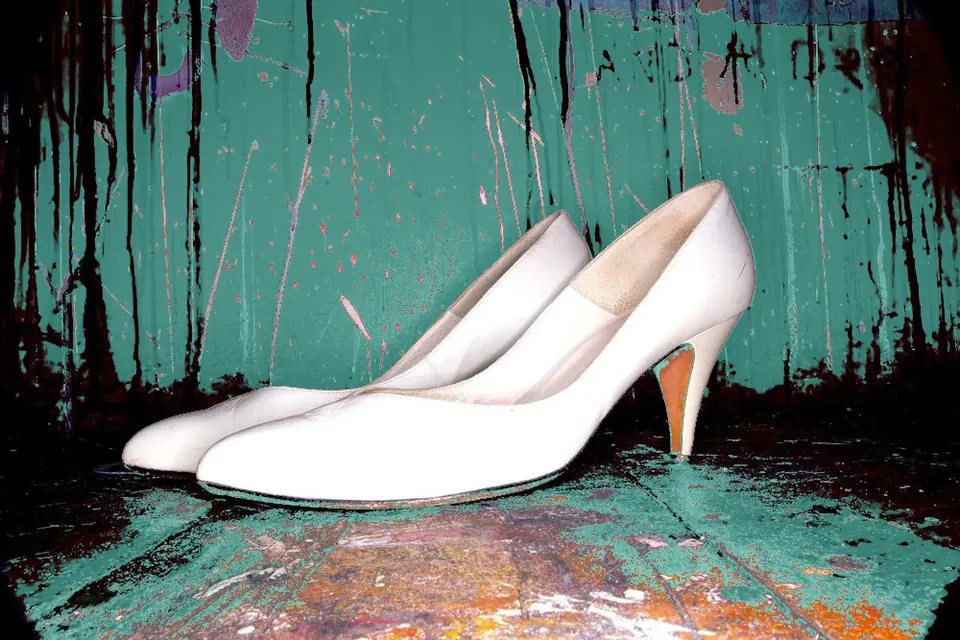

Give a flat backdrop a new setting. Local mode replaces matching colors across the frame; use AI when the subject and background share similar shades.
Swap a brand mark to an exact hex while keeping sharp edges. Start from a transparent PNG so empty pixels stay empty.
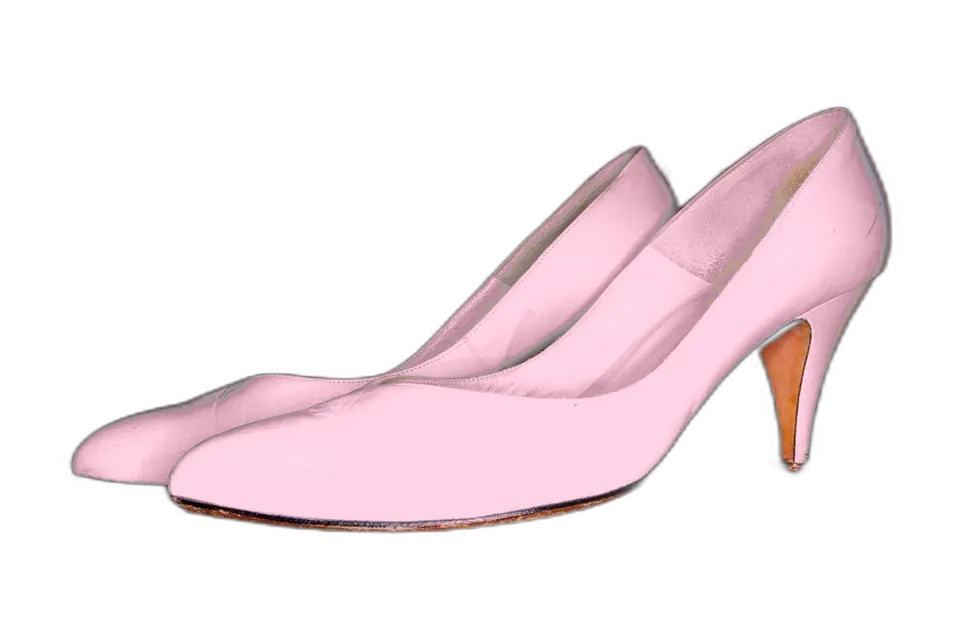
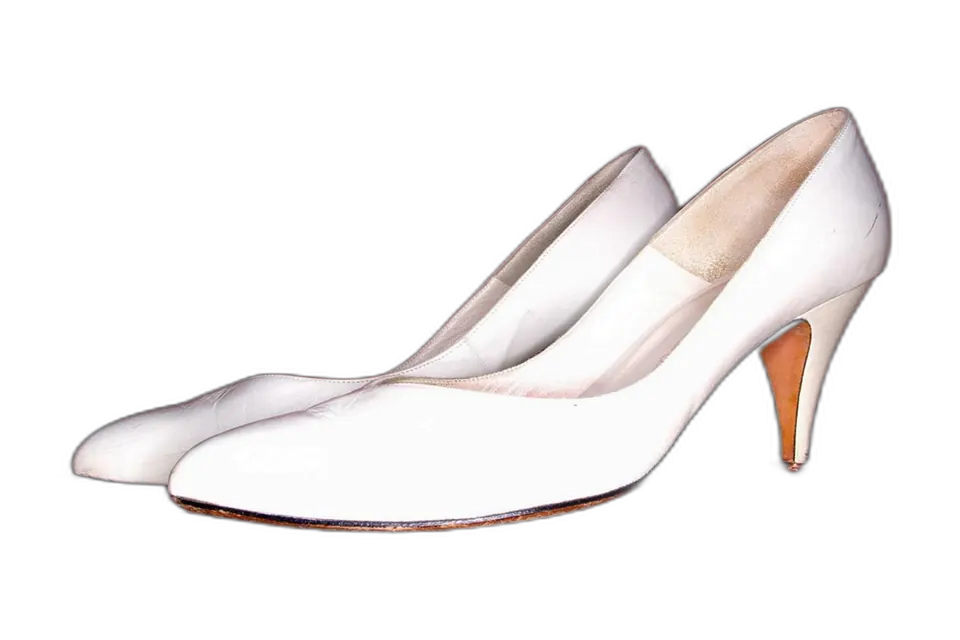
Recolor a cutout or icon without painting the transparent canvas. Alpha stays intact on every export to PNG or WebP.
Use the local color picker for a garment with a distinct color. The editor keeps relative brightness to retain shading. If the same color appears elsewhere, use AI to describe the specific garment.
Pick a midtone in the hair and increase tolerance gradually. Local matching does not recognize hair as a region. AI can interpret a hair-only color instruction, though generated details may vary.
Yes. Upload, paste, choose colors, compare and export without an account, a watermark or credits. Files selected on this device stay in the browser during local editing.
It controls the RGB distance from the sampled source color. Increase it to include more similar shades. Matching applies across the whole image, not just the clicked region.
Yes. The local editor never changes alpha. Export PNG or WebP to keep it. JPG export flattens the image onto white.
Click a midtone rather than a bright highlight so shading stays natural. Change one source color per export. For several color changes, download and reopen the result.
Local mode works best when a backdrop has a distinct flat color. It replaces matching colors across the whole image; it does not segment the background. Use AI for a scene where the subject and background share similar colors.
Start with a high-resolution transparent PNG with flat colors. Sample a brand color and set an exact target hex. Fully transparent pixels stay unchanged; export PNG or WebP to keep the alpha channel.
Yes. Color replacement skips fully transparent pixels and retains alpha on every other pixel. Download PNG or WebP for a transparent file. JPEG cannot store transparency.
Use AI for semantic instructions such as changing only a jacket or a scene background. It uploads your image for processing and costs 2 credits per run. Failed jobs are refunded. AI may alter details and does not guarantee original alpha.
Sign in for your available daily credits or purchase a pack. The free local editor and downloads remain available.
Version 1.1 · Updated 15 November 2026