Home/Restauración de fotos: restaura fotos antiguas en línea
Restauración de fotos: restaura fotos antiguas en línea
Restauración de fotos para arañazos, pliegues, roturas y color apagado. Una foto cuesta 3 créditos, y sin cuenta puedes hacer una al día.
3 creditsNo account: 3 credits a day. Sign in: 10 a day.PNG
Without signing in you get 3 credits a day, charged per tool. Sign in for 10 a day.
or drop or paste an image · JPG, PNG, WebP up to 20 MB
No image? Try one:
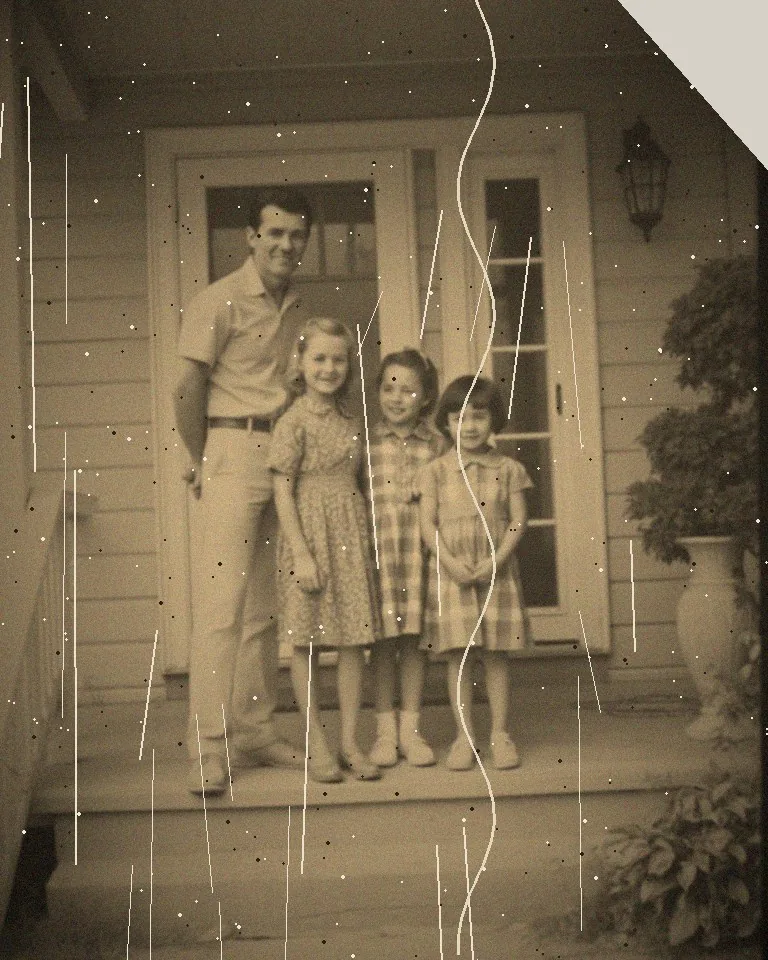
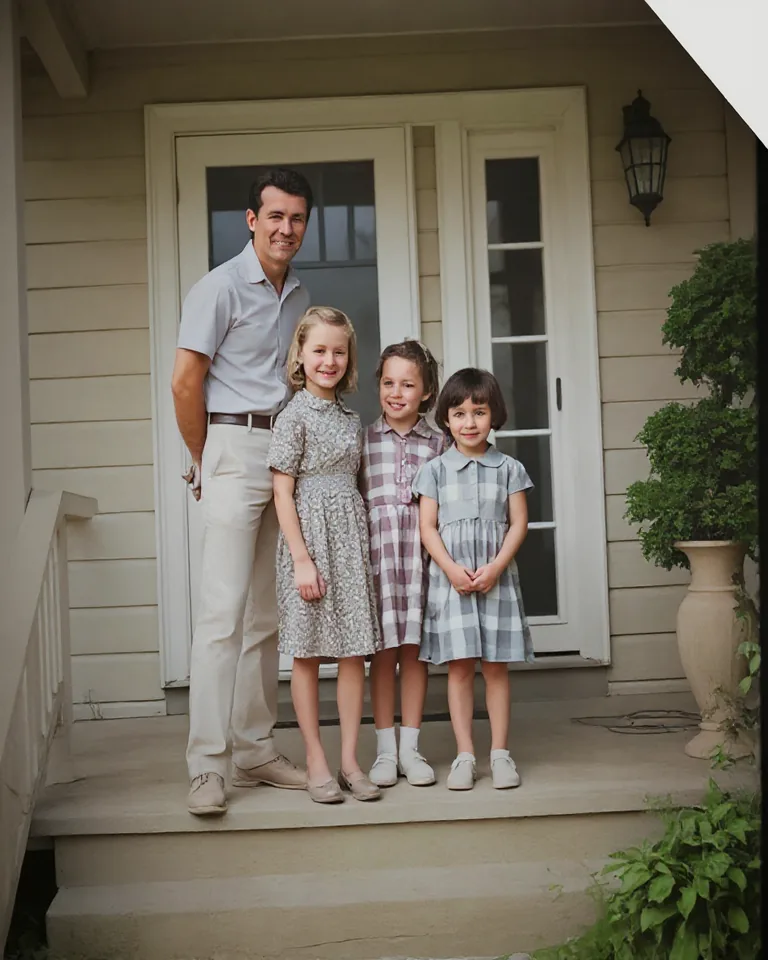
Grandma, 1962restored
Antes y después de la restauración
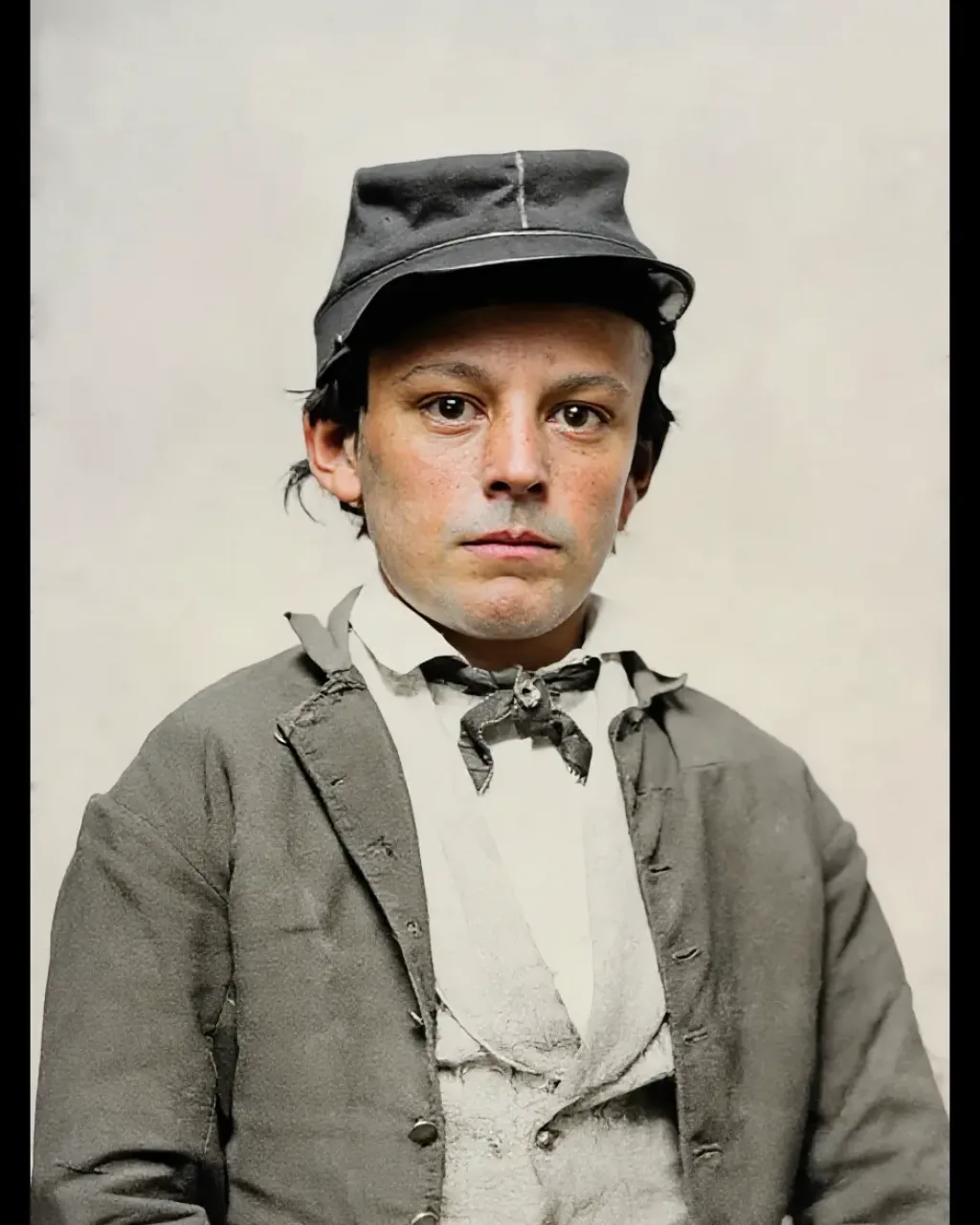
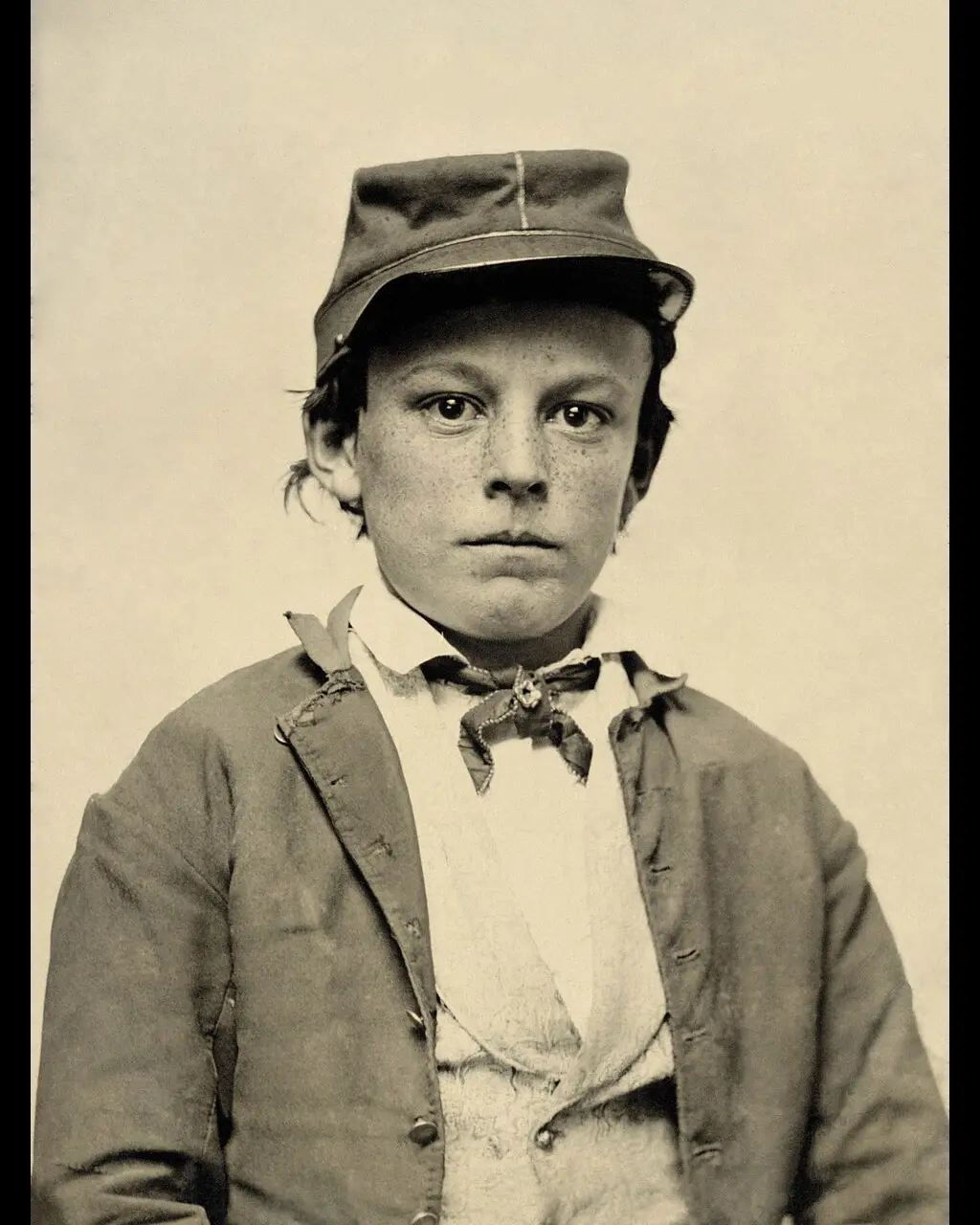
Cuatro resultados reales. Los arañazos pueden quedar. Una cara rota puede volver como otra persona. El color es una estimación.
BeforeAfter
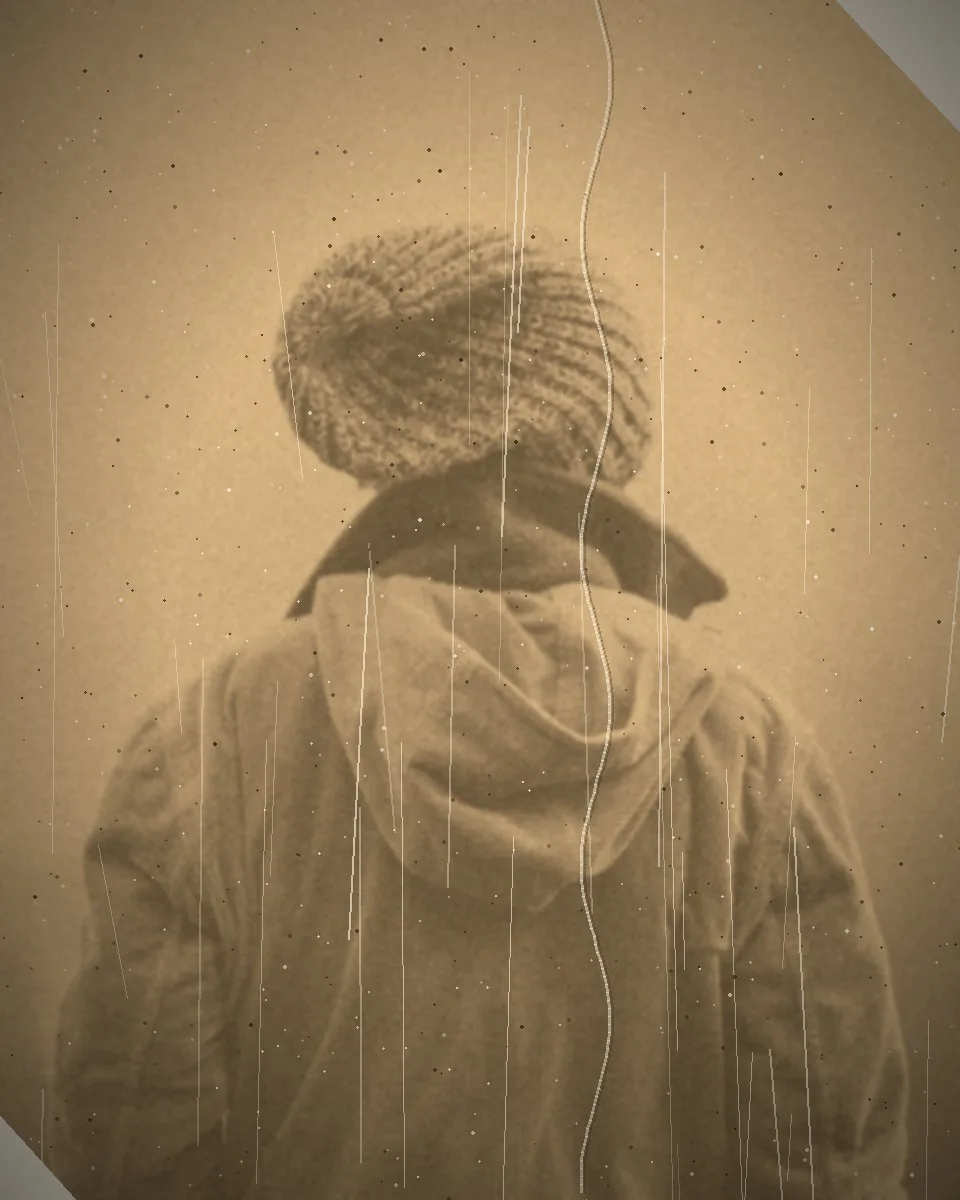
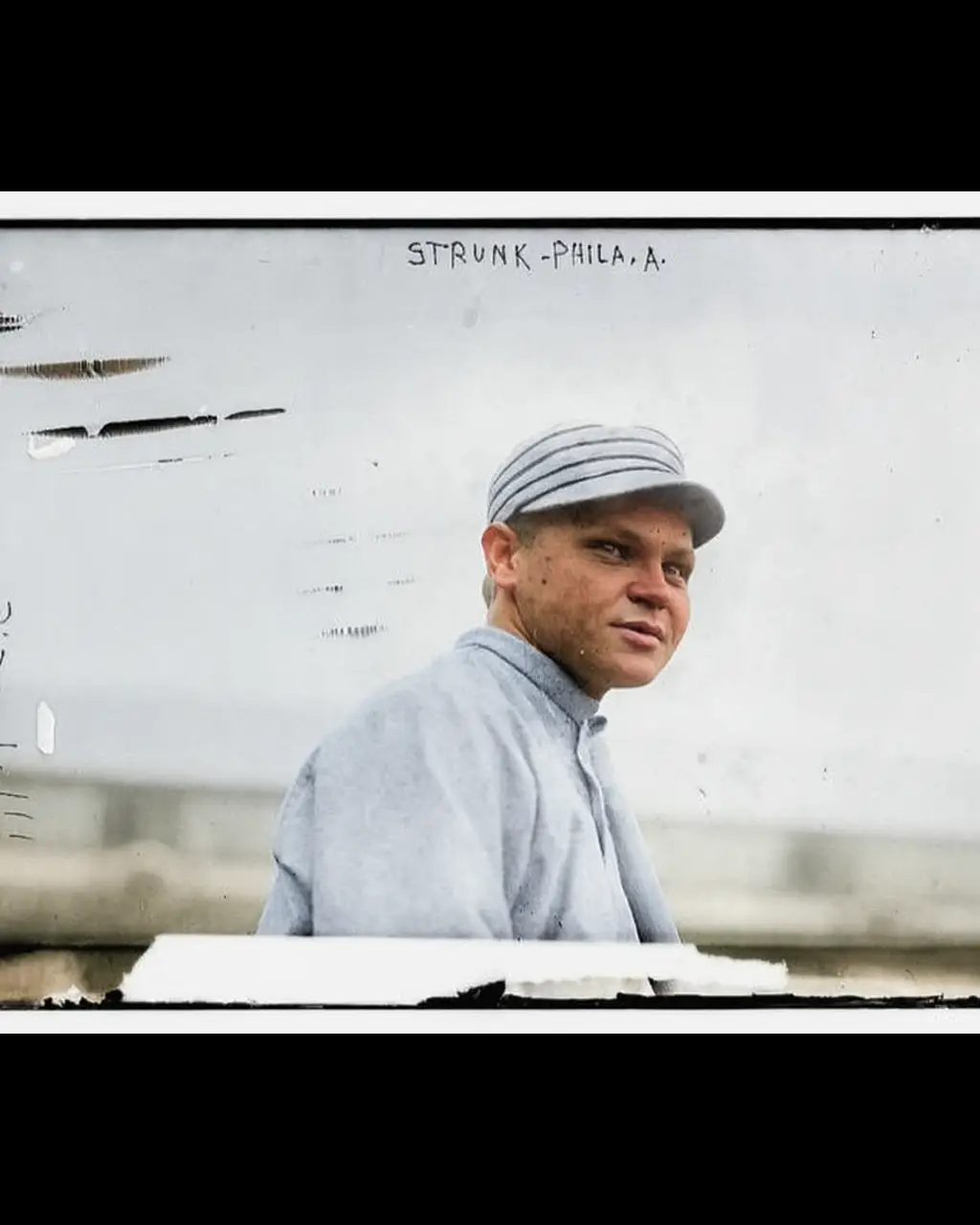
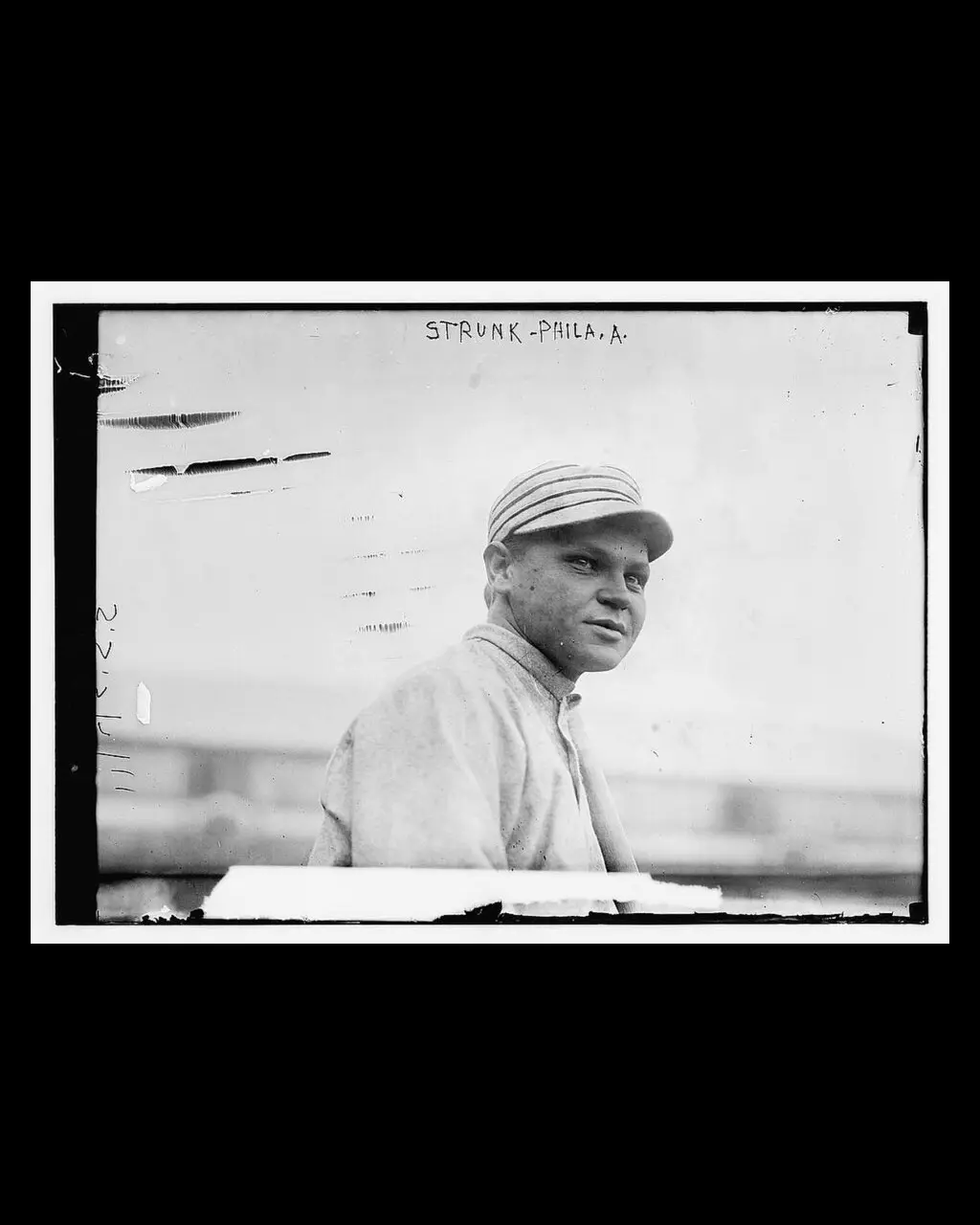
Scratches on a baseball portrait. Fine lines in the sky are still visible after one pass.Scratches
BeforeAfter
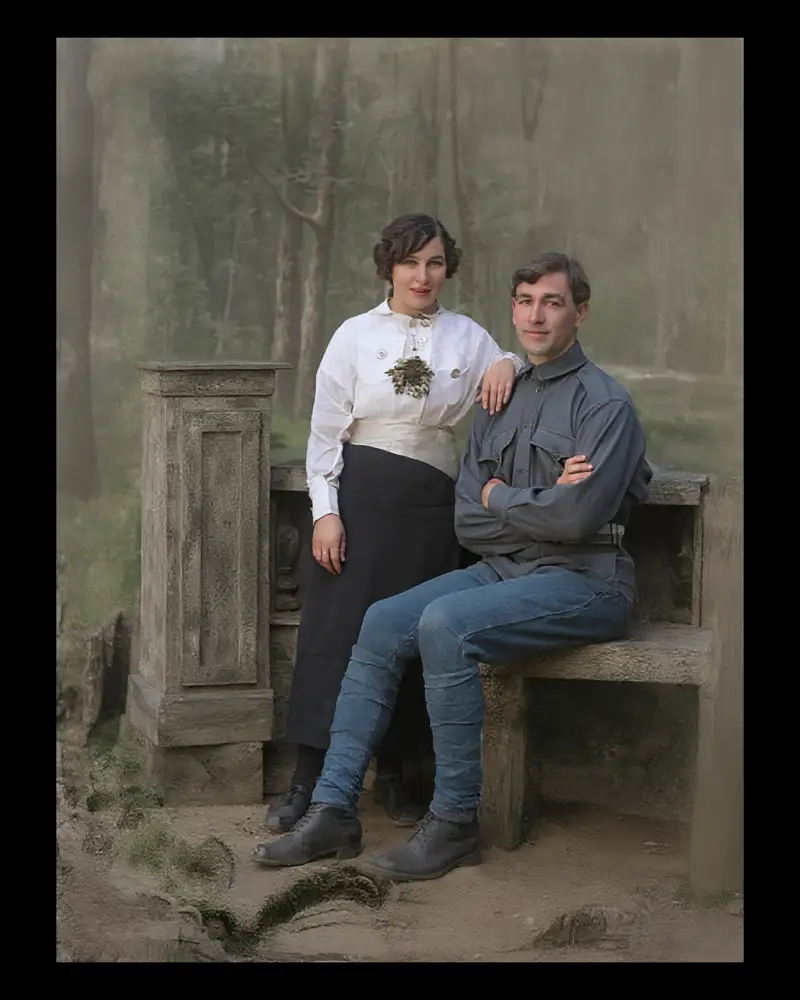
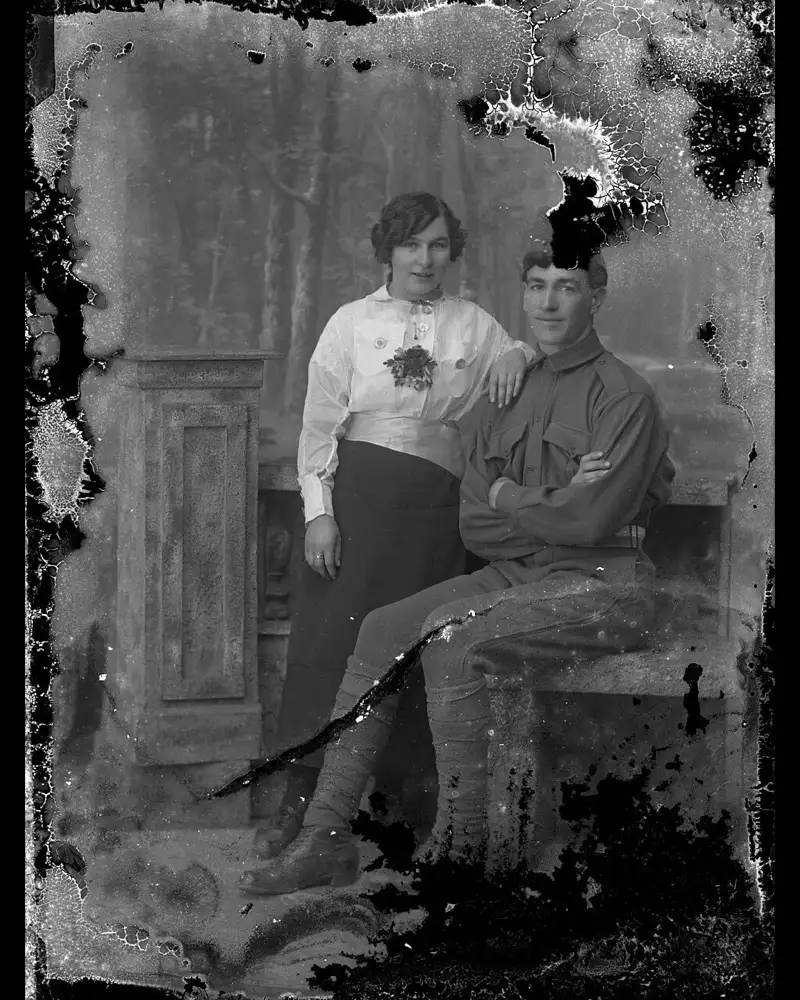
A torn print. The missing emulsion is filled, and both faces are redrawn rather than merely sharpened.Crease
BeforeAfter
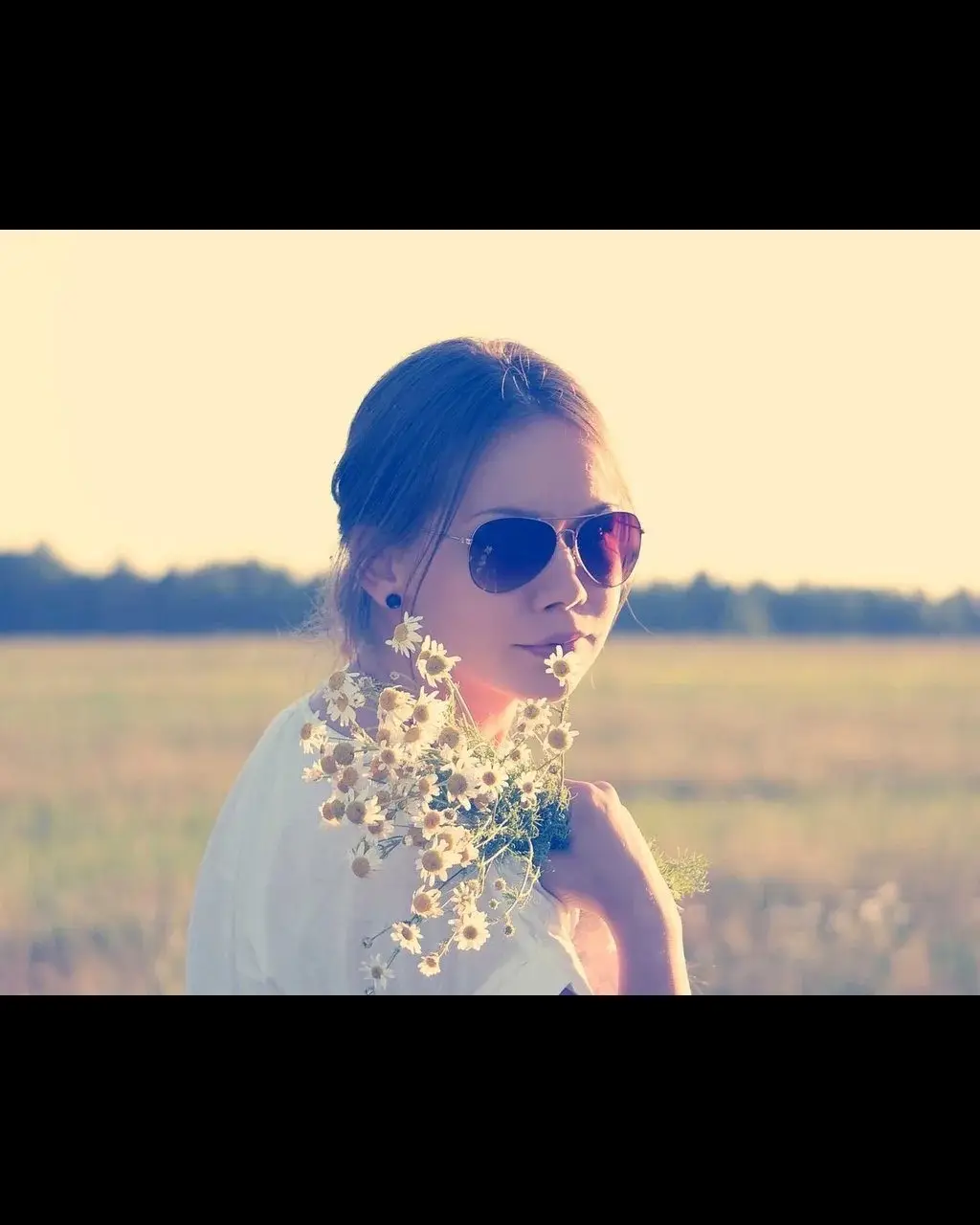
A sun-faded snapshot. Photo restoration brings contrast back in the same run as the color.Faded
BeforeAfter
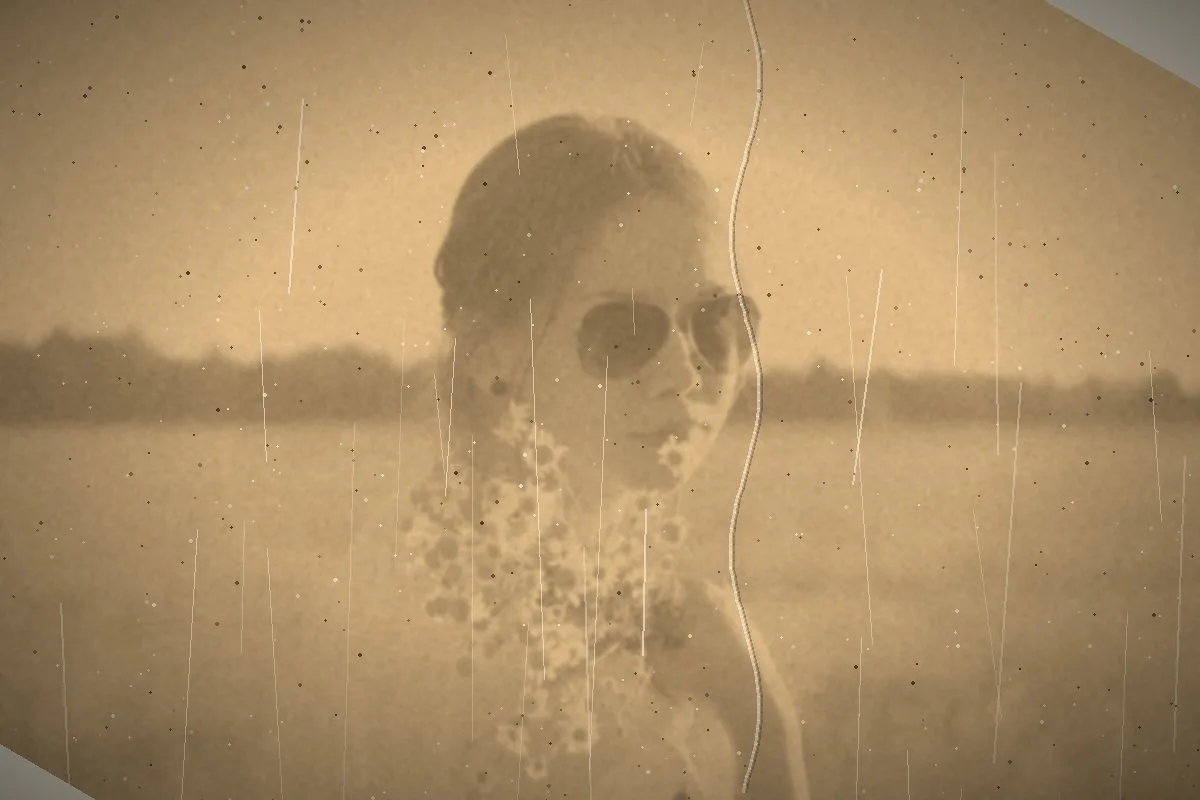
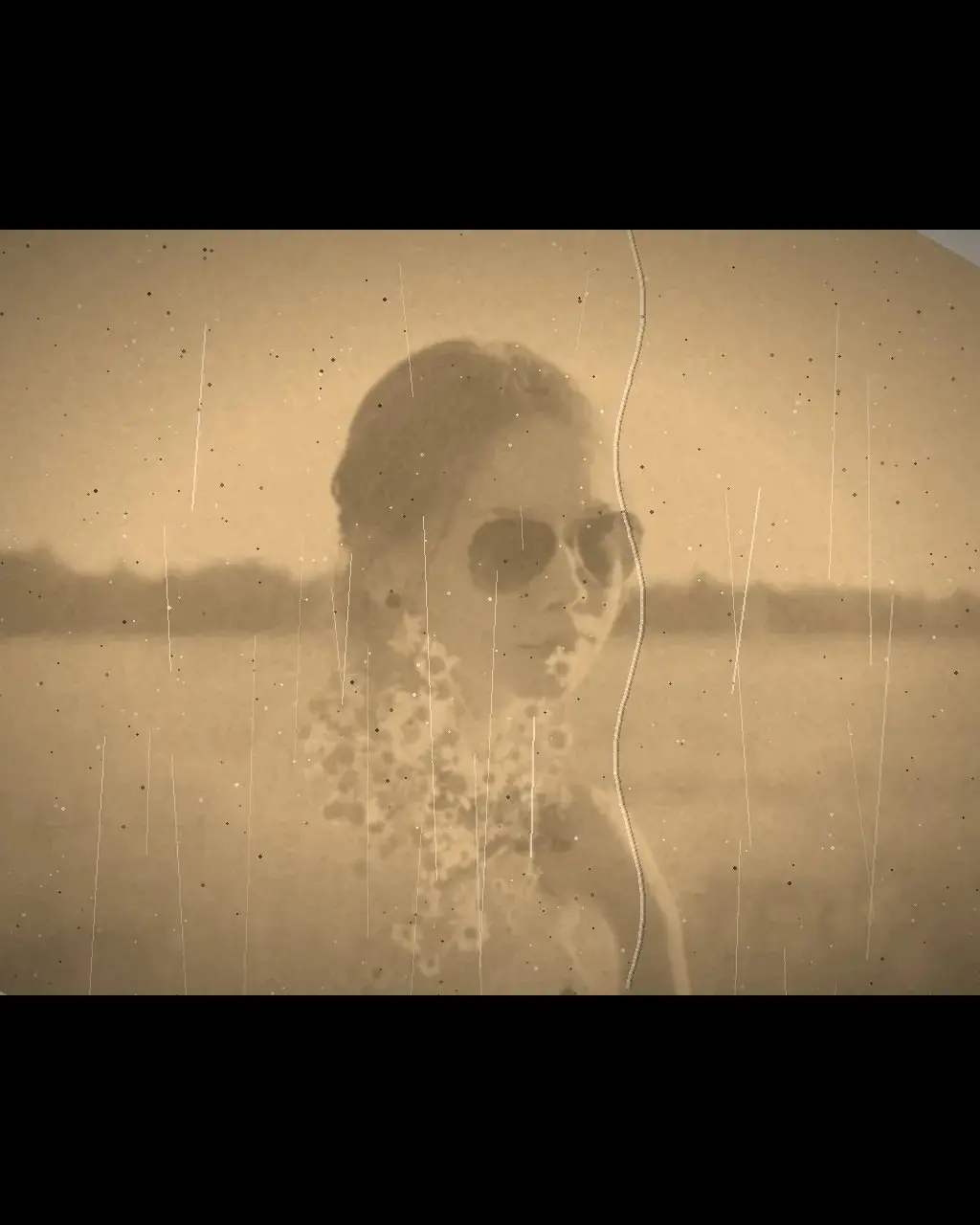
A sepia portrait colorized in the same pass. The face is still recognizable. The colors are estimated.Colorize
What one pass does
What one pass does
Arregla arañazos, decoloración y color en un paso
Photo restoration here is one redraw of the whole print. It is not a brush, and there is no switch that turns color on or off. On the 13 November 2026 test, four of nine public-domain photographs looked finished at a glance. The other five still showed the damage, or replaced a face. Read the pairs below before you trust a family print to it.
Scratches and dust on a plain background are reduced. A line that crosses a face is filled by redrawing that area.
Creases and torn corners are filled from the surrounding print. A large missing area can come back as a different face or a different garment.
Faded, sepia and black-and-white prints are colorized in that same run. The color is the model’s guess, not the original dye.
Antes y después de la restauración
Each pair is a real run of this page, not a retouched demo. The baseball portrait still shows scratches in the sky. The torn couple is filled in, and the faces are not the original faces. The faded snapshot and the sepia portrait show the color this model actually produces.
Cómo restaurar fotos antiguas en línea
Start with a scan or a straight photo of the print, saved as JPG, PNG or WebP, up to 20 MB. Drop it on this page and run Restore once. You do not pick a colorize mode, because black-and-white and sepia are colored in that same request. Then compare the faces. Download the 1024 px file without an account, or sign in for the full file. One run is 3 credits.
Restauración gratis, y qué compran los créditos
Without an account you get 3 credits a day, which is exactly one photo on this page. Signing in raises that to 10 credits a day, enough for three photos. Colorizing does not add a charge. Nothing here is free unlimited. Credit packs are a separate one-time purchase if you have an album, and a failed run is not deducted.
Reparar o restaurar: empieza por el daño
Scratches and dust on an open background are the mild case, and some of those lines can remain. Creases and torn corners are filled by redrawing, so check the face and the clothes. Fade, yellowing and sepia are handled in the same pass as the repair. Blur and a missing face are not. Open Unblur image when the problem is focus. This page does not have a separate section for scratch removal, because that phrase is not a different job.
Colorear fotos familiares en blanco y negro
Colorize black and white photo, and colorize old photos, both land here. The model paints an estimated color across the print while it repairs damage. A sepia portrait in the test kept a recognizable face and gained skin and cloth color. A clean black-and-white news photograph was repainted into a different person. Expect guessed color. Do not expect the dye from the year the picture was made, and do not expect a color original to keep every original hue.
How the tool works, what it costs and what you can use it on.
Version 1.2 · Updated 13 November 2026
Sobre esta herramienta
What does photo restoration fix?
Scratches, dust, creases, torn corners and faded color, including sepia and black-and-white prints. A soft or missing face is a different job: this page may invent facial detail, so send an out-of-focus face to Unblur instead.
How much does it cost?
3 credits for one photo. Colorizing is the same run, not a second charge. A failed job is not charged. Without an account you get 3 credits a day, so this page can run once. Sign in with Google for 10 credits a day.
How to use it
Cómo restaurar fotos antiguas en línea
Upload a JPG, PNG or WebP up to 20 MB, or pick a sample. A straight scan or a phone photo of the print both work.
Run Restore once. There is no Colorize switch. Black-and-white and sepia prints are colorized in that same pass, at no extra credit.
Compare, then download. Without an account the long edge is 1024 px. Sign in to download the full file.
FAQ
¿Hay una forma gratis de restaurar fotos antiguas en línea?
Yes. Without an account you get 3 credits a day, and this photo restoration costs 3 credits, so you can run one photo. It is not free unlimited. Sign in with Google for 10 credits a day, which covers three photos and leaves one credit. A failed job is not charged.
¿Puedo colorear una foto en blanco y negro en el mismo paso?
Yes. A black-and-white or sepia print is colorized during the same photo restoration. There is no separate colorize control and no second charge. The colors are estimated. They will not match a memory of the original dress or the original wall.
What's the difference between photo repair and photo restoration?
On this page they are the same run. Photo repair, a fix for an old photo, and photo restoration all mean one redraw aimed at scratches, creases, tears and fade. Blur is not that job. An out-of-focus face belongs on Unblur image, which rebuilds focus instead of inventing a new person.
¿La restauración con IA cambia las caras de mi familia?
Puede. El modelo vuelve a dibujar toda la foto. En una prueba del 13 de noviembre de 2026, un retrato nítido solía seguir siendo reconocible, mientras que una foto rota o una cara en blanco volvían como otras personas. Si guardaste la foto por esa cara, compárala antes de descargar.
What damage can you fix — scratches, creases, fading, blur?
Scratches, dust, creases, torn corners and fading, including yellow and sepia. Blur is not fixed here. A face that is out of focus can be replaced by a sharper invented face, which is worse than leaving it. Use Unblur image for focus, then come back if the print is also scratched.
Do I need to sign up or install anything?
No install. The page runs in the browser on a phone or a computer. An account is optional. Without one you can restore one photo a day, at 1024 px on the long edge. Sign in when you want the full-size file or more than one photo.
How many credits does one photo cost, and does colorizing cost extra?
One photo is 3 credits, whether or not the print is colorized. Color is part of the same pass. You are not billed again for the color, and you cannot turn the color off. If the job fails, the 3 credits are not taken.
Do you keep or train on my family photos?
The file is uploaded so fal.ai can run photo restoration. HivePic does not use it to train a model. The stored copy is deleted after 7 days. Do not upload a print you are not allowed to edit.