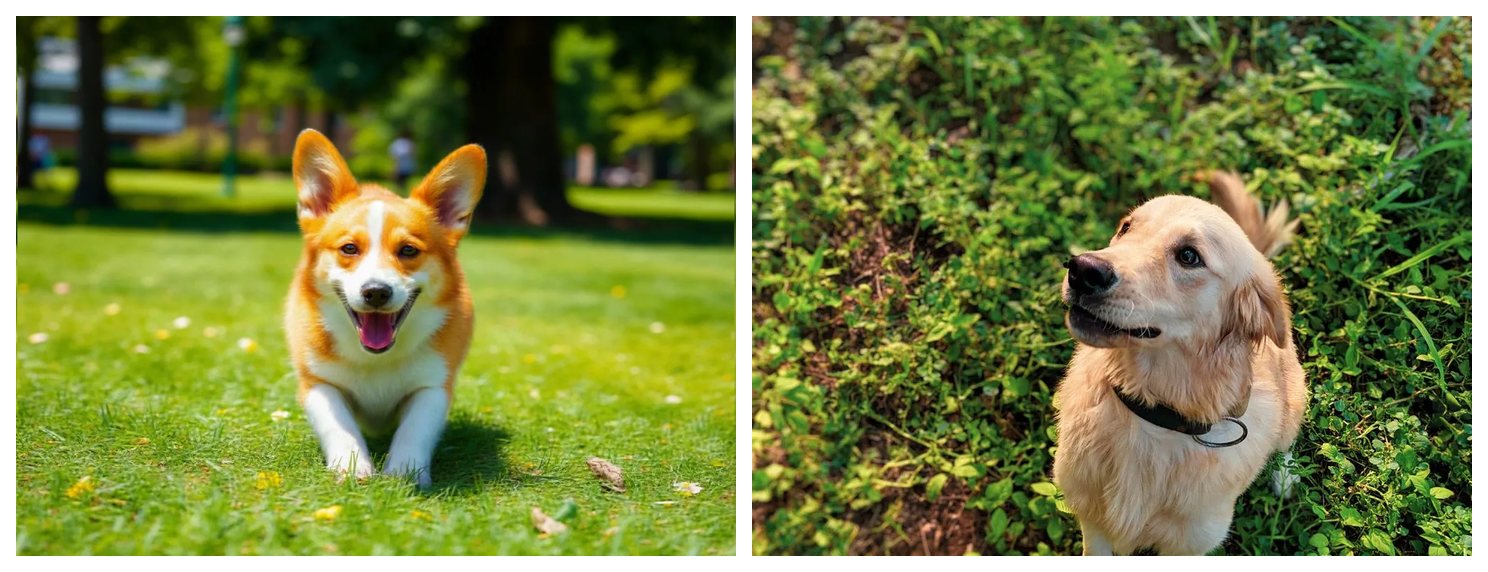

Remove a camera date stampBrush
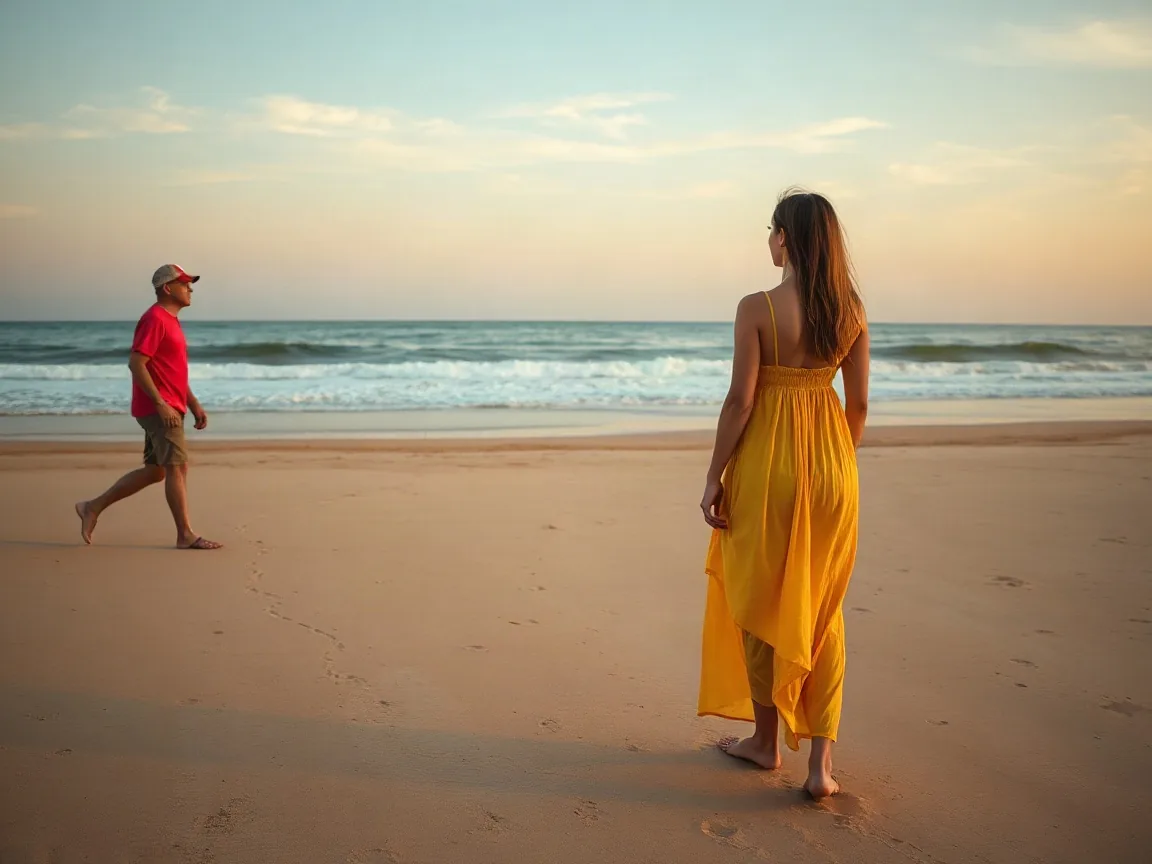
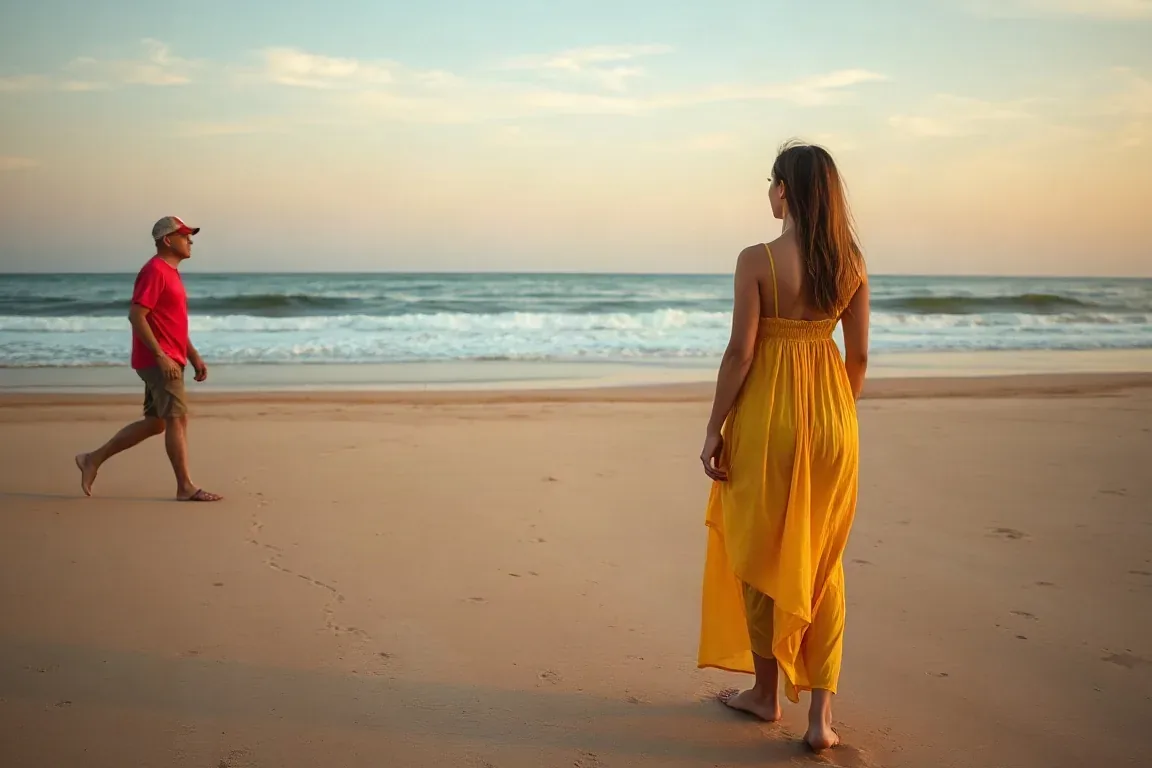
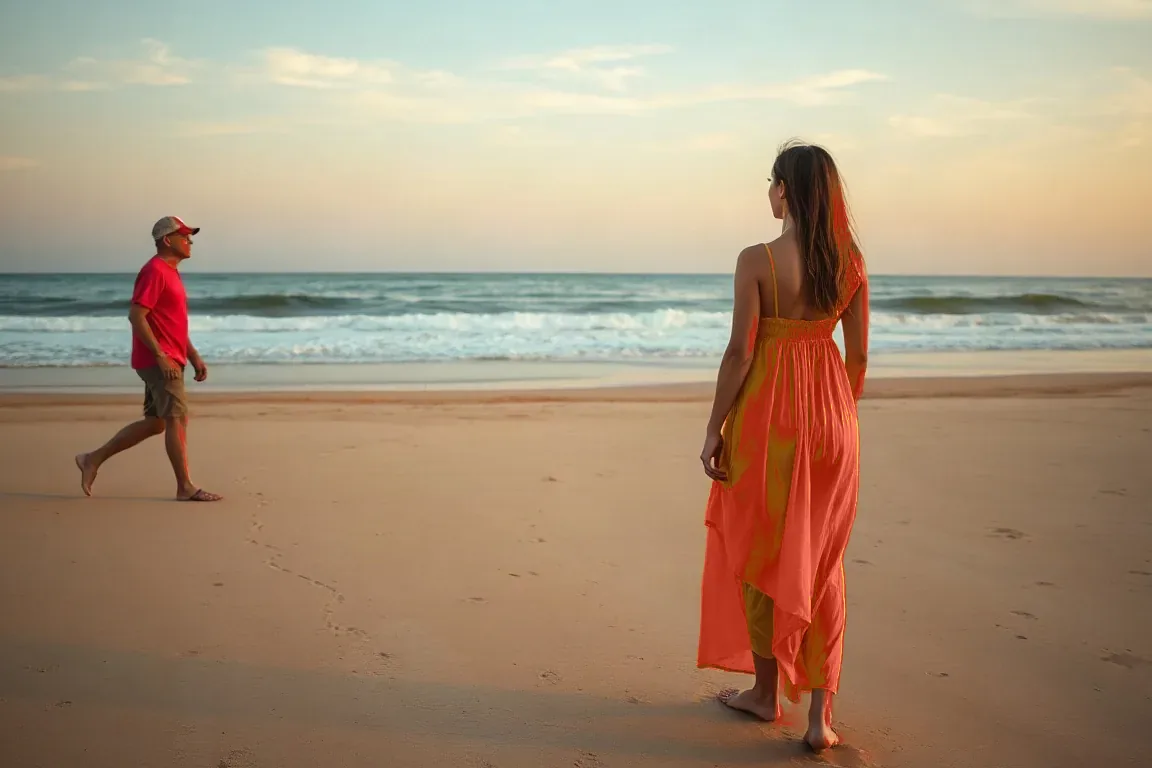
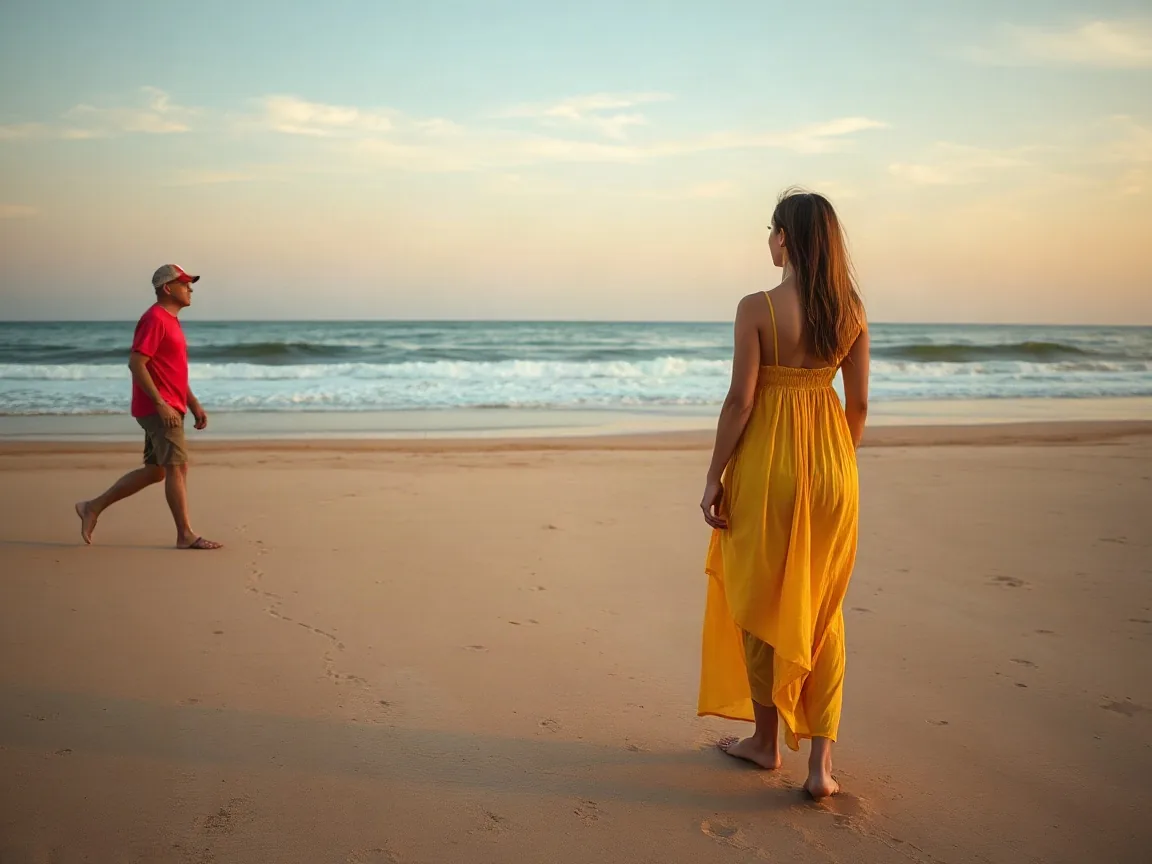
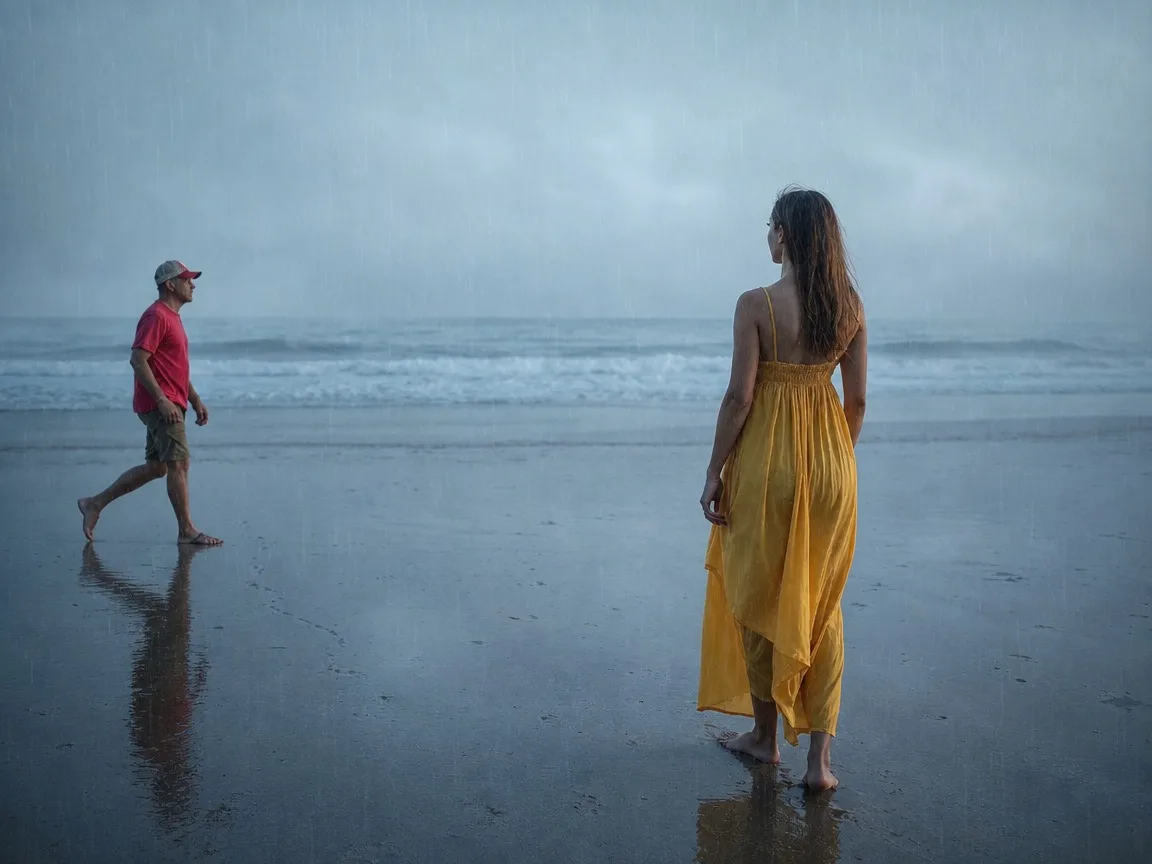
That date stamp your camera burned into a holiday photo you took. Brush just past the digits on your own picture, then let the fill rebuild the sky or the wall.
Brush over a watermark, logo, date stamp or text and AI rebuilds just that area. For photos you own or have permission to edit.
Without signing in you get 3 credits a day, charged per tool. Sign in for 10 a day.
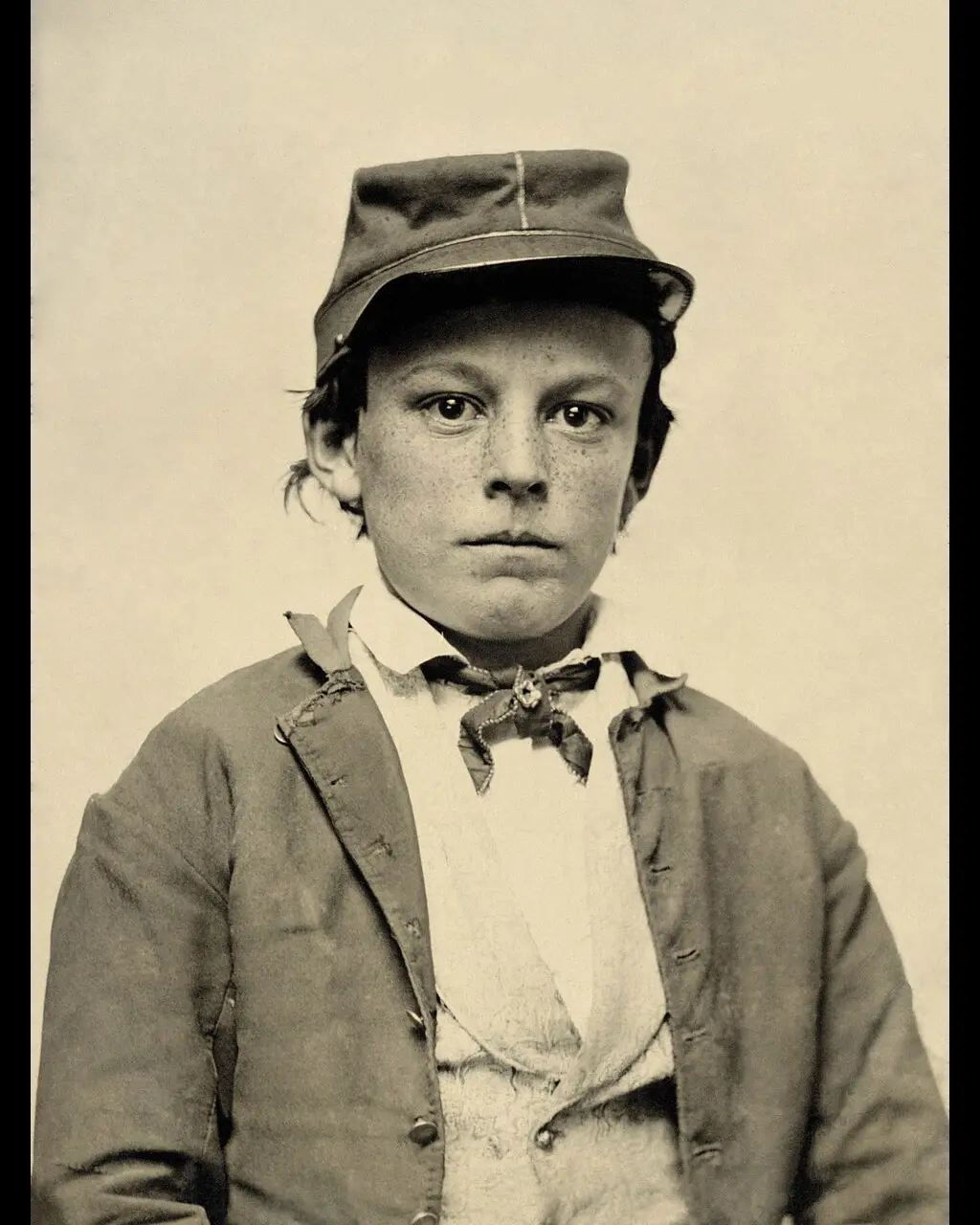
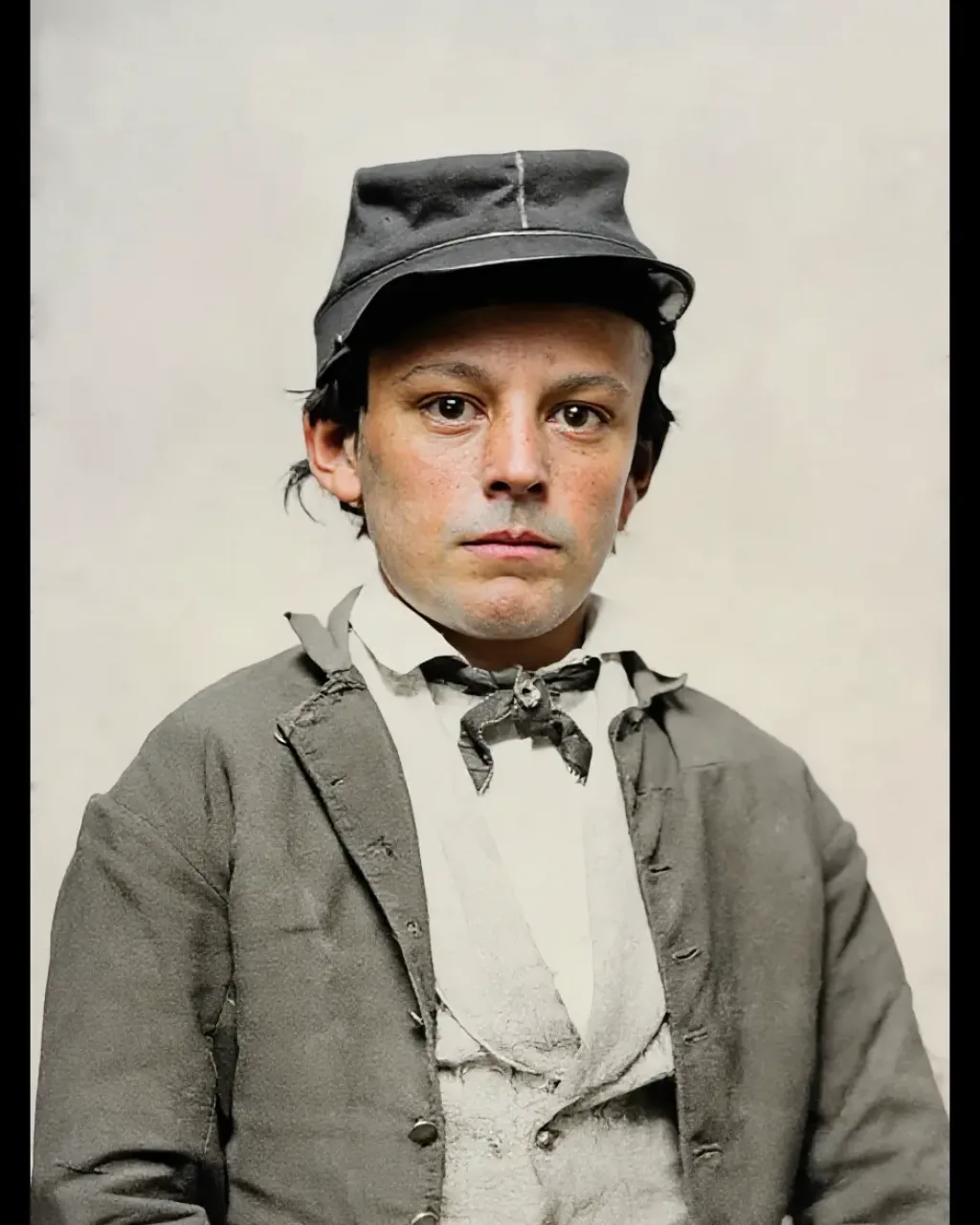
Real before/after results from this tool — drag to compare, then try the matching sample.
That date stamp your camera burned into a holiday photo you took. Brush just past the digits on your own picture, then let the fill rebuild the sky or the wall.
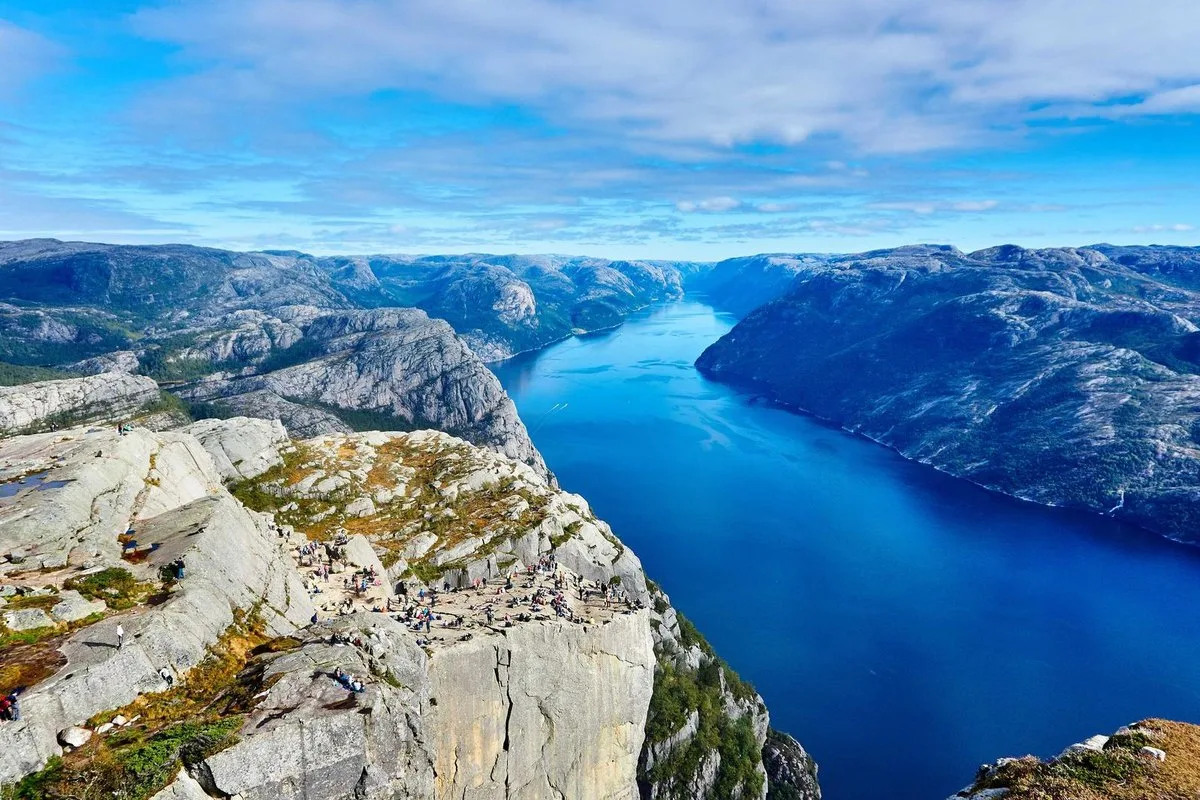
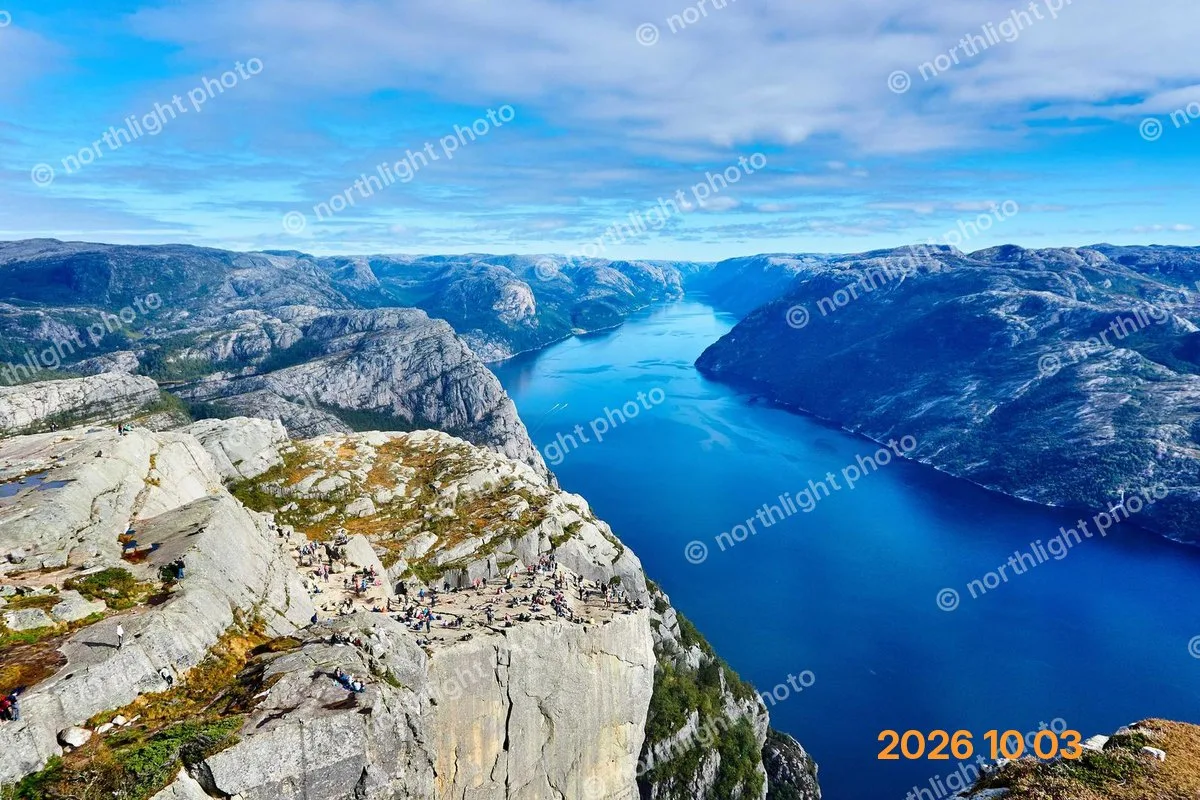
A date and your own signature sitting together on a print you are allowed to edit. Paint both in one pass so the fill uses the paper around them.
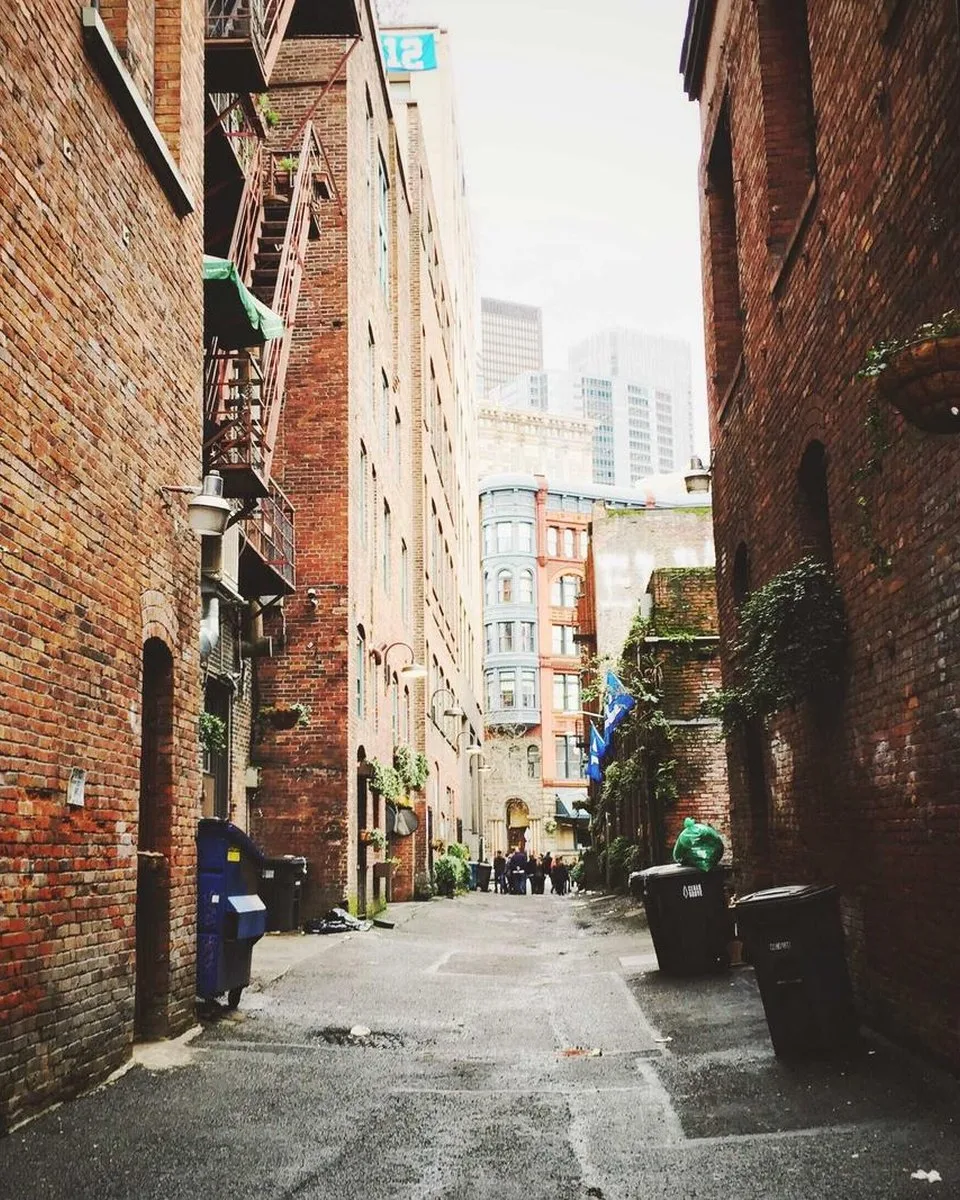

A caption you added on a frame you exported from your own clip. Cover the letters and a thin margin, and leave any sign you still want in the picture.


Your own logo on a product photo you shot. Brush the mark and its shadow. This is not for a stock-preview watermark or another shop’s logo.
When the stamp is gone and you still need two shots in one frame for a listing or a chat collage, open combine images to one image. That page runs in the browser: side by side, stacked, grid or overlay, with no watermark on the PNG.
Watermark removal always runs on the server. The free local editor still helps when you do not need AI at all.
If the stamp, logo or caption covers sky, wall, fabric or a face you need in the frame, brush it and spend 3 credits. Only the painted pixels change; the rest of the photo stays full resolution.
A tiny date in an empty corner can often be cropped or rotated out on the homepage editor with zero credits and no upload. Prefer crop when you do not mind losing a thin margin.
Only edit photos you own or are licensed to retouch. Do not strip stock previews, another photographer’s signature, or a platform watermark that is not yours.
How the tool works, what it costs and what you can use it on.
Version 1.2 · Updated 16 November 2026