
Fix motion blur from a moving petSuper Focus
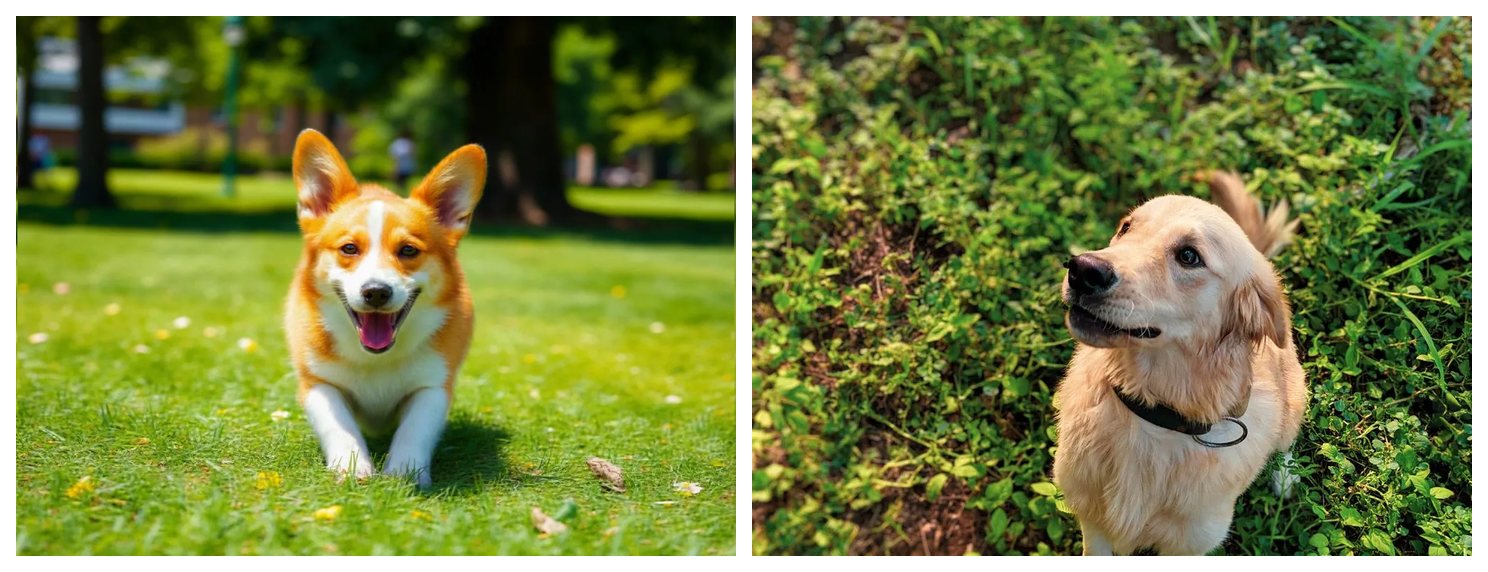
When the subject moved or your hands shook, Super Focus rebuilds eyes, fur and edges so the shot looks like it was taken still.
Rescue an out-of-focus or motion-blurred shot. Pick the blur type, or let it detect.
Without signing in you get 3 credits a day, charged per tool. Sign in for 10 a day.
Real before/after results from this tool — drag to compare, then try the matching sample.
When the subject moved or your hands shook, Super Focus rebuilds eyes, fur and edges so the shot looks like it was taken still.


Lens blur and missed focus leave a dreamy haze. Unblur pulls the subject sharp while keeping a natural background falloff.


Wildlife and close pets need hair-level detail. Super Focus rebuilds texture from the soft source instead of painting a plastic look.
Motion blur, lens blur and soft focus are different problems. Start with Super Focus V3; switch to a classic Motion or Lens model if you want a lighter touch.
Use it on a soft screenshot, a photographed page or a document where the letters smeared. Super Focus rebuilds the strokes. If a word was already unreadable, switch to Inference so guessed characters are flagged instead of treated as fact.
A soft photo needs detail recovery, not a sharpness slider. Use credits when focus was lost; stay local when the shot is already sharp.
If eyes, fur or edges look smeared, run Unblur (5 credits, or 7 with Inference). The model rebuilds detail instead of drawing bright sharpening halos.
Crop, rotate, exposure and color on the homepage editor stay free and never leave your browser. They cannot invent focus that was never there — skip them for a truly blurry shot.
Unblur recovers detail at the current size. Open the result in Upscale when you need 2× or 4× for print or a bigger screen. They are separate tools so each page does one job.
If a sign or license plate is unreadable in the original, Super Focus may invent characters. Inference mode adds a text check that flags guessed glyphs against the source.
How the tool works, what it costs and what you can use it on.
Version 1.0 · Updated 11 November 2026