AI Image Editor
Edit any photo with a short prompt, or jump straight to a specialized tool.
Describe a change, or pick a tool.
- Free editing, no credits
- No watermark added
- Auto-delete in 7 days
Know the tool? Jump straight in
Without signing in you get 3 credits a day, charged per tool. Sign in for 10 a day.


Drag a corner to crop. Nothing is uploaded.
More free tools
AI tools
Local editing · AI uploads only when you run
AI uses your current crop and adjustments. Only Run uploads this image.
Turn one photo into reaction stickers
One photo becomes a single sticker, a 4-sticker pack, or short GIFs of the same pet or face.
Try photo stickers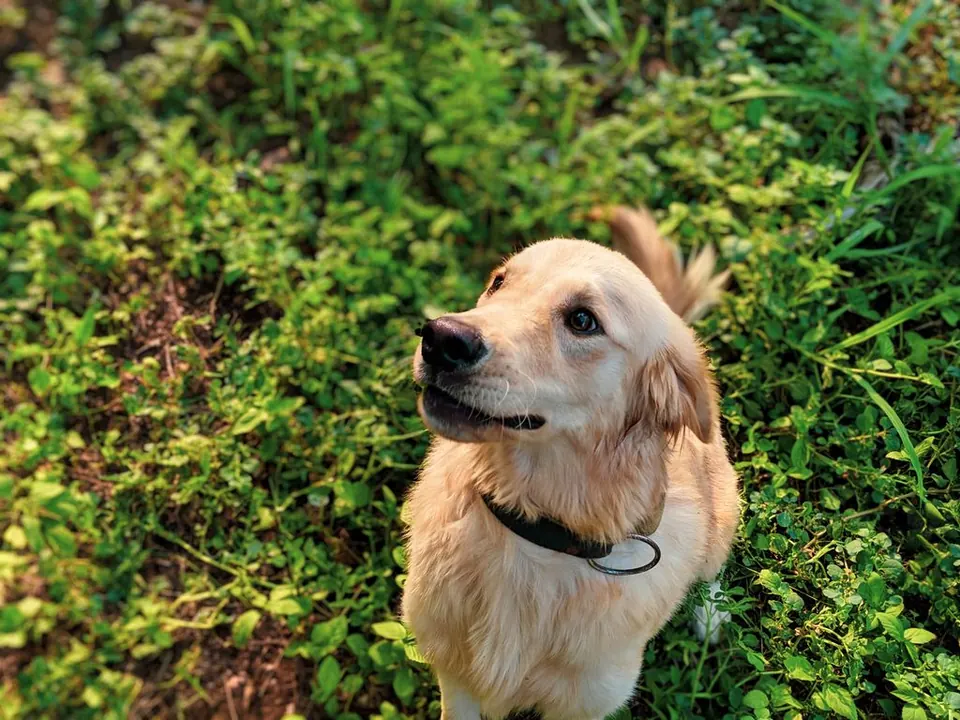



What went wrong with your photo?
Pick the problem. Each fix below is a real result from the tool.
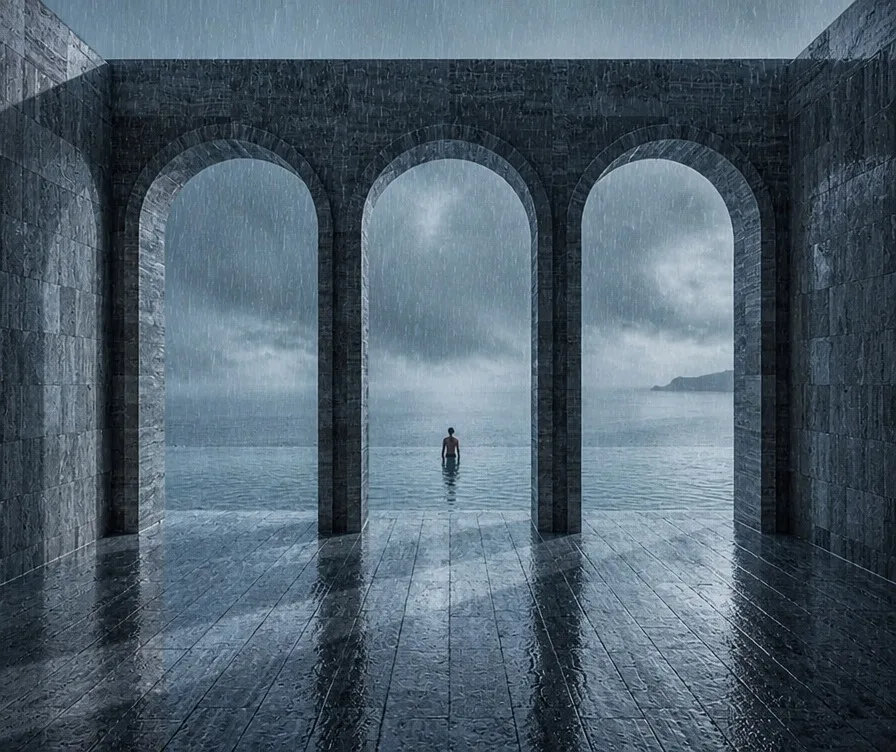 5 creditsI want a rain effect on a photo or game screenshotRain filter
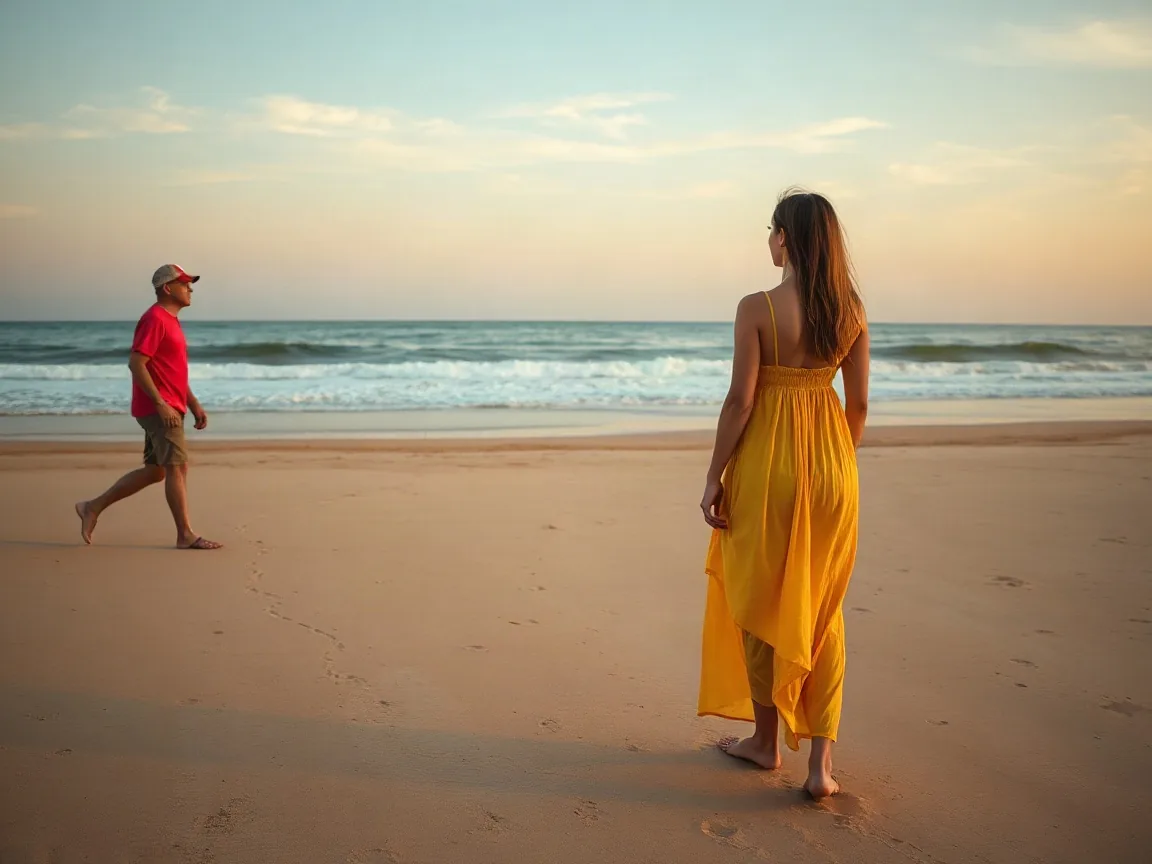
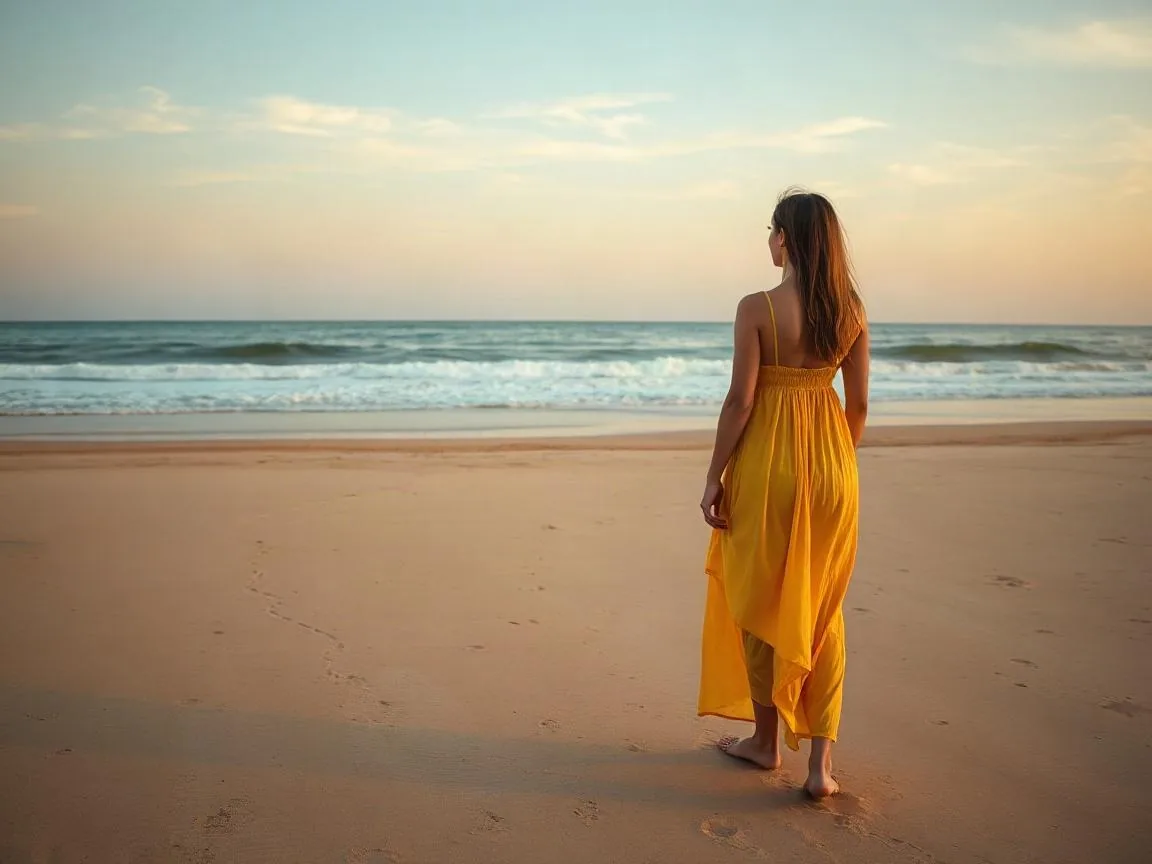 3 creditsA stranger walked into my shotRemove object
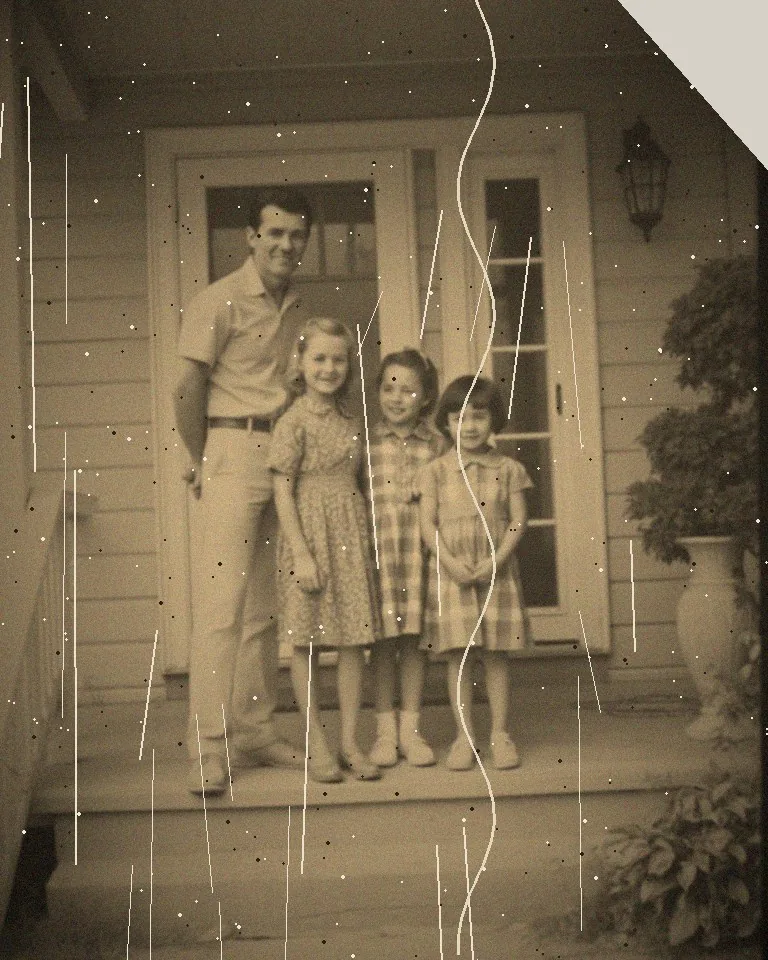
![Restore old photos result]() 3 creditsGrandma’s photo is scratched and fadedRestore old photos
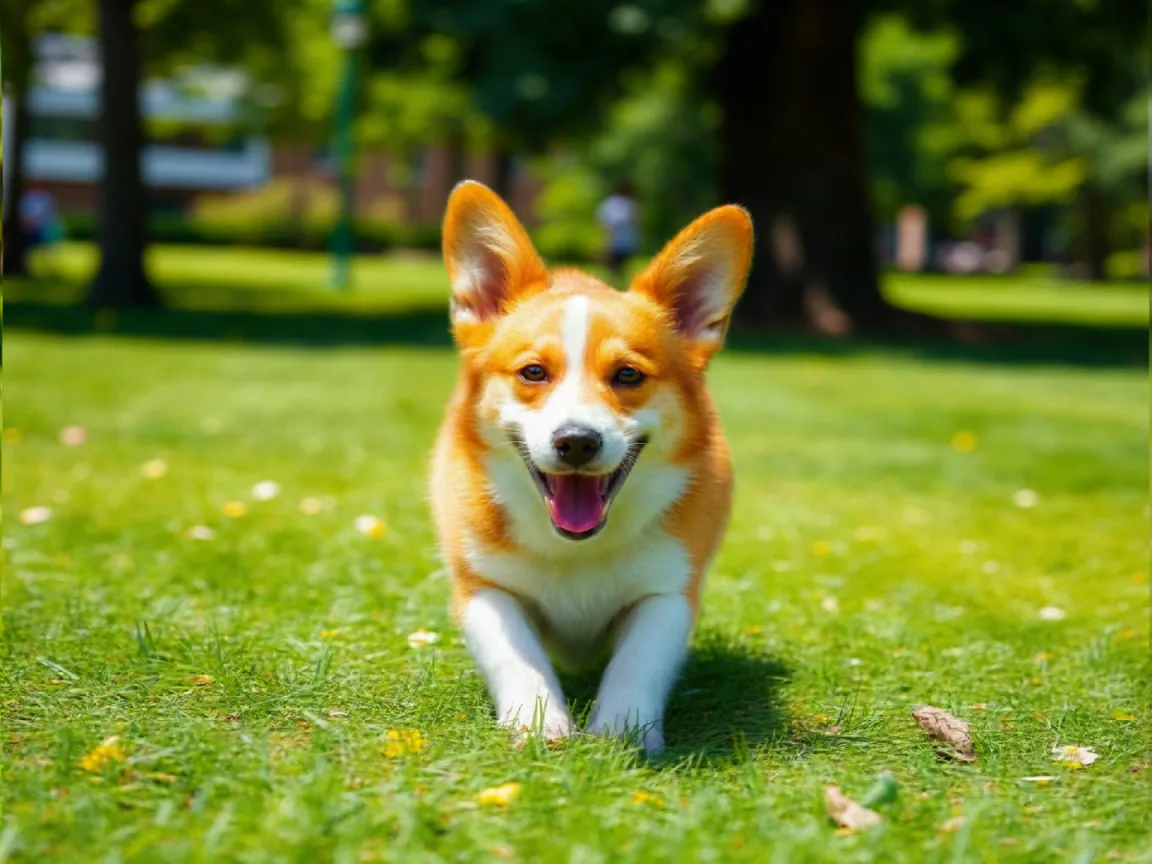
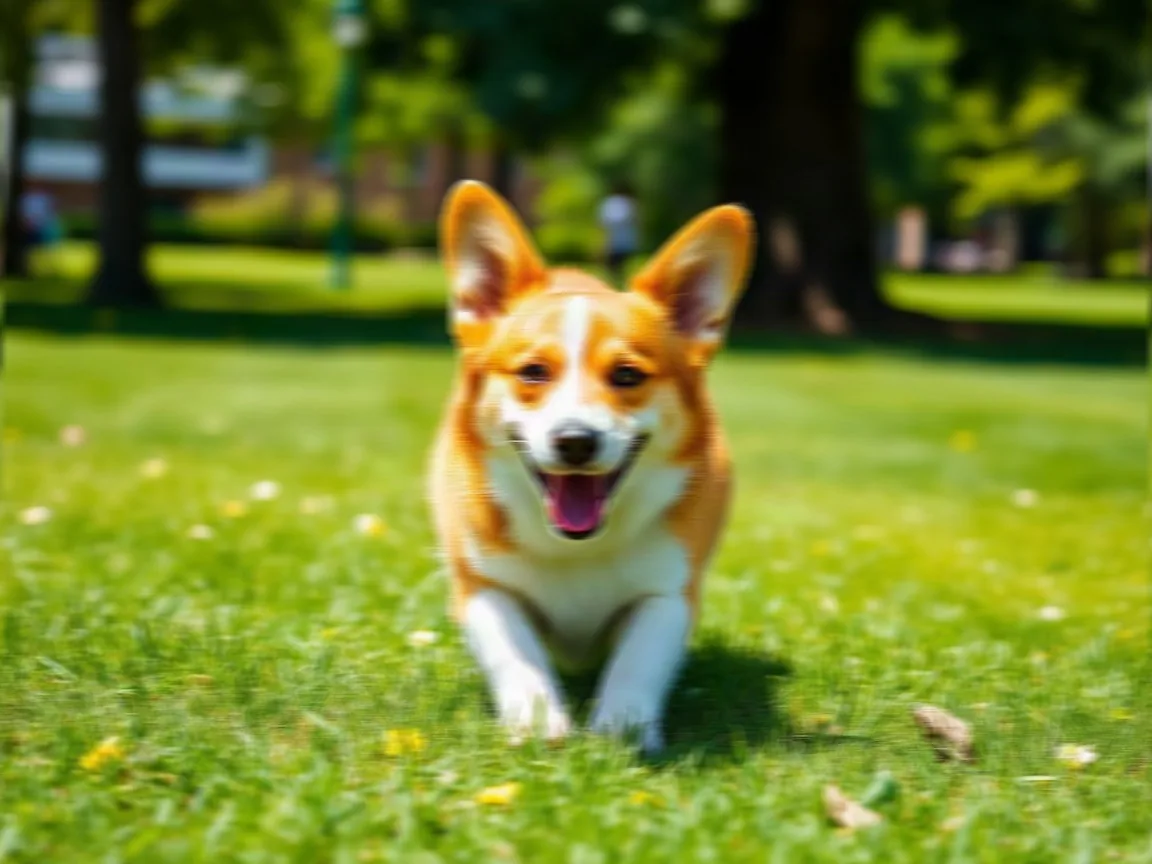
![Unblur image result]() 5 creditsMy pet moved and the photo is blurryUnblur image
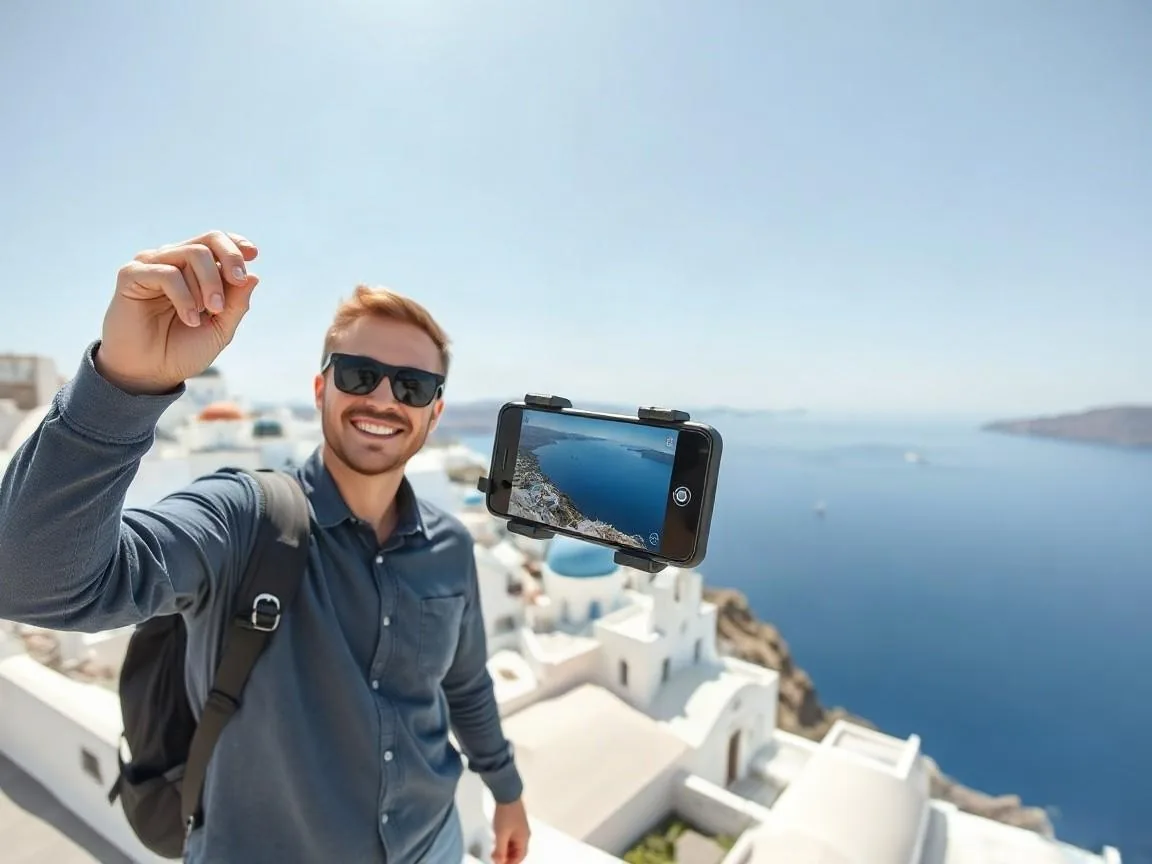
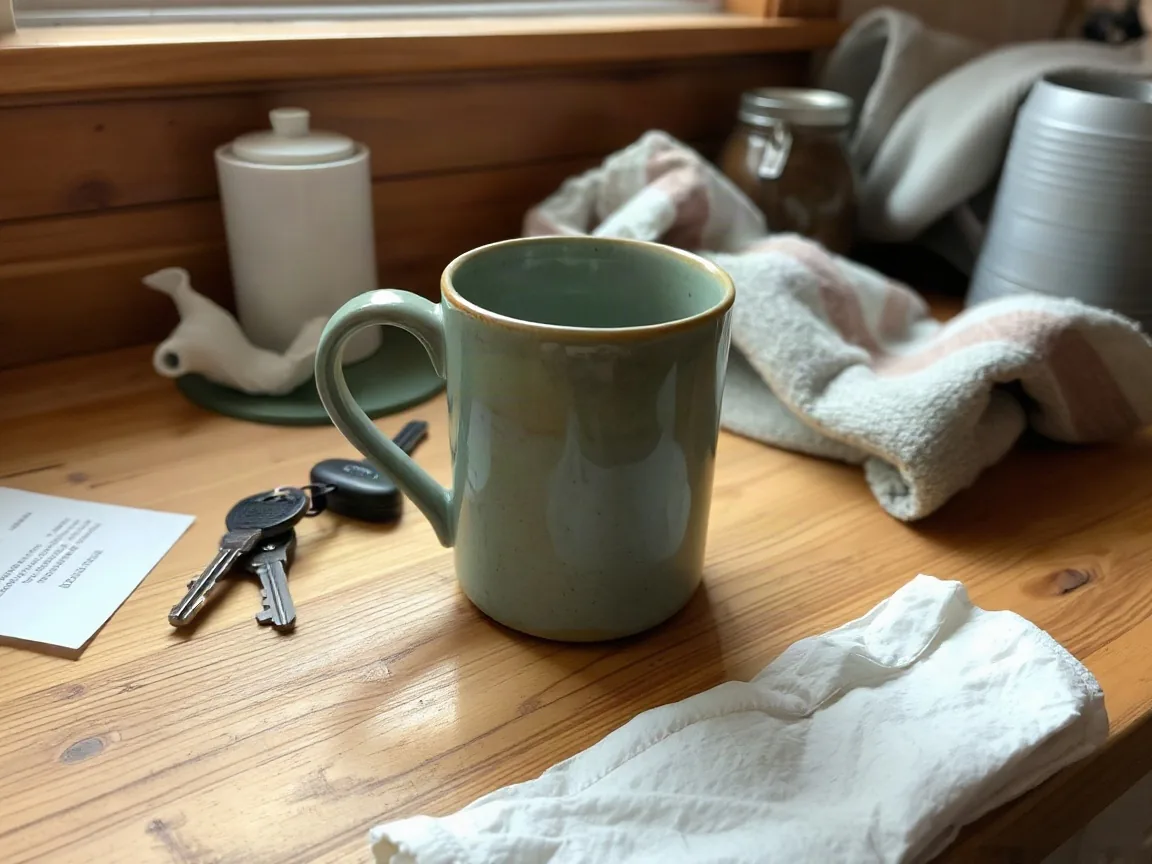
![Image enhancer result]() 5 creditsThe dinner photo came out dark and yellowImage enhancer
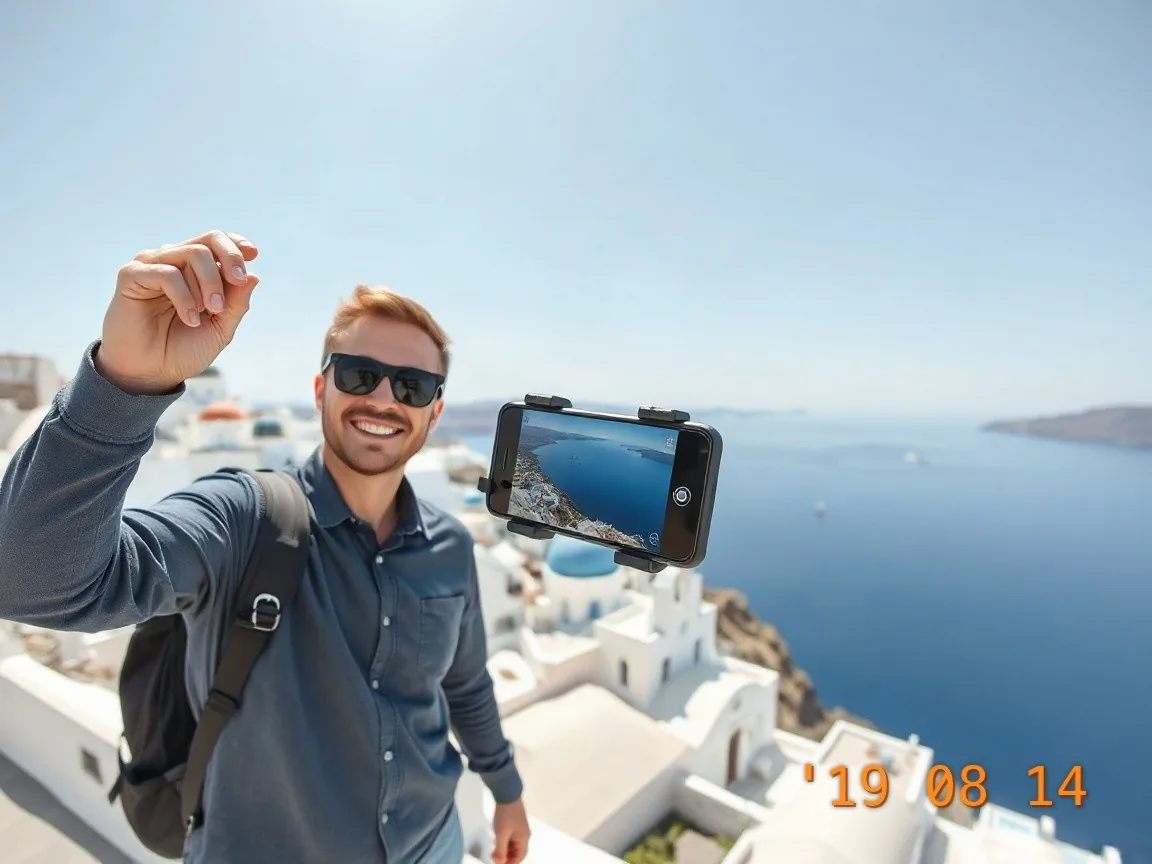
![Remove watermark result]() 3 creditsAn old date stamp ruins the photoRemove watermark
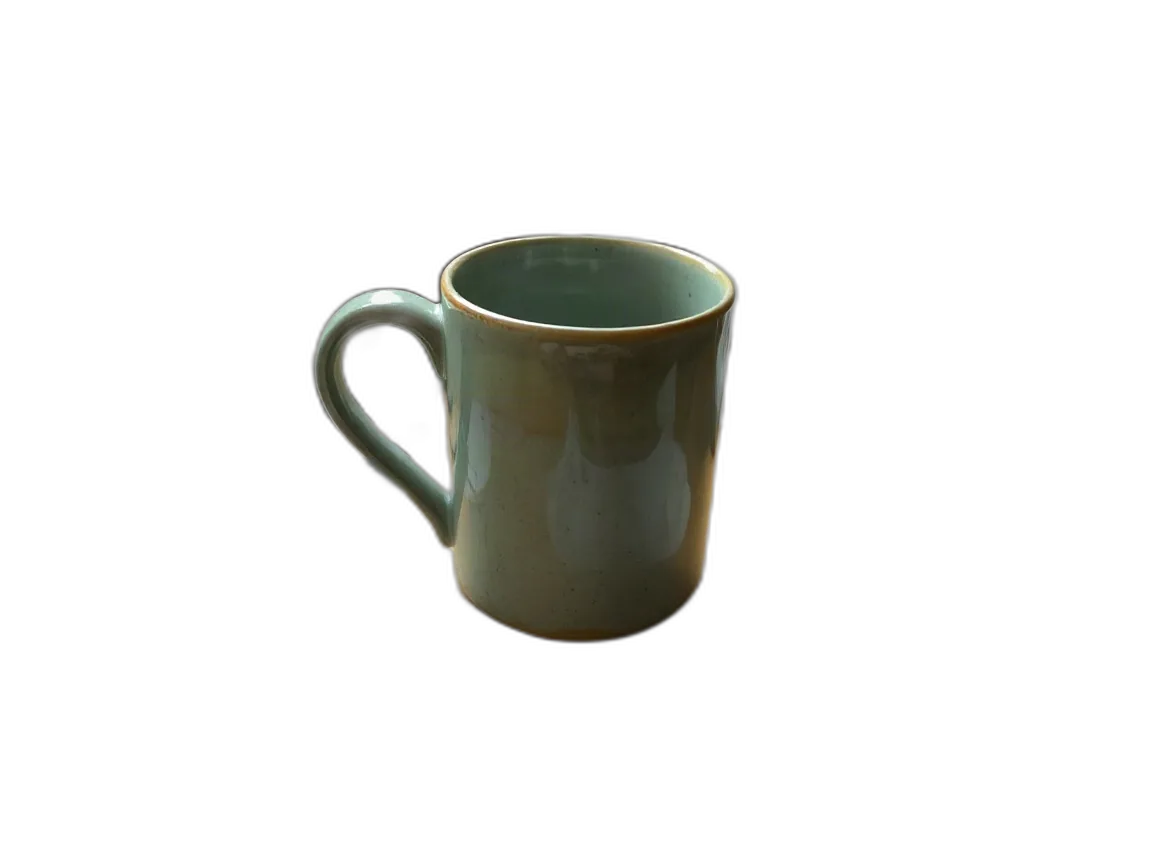
![Transparent background result]() 1 creditI need a clean cutout for my shopTransparent background
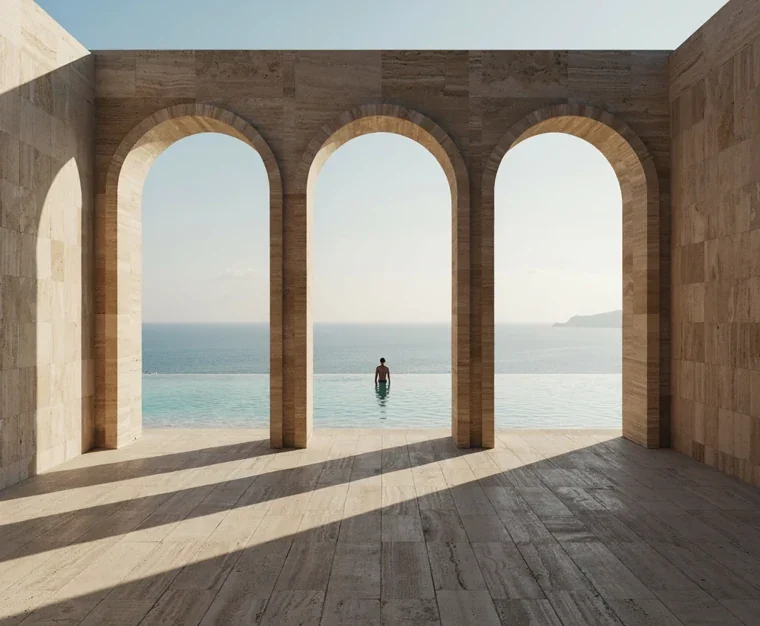
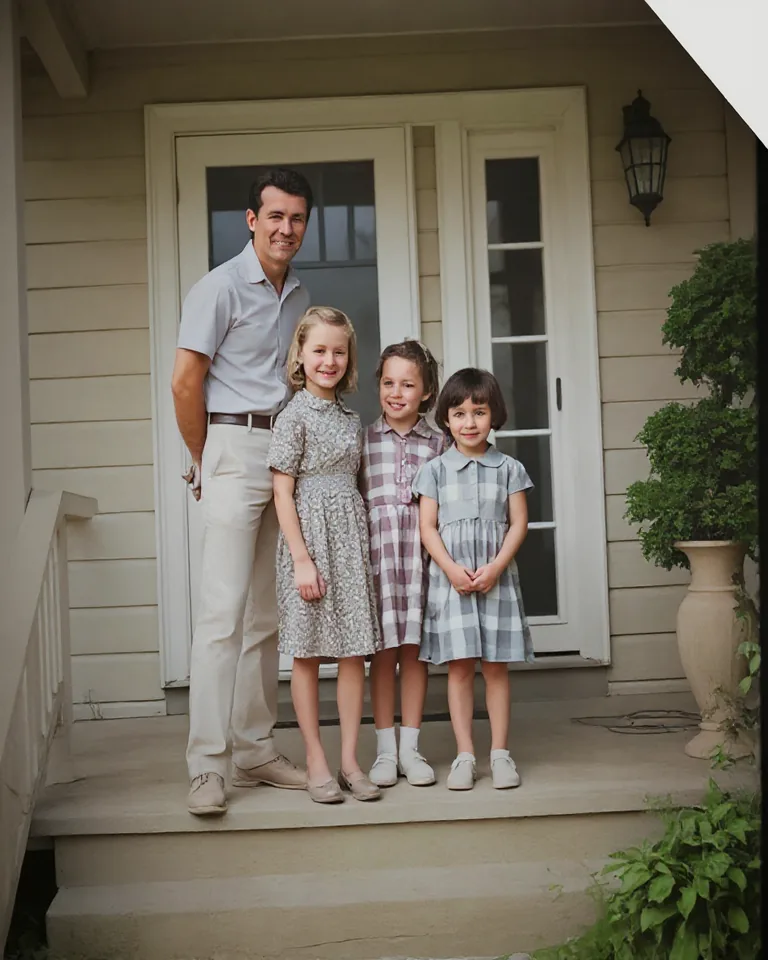
What does your image need?
Free tools run in your browser. Credit tools use the shared daily pool when a model is needed.
YOURS.
Always freeFree AI Image Editor
Crop, rotate, adjust and export in your browser.
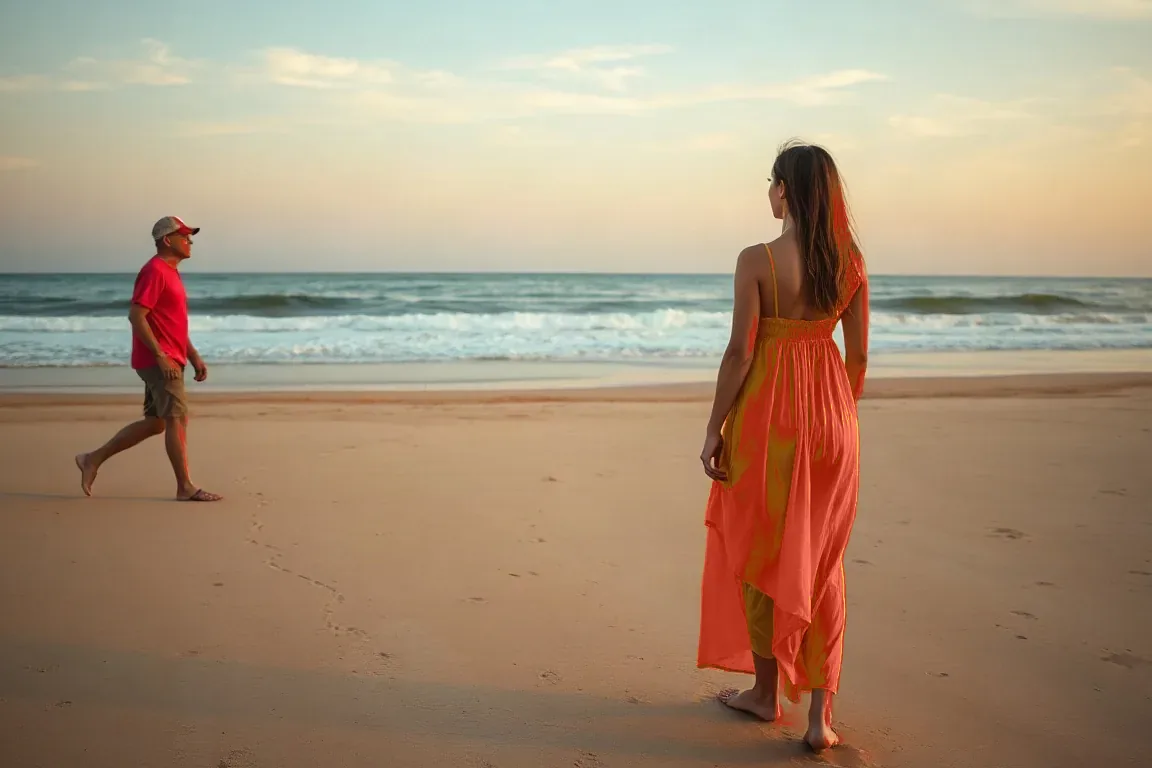
Image color changer
Pick a color. Find a new mood. Recolor in your browser for free, or describe an edit with AI.


replace color in image
Replace one object or accent with an exact hex. Local editing stays free.
 Free
Photo combiner
Merge two photos into one image in your browser. No sign-up, no watermark.
4 tools for your next image
Same image. New possibilities.
Explore real examples. Drag the handle to compare.
Image enhancer5 credits · If a job fails, it is not charged.

Start free, every day
Start without an account for 3 credits a day, then sign in with Google for 10 credits a day and HD downloads. Need more? Buy a pack once, no subscription.
About HivePic
Everything you need to know about the free AI image editor, how credits work and what happens to your photos.
What is HivePic AI image editor?
Which tools are included?
Edit a photo in 3 steps
- Upload, paste or drop an image, or pick a sample.
- Edit it free in the browser: crop, rotate, flip, adjust light and color, then export at any size and format.
- Need AI? Pick a tool inside the AI tab. It costs 1–5 credits.
Is it really free?
Do failed jobs use credits?
What happens to my images?
Can I remove a watermark from any image?
Ready for your own image?
Upload a photo and describe the change, or edit it free in the browser first. 3 credits a day without signing in, 10 after you sign in.