Daily chat
Got it · Okay · LOL · Seriously?
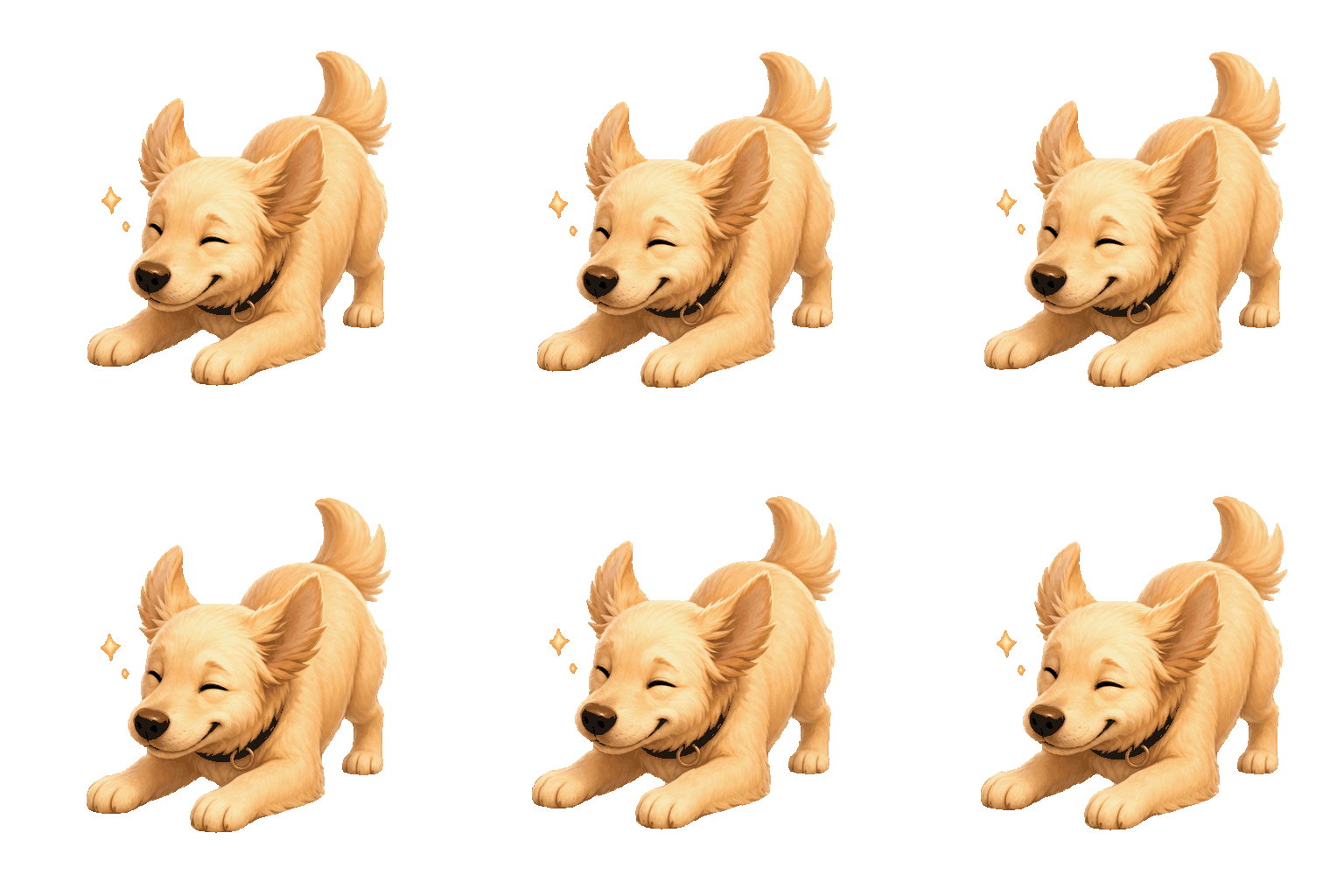
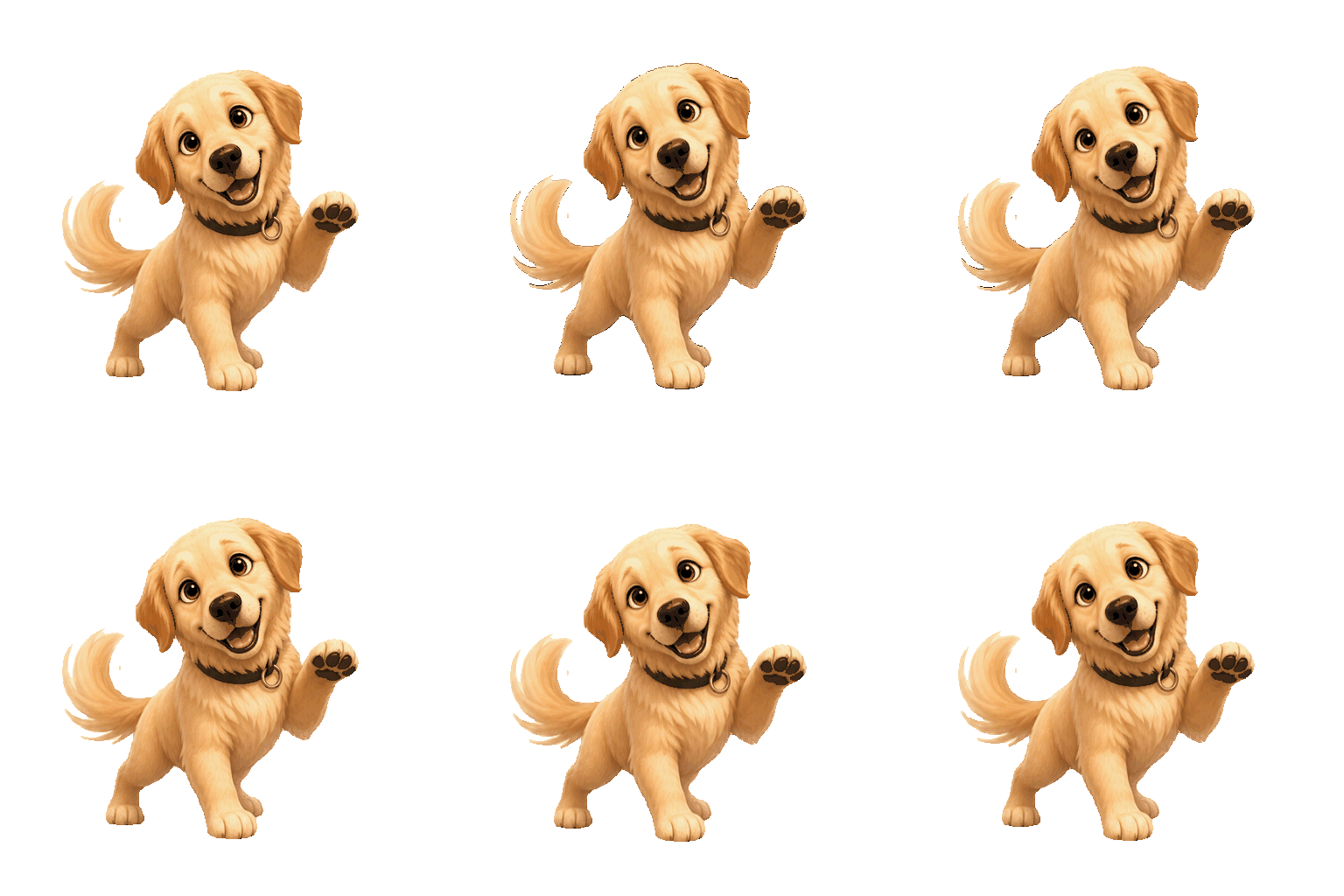
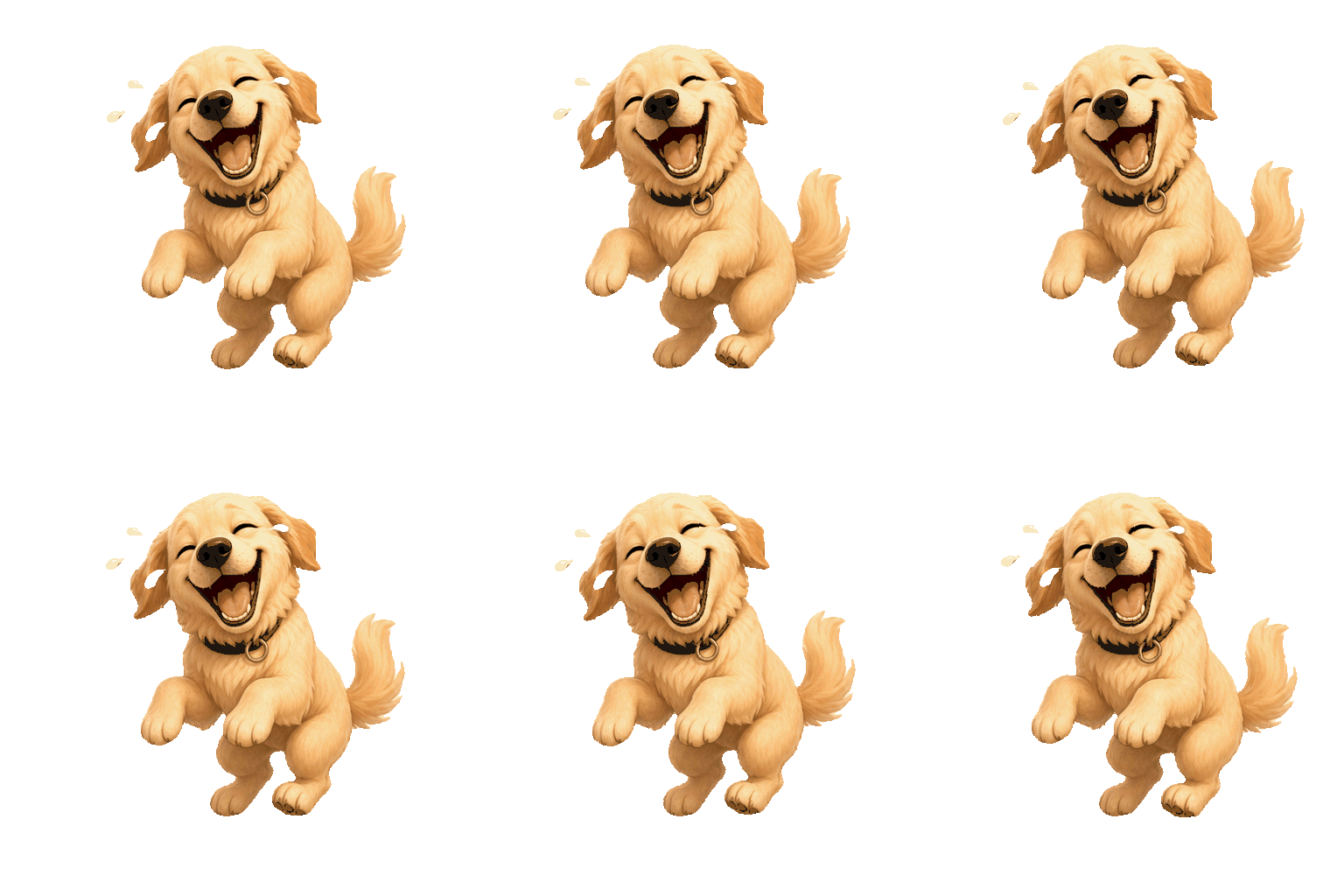
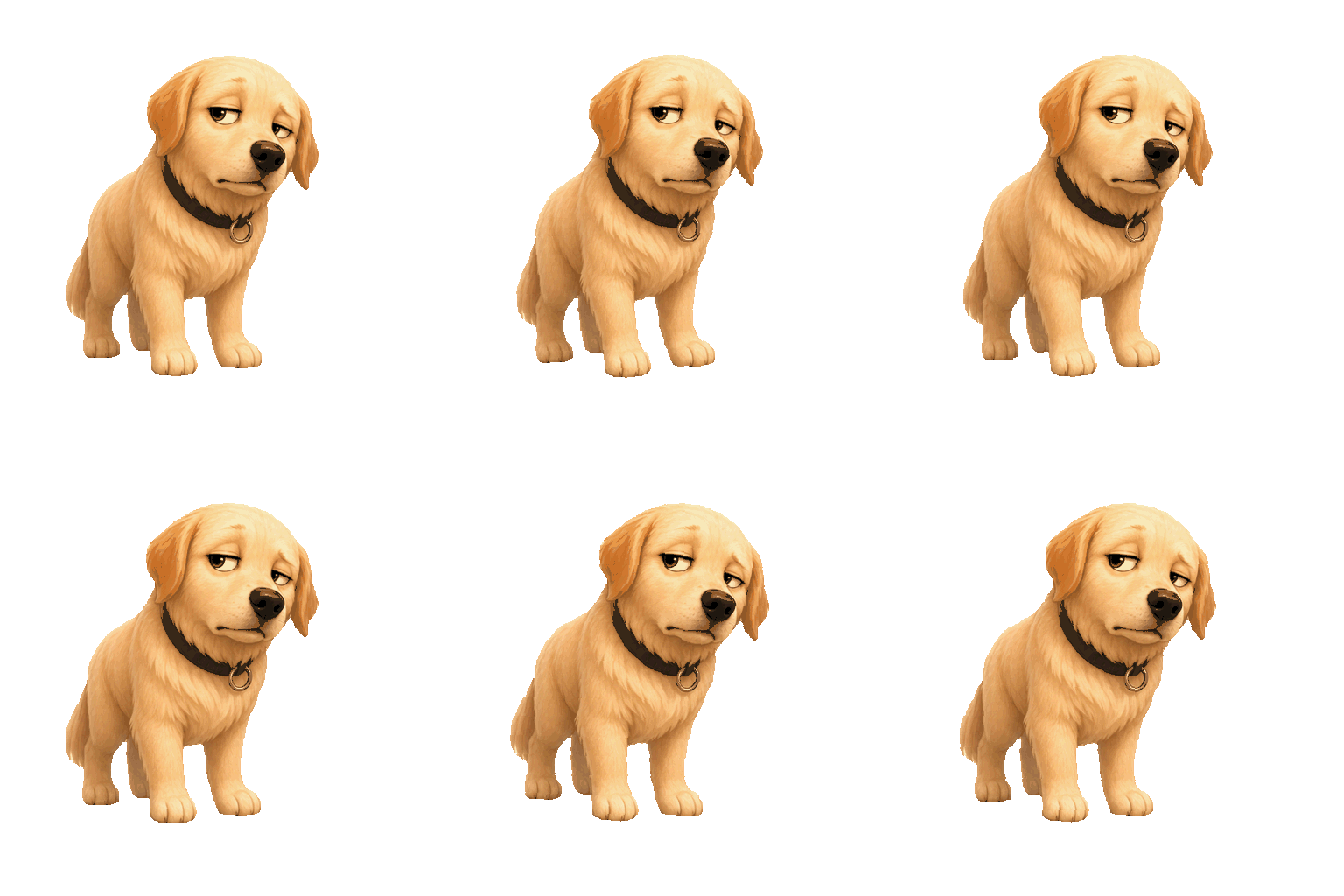
Create a reaction your server will recognize. Redraw a photo, check it at chat size, and export a transparent PNG — or a 4-sticker pack in one run.
Your reference uploads only when you generate.
Real animated stickers from one reference photo.
Tap a template to preview the GIF pack in the tool above.
Got it · Okay · LOL · Seriously?
Eating · No way! · I’m done · Chased!
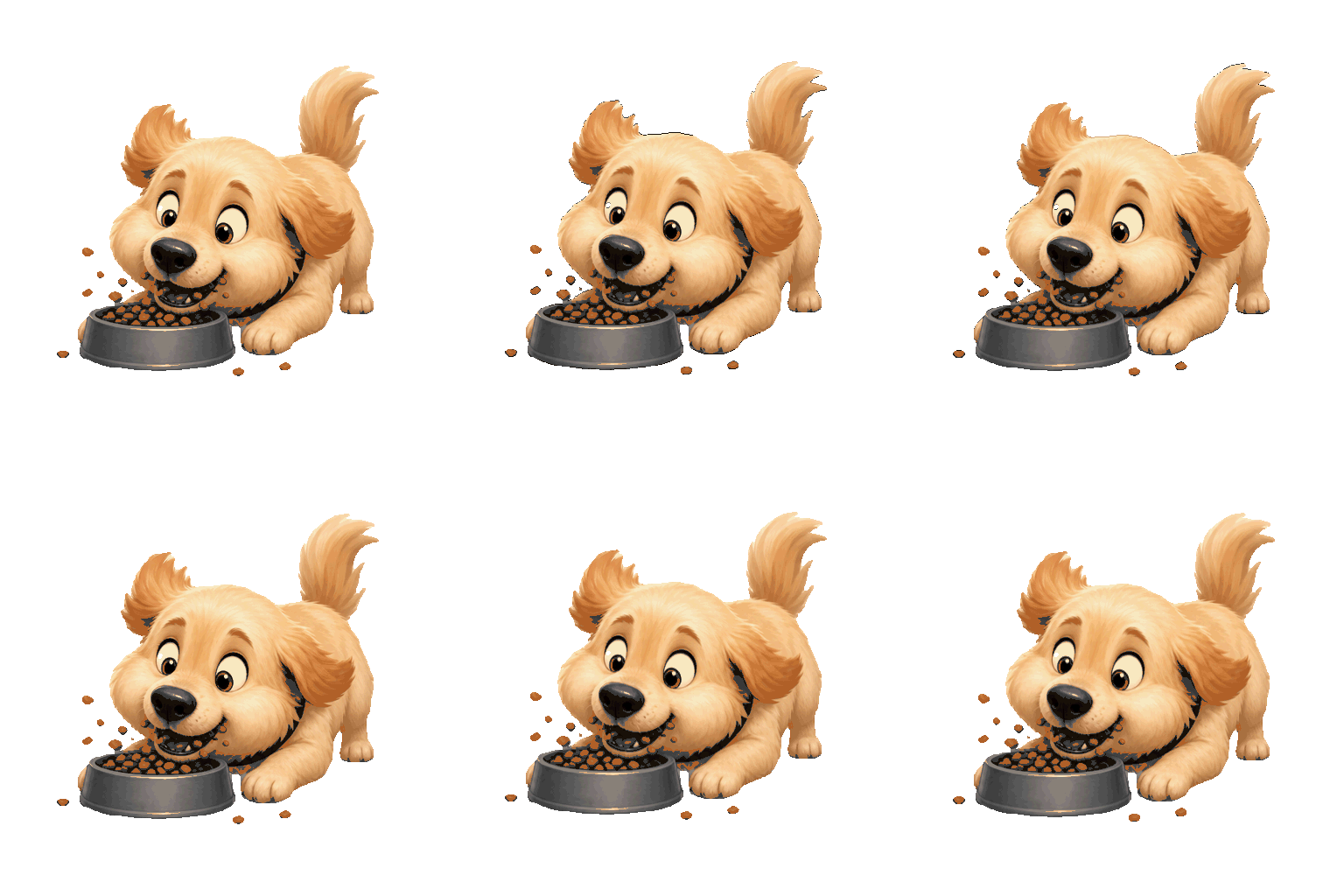
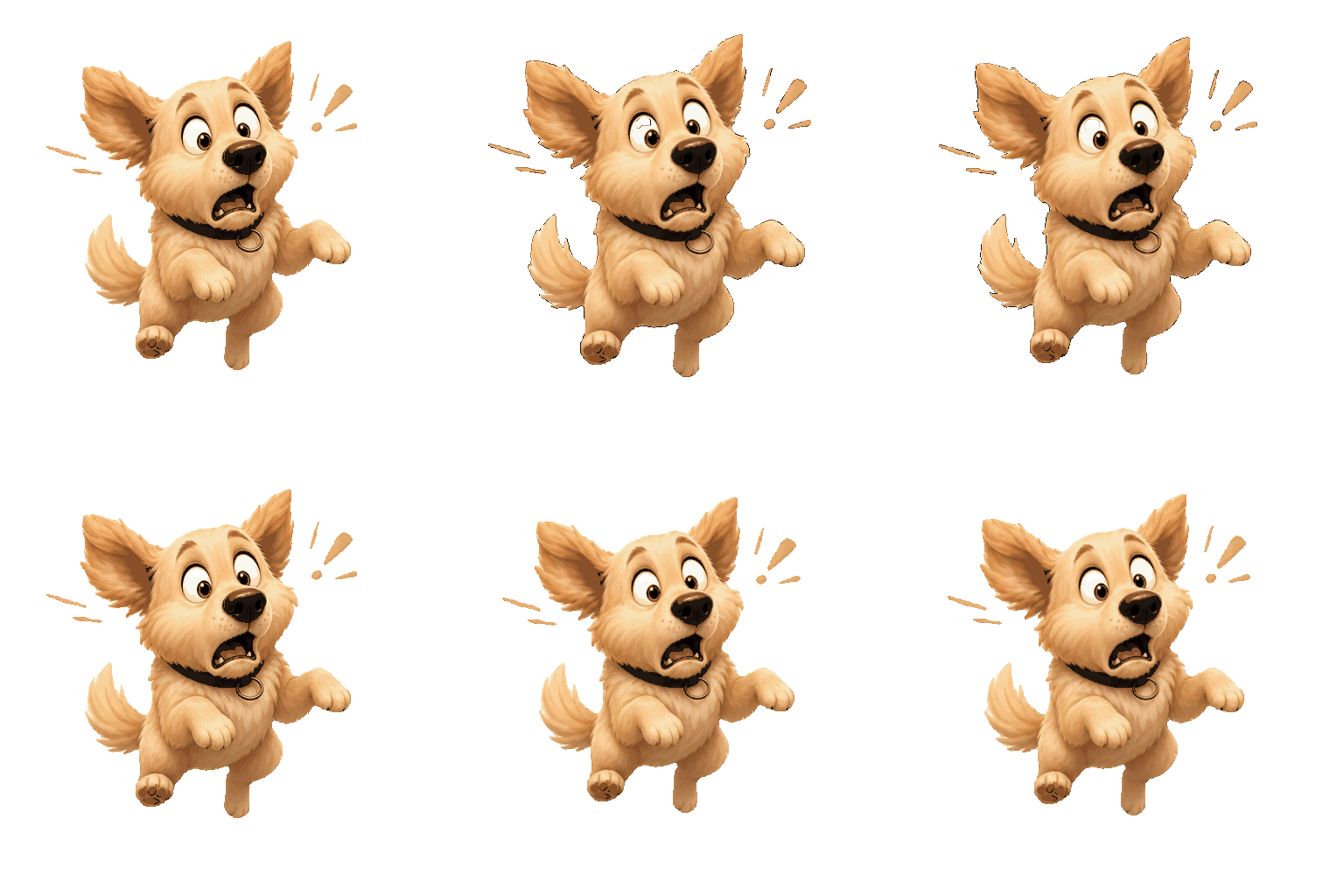
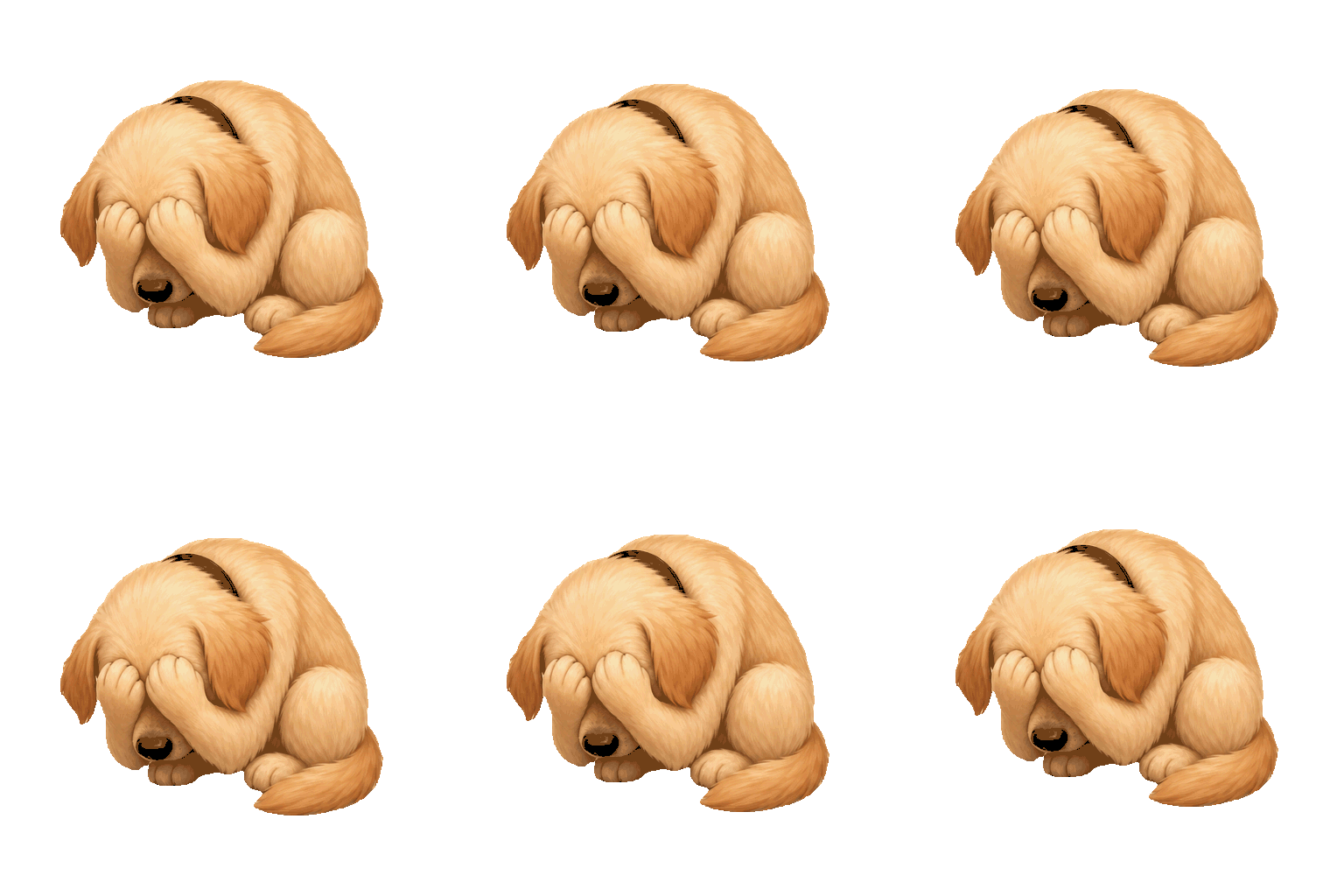
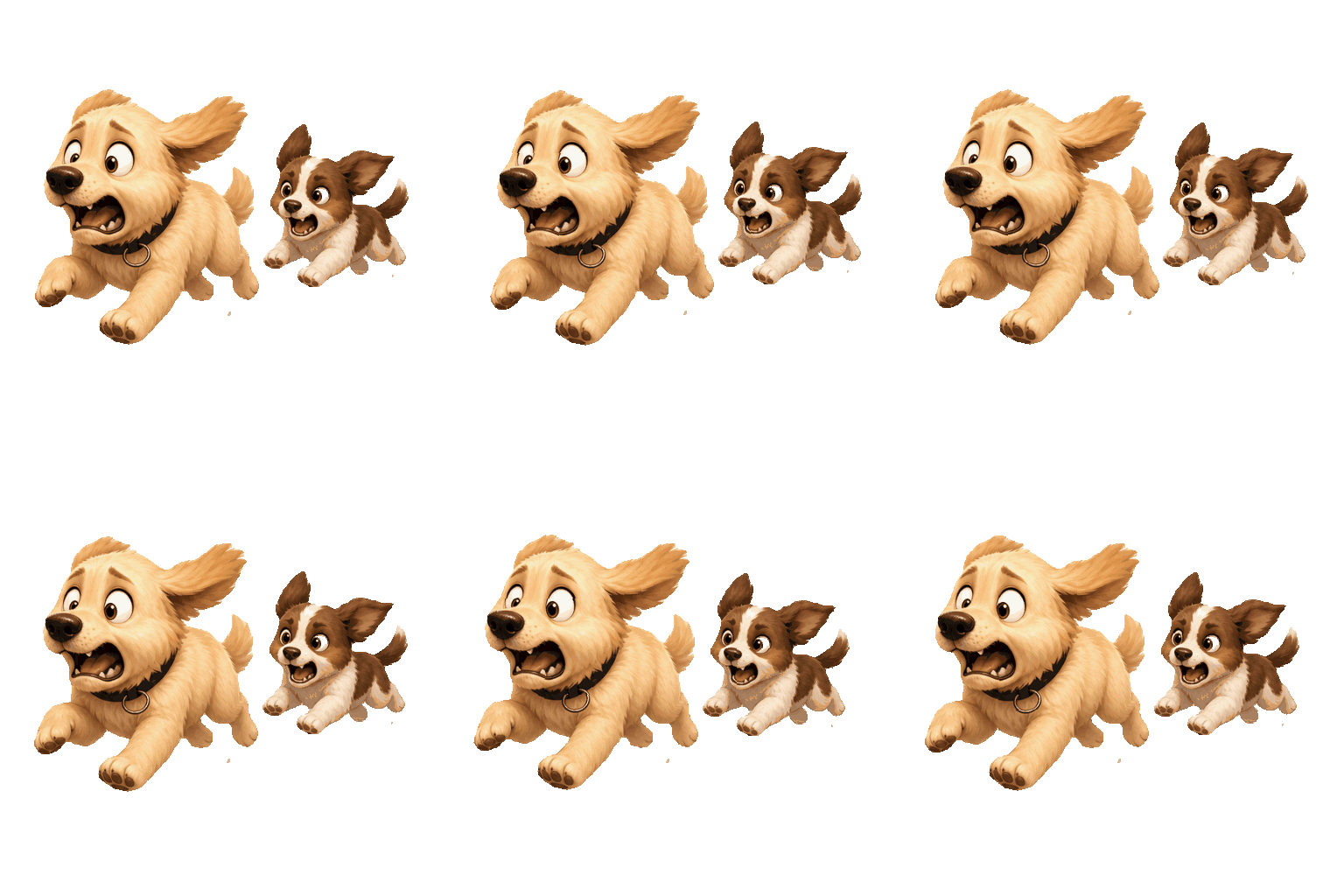
Nope · So mad · Ouch · Can’t wait
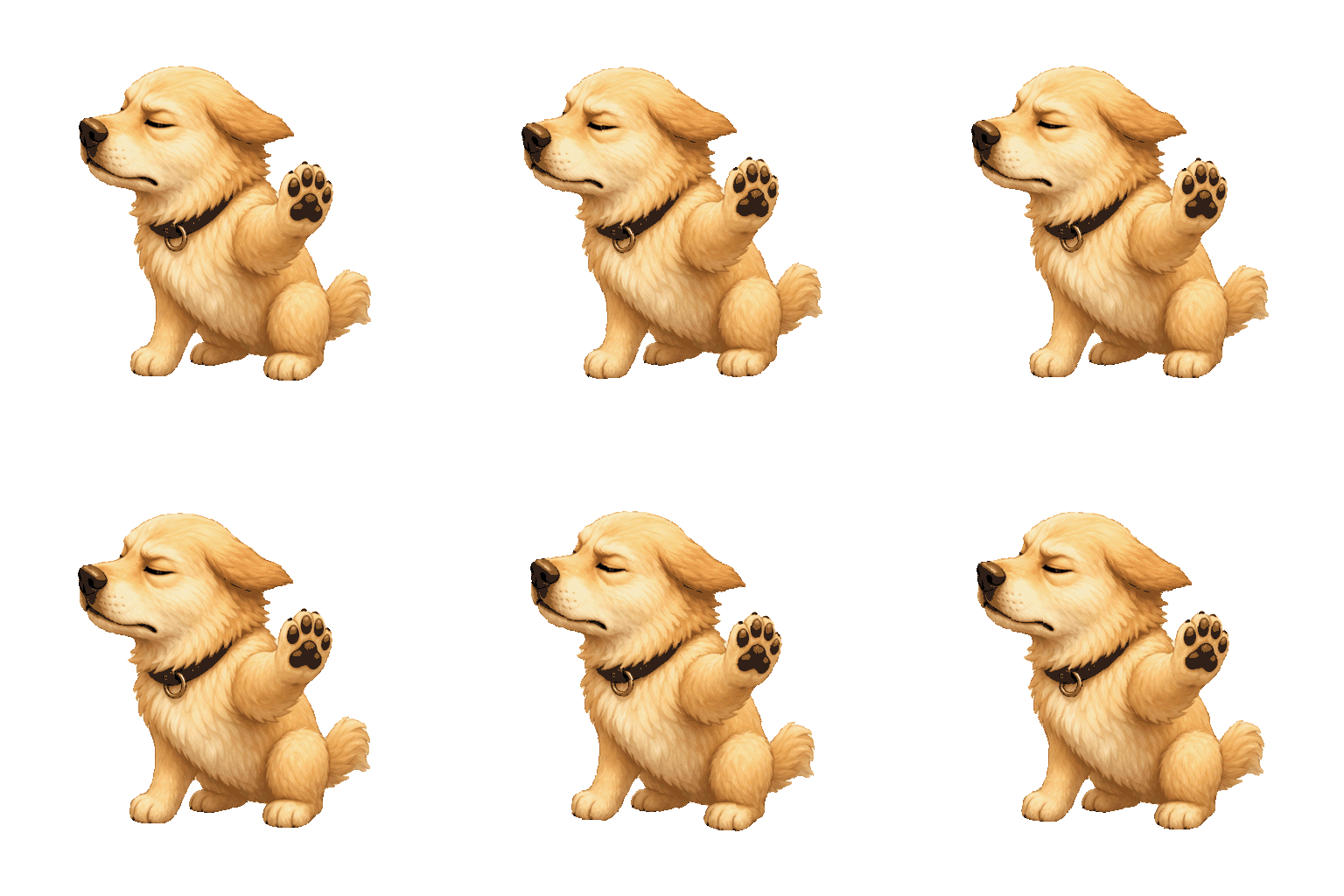
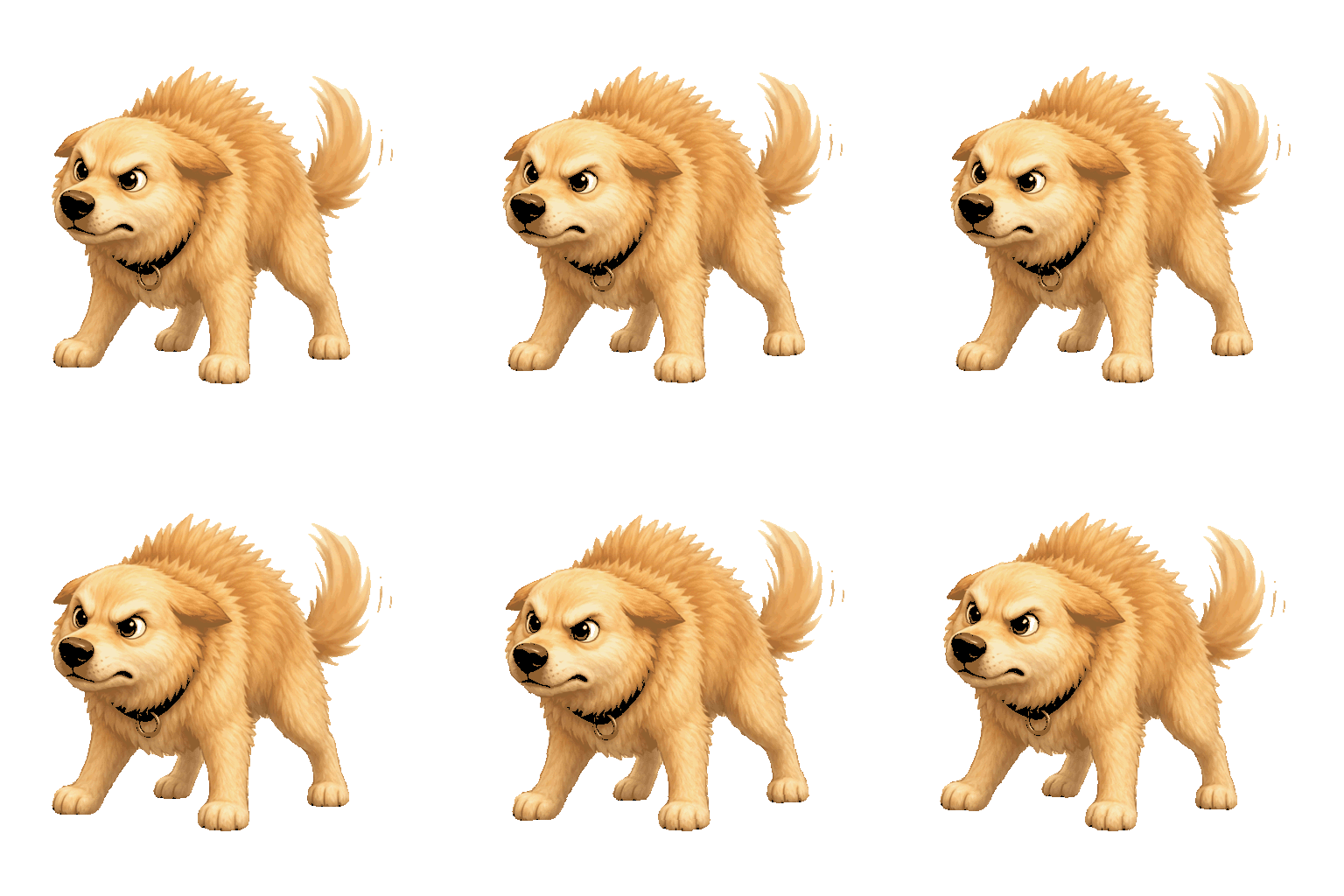
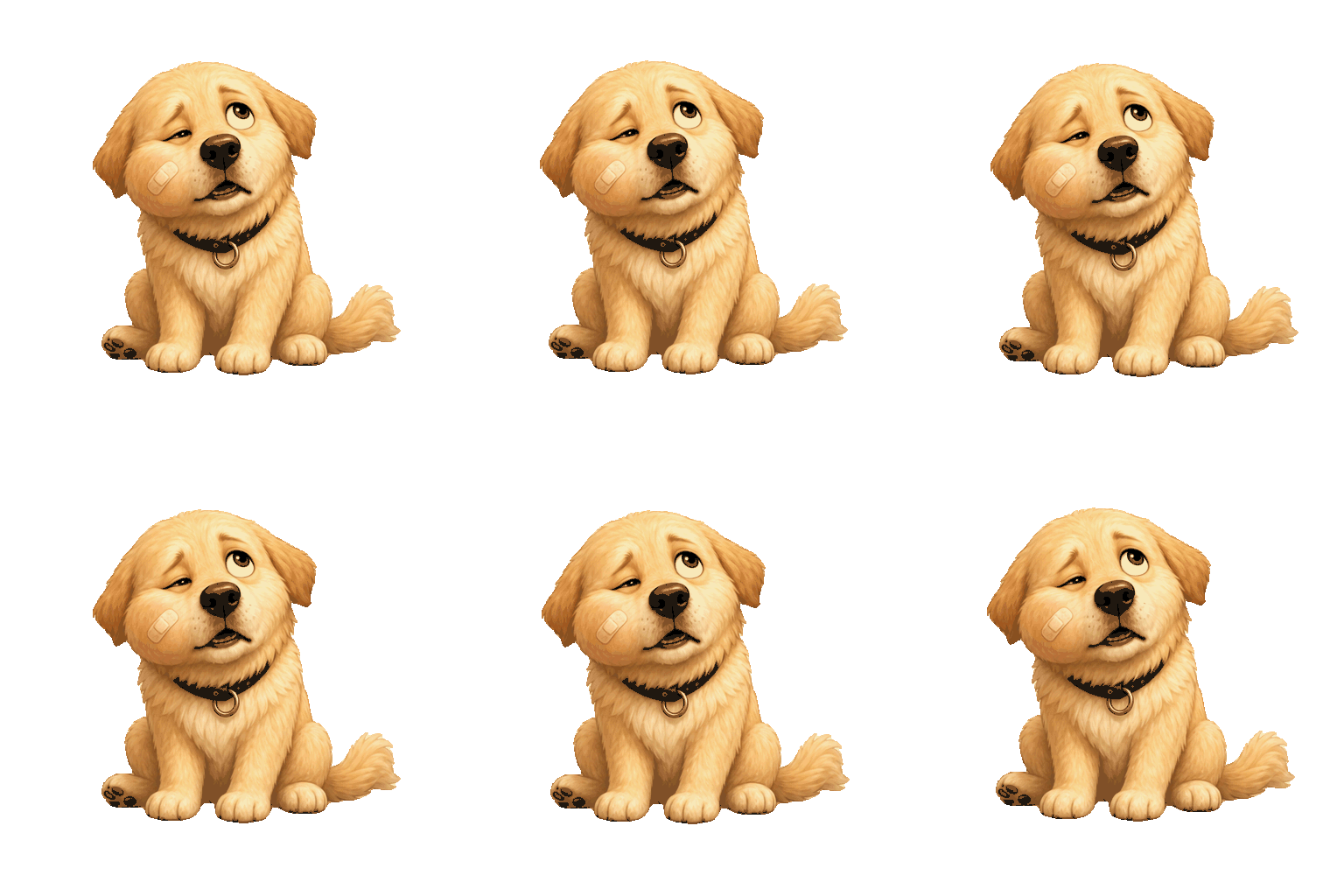
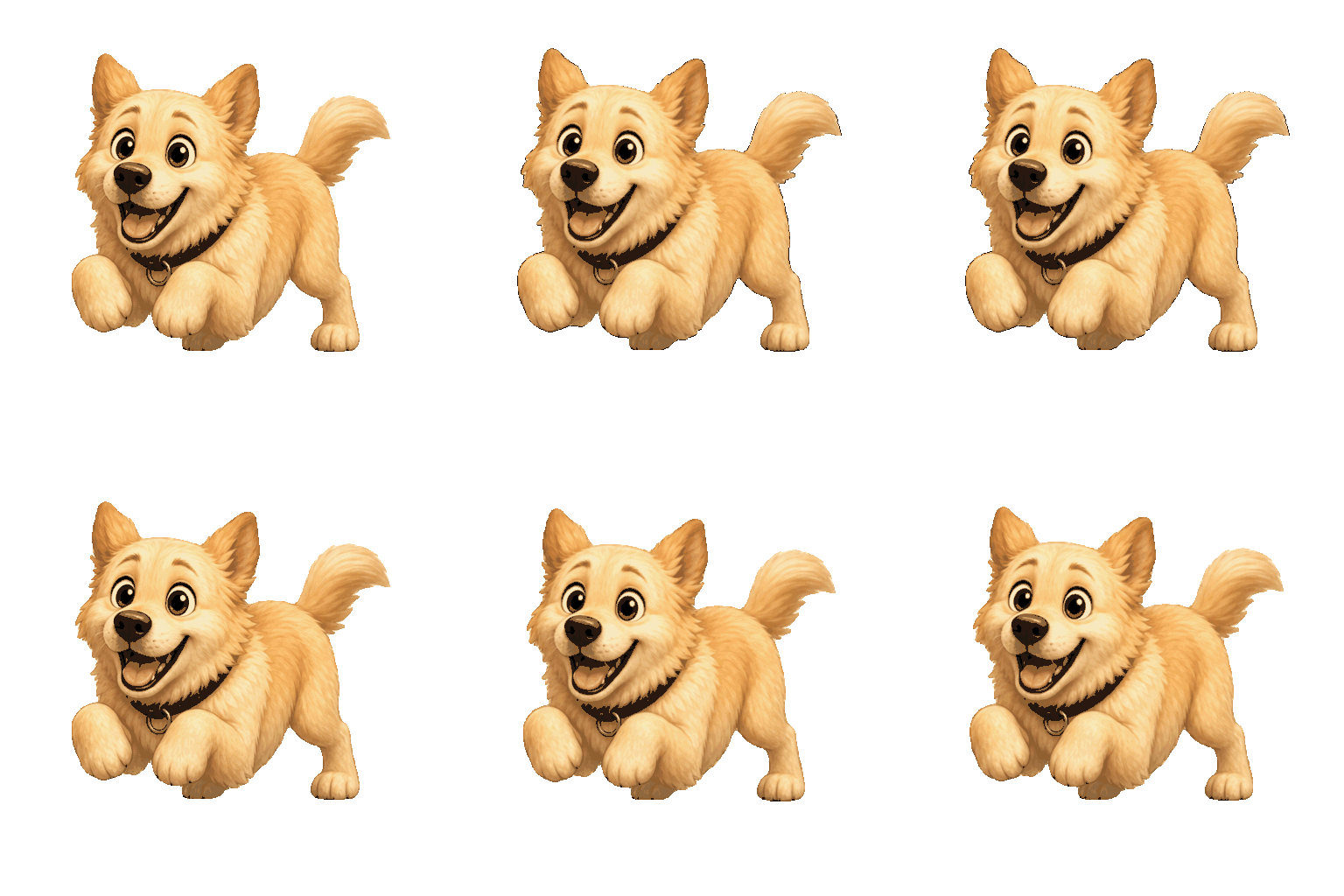
You got this! · Hugs · On my way · Good night
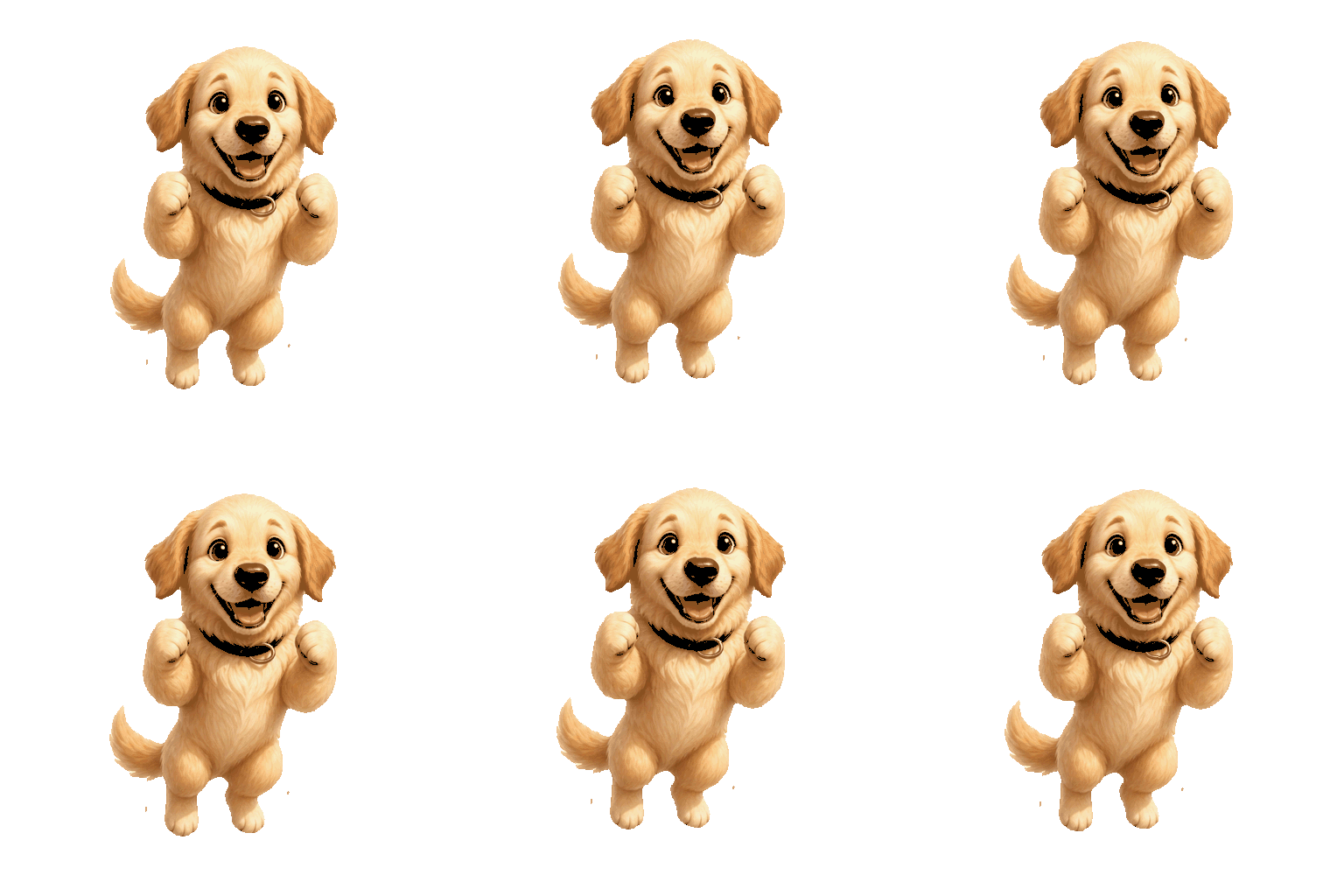
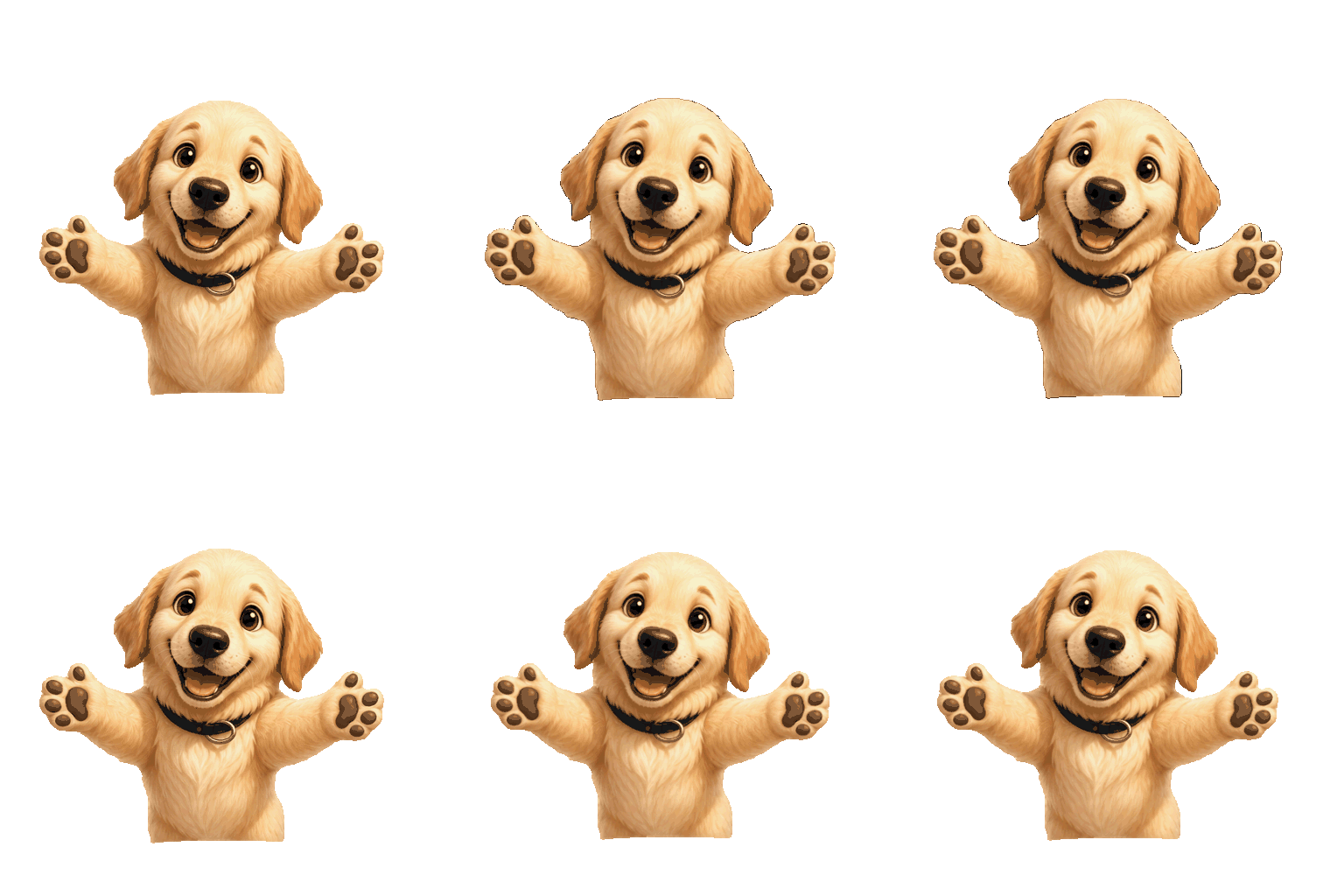
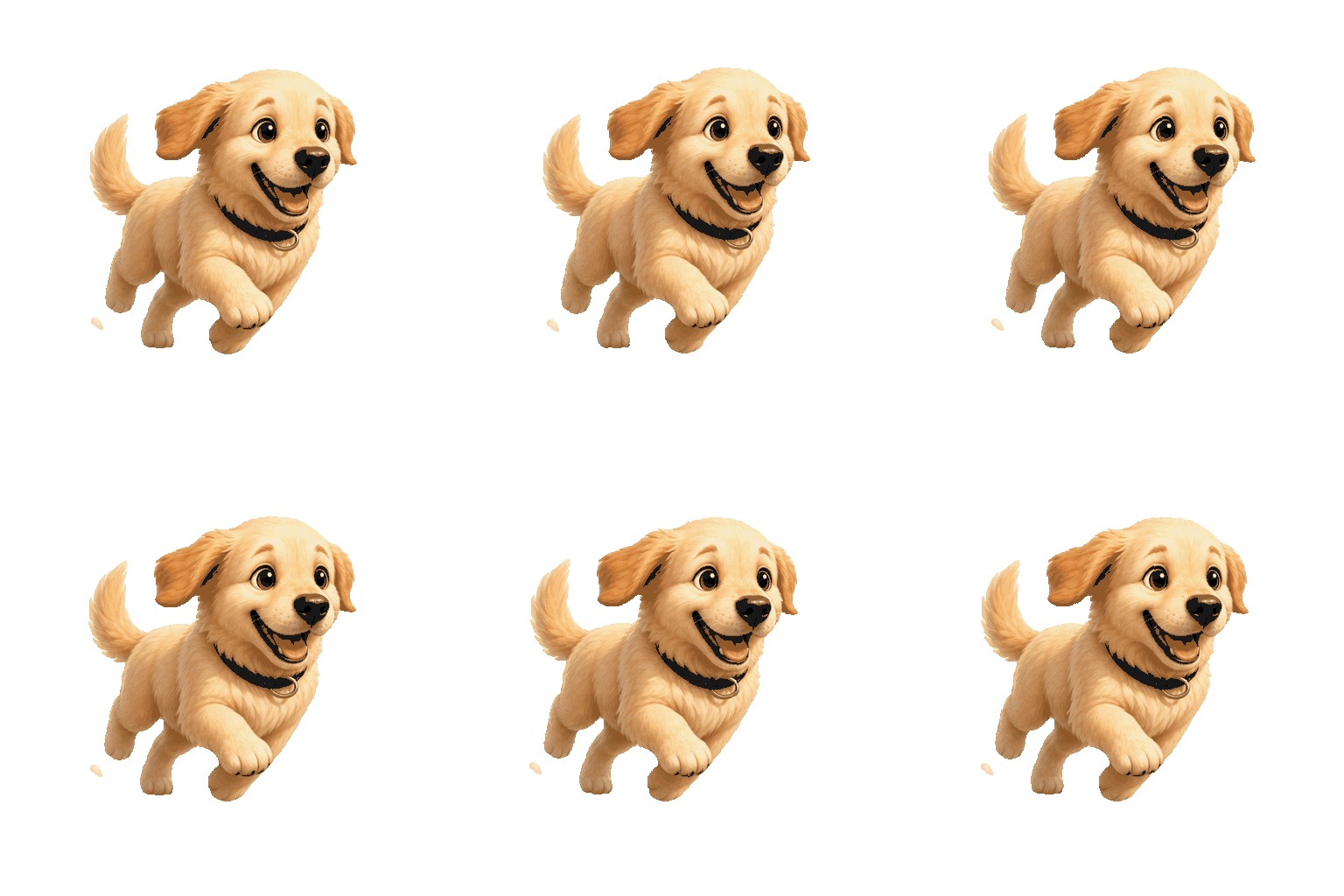
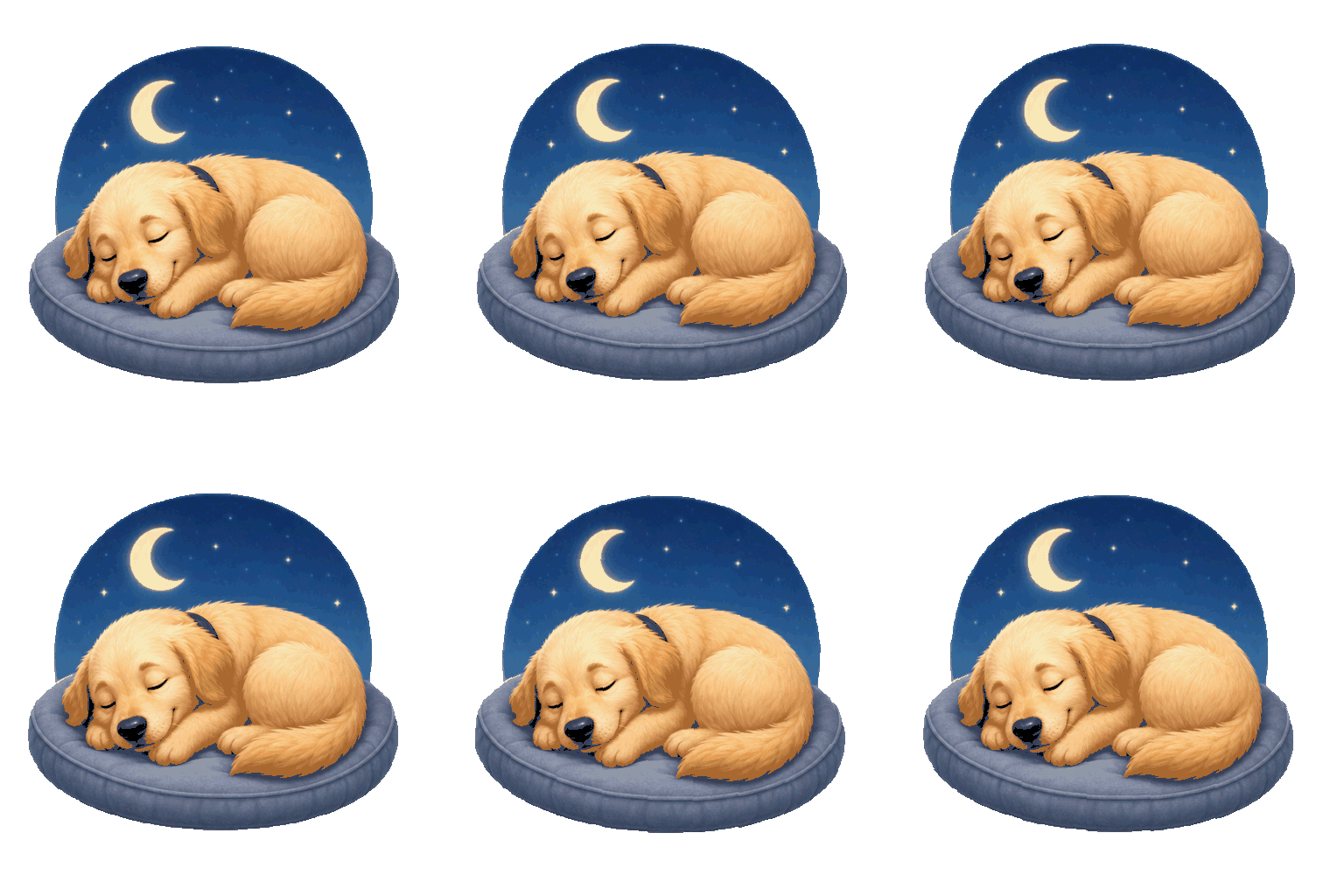
This is the part that belongs on a Discord emoji maker page and not on a generic photo-to-sticker page: how the file looks at chat size, what Discord accepts, how many slots you get, and the exact click path in Server Settings.
Discord does not ask you to pick a display size when you upload. You upload one square file, and the client draws it smaller or larger depending on where it appears. That is why a face that looks fine in a big preview can turn into a muddy blob in a reaction row. Preview the same PNG at 32, 64, 128 and 256 pixels before you commit a slot.
At 32×32 the emoji sits in compact reaction chips, dense member lists and tight mobile chat. Only the biggest shapes survive: head silhouette, a high-contrast ear or hat, one clear mouth shape. Fine whiskers, thin text and busy backgrounds disappear. If the subject is still readable at 32 px, it will work everywhere else.
At 64×64 you get the everyday chat size most people think of as “a Discord emoji.” Eyes, a simple accessory and a short label become usable. This is the size to judge personality after the 32 px smoke test. If the joke of the reaction needs a raised eyebrow or a small prop, confirm it here.
At 128×128 the client has room for cleaner edges and a fuller body. Many makers export around this class of detail even when Discord later downscales, because the silhouette stays sharp when shrunk. HivePic’s Discord preview strip includes 128 so you can compare the redraw against chat reality, not against a desktop artboard.
At 256×256 you are looking at a large preview and a generous source file. Discord will still display the emoji smaller in most surfaces, so 256 is a quality check, not the everyday on-screen size. Use it to catch soft edges, leftover background fringe and poses that only work when huge. If it only looks good at 256, go back and simplify the silhouette.
Discord’s documented upload cap for custom emoji is 256 KB per file for both static and animated uploads. Supported formats include JPEG, PNG, GIF and WebP. Names need at least two characters and can use letters, numbers and underscores only. Limits can change in the product, so treat the number in Server Settings → Emoji as the final word on the day you upload.
Static emoji are usually PNG with transparency. A clean redraw at Discord-friendly resolution often lands well under 256 KB. Trouble starts when the file still carries a full-resolution photo, a noisy alpha fringe or an unoptimized palette. Prefer a transparent PNG of the redraw, not a screenshot of the tool UI and not a JPG that painted white behind the subject.
Animated custom emoji are GIF (or another animated format Discord accepts in the picker). The same 256 KB ceiling applies. Long loops, many colors and large canvases blow the budget fast. HivePic’s animated pack exports short reaction GIFs meant for chat, not 10-second clips. If a GIF is rejected, shorten the motion, reduce colors or download a smaller export — do not stretch a phone video into an emoji slot.
Nitro and Nitro Basic change who can use custom emoji outside the home server and unlock animated slots on a server. They do not raise the per-file 256 KB cap by themselves. Always weigh file weight after you pick the expression, not before.
A standard server starts with 50 static custom emoji slots. Animated custom emoji use a separate pool: with Nitro or Nitro Basic on the server side of that feature, you get an additional 50 animated slots, for up to 100 custom emoji in total on an unboosted server. Static leftovers cannot be converted into animated leftovers — the pools stay separate.
Server Boost levels raise emoji capacity. Discord’s Server Boosting FAQ lists Level 1 (2 boosts) as +50 emoji slots for a total of 100, Level 2 (7 boosts) as +50 more for 150, and Level 3 (14 boosts) as +100 more for 250. Exact static-versus-animated splits can follow Discord’s current boost table; if a server drops a boost level, emoji beyond the new cap can become unavailable until boosts return.
Plan packs against those numbers. A four-sticker reaction pack from one photo spends four slots if you upload every face. An animated pack spends four animated slots. Upload the reactions you will actually type; archive the rest on your drive. Slot waste is the usual reason servers hit the wall before the community runs out of jokes.
You need the Create Expressions permission (or to be the server owner). Members without that permission can use emoji that are already on the server, but they cannot add new ones.
1) Open the Discord server where the emoji should live. 2) Click the server name drop-down and choose Server Settings. 3) Open the Emoji tab. 4) Click Upload Emoji and pick your PNG or GIF. 5) Set a short name such as golden_lol — at least two characters, letters, numbers and underscores only. 6) Save and test the emoji in a channel with :name: and as a reaction on a message.
Desktop and browser clients may also offer Add Emoji from the emoji picker (Emoji Studio on some builds): choose the file, crop or zoom, name it, pick the server and upload. Mobile flows differ; if Studio is missing, use Server Settings → Emoji. After upload, check the face at reaction size on a phone. If the alpha shows a pale rim on dark chat themes, re-export a cleaner transparent PNG before you burn another slot.
Animated uploads follow the same path with a GIF under the size limit. Confirm the animated slot pool is unlocked for that server. If Discord rejects the file, read the error: oversized files, bad names and missing permissions are the common three. HivePic’s Discord page exists so that check happens before you open Server Settings, not after you have already filled half the grid with unreadable faces.
Both pages share the same AI redraw. The Discord emoji maker page adds chat-size previews, Discord-oriented export and this specs-and-upload guide. The image to emoji page is the general photo-to-sticker flow for any app that accepts a PNG or GIF, without Discord slot math. Use this page when the file has to survive 32 px reactions and a 256 KB upload. Use the other when you want stickers for stories, notes or a printed sheet.
Looking for a clean background before you start? Make your background transparent. Want stickers without Discord sizes? Image to emoji.
A custom emoji maker turns a photo, pet shot or logo into an emoji file you can upload to a chat app or server. HivePic redraws the subject as an original emoji — not a cropped photo — then lets you download a transparent PNG or a short GIF. Search traffic for “custom emoji maker” and “Discord emoji maker” is the same job with different upload targets.
Preview the face at 32, 64, 128 and 256 px before you upload it. Discord displays the same file at different sizes; 32 px is the hard test. Keep each file under the current size limit shown in Server Settings (documented as 256 KB).
Animated custom emoji on Discord expects a GIF (or another animated format the uploader accepts) under the current size limit. Download the GIF from an animated pack, not the PNG.
By default: 50 static slots, plus 50 animated slots when that pool is unlocked (Nitro / Nitro Basic), for up to 100. Server Boost levels raise the total toward 100, 150 or 250 per Discord’s boost table. Static and animated pools do not swap.
A single emoji is 5 credits, a 4-sticker pack is 10, and an animated pack is 20. Sign-in is required. A failed run is refunded.
The redraw keeps distinctive features when the reference is clear and well lit. Judge it at 32 px, where a busy member list actually shows it.
Yes. A pack is four expressions of the same subject in one run, each as its own PNG or GIF, so you can upload them as separate custom emoji.
Version 1.1 · Updated 15 November 2026