Home/Remove object from photo

Remove object from photo

Remove object from photo online. Paint over a person, bin or sign standing in your shot. The gap is filled to match.

3 creditsNo account: 3 credits a day. Sign in: 10 a day.PNG

Without signing in you get 3 credits a day, charged per tool. Sign in for 10 a day.

or drop or paste an image · JPG, PNG, WebP up to 20 MB
No image? Try one:
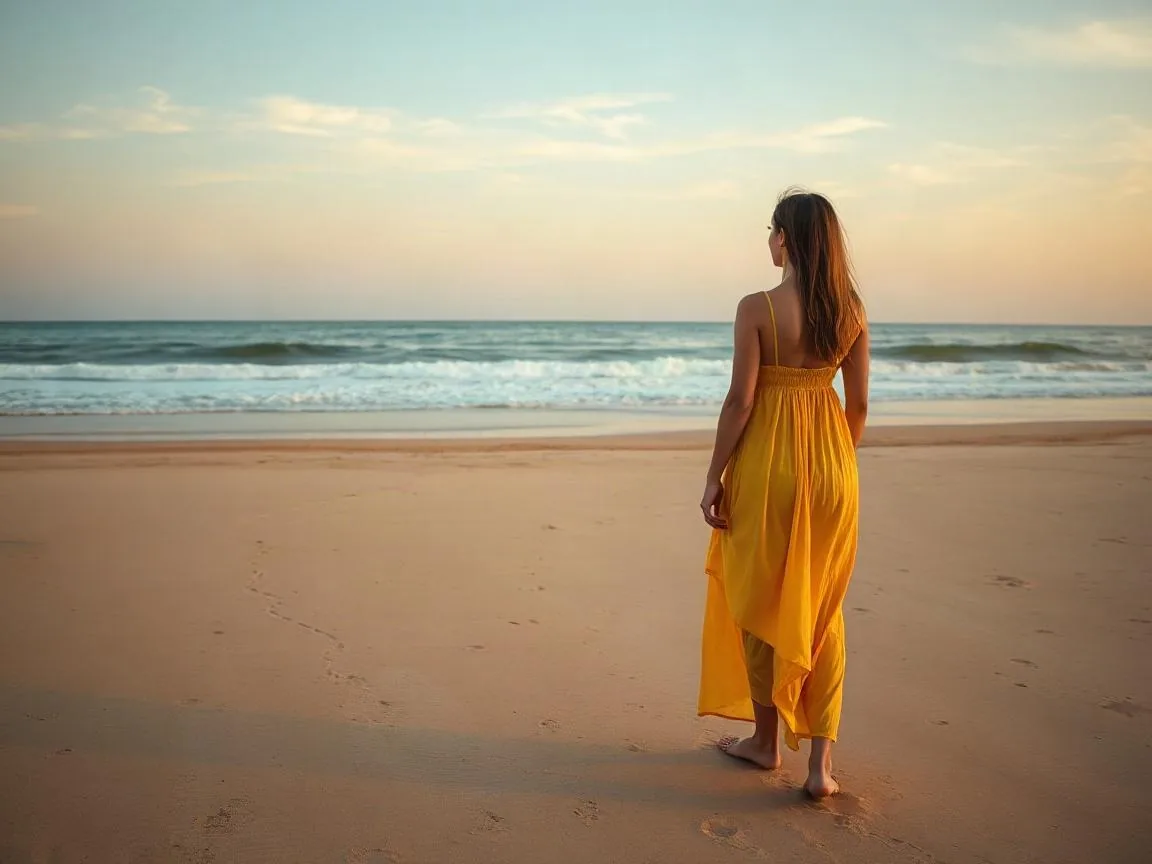
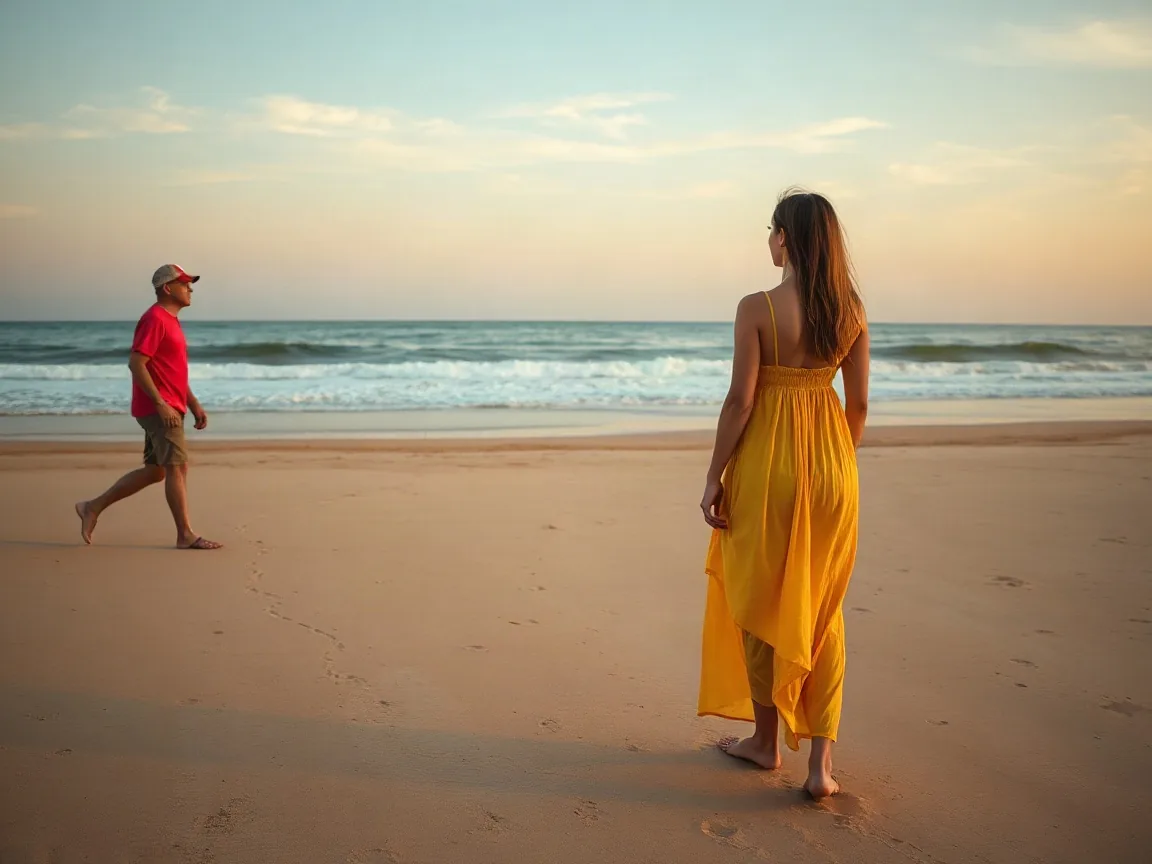
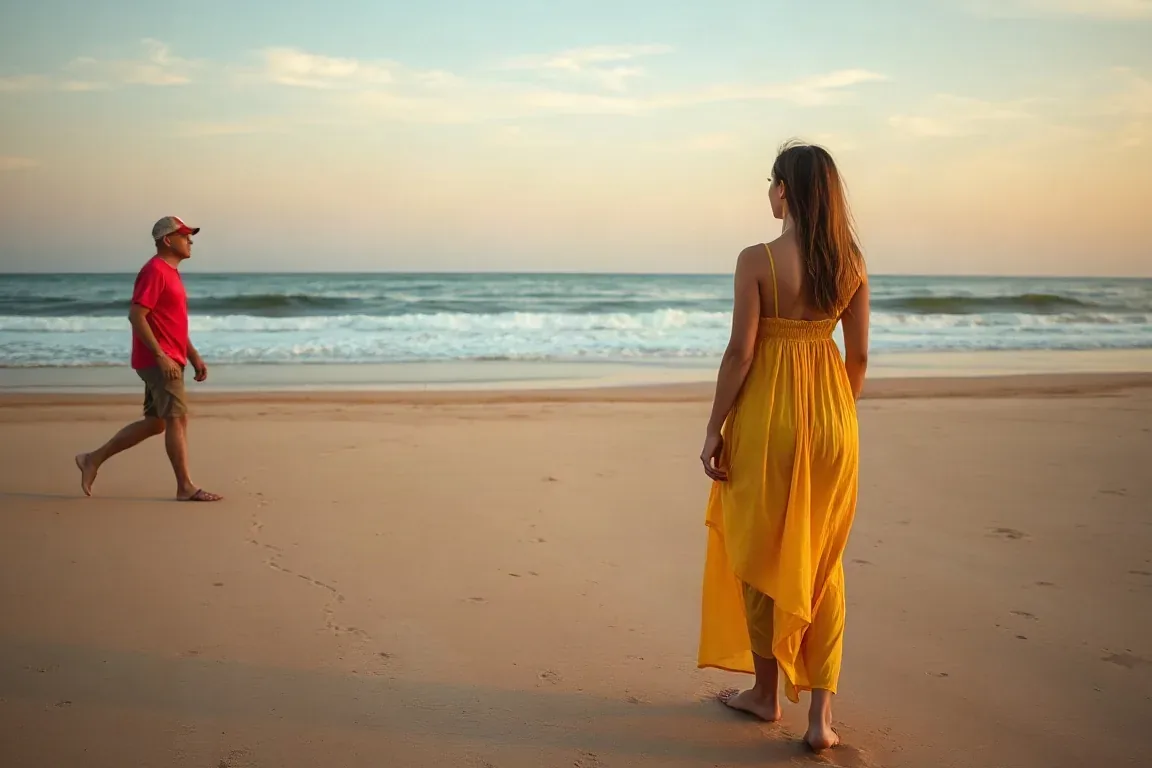
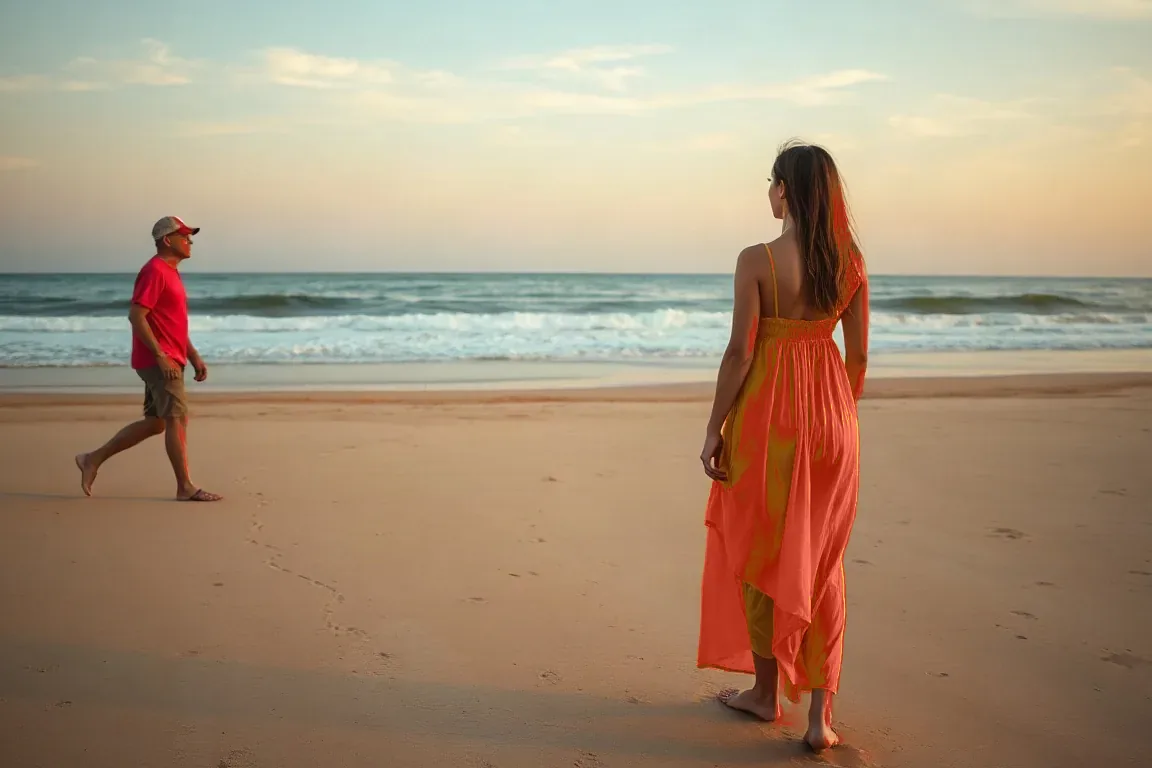
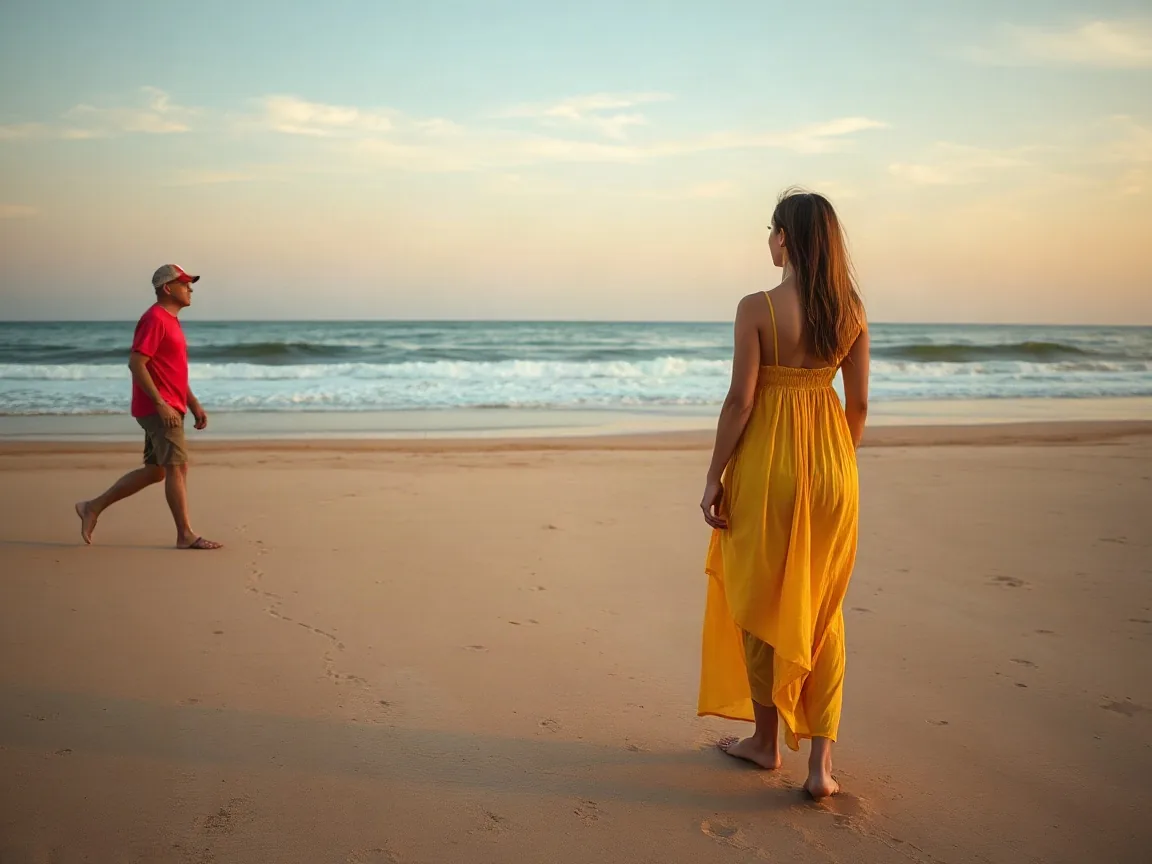
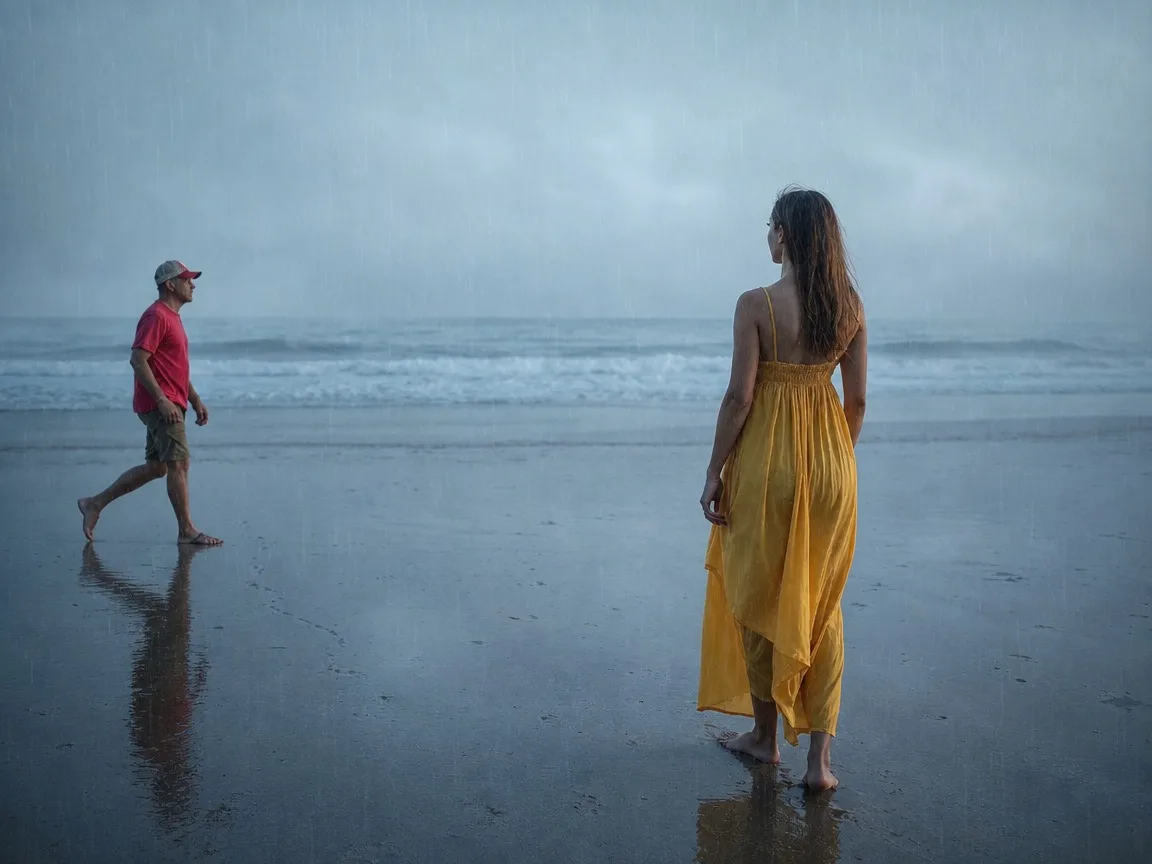
A stranger who walked through the beach photo you took
A stranger who walked through the beach photo you took before
BeforeAfter
A stranger who walked through the beach photo you took
BeforeAfter
A stranger who walked through the beach photo you tookBrush
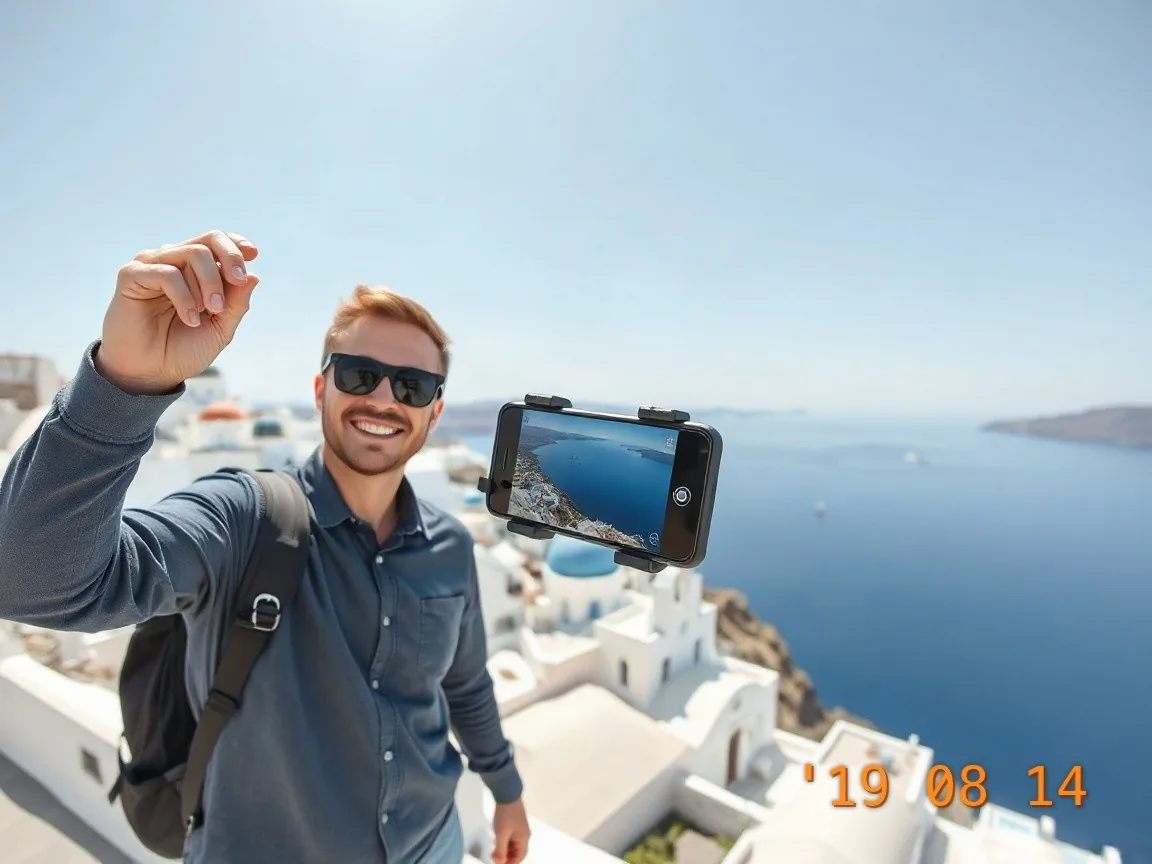
Promo sticker
Promo sticker
BeforeAfter
Promo stickerBrush
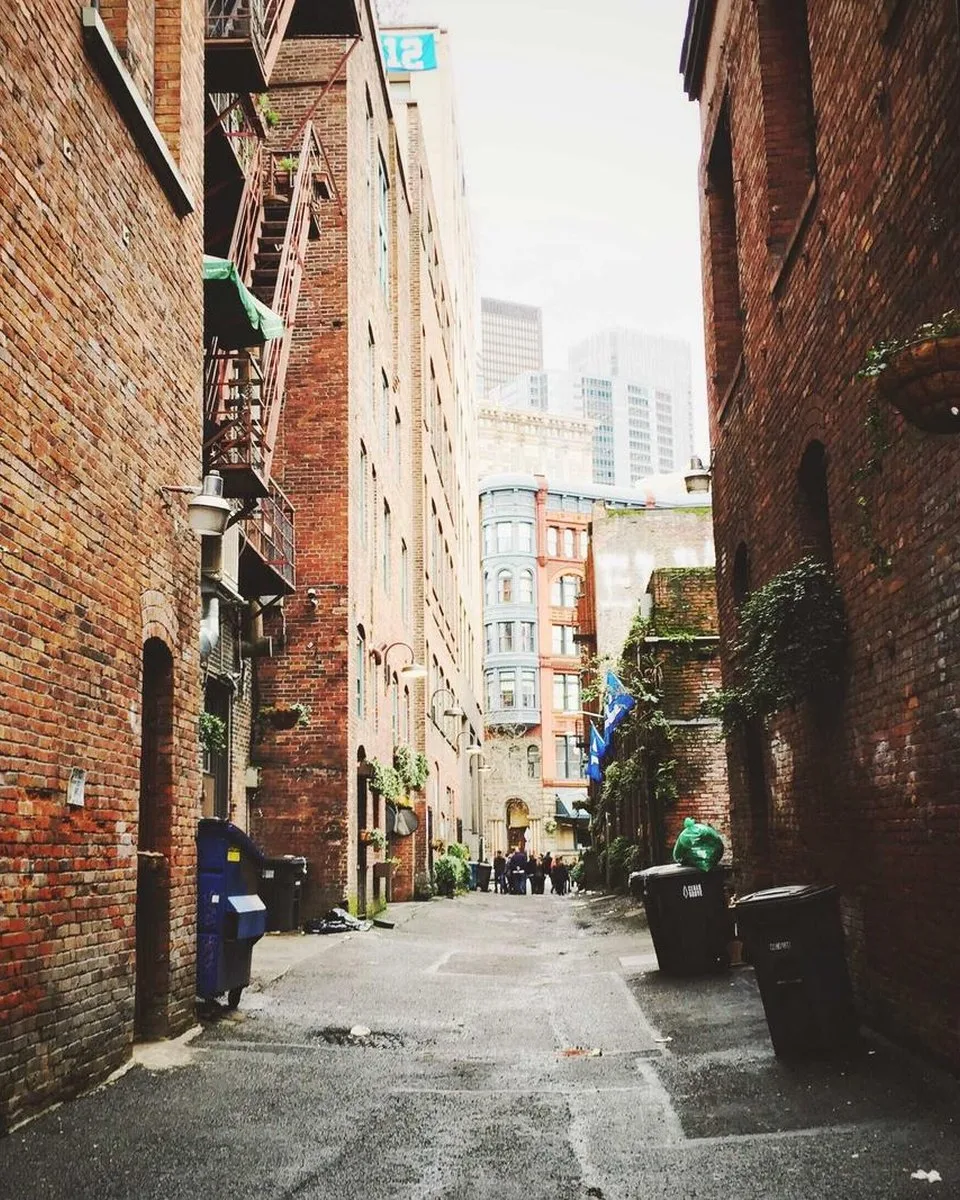
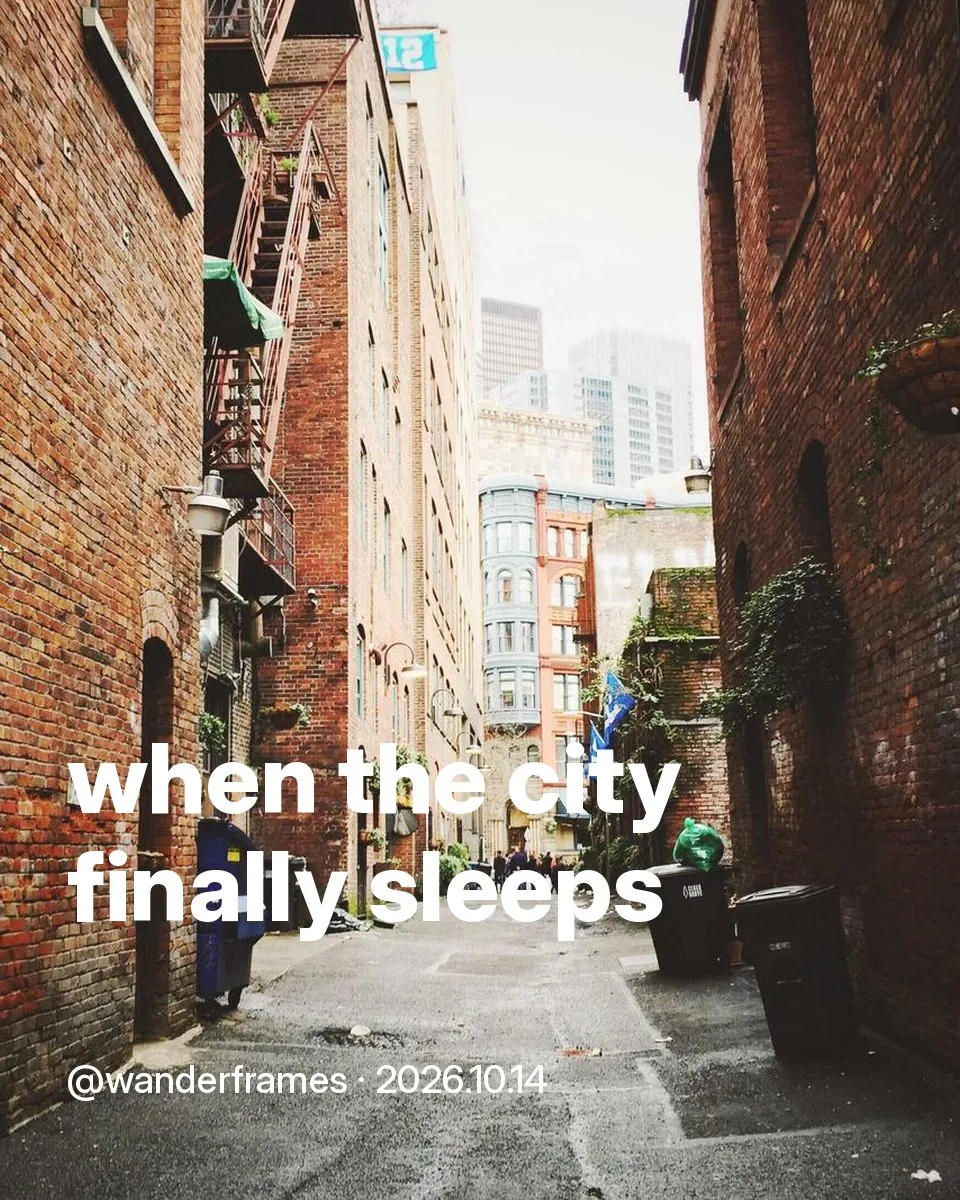
Caption across an alley
BeforeAfter
Caption across an alleyBrush
Remove object from photo example
Brush and fill
Brush and fill

Paint it out, keep the scene

  • Brush over the object. Everything outside the stroke stays untouched.
  • The filled area borrows texture and light from around it, so walls and floors stay continuous.
  • Undo any stroke as many times as you like before you spend a credit.

Remove text from a photo

Brush over a caption, sticker or date label to remove text from a photo. The fill copies the wall, sky or floor around the stroke, and the rest of the picture stays as it was.

When you would take this photo

Someone walks through the beach picture you just took, or a bag and a chair sit in the room photo you need for a listing. Brush the person or the clutter. Leave the rest of the room. This is your own photograph, not a picture you are not allowed to edit.

Más herramientas para esta foto

Sobre esta herramienta

How the tool works, what it costs and what you can use it on.

Version 1.0 · Updated 11 November 2026

Sobre esta herramienta
What can I remove?
Small and medium objects: people in the background, bins, wires, signs, stickers and overlaid labels. Brush over the whole object, including its shadow.
How much does it cost?
3 credits per image. Sign in with Google to get 10 credits a day, and failed jobs are never charged.
How to use it
3 steps
  1. Upload your photo or pick a sample.
  2. Brush over the object you want gone; adjust the brush size as needed.
  3. Press Remove, compare, and download.
FAQ
How big an object can it remove?
Best results on objects up to about a fifth of the frame. An area that covers most of the photo leaves too little surrounding detail to rebuild from.
Does it work on people?
Yes, on background figures. A person filling most of the frame is usually too much to reconstruct.
Do I need an account?
No. Without signing in you get 3 credits a day, charged per tool (background removal and upscaling cost 1 credit each, photo restoration 3, unblur, enhance and rain filter 5). Sign in with Google for 10 credits a day and full-resolution HD downloads.