Why Frame shape beats crop for Instagram
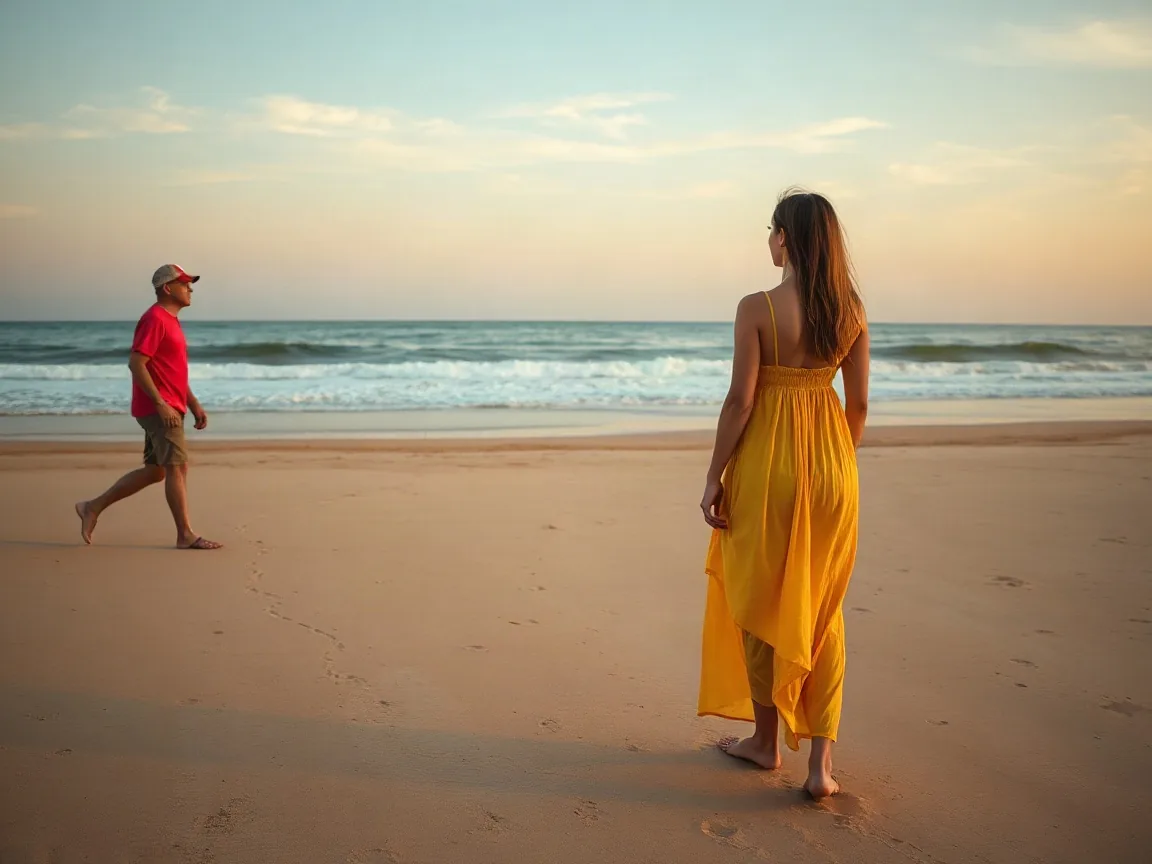
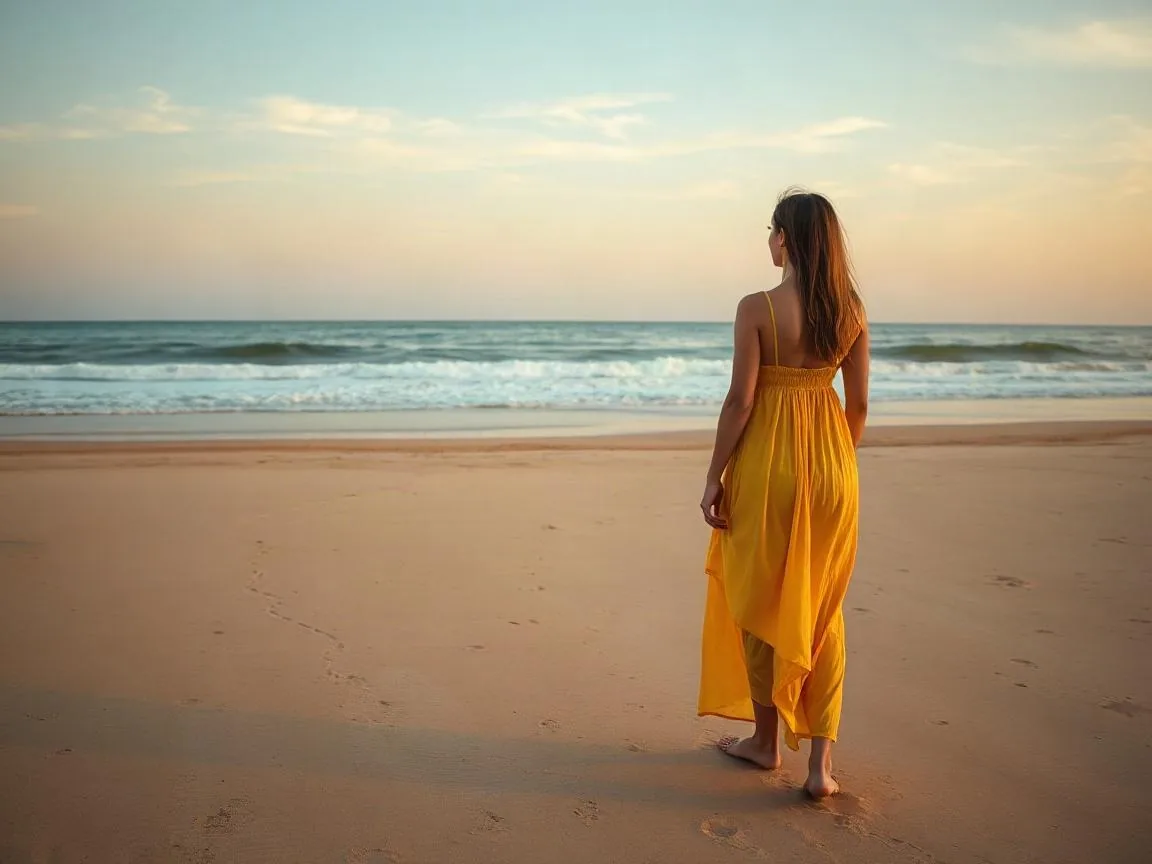
Instagram feed posts want a clean square. Stories and Reels want 9:16. Most joiner tools crop the edges to force that ratio, which cuts hair, logos, or product edges. HivePic’s Frame shape keeps every photo’s proportions and pads the canvas with your background colour instead.
That matches how you already use the photo combiner: Size match lines up tiles; Frame shape only sets the outer canvas. They are separate on purpose so a 1:1 export never silently crops a face.
1:1 feed collage
Use Grid or Side by side for two to four product shots, a before-and-after pair, or a mood board. Set Frame shape to 1:1, Colour to white (or black for a dark feed), then download JPG for a smaller file or PNG if you need a transparent gap.
Before you post: open the export on your phone, check edges on a white and a dark background, and confirm text in the photos is still readable at feed size.
9:16 Stories and Reels
Set Frame shape to 9:16. Stack two or three shots, or place them in Free layout if you need overlap. The tall canvas is padded top and bottom when the collage is wider than 9:16 — nothing is stretched.
Keep safe margins: Instagram UI covers the top and bottom of Stories. Leave important faces and logos away from those edges before you export.
How it works
- 01. Open the combiner with a shape Use the button below for 1:1, or open photo combiner and pick 9:16 under Frame shape.
- 02. Add photos and pick a layout Grid for a set, Side by side for a pair, Free layout when you need to drag each shot.
- 03. Export and check on your phone Download JPG for feed size, or PNG when the gap must stay transparent. Preview once on the device you will post from.