HEX
Hand it to a designer, a CSS file or a brand guide. A six-digit HEX is the shortest way to name a color.
Pick any color from a photo and get its exact HEX, RGB and HSL. Click the spot you want, copy the code. Free in your browser, no sign-up.
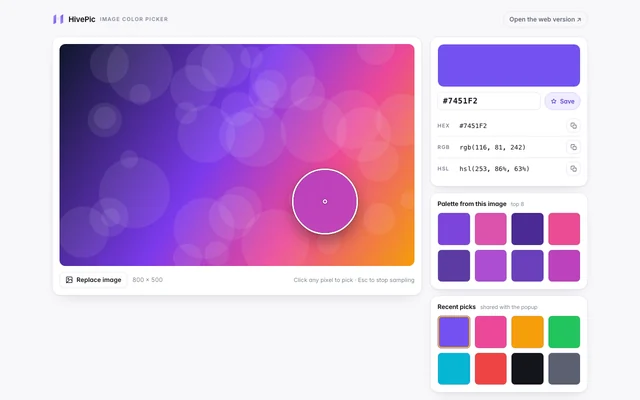
Upload once, click any pixel, copy the code. The whole job stays in the browser.
A screenshot, a product shot or a frame from a video: JPG, PNG, WebP or GIF up to 20 MB.
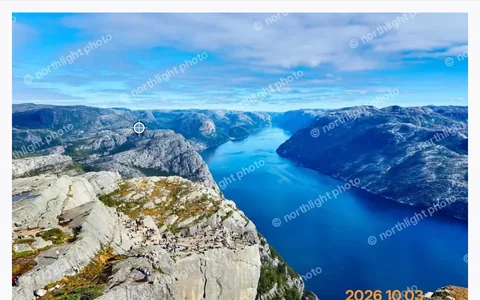
The picker reads that exact pixel and shows HEX, RGB and HSL. Every pick is kept in a short history.
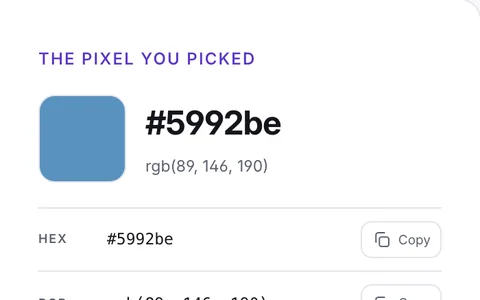
Copy any value in one click. Nothing is uploaded and no account is needed.
Hand it to a designer, a CSS file or a brand guide. A six-digit HEX is the shortest way to name a color.
Use it in code, design tokens or a canvas fill. RGB is the value the screen actually draws.
Change lightness and saturation without guessing. HSL is the easiest form to nudge into a lighter or darker shade.
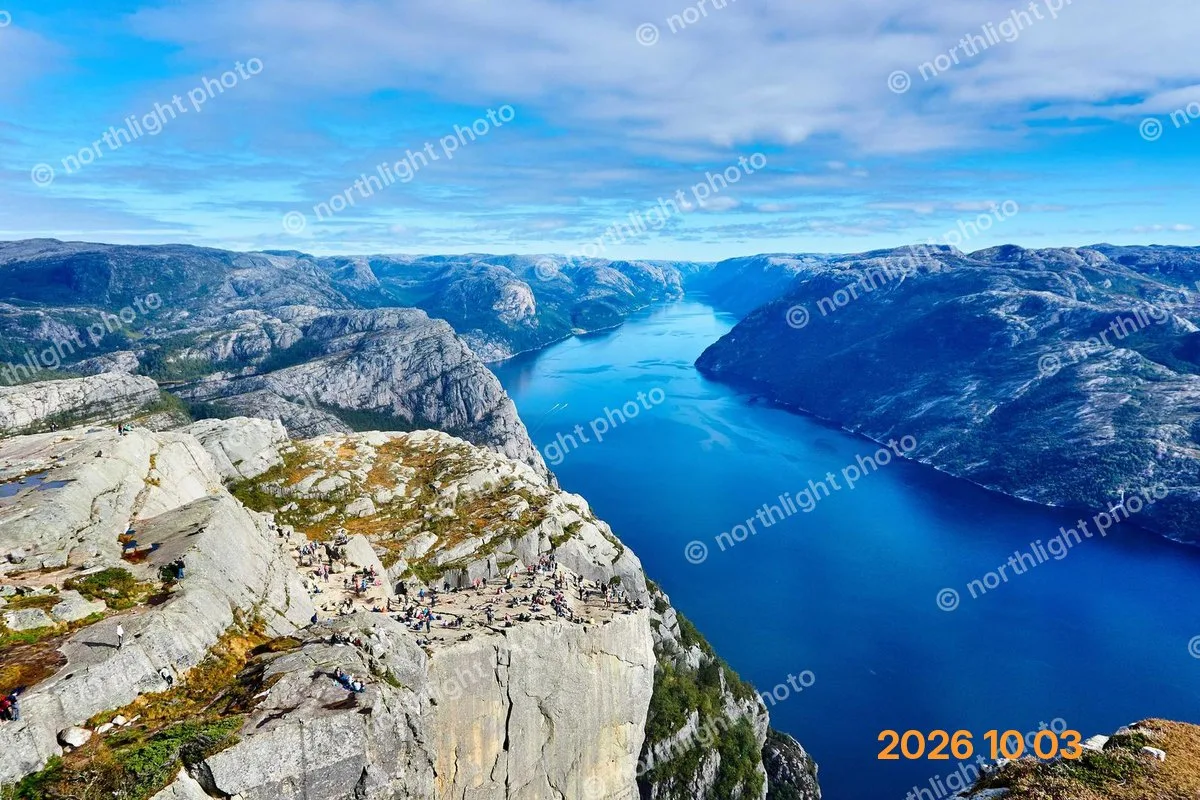
Each row samples a real pixel in the browser. The values are read from the image, not typed by hand.
———
———
———Picking a color is reading a value. Use this page when you need the exact code for a design, a CSS rule, a product palette or a mood board. The file never leaves your browser.
Replacing a color changes pixels. If the job is to swap one object or accent to a new HEX, open replace color in image. If the whole photo, background or logo needs a new palette, open Image Color Changer. Both are free to try; AI recolor is optional.
This page does not edit the photo. It reads it. That is the difference.
The browser extension adds the same eyedropper to any tab, so you can sample a color from a live site without saving a screenshot first. Install it, click the icon, then click the pixel.
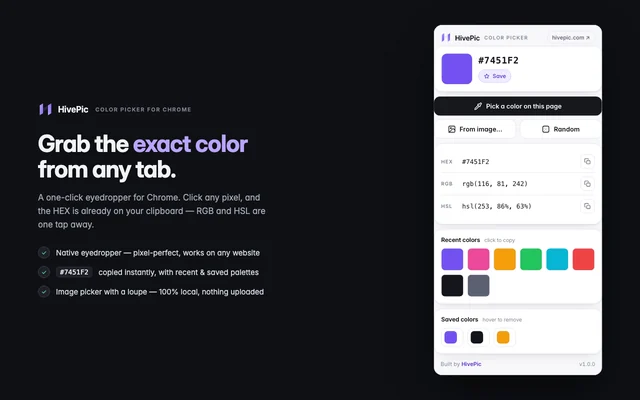
Open the extension, click any pixel (or press Alt+Shift+C). The HEX is copied automatically.
“Open this color on HivePic” opens this page with that HEX already in the panel.
Copy HEX, RGB or HSL — or open Replace Color with the same HEX prefilled.
The picker reads the sRGB value of the pixel in the browser. The code is exact for that pixel. A screen with a wide-gamut profile can display the same code a little differently, so trust the code, not the monitor.
PNG, JPG, WebP and GIF up to 20 MB. An animated GIF is read from its first frame. Transparent pixels keep their alpha value, and the checkerboard shows where the image is empty.
No. The file is read with the browser canvas API on your device. Nothing is sent to HivePic or any server, and no account is needed.
Yes. Every click is saved to a short history, so you can compare a highlight, a midtone and a shadow. Each entry can be copied as HEX, RGB or HSL.
The picker returns the RGB under the pointer and the alpha value. A fully transparent pixel has no visible color, so pick inside the subject. The checkerboard tells you where the image has no pixels to sample.
Version 1.0 · Updated 17 November 2026